Domain Monitoring: Never Lose a Domain to Expiry
Your domain name is the one part of your website that can’t be fixed by restarting a server. If it expires, your site, your email, your login links, and every link anyone has ever shared stop working at once, and if you miss the recovery window, someone else can register it. Domain monitoring watches your domain’s registration and warns you well before it expires, alongside the DNS records and SSL certificate that depend on it.
This guide explains what happens when a domain expires, how to check an expiry date yourself, what to monitor, and which tools do it, including free ones.
Domains still expire by accident
Auto-renew should make expiry impossible, but it fails in ordinary ways: the card on file expires, the account belongs to an employee who left, renewal emails go to an address nobody reads, or the domain sits at a registrar nobody remembers using.
It happens to well-known companies. In July 2017, marketo.com expired, breaking the marketing forms and tracking links of thousands of customers until a customer renewed it for them; Marketo’s CEO blamed “process errors with auto renewals as well as human errors.” In March 2010, Foursquare went offline when its domain lapsed and the registrar replaced the site with a parking page.
What happens when a domain expires
For a .com and most other generic domains, expiry follows a set lifecycle under ICANN rules:
| Stage | How long | What happens | Can you recover it? |
|---|---|---|---|
| Reminders | About 1 month and 1 week before | The registrar must email the registered contact | Renew normally |
| Expiry day | The registrar can stop your DNS, so the site and email go dark | Renew normally | |
| Auto-renew grace | 0 to 45 days, set by the registrar | The domain is parked or offline | Renew, often at the normal price |
| Redemption grace | 30 days | DNS is disabled and transfers are blocked | Restore, with a redemption fee |
| Pending delete | About 5 days | The domain is about to be released | No |
| Released | Anyone can register it, including drop-catching services | Only by buying it back |
Two things make this worse than it looks. The grace period depends on your registrar, and some offer none at all: Cloudflare Registrar, for example, moves an unrenewed domain straight into the 30-day redemption period. And redemption fees are set by the registrar too, often around $80 to $200 on top of the renewal; Network Solutions lists $99 plus a reinstatement fee. Country-code domains such as .uk or .de follow their own registry’s rules.
How to check a domain’s expiry date
With whois
whois example.com | grep -i "expiry date"
For a .com, the line you want is Registry Expiry Date: 2027-08-13T04:00:00Z. Registrars format whois output differently, so the field name varies for other domains.
With RDAP
RDAP is the structured, JSON-based replacement for WHOIS, and the more reliable way to read the date in a script:
curl -s https://rdap.verisign.com/com/v1/domain/example.com \
  | jq -r '.events[] | select(.eventAction == "expiration") | .eventDate'
That prints 2027-08-13T04:00:00Z. The same response lists the domain’s status codes (such as client transfer prohibited) and nameservers. For other domains, ICANN Lookup finds the right RDAP server for you in a browser, and Pulsetic’s free domain expiry checker shows the date, days left, registrar, nameservers, and lock status without an account. Some registries, including those for .de, .ch, and .nl, don’t publish expiry dates at all; for those, check in your registrar account.
What to monitor
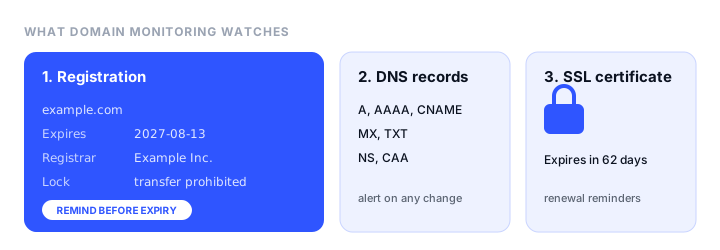
A complete domain setup watches four things:
- Registration expiry. The date the domain needs renewing, with reminders well ahead of it.
- Registration status. The registrar lock (
clientTransferProhibited) should stay on to block unauthorized transfers, and a change of registrar or status you didn’t make is a warning sign of a hijack. - DNS records. The A, MX, NS, TXT, and other records that point the domain at your website and email. A record that changes unexpectedly breaks things just as surely as an expired domain; our DNS monitoring guide covers this in detail.
- SSL certificates. The certificate on the domain expires on its own schedule, usually every 90 days with Let’s Encrypt. See SSL certificate monitoring.
The best domain monitoring tools
| Tool | Free plan | Paid from | Expiry reminders | DNS change alerts | Also monitors |
|---|---|---|---|---|---|
| Pulsetic | Yes, within 10 monitors | $9/mo | 14, 7, and 1 days before | Yes, 7 record types | Uptime, SSL, cron, status pages |
| StatusCake | 1 domain | €16.66/mo | 30, 14, 7 days and 24 hours | Yes | Uptime, SSL, page speed |
| UptimeRobot | Check the plan | €9/mo | 30, 14, 7 days and expiry day | Yes | Uptime, SSL, cron |
| Oh Dear | No, 10-day trial | $17/mo | Configurable, up to 90 days | Yes | Uptime, SSL, broken links |
| Site24x7 | No | $9/mo | Configurable, default 30 days | Yes | Full-stack monitoring |
| Uptime.com | No | $9/mo | Configurable, default 20 days | Yes | Uptime, SSL, RUM |
| Notify.domains | 7-day trial | $2 per domain | Every lifecycle stage | No | Domains only |
| Uptime Kuma | Free, self-hosted | $0 | Domain expiry since v2.1 | DNS checks | Uptime, SSL, push |
Prices are the lowest paid plans as listed in November 2026, billed annually where there’s a choice.
1. Pulsetic: best free domain monitoring
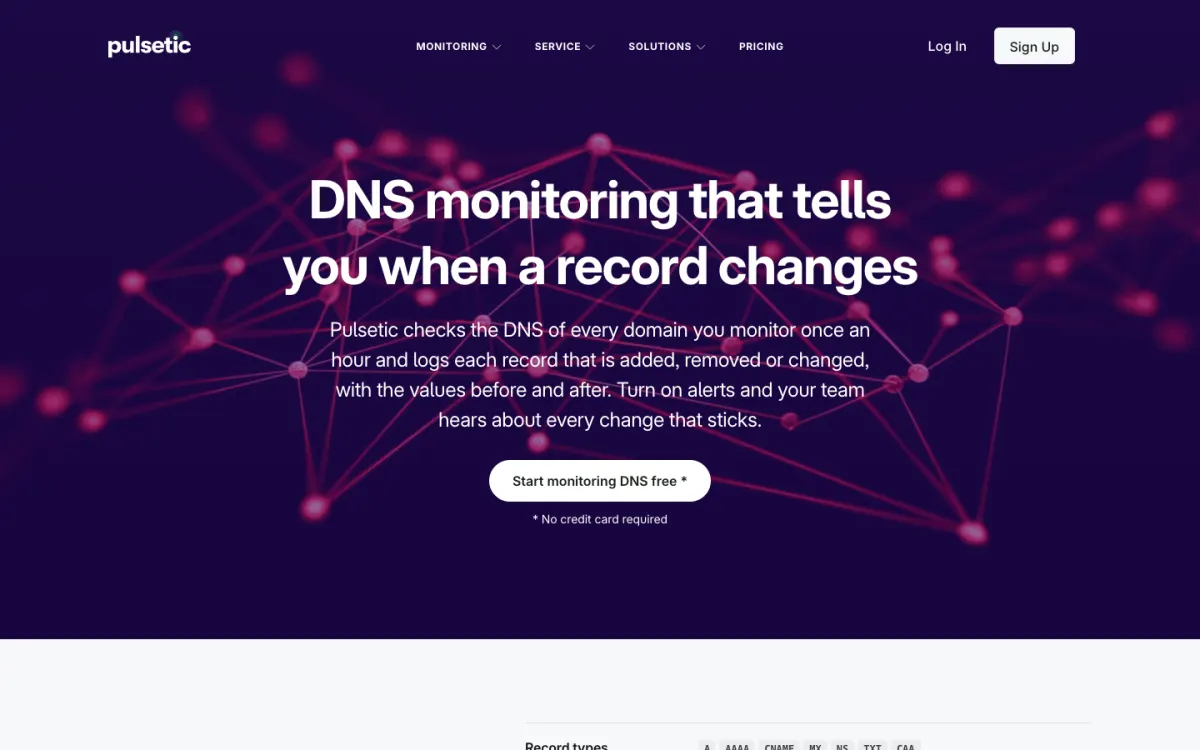
Pulsetic’s domain monitoring reads each domain’s registration from RDAP, falling back to WHOIS for registries that don’t support RDAP yet, and shows the expiry date, registrar, transfer lock, and EPP status codes. It reminds you 14 days, 7 days, and the day before expiry, and keeps alerting if the domain enters its grace period or is close to being released. Every monitored domain also gets DNS record monitoring: seven record types on the domain and its www subdomain, checked hourly, with every change logged with its old and new values.
Domains share the plan’s monitor allowance with websites and heartbeats, so the free plan’s 10 monitors can include your domains, your site, and your SSL certificate in one dashboard. Alerts go by email and webhook on the free plan, and by SMS, phone call, Slack, Teams, Discord, and Telegram on paid plans.
The catch. Reminders at 14, 7, and 1 days are later than the 30-day first warning most tools send, which matters if renewing involves someone else’s approval or card. The reminder days aren’t adjustable, so put the renewal in a shared calendar too.
Pricing. Free (10 monitors); Solo $9/mo; Team $19/mo (50 monitors); Organization $49/mo (300 monitors). Annual billing gives two months free.
2. StatusCake: best for a single domain on a free plan
StatusCake includes one domain monitor on its free plan and 50 on its first paid plan, with reminders 30, 14, and 7 days and 24 hours before expiry. It sits alongside uptime, SSL, and page speed checks.
The catch. Free domain checks run only every 7 days, so status changes show up slowly.
Pricing. Free (1 domain monitor); Superior €16.66/mo annual (50 domain monitors).
3. UptimeRobot: early reminders
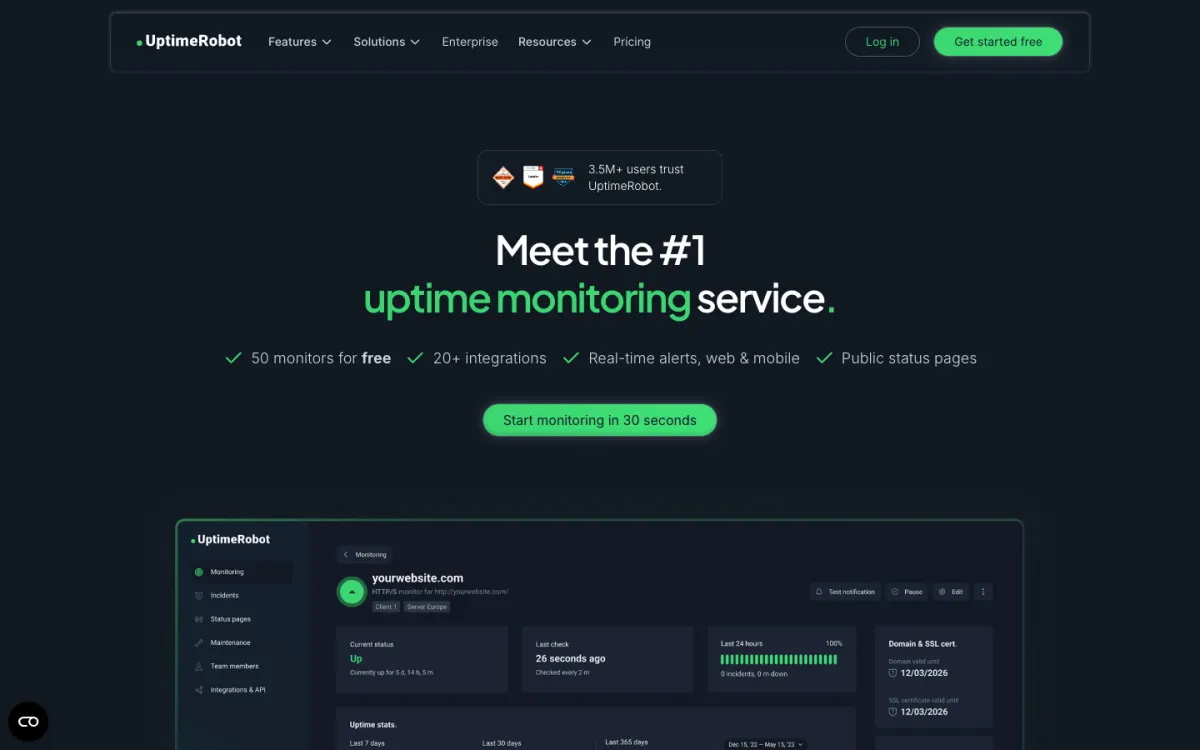
UptimeRobot warns you 30, 14, and 7 days before expiry and on the expiry day itself, using WHOIS data, next to its uptime, SSL, DNS, and heartbeat monitors.
The catch. Its help center describes domain expiry monitoring as a paid feature while its pricing page lists it on the free plan, so check what your plan includes before relying on it.
Pricing. Free plan (50 monitors); Solo €9/mo annual.
4. Oh Dear: best configurable reminders
Oh Dear checks registration through RDAP and checks more often as the date approaches: weekly at first, then daily, twice a day, and every four hours near the end. You choose how far ahead to be warned, up to 90 days.
The catch. No free plan, and it costs more than most tools on this list.
Pricing. Solo $17/mo, with a 10-day trial.
5. Site24x7 and Uptime.com: inside a larger suite
Site24x7 has a dedicated domain expiry monitor that polls WHOIS every 24 hours, with a reminder threshold you set (30 days by default), included in its $9-a-month Web Uptime plan. Uptime.com runs a daily WHOIS and RDAP check with a configurable threshold (20 days by default) and also alerts you when the WHOIS details change, a useful early sign of an unauthorized transfer. Both make sense if you already use them for uptime monitoring.
6. Notify.domains: best dedicated domain tracker
Notify.domains monitors domains and nothing else, tracking each one through expiry, grace, redemption, and pending delete, and checking many times a day. It suits agencies and domain investors with long lists of domains.
Pricing. From $2 per domain a month, billed annually, with a 7-day trial.
7. Uptime Kuma: best free self-hosted option
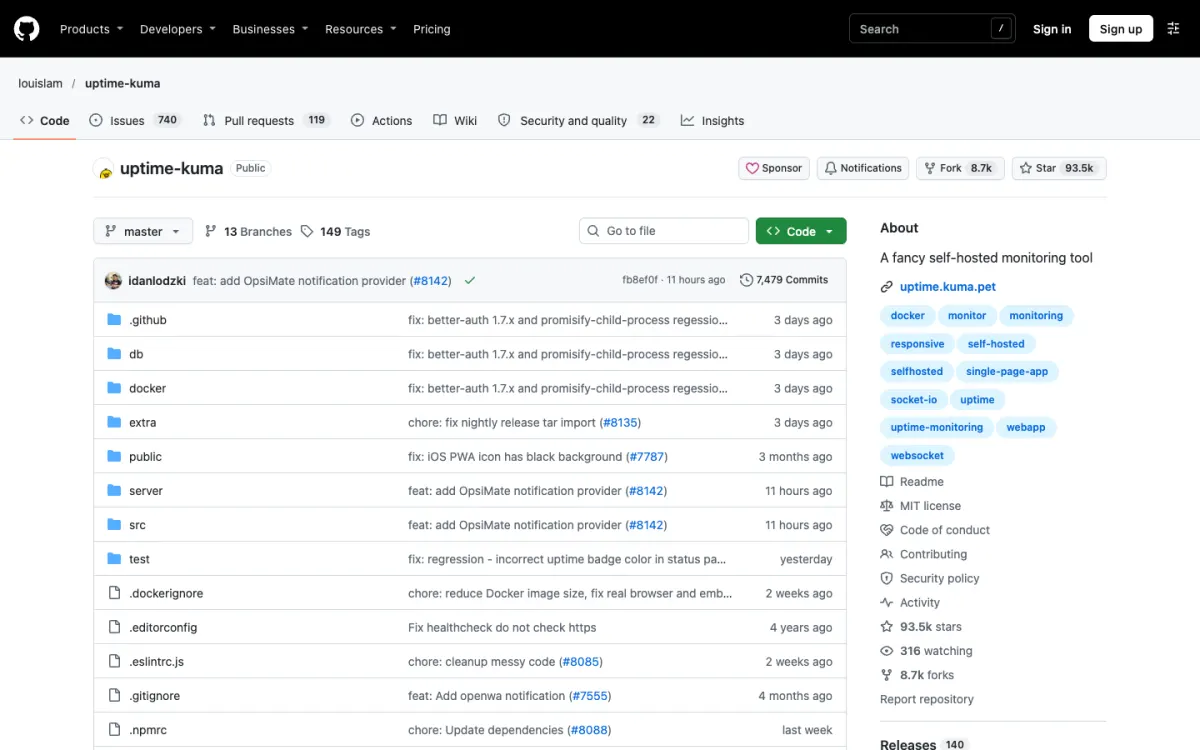
Uptime Kuma added a domain expiry monitor, based on RDAP, in version 2.1, alongside its DNS, SSL, and uptime checks. It’s free and open source, but you run and maintain the server yourself.
Your registrar’s settings matter as much as monitoring
Monitoring tells you about a problem; these settings prevent it:
- Turn on auto-renew. Cloudflare and Namecheap try to renew 30 days before expiry, which leaves time to fix a failed payment.
- Keep the payment card current, and add a backup card if your registrar allows it.
- Use a shared contact email, such as
domains@yourcompany.com, for the registrant and account contacts, so renewal and ICANN reminder emails don’t go to someone who has left. - Renew for several years for domains you’ll keep. Most registries allow up to 10.
- Keep the transfer lock on and turn on two-factor authentication for the registrar account.
- Consolidate domains at one or two registrars, so none are forgotten in an old account.
Set up domain monitoring in 5 minutes
- List every domain you own, including old brand names, redirects, and email-only domains. Your registrar accounts and DNS provider are the best sources.
- Add each one to a monitoring tool. With Pulsetic or UptimeRobot, the free plan covers a handful of domains alongside your website checks.
- Send alerts to more than one person, through a shared channel such as a team email or Slack.
- Turn on DNS change alerts for domains that serve your website or email.
- Check the dates once with
whoisor RDAP, and note any domain that expires within 90 days.
FAQ
What is domain monitoring?
Domain monitoring checks your domain’s registration and alerts you before it expires, when its registrar or status changes, and, in most tools, when its DNS records change. It prevents a lapsed renewal from taking your website and email offline.
How do I check when my domain expires?
Run whois yourdomain.com and look for the expiry date, or query RDAP with curl https://rdap.verisign.com/com/v1/domain/yourdomain.com for a .com. ICANN Lookup (lookup.icann.org) and free tools such as Pulsetic’s domain expiry checker show the date in a browser.
What happens if my domain expires?
The registrar can stop its DNS on the expiry day, so your website and email stop working. Most registrars then give a grace period of up to 45 days to renew, followed by a 30-day redemption period with an extra fee. After about 5 more days the domain is released and anyone can register it.
Can I monitor domain expiry for free?
Yes. Pulsetic includes domain monitoring in its free plan’s 10 monitors, StatusCake’s free plan includes one domain monitor, and Uptime Kuma can monitor domain expiry for free if you host it yourself.
How far ahead should I be warned about domain expiry?
At least 30 days for important domains, so there’s time to fix a failed payment or get approval for the renewal, with further reminders closer to the date. Turning on auto-renew and keeping the payment card current matters just as much.
Build your Bootstrap theme
Design a custom Bootstrap 5 theme visually with a live preview, then export clean Sass or CSS.
Open the Builder