SSL Certificate Monitoring: How to Never Miss an Expiry
An expired SSL certificate takes a site down as completely as a crashed server: browsers show a full-page security warning, API clients refuse to connect, and most visitors leave. It usually happens to sites with automatic renewal, because automation fails quietly and nobody is watching. SSL certificate monitoring is that watcher. It checks your certificates on a schedule and warns you before one expires or breaks, and in 2026 it matters more than ever, because certificates now expire much sooner than they used to.
This guide explains what changed, what can go wrong with a certificate besides expiry, how to check one yourself, and which tools monitor certificates for you, including free ones.
Why certificates expire sooner now
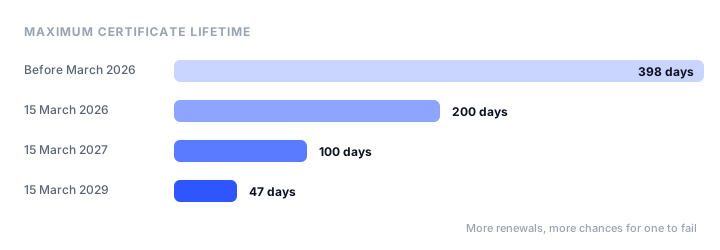
In April 2025, the CA/Browser Forum, which sets the rules for public certificates, approved a ballot (SC-081) that shortens the maximum lifetime of a TLS certificate in three steps:
| From | Maximum lifetime | Renewals a year, at least |
|---|---|---|
| Before 15 March 2026 | 398 days | 1 |
| 15 March 2026 | 200 days | 2 |
| 15 March 2027 | 100 days | 4 |
| 15 March 2029 | 47 days | 8 |
The first step is already in force: a certificate bought today lasts at most 200 days. The same ballot also shortens how long a certificate authority can reuse a domain validation, reaching 10 days in 2029, so renewals will need fresh validation more often too.
Let’s Encrypt, which already issues 90-day certificates, is going shorter on its own schedule: 64 days from 10 February 2027 and 45 days from 16 February 2028, with a 45-day option available now. It also stopped sending expiration warning emails in June 2025, so anyone who relied on those emails has no warning at all unless they set up monitoring.
The practical result: renewal has to be automated, and the more often automation runs, the more often it can fail. Monitoring is how you find out when it does.
What SSL monitoring catches
Expiry is the obvious problem, but most certificate incidents on sites with auto-renewal look like this instead:
- Renewal failed silently. A DNS change, a firewall that blocks port 80 for the HTTP challenge, an expired API token for the DNS challenge, or a hit rate limit stops renewal, and the old certificate runs out weeks later.
- Renewal worked but nothing reloaded it. The new certificate is on disk, but the web server, load balancer, or container still serves the old one.
- One server in a pool is behind. Most requests get the new certificate, while a single node behind the load balancer still serves the expired one.
- A broken chain. The server sends the certificate without its intermediate, so some browsers and most API clients and phones reject it while your desktop browser, which cached the intermediate, looks fine.
- The wrong name. A certificate for
example.comdoesn’t coverwww.example.com, and a wildcard for*.example.comdoesn’t coverexample.comitself ora.b.example.com. - Places you forgot. API subdomains, mail servers, staging sites, the origin certificate between your CDN and your server, and certificates bought manually for a client years ago.
A monitor that re-reads the live certificate regularly catches all of these, not just the expiry date.
How to check a certificate yourself
You can read any site’s certificate from a terminal with OpenSSL (built into macOS and Linux):
# Expiry dates, issuer, and subject of the certificate a server presents
echo | openssl s_client -connect example.com:443 -servername example.com 2>/dev/null \
  | openssl x509 -noout -dates -issuer -subject

# Exit with an error if it expires within 14 days (1209600 seconds)
echo | openssl s_client -connect example.com:443 -servername example.com 2>/dev/null \
  | openssl x509 -noout -checkend 1209600
-servername matters: without it, a server that hosts several sites may hand back the wrong certificate. To see the whole chain the server sends, add -showcerts to the first command and check that the intermediate certificate is there.
The -checkend form can run from a cron job (with a heartbeat monitor to catch the job itself stopping) and email you when it fails, which is a workable minimum for a site or two. It checks from one place, though, it only knows about the hostnames you list, and if the machine running it is down, so is your warning. That is what monitoring services add.
You can also see every certificate ever issued for your domain in the public Certificate Transparency logs, for example by searching your domain on crt.sh. It is a good way to find forgotten subdomains, and to spot a certificate you didn’t request.
SSL certificate monitoring tools
Pulsetic: best for SSL monitoring alongside uptime
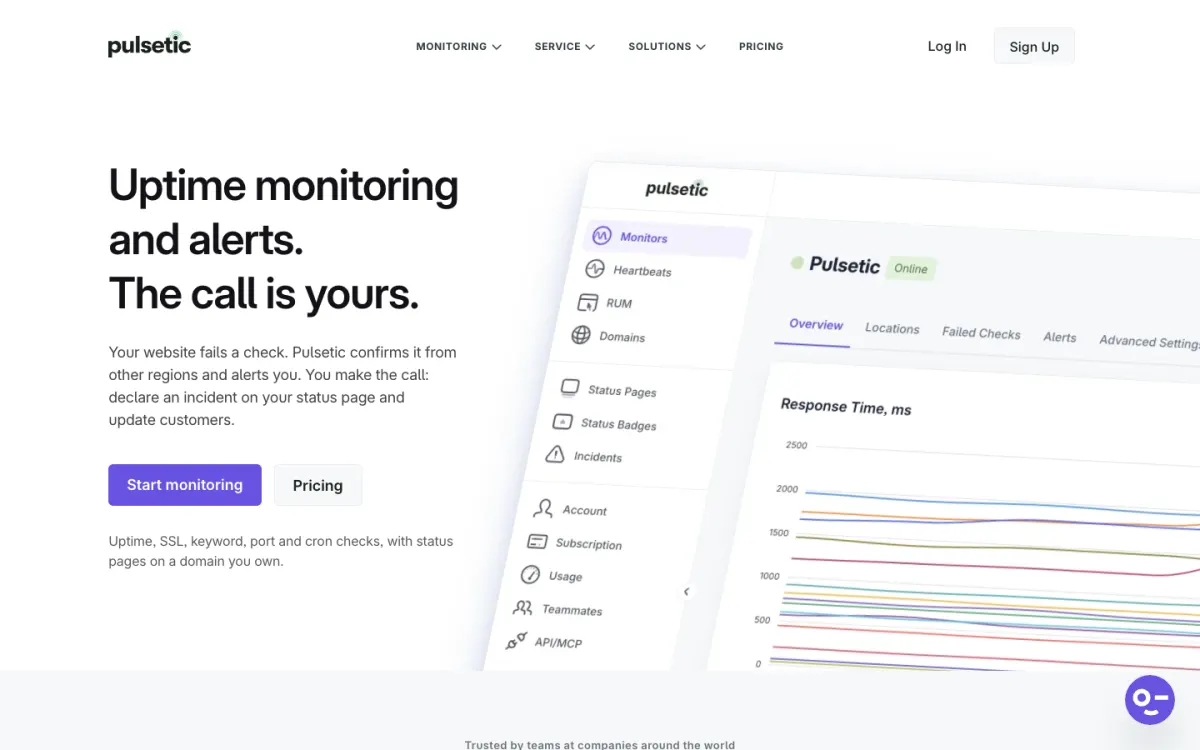
Pulsetic’s SSL monitoring re-reads each certificate every hour and confirms it is still valid, so beyond the expiry date it catches a renewal that deployed the wrong certificate, a broken intermediate chain, or one server still serving the old certificate, at the next hourly check. Expiry reminders go out 14 days, 7 days, and 1 day before the certificate expires. SSL monitoring is included on every plan, the free one too, next to uptime, keyword, port, heartbeat, and domain expiry monitoring and status pages, so one dashboard covers the certificate and the site it protects.
Alerts go by email and webhook on every plan, and by SMS, WhatsApp, phone call, Slack, Teams, Discord, and Telegram on paid plans. It doesn’t scan for weak ciphers or protocol settings, and it doesn’t watch Certificate Transparency logs for certificates issued without your knowledge.
Pricing. Free: 10 monitors and 3 status pages. Paid plans from $9 a month.
Red Sift Certificates Lite: best free certificate inventory
Red Sift Certificates Lite is a free tool that discovers the certificates on your domains and subdomains, scans them daily over HTTPS, and sends email alerts ahead of expiry, for up to 250 certificates. It is the tool Let’s Encrypt pointed users to when it ended its expiry emails, and its discovery helps find certificates you didn’t know you had.
It is an inventory and expiry tool rather than full monitoring: scans are daily, alerts are by email, and there are no uptime checks.
Pricing. Free, up to 250 certificates.
Cert Spotter: best for spotting unauthorized certificates
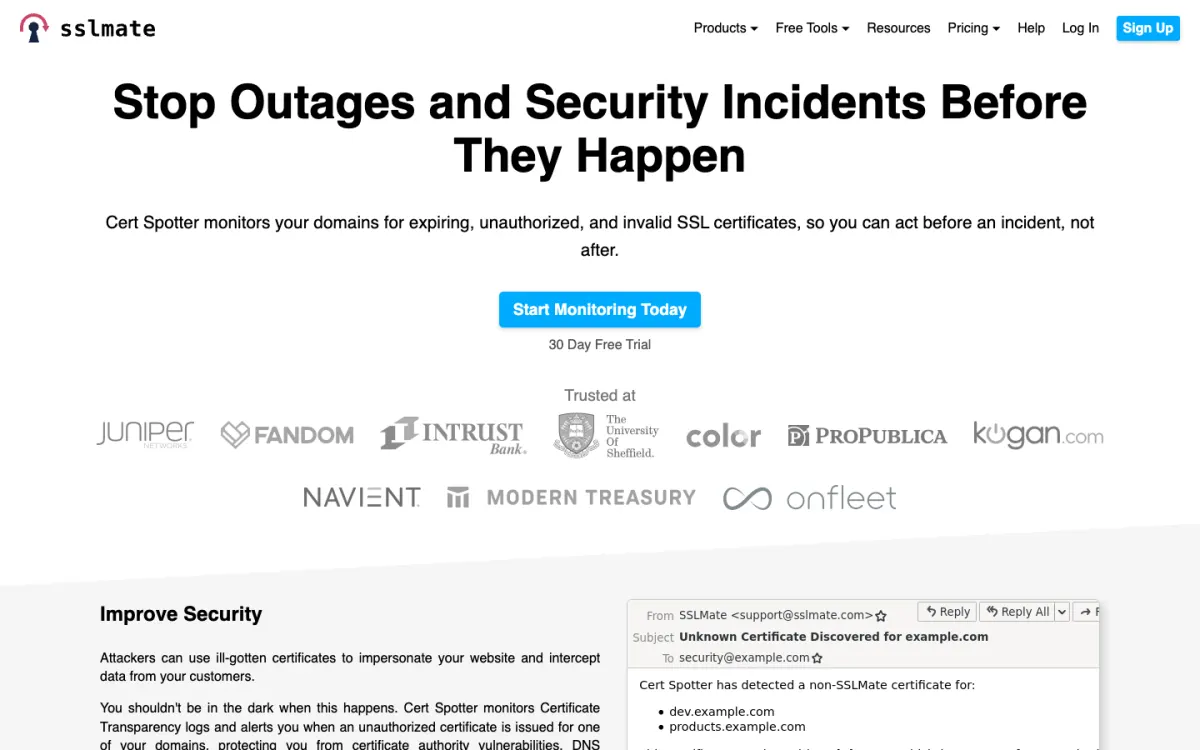
Cert Spotter from SSLMate watches the Certificate Transparency logs and alerts you when a certificate is issued for your domains that you don’t recognize, which can be the first sign of a misissued certificate or a takeover. Paid plans also run health checks on your endpoints, from hourly on Hobbyist to every 5 minutes from 10 locations on Business.
Pricing. Hobbyist $15/mo (20 endpoints), Startup $100/mo (150 endpoints), Business $500/mo (1,000 endpoints), each with a 30-day free trial.
Other monitoring tools with SSL checks
Most uptime monitors include certificate checks:
- UptimeRobot checks SSL certificates and domain expiry alongside its uptime monitors; its free plan includes 50 monitors at 5-minute intervals.
- Better Stack adds SSL and domain expiration checks to its uptime monitors, with on-call scheduling for the alerts.
- StatusCake has dedicated SSL and domain monitoring next to uptime and page speed.
- Uptime Kuma is free and self-hosted, and warns about certificate expiry on its HTTPS monitors.
Our guide to the best website monitoring tools compares these in full.
What to monitor, and when to be alerted
Monitor every hostname that serves HTTPS, not just the main site: www and the root domain, API and app subdomains, the status page, mail servers (SMTP, IMAP), staging, and anything on a separate certificate. A search on crt.sh shows what has been issued for your domain and makes a good starting list.
Set alerts well before expiry. With automatic renewal, a certificate normally renews when about a third of its lifetime is left, around 30 days before expiry for a 90-day certificate. A warning at 14 days means renewal has already failed for two weeks; it still leaves time to fix it calmly. A final alert a day before is the last chance. As lifetimes shrink toward 47 days, the gap between “should have renewed” and “expired” shrinks too, so act on the first alert.
Check the live certificate, not just the date. Expiry alerts alone miss the problems that cause most incidents: a broken chain or one stale server shows up only when something re-reads what the server actually sends.
Send alerts where someone will see them. A shared inbox nobody reads is how certificates expire at companies that monitor them. Send to a chat channel or the on-call rotation, and to more than one person.
How to prevent expiry in the first place
- Automate renewal with an ACME client such as Certbot, acme.sh, or Caddy’s built-in support, or let your host or CDN manage certificates for you.
- Use ACME Renewal Information (ARI) if your client supports it. The certificate authority then suggests when to renew, and can ask for early renewal if a certificate has to be revoked.
- Reload after renewal. Make sure your renewal hook reloads or restarts every service that uses the certificate.
- Prefer DNS validation for wildcards and internal names, and keep the DNS API token used for it from expiring.
- Add a CAA record listing the certificate authorities allowed to issue for your domain, so nobody else can.
- Move manual certificates to automation before 2027, when 100-day lifetimes make manual renewal a quarterly chore.
Managed hosts handle all of this for you: platforms such as Static.app, Netlify, Vercel, Cloudflare Pages, and GitHub Pages issue and renew certificates for your custom domain automatically. Our guide to static website hosting compares them. Monitoring still helps there, because a DNS change can stop a managed renewal as easily as a self-managed one; DNS monitoring catches those changes, including a new CAA record.
FAQ
What is SSL certificate monitoring?
SSL certificate monitoring checks the certificates on your websites and services on a schedule and alerts you before one expires or when one becomes invalid, for example after a renewal that deployed the wrong file or left out an intermediate certificate. It stops visitors from seeing browser security warnings.
How do I check when an SSL certificate expires?
Click the padlock in your browser’s address bar and view the certificate details, or run echo | openssl s_client -connect example.com:443 -servername example.com | openssl x509 -noout -dates in a terminal. A monitoring service checks this for you on a schedule and sends an alert before the date.
How long are SSL certificates valid in 2026?
Since 15 March 2026, publicly trusted TLS certificates can be valid for at most 200 days. The limit falls to 100 days on 15 March 2027 and to 47 days on 15 March 2029, under the CA/Browser Forum’s ballot SC-081. Let’s Encrypt certificates last 90 days, moving to 64 days in 2027 and 45 days in 2028.
Does Let’s Encrypt send expiration emails?
No, not any more. Let’s Encrypt ended its expiration notification emails in June 2025 and deleted the email addresses linked to ACME accounts. Use automatic renewal with an ACME client and a separate monitoring service to warn you if renewal fails.
Is there a free SSL certificate monitoring tool?
Yes. Pulsetic includes SSL monitoring on its free plan, with hourly checks and reminders 14, 7, and 1 days before expiry. Red Sift Certificates Lite monitors up to 250 certificates free with daily scans, and Uptime Kuma is free if you host it yourself.
How often should SSL certificates be checked?
At least daily for expiry, and hourly if you want to catch problems such as a broken certificate chain or a stale server soon after a renewal. Set the first expiry alert about 14 days ahead, so a failed automatic renewal still leaves time to fix it.
Why did my SSL certificate expire if auto-renew is on?
Automatic renewal usually fails because of a DNS change, a firewall blocking the validation request, an expired DNS API token, a rate limit, or a server that renewed the certificate but never reloaded it. Monitoring the live certificate catches these before the old certificate expires.
Build your Bootstrap theme
Design a custom Bootstrap 5 theme visually with a live preview, then export clean Sass or CSS.
Open the Builder