Restaurant Website Builder: 7 Best Picks for 2026
The best restaurant website builder depends on where orders and bookings should happen. If you want online ordering at no monthly cost, Square Online is the obvious start. If you want a site that looks like your dining room and you send orders and bookings to another service, Siter.io gives you 16 food and drink templates and full layout control from $84 a year. This guide compares seven builders for restaurants, cafes, bars and bakeries on text menus, ordering, reservations, Google Business Profile basics, mobile speed, hours and location, and the regular price of one site on your own domain, with every price checked on the vendors’ own pages in November 2026.
TL;DR
- Best for a designed site that sends orders elsewhere: Siter.io. 16 food and drink templates, a booking request form and embed support, from $84 a year. No checkout.
- Best free online ordering: Square Online. $0 a month for the website and 0% commission, you pay card processing per order. In beta for US restaurants.
- Best if you already have an HTML template: Static.app. Upload the files, add forms and a menu QR code, $60 a year for 2 sites.
- Best template builder with reservation blocks: Squarespace. Text menu blocks, OpenTable and Tock blocks, ChowNow for ordering.
- Best done-for-you ordering platform: Owner.com. Website, ordering, app and marketing from $249 a month plus 5% per order.
What a restaurant website needs
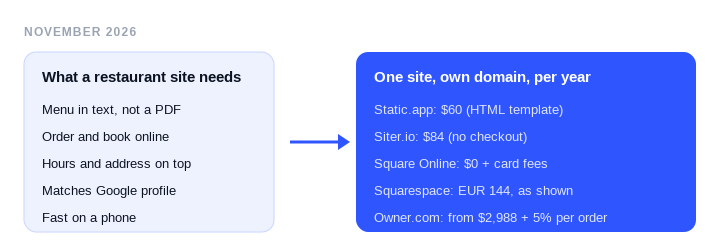
Visitors to a restaurant site want the menu, the hours, the address and a way to order or book. Six points decide which builder fits.
- A menu in HTML text, not only a PDF. Text menus load fast on a phone, work with screen readers and are easy to update. Squarespace’s help center notes that, unlike a PDF, menu block text is indexable by search engines. Link a PDF for printing if you want one.
- Online ordering and reservations. Built in (Square Online, Wix, Owner.com) or added through OpenTable, Resy, Tock, Toast or Square. OpenTable and Resy both provide widget embed code, so any builder that accepts custom code can host them.
- Google Business Profile basics. Google lets a business add up to 10 links per category for reservations and food orders, plus a link to its menu. Your site’s hours, address and phone should match the profile exactly.
- Mobile speed. Google’s Core Web Vitals call a page good when its largest element loads within 2.5 seconds, it responds within 200 milliseconds and its layout shift score is 0.1 or less, at the 75th percentile of visits. Oversized photos are the usual problem on any builder. See the guide on how to make a website mobile-friendly.
- Hours and location on every page, in a footer with a map link.
- Regular price for one site on your own domain. Several pricing pages lead with first-term prices that rise at renewal, as the cheapest website builder guide explains.
Restaurant website builders at a glance
| Builder | Best for | Free plan | One site, own domain | Ordering | Reservations |
|---|---|---|---|---|---|
| Siter.io | Designed sites that link out to ordering | No, 3-day trial (card) | $84/yr ($8/mo monthly) | No checkout; link or embed | Booking request form or embed |
| Square Online | Free online ordering | Yes, beta for US restaurants | $0 + card fees | Built in, 0% commission | OpenTable integration with Square POS (Plus or Premium) |
| Static.app | A ready-made HTML template | 7-day trial, no card | $60/yr (2 sites) | No; embed in your HTML | Embed in your HTML |
| Squarespace | Template site with reservation blocks | No, 14-day trial | EUR 144/yr, as shown | ChowNow, Tock, Allday Ordering | OpenTable and Tock blocks |
| Wix | All-in-one restaurant apps | Yes | First-term offer prices only | Wix Restaurants Orders (paid plan) | Wix Table Reservations |
| WordPress.com | Blogs and plugins | Yes, ads shown | $9/mo monthly ($18 for OpenTable block) | Plugins on paid plans | OpenTable block on Premium and up |
| Owner.com | Done-for-you ordering and marketing | No | $249/mo + 5% per order, or $499/mo | Built in | Not listed |
Squarespace showed prices in euros from this network, so they are printed in EUR, unconverted. US prices may differ.
Restaurant features compared
| Builder | Menu as text | Hours and location | Google Business Profile help | Structured data |
|---|---|---|---|---|
| Siter.io | Typed on the canvas, with PDF file hosting for a printable copy | Placed by you, per breakpoint | Link your profile to the site yourself | JSON-LD in Head Code Injection |
| Square Online | Pulled from your Square menu | Pulled from Square | Order through Google Maps needs a profile | Set up for you, per Square |
| Static.app | Whatever your HTML contains | In your template | Link your profile to the site yourself | Whatever your HTML contains |
| Squarespace | Menu blocks, indexable text | Footer, contact section, map block | Link your profile to the site yourself | Not documented here |
| Wix | Sections, items and prices in the Menus app | Editor elements | Order with Google connection | Not documented here |
| WordPress.com | Blocks or plugins | Blocks | Link your profile to the site yourself | Not documented here |
| Owner.com | Built for you | Built for you | Listings management | Not documented here |
- Only Square Online, Wix and Owner.com take orders natively. The rest rely on an ordering service.
- Owner.com costs at least $2,988 a year before per-order fees; Static.app ($60) and Siter.io ($84) are the cheapest paid options with your own domain, without a checkout.
The best restaurant website builders, reviewed
1. Siter.io: best for a designed site that sends orders elsewhere
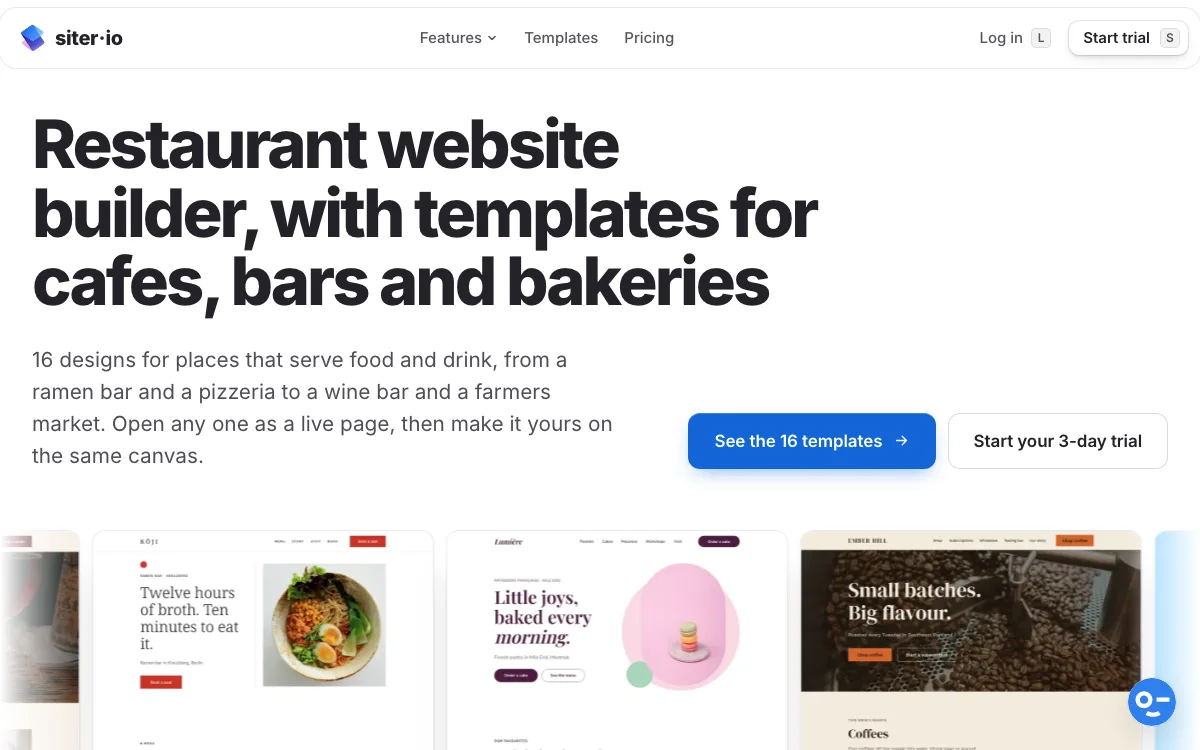
What it is. Siter.io is a hosted visual editor with a free-form canvas: you place each element where you want it, and Desktop, Tablet and Mobile each keep their own layout.
Key features for restaurants.
- 16 food and drink templates, including Osteria Lume (Italian), La Güera (a taqueria), Kōji (a ramen bar), Forno Rosso (a pizzeria), Crumb Theory (a bakery and cafe) and Vinoteca Rosa (a wine bar).
- A menu in text on the canvas, with file hosting for a printable PDF.
- Booking requests. A booking form sends the day, time and guest details to your Form entries and email. Siter.io says plainly that it is a request, not a confirmed booking, and does not check availability.
- Embeds. A Code element runs embed code on the published page, so an OpenTable or Resy widget can sit on the page. Head Code Injection takes JSON-LD structured data for hours, address and a menu link.
- Per-page SEO settings, custom domains with HTTPS on every plan, and cookieless analytics.
Pricing. Solo is $7/mo billed yearly ($84 a year) or $8 month to month, for 1 website, 10 pages, 3 forms with unlimited submissions, 25 GB of traffic a month and 1 GB of file storage. Plus is $12/mo yearly ($14 monthly) for 3 websites and 50 pages, and Pro is $24/mo yearly ($28 monthly) with unlimited pages and forms.
What it does badly. No online ordering and no checkout: Siter.io’s restaurant FAQ says to link to your own ordering page or a phone number, and its features FAQ lists e-commerce as upcoming. That means pairing it with an ordering service; Square, for example, says you can keep your current website and point its Order button at a Square ordering page. No free plan: the 3-day trial needs a card.
Good for: restaurants, bars and cafes that want a site that looks like the room, with ordering handled by Square, Toast or a delivery app.
2. Square Online: best free online ordering
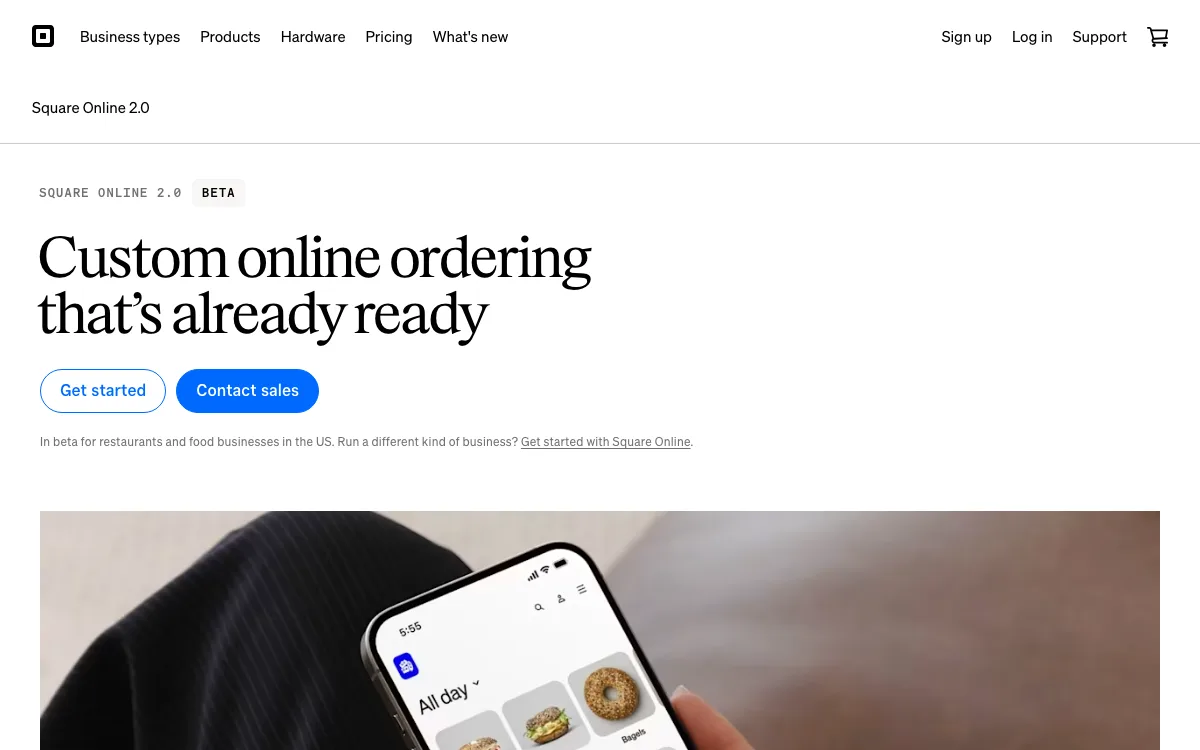
What it is. Square Online 2.0 is Square’s website and ordering builder for restaurants. It starts from your business name and pulls the menu, hours and location from Square.
Key features for restaurants.
- Ordering in three shapes: a single ordering page, an Order button on your existing site, or a full website.
- Sync with Square. Change a menu item, prep time or hours in Square and the website follows, at every location. Online orders reach the same kitchen printer and display.
- Delivery by drivers from companies such as Uber or DoorDash, with no commission on delivery orders.
- Google ordering from Maps and Search, which needs a Google Business Profile.
- Reservations are not part of Square Online. Square for Restaurants connects to OpenTable, which needs an OpenTable GuestCenter, Core or Pro account and a Square for Restaurants Plus or Premium plan.
Pricing. $0 a month for the website, 0% commission on orders and $0 to connect your own domain. Card processing on each online order is 3.3% + 30¢ on Square Free, or 2.9% + 30¢ on Square Plus ($49 a month per location) and Premium ($149 a month per location).
What it does badly. Square Online 2.0 is in beta for restaurants and food businesses in the US, and existing Square Online sellers need to ask for early access. You run on Square payments, so the processing fee is the real cost.
Good for: counter-service restaurants, cafes and food trucks that want pickup and delivery orders straight into the POS.
3. Static.app: best if you already have an HTML template
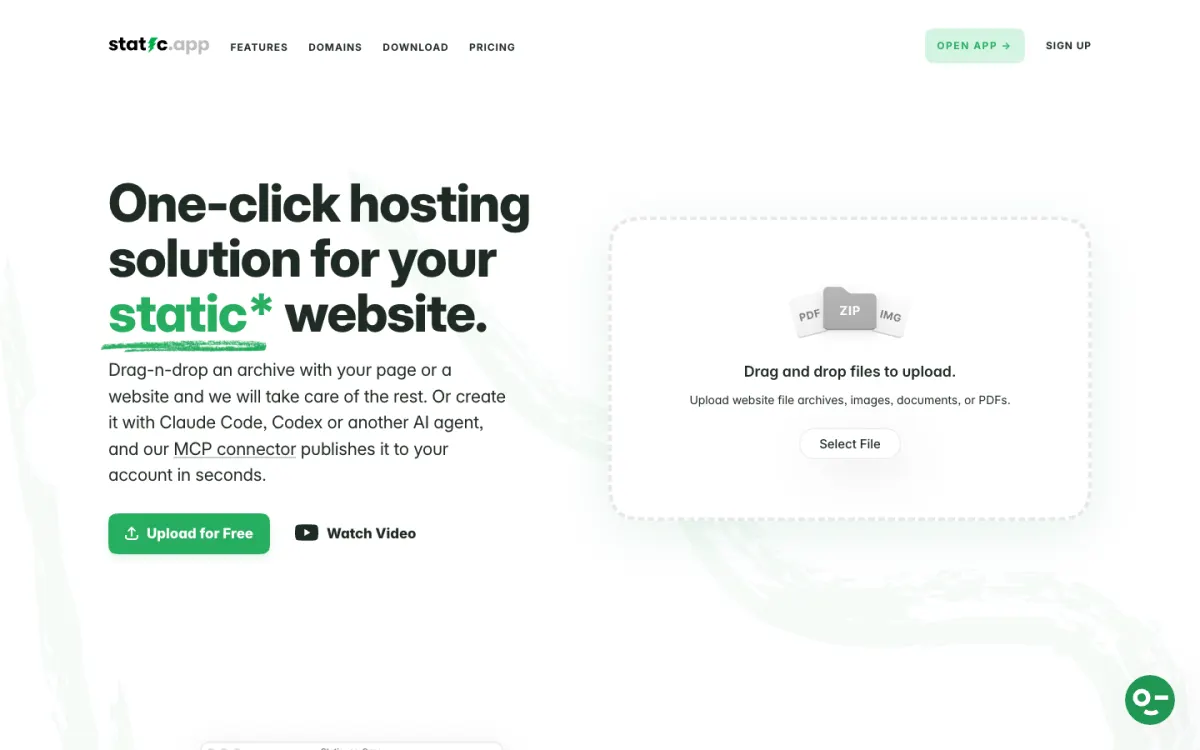
What it is. Static.app hosts finished HTML sites. If you bought a restaurant HTML template or had one built, you upload the files or a ZIP and it goes live with SSL, with no build step.
Key features for restaurants.
- Your template, unchanged. The menu is whatever text your HTML contains, and you add structured data, a reservation widget or an Order link in the code.
- Forms without a backend. Add the static-form attribute to an HTML form and submissions appear in the dashboard, which covers catering and private event requests.
- QR code menus. Turn a hosted menu page or PDF into a QR code in one click. Replace the file when prices change and the printed code keeps working.
Pricing. Starter is $5/mo billed annually ($60 a year) or $6 month to month, for 2 websites, 500 MB of storage, custom domains, forms, analytics and unlimited traffic. Medium is $10/mo annually for 7 websites and 3 GB. A 7-day trial needs no card.
What it does badly. No visual editor: changing a price means editing HTML in the built-in code editor or uploading again. No ordering or checkout of its own.
Good for: owners or developers with a ready-made restaurant template who want cheap, fast hosting and a printable menu QR code. The guide to how to publish a website walks through the upload steps.
4. Squarespace: best template builder with reservation blocks
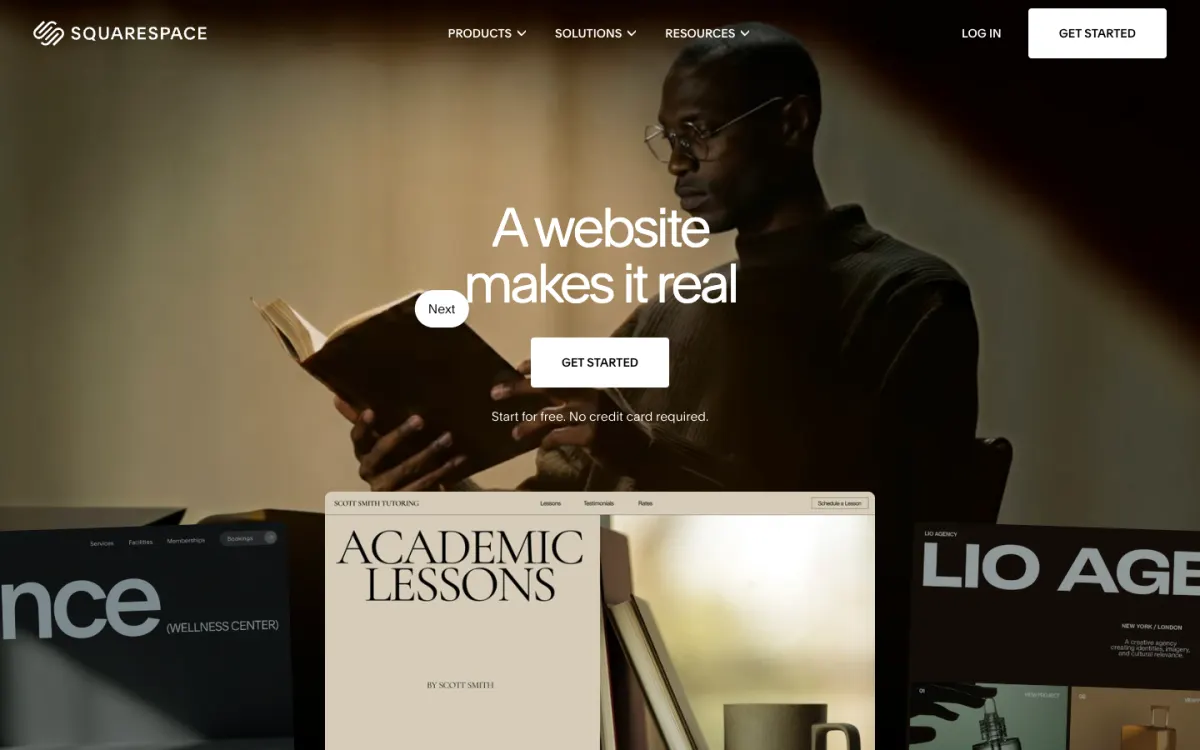
What it is. Squarespace is a template builder with restaurant templates and blocks for restaurant services.
Key features for restaurants.
- Menu blocks that format menus as text, with a dropdown for several menus.
- Reservations with OpenTable blocks on every current plan (one per page, using your OpenTable Restaurant ID) or Tock blocks, which need a separate Tock subscription. Resy’s help center explains pasting its widget into a code block.
- Ordering through ChowNow, Tock or Allday Ordering.
- Hours and location in the footer, plus a map block.
Pricing (EUR, as shown). Billed yearly: Basic EUR 12/mo with a 2% online store transaction fee, Core EUR 18/mo, Plus EUR 32/mo and Advanced EUR 69/mo. The trial is 14 days.
What it does badly. Ordering always depends on a third-party service with its own fees, and OpenTable may charge for bookings made through the block. Layouts stay inside template sections. The Wix vs Squarespace comparison covers the wider trade-offs.
Good for: full-service restaurants that already use OpenTable or Tock and want a polished template.
5. Wix: best all-in-one restaurant apps
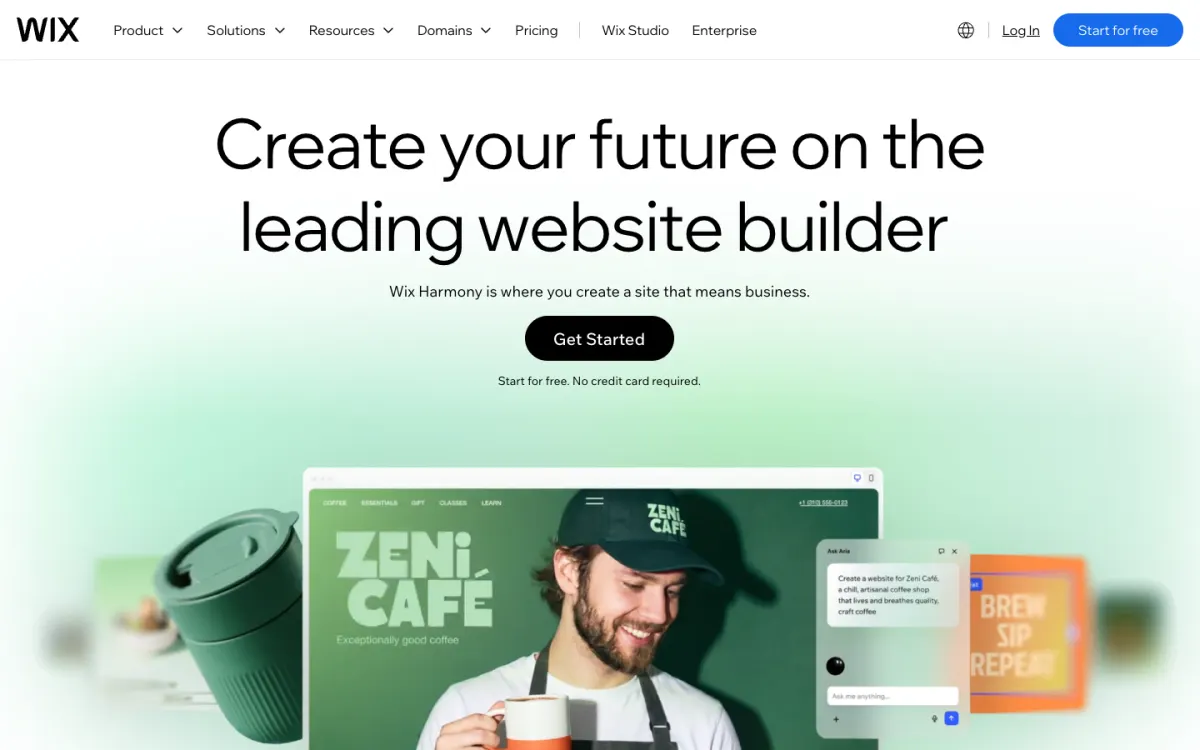
What it is. Wix is a drag-and-drop builder whose Wix Restaurants suite is three apps: Menus, Orders and Table Reservations.
Key features for restaurants.
- Menus app with sections, items, prices, price variants and labels, which you can show without a paid plan.
- Orders app for pickup, delivery and dine-in orders, connected to DoorDash Drive for delivery and to Order with Google.
- Table Reservations for online table booking.
Pricing. There is a free plan. Accepting online orders and payments needs an upgrade, and payments start on Core. On November 25, 2026 the plans page showed offer prices valid only for the initial term of yearly subscriptions, so regular prices are not printed here; check the renewal price at checkout.
What it does badly. Only first-term prices are shown, and the Wix Restaurants overview names no POS integration.
Good for: restaurants that want menus, orders and reservations in one dashboard without a POS tie-in.
6. WordPress.com: best for blogs and plugins
What it is. WordPress.com is hosted WordPress with blocks, themes and, on paid plans, plugins.
Key features for restaurants. An OpenTable block takes bookings on your site, on Premium, Business and Commerce plans. Menus are built with blocks or plugins, and a blog suits restaurants that post specials, events and recipes.
Pricing. Month to month, Personal is $9, Premium $18, Business $40 and Commerce $70. Yearly prices are lower, but WordPress.com’s sales FAQ says a discount applies only to the first subscription period, with renewals at the regular rate, and the pricing page did not show the renewal figure. The free domain covers the first year on annual plans only.
What it does badly. Reservations through the OpenTable block mean Premium at $18 a month. Online ordering means a plugin and a payment setup.
Good for: restaurants that publish often and want the WordPress plugin library.
7. Owner.com: best done-for-you ordering platform
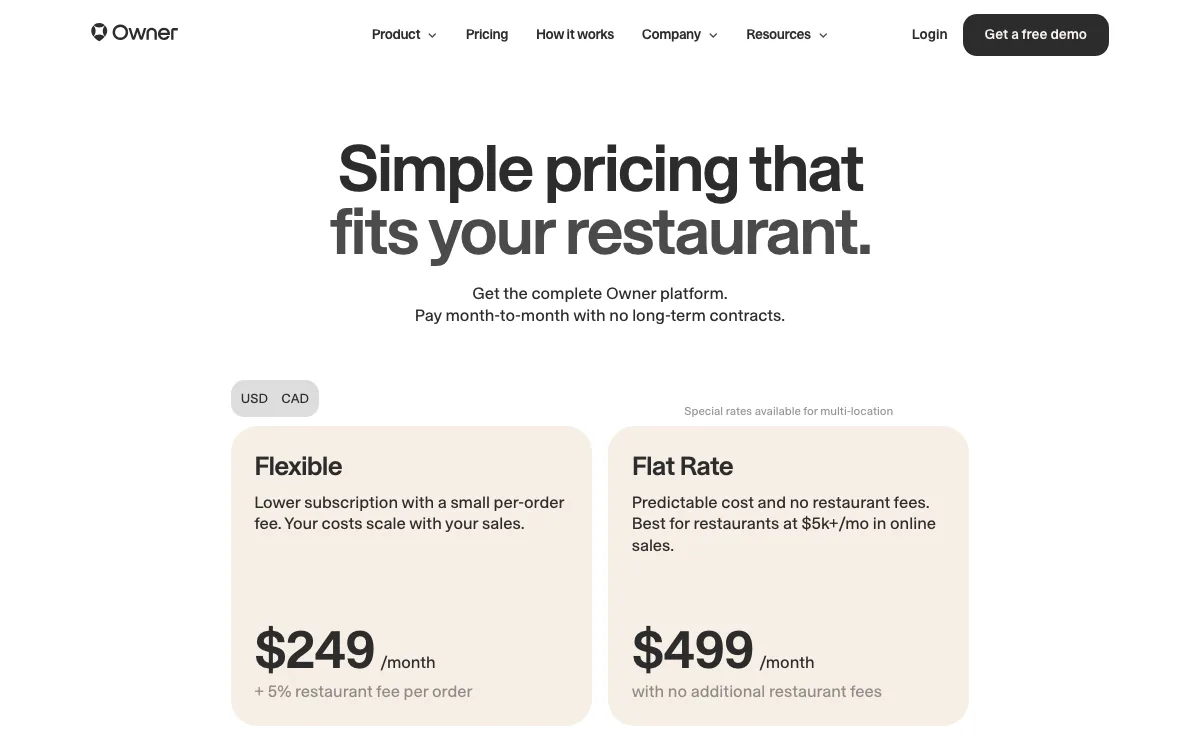
What it is. Owner.com is a restaurant platform that builds the website for you and adds online ordering, a branded mobile app, loyalty, email and text marketing, and catering orders.
Key features for restaurants. A specialist handles setup and migration. Owner integrates natively with Clover, connects to Toast, Square and Lightspeed, and can supply a tablet or printer at no extra fee.
Pricing. Flexible is $249 a month plus a 5% restaurant fee per order. Flat Rate is $499 a month with no restaurant fees, which Owner suggests for restaurants with $5,000 or more a month in online sales. Both are month to month with no long-term contract.
What it does badly. It is the most expensive option here by far. Owner’s pricing page says that working with Owner means giving up some control over how your site looks and feels. Reservations are not mentioned on its pages.
Good for: takeout-heavy independents replacing delivery app commissions with direct orders.
Also considered
- Toast Websites syncs menus, prices and availability with Toast POS and connects to Toast Tables, Online Ordering and Catering. It is sold inside Toast’s Digital Storefront Pro, and no price for it is published, so it is not ranked here.
- BentoBox is now part of Clover, and its services are only available to Clover POS customers, with no public pricing.
For a single page with the menu, hours and a booking link, the guide to a one-page website is a lighter starting point.
How to make a restaurant website: a checklist
- Pick the ordering and booking services first. Square, Toast, OpenTable, Resy or Tock shape the guest experience more than the builder does.
- Choose a builder that supports them: built-in ordering, a native block, or an embed.
- Put the menu in text, with headings for sections and plain text for dishes, prices and allergens.
- Add hours, address and phone to the footer, matching your Google Business Profile exactly.
- Add website, menu, reservation and ordering links to your Google Business Profile.
- Add structured data if the builder allows it: Google’s Restaurant markup takes the address (required), opening hours, telephone, cuisine, price range and menu URL.
- Compress photos and test on a phone against the Core Web Vitals thresholds above.
- Connect your own domain and publish.
Which restaurant website builder should you choose?
- You want a site that looks like the room and send orders to another service: Siter.io, with an Order button pointing at Square or Toast.
- You want free online ordering into your POS: Square Online.
- You already have an HTML template: Static.app.
- You use OpenTable or Tock and want a polished template: Squarespace.
- You want menus, orders and reservations in one dashboard: Wix.
- You post specials and events and want plugins: WordPress.com.
- You want someone else to build and run ordering and marketing: Owner.com.
For businesses outside food and drink, the guide to the best website builders for small business compares general-purpose options.
FAQ
What is the best website builder for restaurants?
It depends on ordering. Square Online is the best choice for free online ordering, at $0 a month with card processing per order. If you send orders to another service and want design control, Siter.io starts at $84 a year with 16 food and drink templates, but has no checkout.
How do I make a restaurant website?
Choose your ordering and reservation services, then a builder that supports them. Put the menu in text, add hours, address and phone to every page, link the site from your Google Business Profile and test it on a phone before connecting your domain.
Should a restaurant menu be a PDF or HTML?
HTML text first, with a PDF as an optional extra. Text menus load faster on phones, are readable by screen readers, and are indexable by search engines, which Squarespace’s own help center points out. A PDF is fine for printing.
Can I take reservations on my restaurant website?
Yes. Squarespace has OpenTable and Tock blocks, WordPress.com has an OpenTable block on Premium and up, and Wix has its own Table Reservations app. On Siter.io or Static.app you can paste an OpenTable or Resy widget embed code, or use a booking request form that does not check availability.
Are restaurant website templates free?
Many builders include them in the plan. Squarespace, Wix and Siter.io templates come with the subscription, and Square Online builds a site from your business details at no monthly cost. Static.app hosts any HTML restaurant template you already have, from $60 a year.
Build your Bootstrap theme
Design a custom Bootstrap 5 theme visually with a live preview, then export clean Sass or CSS.
Open the Builder