Best Email Deliverability Tools in 2026 (10 Compared)
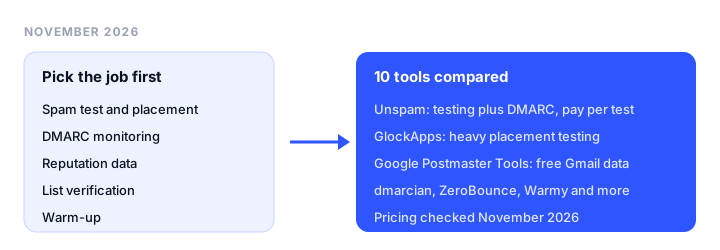
The best email deliverability tools for most senders are a pre-send tester (spam test, inbox placement, previews), a DMARC monitor, and Google Postmaster Tools for reputation data; warm-up and list verification only help with specific problems. This guide is for marketers and senders trying to fix inbox placement. It explains which job each tool does, then ranks 10 tools with pricing checked on each vendor’s site in November 2026.
TL;DR
- Best overall: Unspam. Spam test, seed inbox placement, device previews, heatmaps and DMARC monitoring in one account, with a renewing free plan and pay-per-test pricing from a $5 monthly minimum.
- Best for heavy placement testing: GlockApps. Large seed list, per-filter spam results and DMARC analytics, from $59/month billed annually.
- Best free reputation data: Google Postmaster Tools. Spam rate, reputation and authentication data for mail sent to Gmail.
- Best free quick check: Mail-Tester. Send one email, get a score, no account needed.
- Best for DMARC only: dmarcian, from $19.99/month billed yearly.
- Best for cold email warm-up: Warmy, from $49/month with a 7-day trial.
Five jobs, five different problems
“Email deliverability tool” covers five kinds of product. Buying the wrong one is the most common mistake: a warm-up subscription will not fix a broken DKIM record, and a spam test will not fix a list full of dead addresses. If you are not sure what is wrong yet, start with why emails go to spam.
1. Pre-send testing (spam test, inbox placement, previews). A spam test scores one message against authentication, blocklists and content filters. An inbox placement test sends your email to a seed list of real mailboxes and reports Inbox, Promotions, Spam or Missing per provider. Previews show how the email renders in Gmail, Outlook and Apple Mail. Use this when a specific campaign lands in spam or you changed your template, ESP or domain.
2. Authentication and DMARC monitoring. DMARC reports show every service sending as your domain and whether SPF and DKIM pass. Use this when you see authentication failures, are moving toward p=reject, or need to meet Gmail and Yahoo bulk sender rules. Our DMARC monitoring guide covers the rollout.
3. Reputation data (postmaster tools). Mailbox providers publish data about your domain and IPs: spam complaint rate, reputation and delivery errors. Use this when placement drops across all campaigns, not just one.
4. List verification. Verifiers remove invalid, disposable and risky addresses before you send. Use this when bounce rates climb or you are mailing an old or imported list. See our email verification tools comparison.
5. Warm-up. Warm-up tools send and engage with mail from your new mailbox or domain to build sending history. Use this for new domains and cold outreach mailboxes, not as a fix for content or authentication problems.
If you would rather hand the whole problem to someone else, see our list of email deliverability agencies.
How we chose
We picked tools that are widely used for each job and loaded every vendor’s pricing page on November 18, 2026 to confirm the prices and limits below. We ranked tools higher when they cover more of the five jobs, have a usable free tier, and publish prices. We did not run benchmark tests of seed accuracy, so this list compares features and pricing, not measured placement results. Prices are regular list prices in USD unless noted.
Email deliverability tools at a glance
| Tool | Main job | Jobs covered | Free plan | Starting price | Key limits |
|---|---|---|---|---|---|
| Unspam | Pre-send testing | Testing, placement, previews, DMARC, verification | 21 tests/mo, renews monthly | $5/mo minimum, pay per test | 10 seed mailboxes; DMARC and API on paid only |
| GlockApps | Inbox placement | Testing, placement, DMARC | 2 spam test credits | $59/mo billed annually | Previews limited; no list verification |
| Google Postmaster Tools | Reputation data | Reputation, authentication stats | Free | Free | Gmail recipients only; low-volume days may be blank |
| Mail-Tester | Spam score | Spam test | Occasional manual tests, no account | $10/mo for 50 tests | No seed placement or previews |
| MailGenius | Spam test (cold email) | Testing, placement, blocklist alerts | Free spam test on homepage | $23/mo billed yearly | Tests hosted on public links |
| Mailgun Optimize | Placement plus validation | Placement, verification, blocklist, reputation | First month free | $49/mo | Previews sold separately |
| dmarcian | DMARC monitoring | DMARC | Personal, non-business use | $19.99/mo billed yearly | 2 domains on Basic |
| ZeroBounce | List verification | Verification, 1 inbox test | 100 credits/mo (business domain) | $39 for 2,000 checks | Placement is a side feature |
| Warmy | Warm-up | Warm-up, placement credits, DMARC, verification | 7-day trial | $49/mo | Placement allowance not published |
| Validity Engage | Enterprise deliverability | Placement, reputation, authentication, blocklists | No | Quote only | Sales-led contracts |
The best email deliverability tools, reviewed
1. Unspam: best overall email deliverability tool
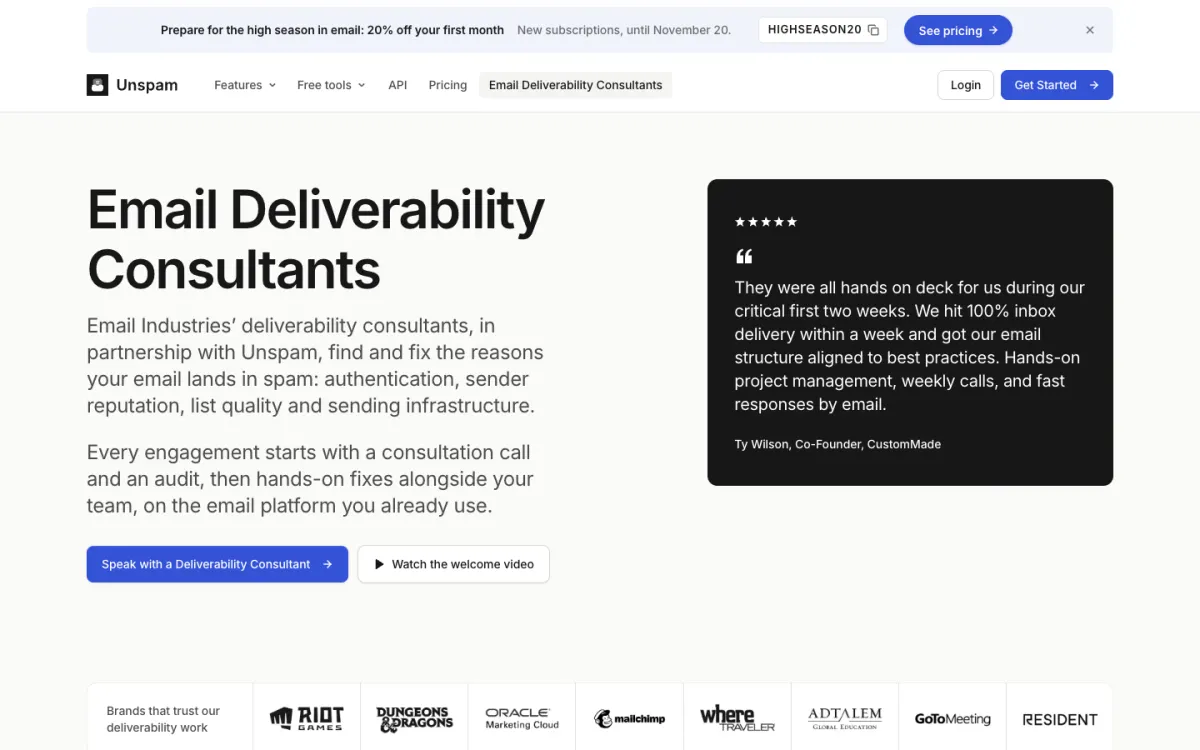
What it is. Unspam is a pre-send testing tool that also handles DMARC monitoring and list verification. It covers more of the five jobs than any other tool here except warm-up.
Key features.
- Spam test with a 0 to 100 score from SPF, DKIM, DMARC, blocklists, content and HTML.
- Inbox placement across 10 seed mailboxes at Gmail, Outlook, Yahoo and 4 more providers, reported as Inbox, Promotions, Spam or Missing.
- Previews in 60+ email clients and devices, including dark mode, plus desktop, tablet and mobile screenshots.
- AI eye-tracking heatmap that predicts where readers look first.
- DMARC monitoring, email verification, scheduled tests (Autopilot), REST API and MCP server on the paid plan.
Pricing. The Free plan includes 21 tests a month (5 spam tests, 3 inbox placements, 3 device previews, 5 screenshots, 5 heatmaps) with 14-day result history and no card. The Custom plan is pay per test from a $5 monthly minimum: $0.18 per spam test, $0.50 per inbox placement, $0.10 per device preview, $0.30 per heatmap, $6 per DMARC domain per month (first domain free) and $6.40 per 1,000 verifications. Annual billing takes 15% off, and there is a 14-day refund window. A Black Friday code (BLACKFRIDAY35) runs on new subscriptions until December 1, 2026.
Limitations. The seed list is 10 mailboxes, smaller than GlockApps or Validity. Preview coverage is 60+ clients, fewer than dedicated rendering tools. It has no warm-up, and blocklist checks are on demand rather than continuous alerts. DMARC, API, MCP, Autopilot and 3-year history require the Custom plan.
Good for: marketers and small teams who want to test campaigns, check placement and watch DMARC in one account without a $59+ monthly subscription.
2. GlockApps: best for heavy inbox placement testing
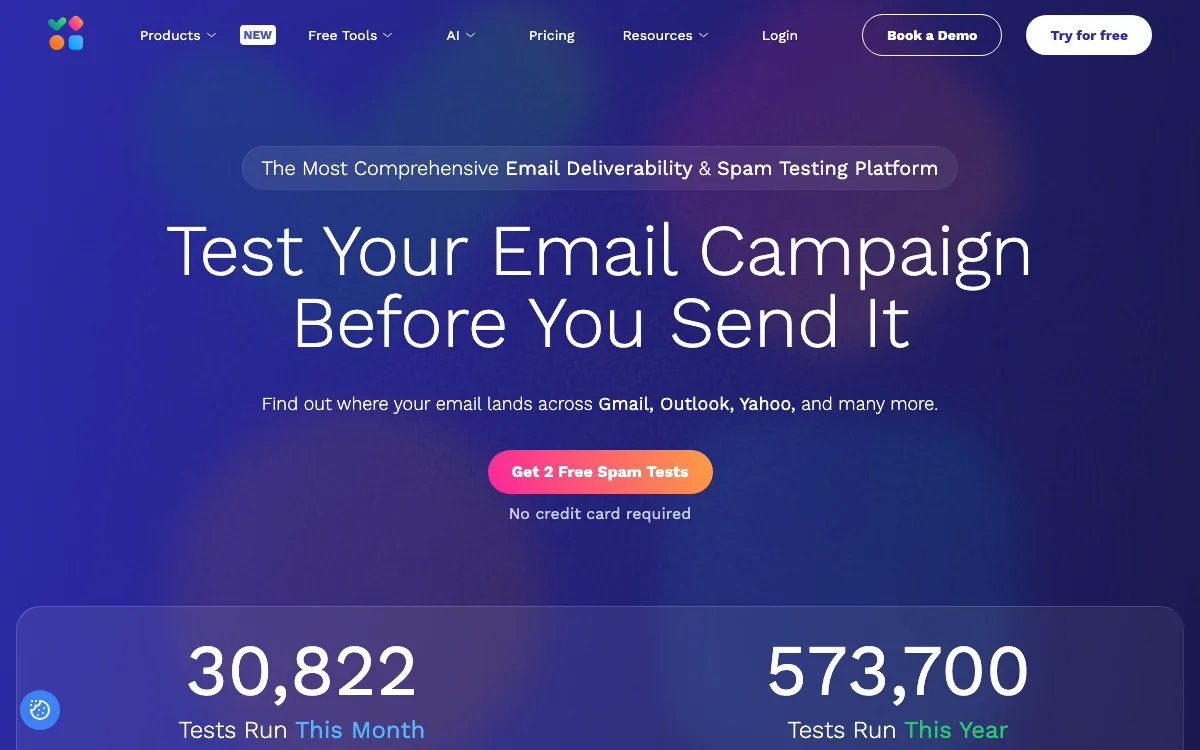
What it is. A long-running inbox placement and spam testing platform with DMARC analytics, used by agencies and deliverability consultants.
Key features. Seed-list placement across Gmail, Outlook, Yahoo and many regional providers; spam filter results; blocklist checks against 50+ lists on the free checker; DMARC analytics with unlimited domains; API and MCP access.
Pricing. Free plan with 2 spam test credits and 10,000 DMARC messages. Essential is $59/month billed annually ($708/year) with 360 credits, Growth $99/month ($1,188/year) with 1,080 credits, and Enterprise $129/month ($1,548/year) with 1,800 credits. Black Friday annual deals run November 16 to 27, 2026.
Limitations. The free plan is enough for a trial, not ongoing testing. No list verification, and rendering previews are not its focus.
Good for: agencies and high-volume senders who run placement tests every week.
3. Google Postmaster Tools: best free reputation data
What it is. Google’s own dashboards for mail sent to personal Gmail accounts. It is free with a Google account; you verify your sending domain with a DNS record.
Key features. Dashboards for compliance with Gmail’s sender requirements, user-reported spam rate, IP and domain reputation, feedback loop, SPF/DKIM/DMARC authentication rates, encryption and delivery errors, over 7 to 120 days.
Limitations. Data covers Gmail recipients only, is usually updated within 24 hours rather than live, and may be missing on low-volume days. It tells you that something is wrong, not which email caused it.
Good for: every sender to Gmail addresses. Set it up before you need it.
4. Mail-Tester: best free quick spam check
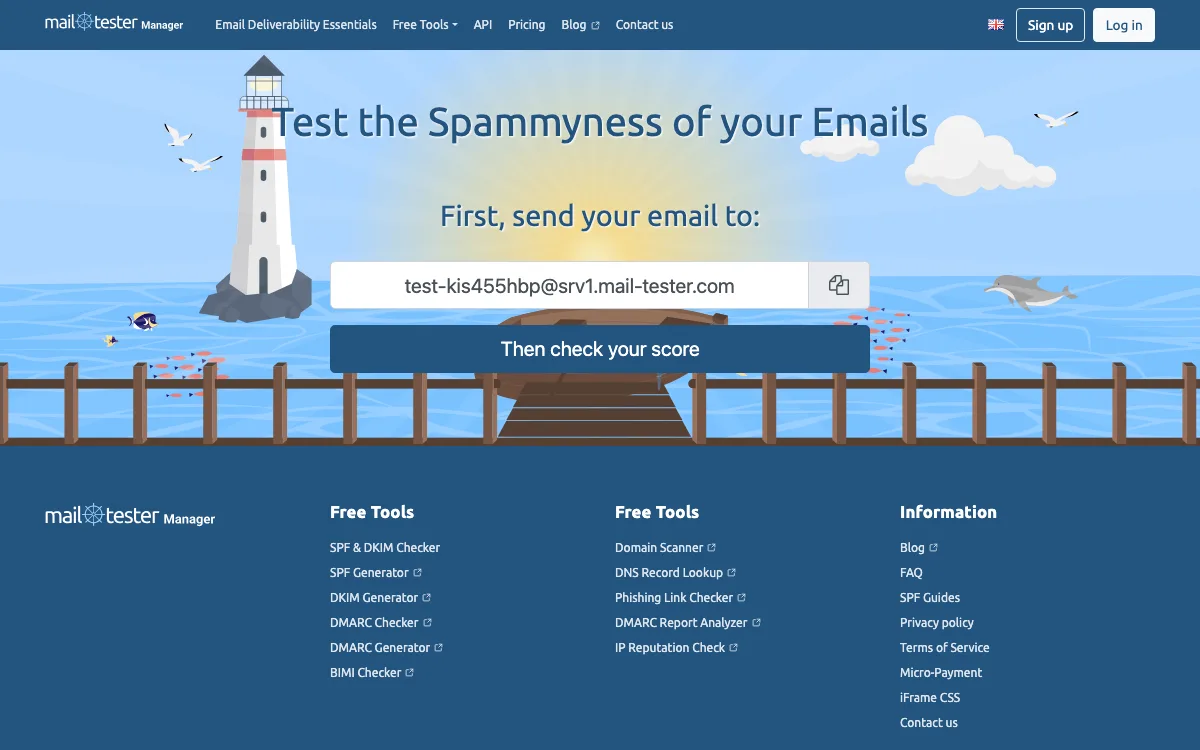
What it is. A one-page spam score checker: send an email to the address shown and get a score with notes on authentication, blocklists and content.
Pricing. Occasional manual tests work without an account. Subscriptions run from $10/month for 50 tests to $25 for 500, $80 for 2,000 and $250 for 7,500 (excluding VAT), and add an API, white-label results and test history.
Limitations. It scores one message; there is no seed placement test, no previews and no DMARC monitoring.
Good for: a fast sanity check of a new template or DNS change.
5. MailGenius: best spam test for cold email
What it is. A spam tester built around cold outreach, with an AI deliverability assistant and copywriting analysis.
Pricing. A free spam test is available on the homepage. Paid plans billed yearly: Beginner $23/month (60 tests), Genius $39/month (unlimited tests) and Automatic Email Testing and Domain Monitoring $79/month, which tests every email automatically and adds blocklist alerts. Monthly billing is $29, $49 and $97.
Limitations. Test results are hosted on public links, which matters for confidential campaigns. No previews or DMARC monitoring.
Good for: sales teams checking outreach copy and setup before sequences go out.
6. Mailgun Optimize: best for placement plus list validation
What it is. Sinch Mailgun’s deliverability suite, sold separately from Mailgun sending.
Pricing. Pilot is $49/month with 2,500 validations and 25 inbox placement tests. Starter is $99/month with 5,000 validations, 50 placement tests, spam trap and blocklist monitoring (1 IP, 1 domain), and Google Postmaster Tools and Microsoft SNDS integrations. Both include the first month free and unlimited users. Overages start at $0.75 per placement test.
Limitations. Email previews are a separate product (Mailgun Inspect). Fixed tiers mean you pay $49 even in quiet months.
Good for: teams that want placement testing and list validation from one vendor with unlimited seats.
7. dmarcian: best for DMARC monitoring
What it is. A DMARC management platform focused on getting domains from p=none to enforcement.
Pricing. Personal is free for non-business use (2 domains, 1,250 messages/month). Basic is $24/month or $19.99/month billed yearly (2 domains, 100,000 messages, 3 months of history). Plus is $240/month or $199 billed yearly (8 domains, 1 million messages). Enterprise is $600/month or $499 billed yearly.
Limitations. DMARC only: no placement tests or previews. The free plan cannot be used for business domains.
Good for: IT and email teams running DMARC across several sending services.
8. ZeroBounce: best for list verification
What it is. An email validation service that has added inbox tests, blocklist monitors and DMARC.
Pricing. Freemium gives 100 validation credits a month, 1 inbox test, 1 email server test and 1 blocklist monitor, when you sign up with a business domain. Pay as you go starts at $39 for 2,000 validations. ZeroBounce ONE starts at $99/month (minimum 10,000 credits) and adds warm-up seeds, placement tests and DMARC domains; annual billing saves 20%.
Limitations. Testing and DMARC are add-ons to a verification product, with small allowances on the free plan.
Good for: cleaning old or imported lists before a send. For API-based signup checks, see how to stop spam signups with an email verification API.
9. Warmy: best for warm-up
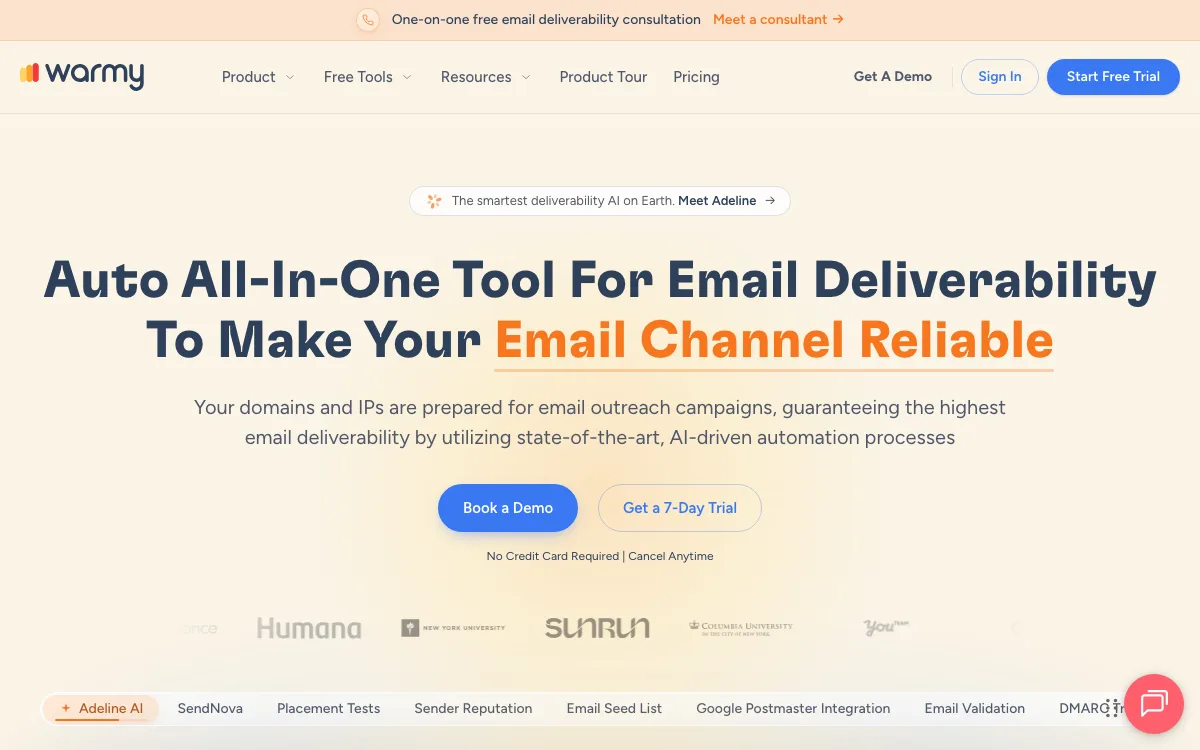
What it is. A warm-up platform that sends and engages with your mail through a network of over 1 million mailboxes, with separate B2B and B2C networks.
Pricing. Plans start at $49/month with a 7-day trial and no card required. Plans also include placement test credits, DMARC monitoring, email verification and Google Postmaster data, but the page does not publish the monthly placement allowance.
Limitations. Pricing scales with warm-up volume, and quotas need a conversation with sales. MailReach is a cheaper per-mailbox option (EUR 25 per mailbox per month on its pricing page) if you only need warm-up and a few spam tests.
Good for: new domains and cold outreach mailboxes that need sending history.
10. Validity Engage: best for enterprise programs
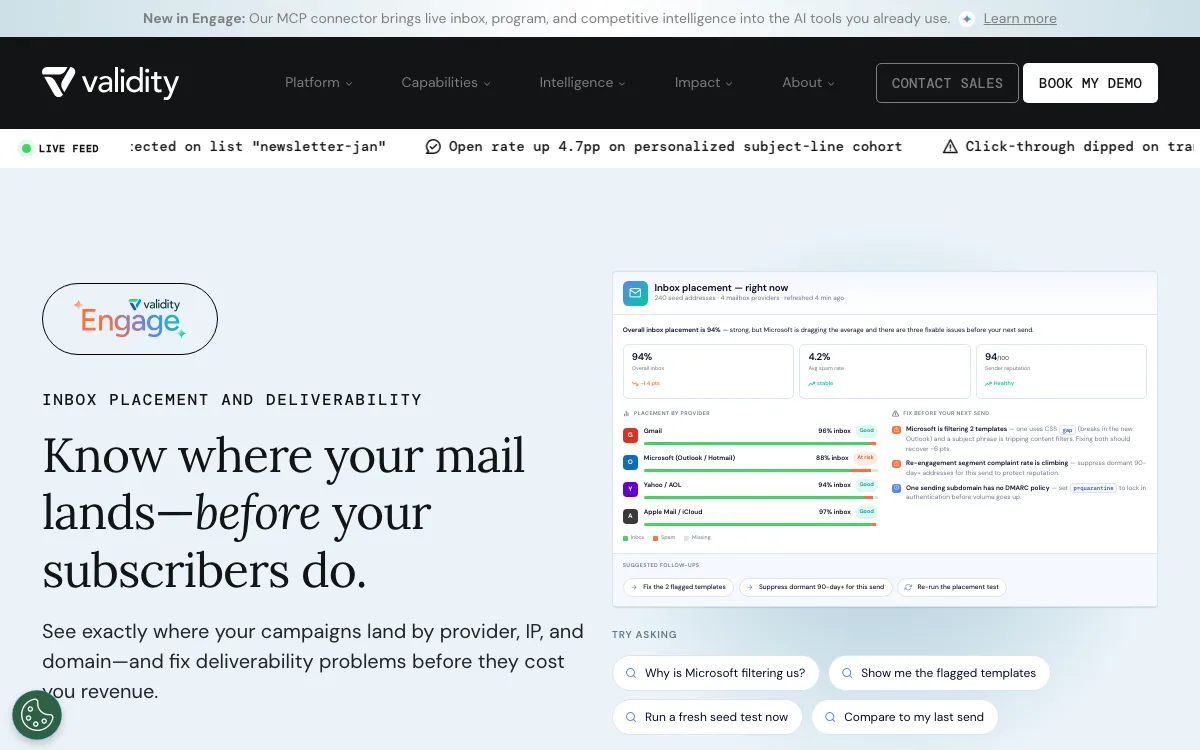
What it is. Validity’s deliverability platform; the former Everest URL now redirects to the Engage inbox placement page. It covers placement testing across 90+ providers, Sender Score reputation monitoring, authentication monitoring, blocklist monitoring and a pre-send check.
Pricing. Quote only (“Enterprise pricing, built to fit”).
Limitations. No public price or self-serve plan; built for large programs with sales-led contracts.
Good for: enterprise email teams that want placement, reputation and authentication data in one platform.
Which email deliverability tool should you choose?
- One campaign went to spam: run a spam test and an inbox placement test (Unspam, GlockApps or Mail-Tester for a quick score).
- Every campaign is slipping: check Google Postmaster Tools for spam rate and reputation, then DMARC reports for unknown senders.
- Authentication failures or moving to p=reject: a DMARC monitor (Unspam or dmarcian).
- High bounce rate: verify the list first (ZeroBounce or Mailgun Optimize).
- New domain or cold outreach mailbox: warm-up (Warmy), then test before you scale.
- Large program with a budget: Validity Engage or GlockApps Growth.
FAQ
What is the best email deliverability tool?
For most senders, a pre-send tester that combines spam scoring, inbox placement and previews. Unspam covers those plus DMARC monitoring on pay-per-test pricing; GlockApps suits heavier placement testing. Add Google Postmaster Tools for free reputation data.
What is an email deliverability test?
It checks a specific email before you send it. A spam test scores authentication, blocklists and content. An inbox placement test sends the email to seed mailboxes and reports whether each copy landed in the inbox, promotions tab or spam.
Is an inbox placement tool the same as a warm-up tool?
No. An inbox placement tool measures where an email lands. A warm-up tool builds sending history for a new mailbox or domain. Warm-up will not fix failing DKIM, a blocklisting or spammy content.
Are there free email deliverability tools?
Yes. Google Postmaster Tools is free. Mail-Tester allows occasional free manual tests, Unspam’s Free plan includes 21 tests a month, and GlockApps gives 2 free spam test credits.
How often should I run a deliverability test?
Before any campaign with a new template, domain, ESP or large list change, and after DNS changes. High-volume senders often schedule tests weekly or daily to catch drops early.
Build your Bootstrap theme
Design a custom Bootstrap 5 theme visually with a live preview, then export clean Sass or CSS.
Open the Builder