8 Best Email Verification Tools in 2026 (Pricing Compared)
Sending to addresses that don’t exist is one of the fastest ways to damage your sender reputation: every hard bounce tells Gmail and Outlook that you don’t look after your list, and a few percent is enough to start pushing your mail toward spam. An email verification tool checks addresses before you send, so you can remove the dead ones from an old list or stop them at your signup form.
This guide compares eight email verification tools on what matters when you pay per address: price per 1,000, whether unknown results and duplicates are free, how catch-all domains are handled, real-time checks for forms, and integrations. Prices are from each vendor’s own pricing page, read in October and November 2026, in US dollars unless we say otherwise.
The short version:
- Best overall: Bouncer, with credits that never expire, unknowns and duplicates free, and catch-all addresses resolved on Google and Microsoft mail.
- Best for verification plus email testing: Unspam, which cleans lists and tests your email for spam and inbox placement in one plan, with unknowns, duplicates, and malformed rows free.
- Best all-in-one deliverability suite: ZeroBounce, with placement tests, warmup, blacklist and DMARC monitoring alongside verification.
- Best for keeping lists clean automatically: NeverBounce, with daily Sync on connected lists.
- Best real-time API: Kickbox.
- Best catch-all scoring: Emailable.
- Cheapest small packs: EmailListVerify, from €5 for 1,000.
- Best free daily allowance: Verifalia, with 25 credits a day.
What an email verifier checks
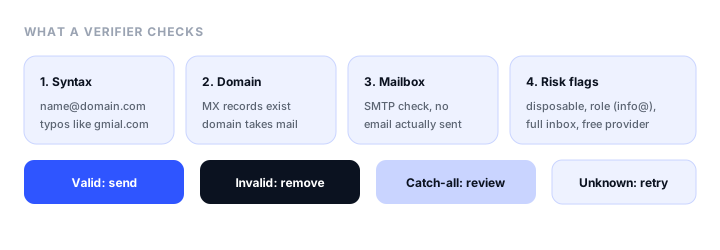
A verifier runs each address through four checks, without sending it an email:
- Syntax: the address is well formed, and common typos such as
gmial.comare caught. - Domain: the domain exists and has mail servers (MX records) that accept mail.
- Mailbox: the verifier asks the mail server, over SMTP, whether the mailbox exists, and disconnects before any message is sent.
- Risk flags: disposable addresses, role addresses such as
info@orsupport@, full inboxes, and known spam traps.
Each address comes back with a result. Valid addresses are safe to send to and invalid ones should be removed. Catch-all (or accept-all) means the domain accepts mail for any address, so the mailbox can’t be proven; some tools stop there, while others resolve or score them. Unknown means the server didn’t answer clearly, often because of greylisting, and the check can be retried later.
Two billing details make a large difference to the real price: whether you pay for unknown results that tell you nothing, and whether duplicates in a list cost a credit each.
Email verification tools at a glance
| Tool | Free | 10,000 checks, one-time | Unknowns free | Duplicates free | Catch-all | Real-time API |
|---|---|---|---|---|---|---|
| Bouncer | 100 credits | $60 | Yes | Yes | Resolved on Google and Microsoft | Yes |
| Unspam | 10 checks a day, no signup | From $6.40 per 1,000, $5/mo minimum | Yes | Yes | Flagged for review | No, asynchronous |
| ZeroBounce | 100 credits a month | $129 | Not stated | Not stated | Not stated | Yes |
| NeverBounce | Free list analysis | $50 | Not stated | Yes | Flagged | Yes |
| Kickbox | 100 checks | $70 | Yes, refunded | Not stated | Flagged | Yes |
| Emailable | 250 credits | $60 | Yes | Yes, within a list | Scored 0 to 100 | Yes |
| EmailListVerify | 100 checks | €27 | Yes | Yes | Flagged | Yes |
| Verifalia | 25 credits a day | $49.90 | Not stated | Yes | Flagged | Yes |
The best email verification tools, reviewed
1. Bouncer: best overall
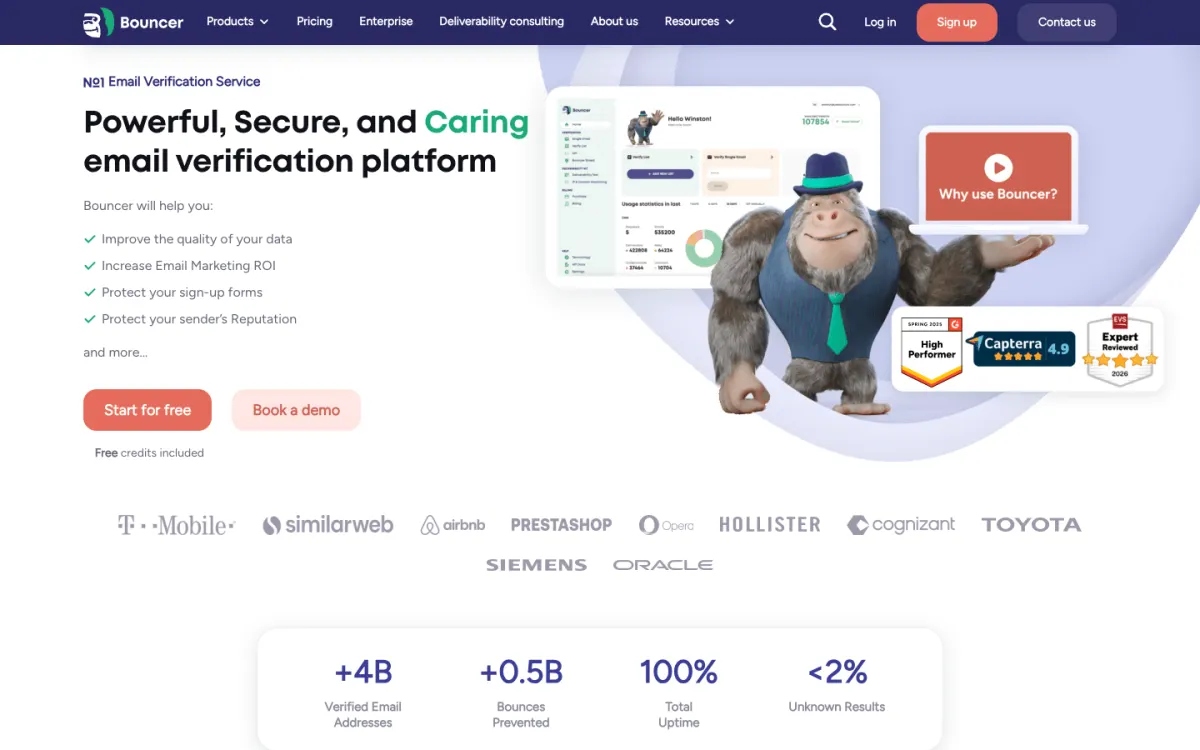
What it is. Bouncer verifies single addresses and lists in CSV, TXT, XLS, and XLSX, with a synchronous API, a signup-form shield, and an official MCP server.
Why it stands out. It gets the billing details right: credits never expire, and unknown results and duplicates are not charged. Catch-all addresses on Google and Microsoft mail are resolved rather than just flagged, which matters for B2B lists where many company domains accept all mail. Each address also gets a toxicity score from 1 to 5, AutoClean re-verifies lists on six platforms, and 25 apps are listed as integrations.
What to know. Bouncer Shield, the real-time form check, is a separate subscription from $7 a month. The Deliverability Kit for inbox placement and blocklist checks is another separate subscription, from $25 a month.
Pricing. 100 free credits at signup. One-time packs: $8 for 1,000, $60 for 10,000, $400 for 100,000, $2,000 for 1,000,000. A monthly subscription delivers the same packs at 20% off, for example $48 for 10,000.
2. Unspam: best for verification plus email testing
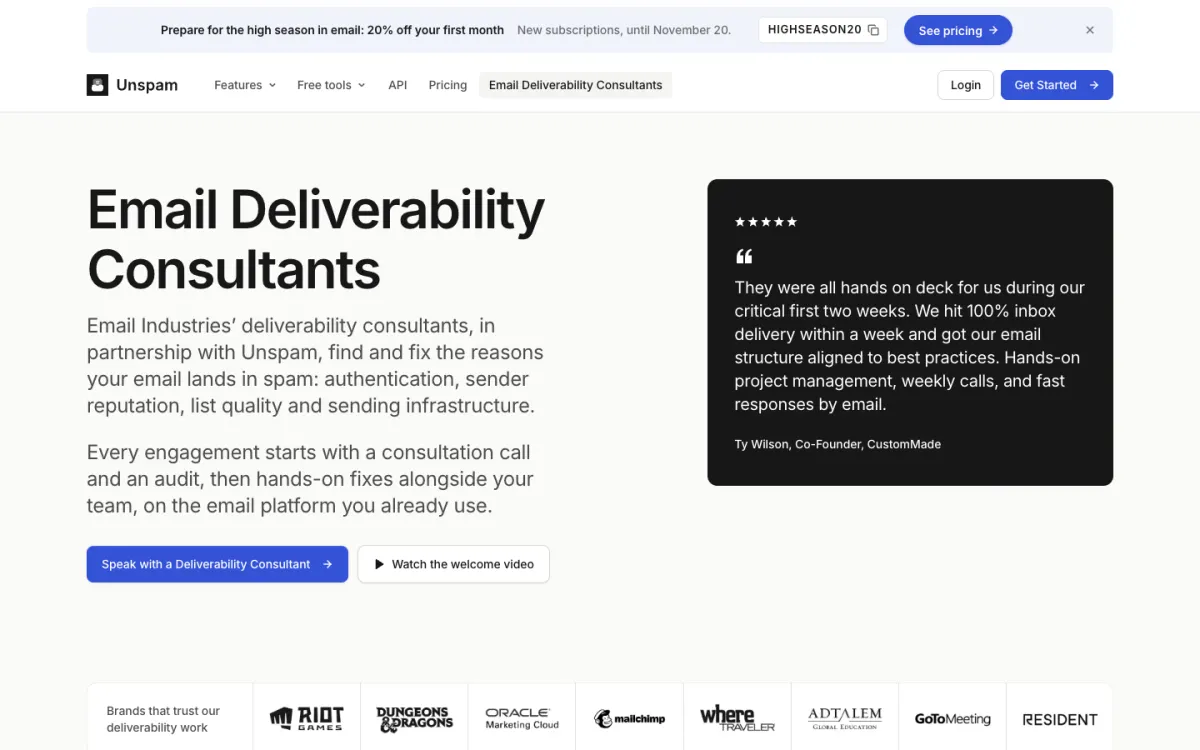
What it is. Unspam is an email deliverability platform whose verifier checks single addresses and whole lists, alongside spam tests, inbox placement tests, email previews, and DMARC monitoring.
Why it stands out. Lists of up to 100,000 rows are analyzed for duplicates, typos, and malformed rows before any credit is used, and you pay one credit only per unique address with a definitive answer: unknowns, duplicates, and malformed addresses are free. Price per address falls band by band, from $6.40 per 1,000 to $1.20 per 1,000 above 100,000, which makes very large lists cheap. Each result comes with a status, a reason, and a suggested action (keep, review, remove, or retry), and flags for disposable, role, free-provider, and full-inbox addresses. The same Custom plan includes the REST API, an MCP server with five verification tools, and the spam and placement tests that tell you whether the email itself will land.
What to know. The API answers asynchronously, so it isn’t built to hold a signup form while it checks; our tutorial on stopping spam signups with an email verification API shows how to use it in the background instead. Catch-all addresses are detected and flagged for review, not resolved. There are no native ESP or CRM integrations (lists come in as CSV or TXT, or through the API) and no scheduled re-verification.
Pricing. Free: up to 10 addresses a day on the verifier page, with no account. Custom plan from $5 a month minimum, with verification from $6.40 per 1,000 down to $1.20 per 1,000 above 100,000.
3. ZeroBounce: best all-in-one deliverability suite
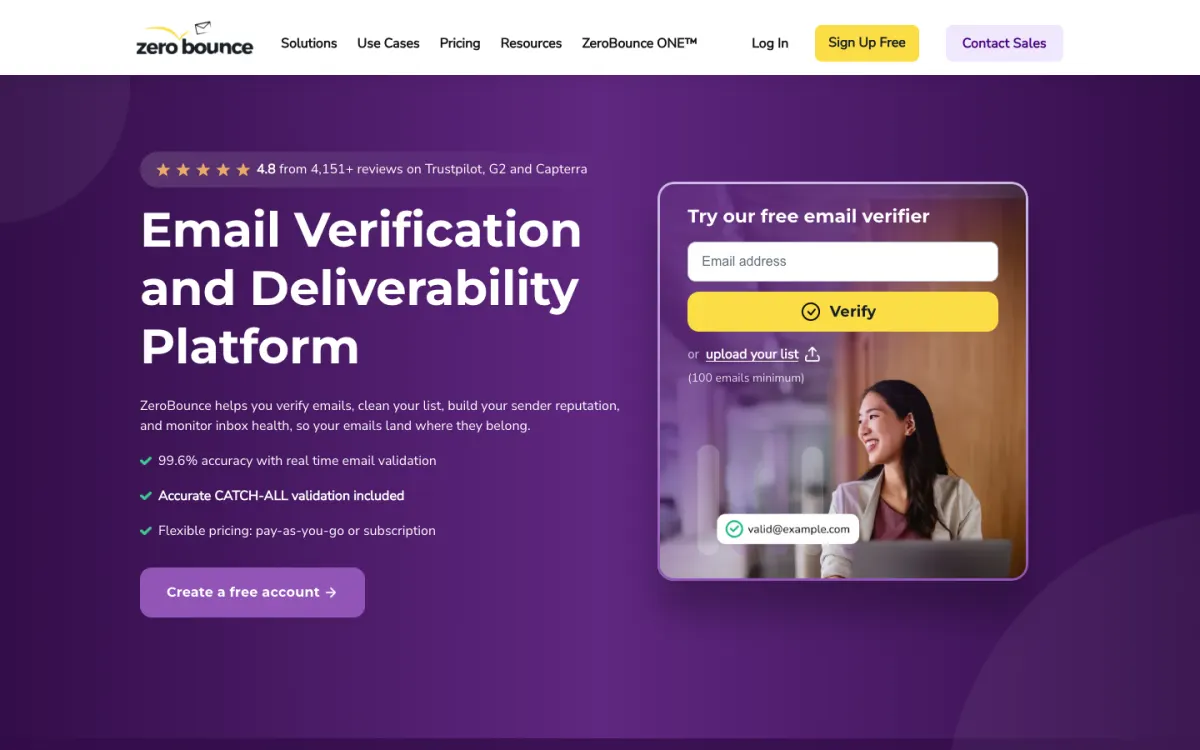
What it is. ZeroBounce is one of the best-known verifiers, now sold as part of a wider deliverability suite with inbox placement tests, warmup, blacklist monitoring, DMARC monitoring, and an email finder.
Why it stands out. The ZeroBounce ONE subscription bundles 10,000 validation credits a month with 100 inbox placement tests, warmup, 10 blacklist monitors, and DMARC monitoring for one domain, which suits a team that wants one vendor for list hygiene and deliverability. The free plan renews monthly and includes a placement test and a blacklist monitor too, and there is an open-source MCP server.
What to know. Pay-as-you-go verification is the most expensive here per address at small volumes, and the full value is in ONE, which starts at 10,000 credits a month.
Pricing. Free: 100 credits a month. Pay as you go: $39 for 2,000, $69 for 5,000, $129 for 10,000. ZeroBounce ONE $99/mo, or $79/mo billed yearly, with 10,000 credits a month and the deliverability tools.
4. NeverBounce: best for keeping lists clean automatically
What it is. NeverBounce verifies lists and single addresses, with a real-time API and form widget, SDKs in seven languages, and more than 80 integrations.
Why it stands out. Growth plans include Sync, which cleans connected lists in your ESP or CRM every day and charges only for new, unique addresses, so the list stays clean without uploads. Duplicates and syntax errors are free, and a free list analysis estimates your bounce rate before you pay.
What to know. There is no published exemption for unknown or accept-all results, and pay-as-you-go credits expire 12 months after purchase.
Pricing. Pay as you go: $8 per 1,000 at the entry tier, falling to $0.005 an address from 10,000 and $0.002 from 2,000,000. Growth from $49/mo for up to 10,000 addresses a month, with Sync.
5. Kickbox: best real-time API
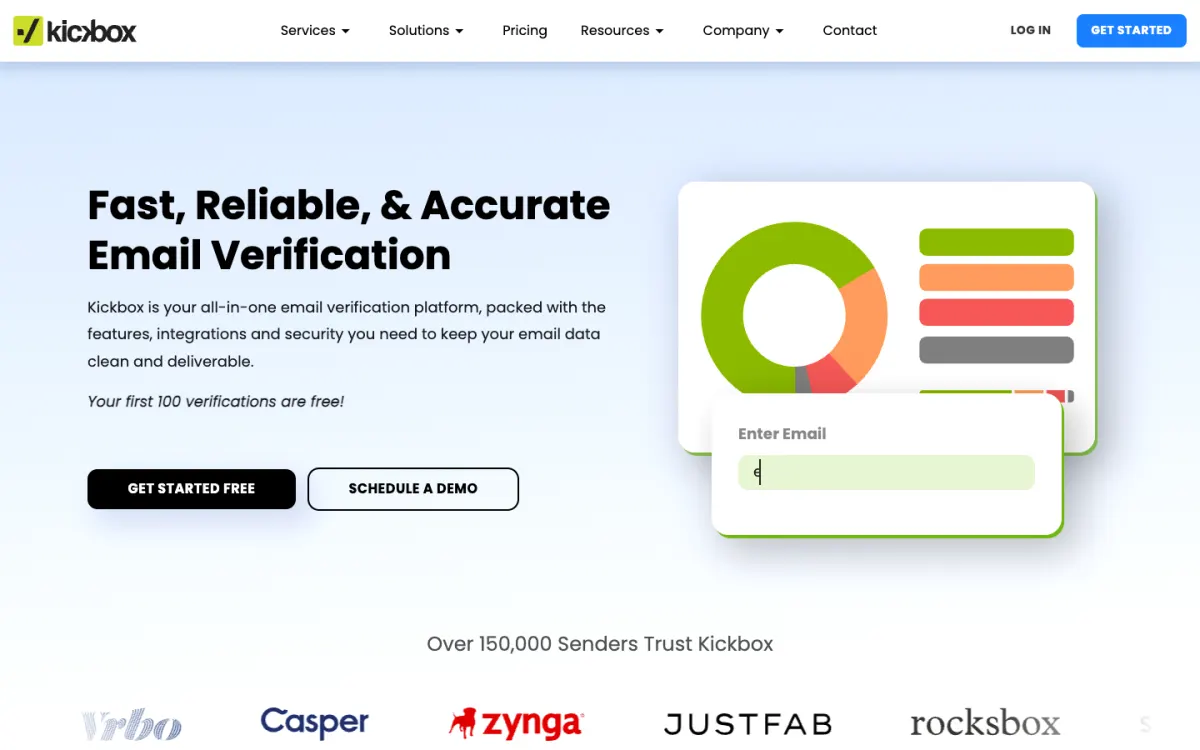
What it is. Kickbox is a pay-as-you-go verifier with a single-address API built for the point of capture, a batch API for up to 1,000,000 addresses per job, and 18 native integrations.
Why it stands out. The real-time API suggests corrections for mistyped addresses and has a sandbox for testing, and Threat Score rates addresses for known complainers and spam traps, charging an extra credit only when it finds a signal. Unknown results are refunded, and verification can run in the US or the EU.
What to know. Kickbox shut down its spam testing, inbox placement, blocklist, and DMARC tools in January 2024, so it is verification only. Credits expire a year after purchase, and duplicates have no published exemption.
Pricing. 100 free verifications. $5 for 500, $70 for 10,000, $500 for 100,000, $2,999 for 1,000,000, with no subscription.
6. Emailable: best catch-all scoring
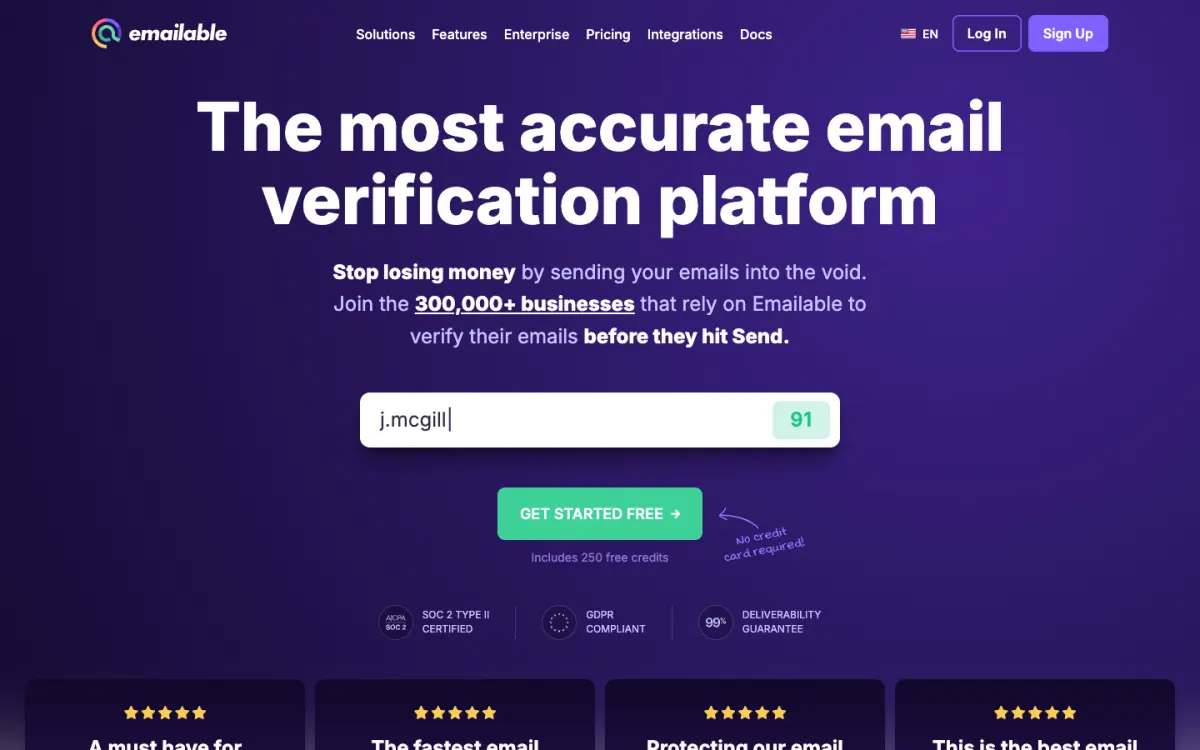
What it is. Emailable verifies lists of any size in CSV, XLS, XLSX, and TXT, with a synchronous API, a form widget, and 21 native integrations.
Why it stands out. Catch-all addresses are resolved where possible and otherwise scored from 0 to 100, so you can decide how much risk to take rather than discarding them all. Unknowns and duplicates within a list are free, credits never expire, and subscription credits roll over.
What to know. The smallest pack is 5,000 credits. Inbox Reports and blacklist monitors cost extra credits, and there is no official MCP server.
Pricing. 250 free credits. One-time packs: $38 for 5,000, $60 for 10,000, $420 for 100,000, $2,100 for 1,000,000. Subscriptions are 15% off.
7. EmailListVerify: cheapest small packs
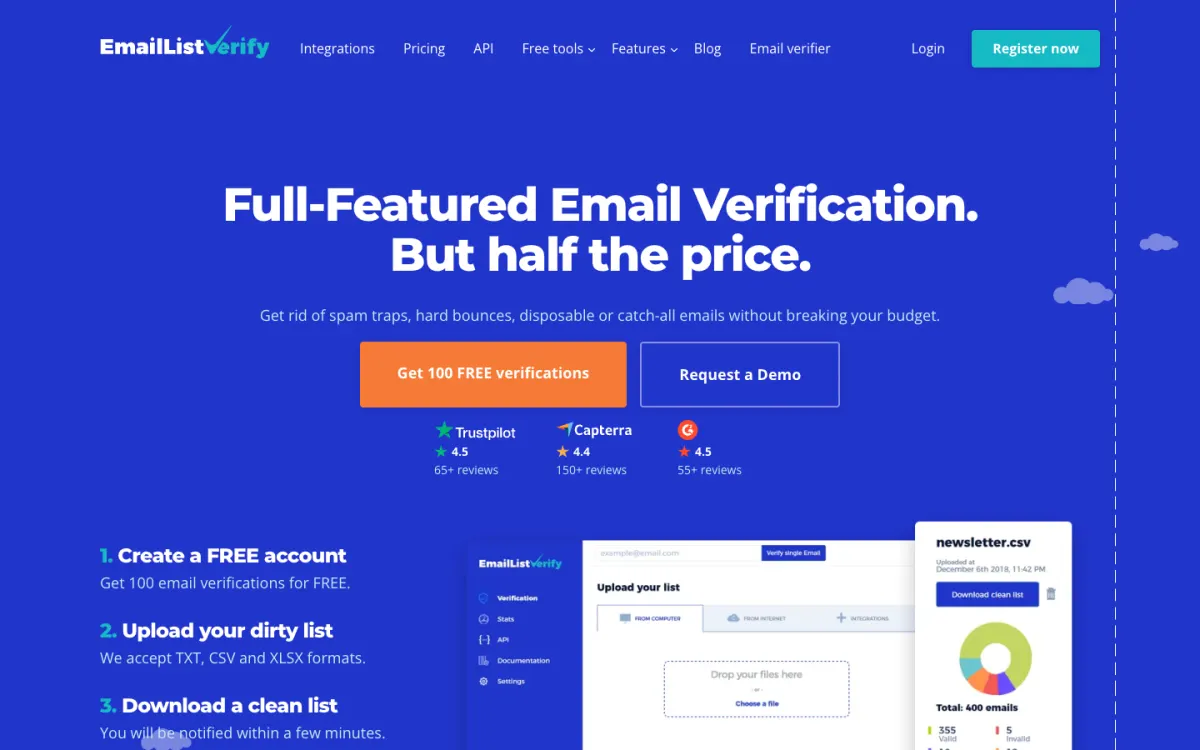
What it is. EmailListVerify verifies lists of up to 1,000,000 rows, with a synchronous API, a disposable-address check for forms, 13 integrations including Zapier and n8n, and an official MCP server.
Why it stands out. It is the cheapest way to clean a small list, and it doesn’t charge for unknown results, SMTP or anti-spam errors, invalid syntax, or duplicates. Pay-as-you-go credits never expire, and free inbox placement and blacklist tools sit on its site.
What to know. Catch-all addresses are reported, not resolved, there are no typo suggestions, and a high-quality check costs 2 credits. Prices are shown in euros.
Pricing. 100 free verifications. One-time packs: €5 for 1,000, €27 for 10,000, €186 for 100,000. Monthly plans from €16 for 5,000.
8. Verifalia: best free daily allowance
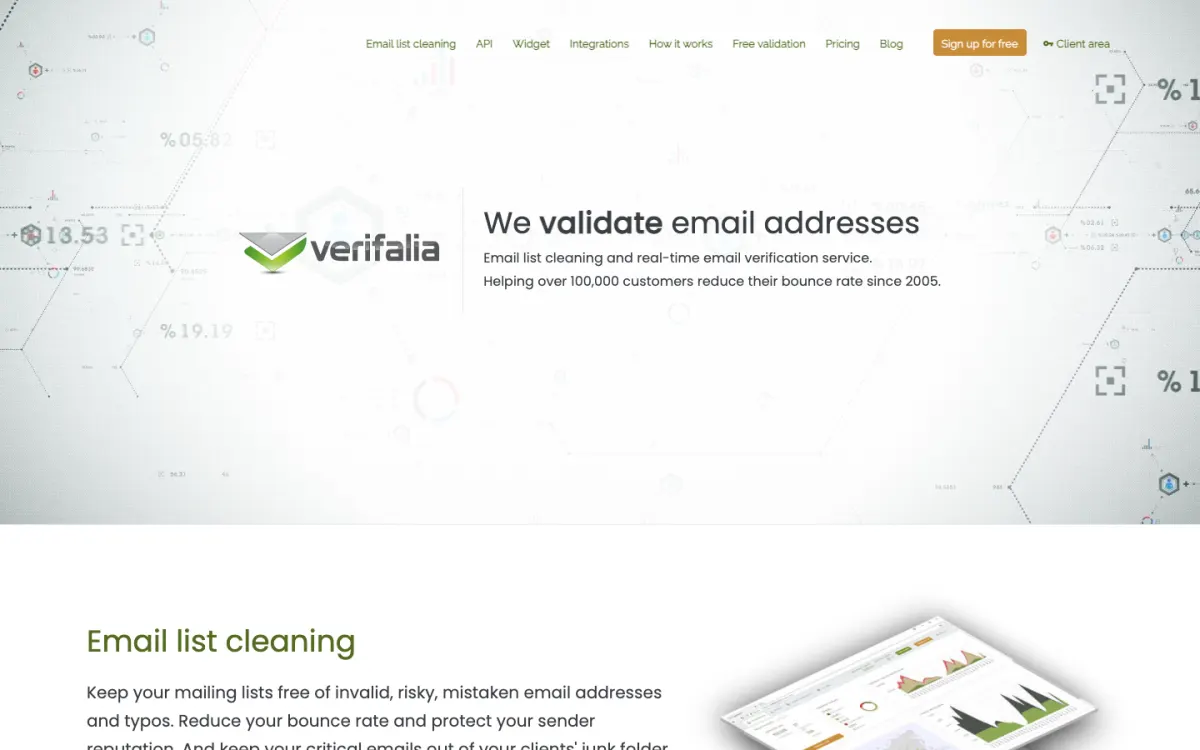
What it is. Verifalia verifies single addresses and lists of up to 100 MB in five file formats, with an API, a JavaScript widget, and SDKs in six languages.
Why it stands out. A free account gets 25 credits every day, which covers a trickle of signups or occasional checks at no cost, and credit packs never expire. Duplicates are free.
What to know. Plan credits renew daily and expire at midnight UTC, so they don’t build up. High-quality checks cost 2 credits and Extreme checks 4, how unknowns are billed isn’t stated, and integrations are limited to Zapier, Pipedream, and Google Sheets.
Pricing. Free: 25 credits a day. Packs: $7.90 for 1,000, $49.90 for 10,000, $389 for 100,000. Plans from $9.90/mo for 250 credits a day.
Which features matter
- Unknowns and duplicates free. On an old list, unknowns and duplicates can be a large share of rows. Bouncer, Unspam, Emailable, and EmailListVerify charge for neither.
- Catch-all handling. For B2B lists, catch-all domains are common. Bouncer resolves them on Google and Microsoft mail and Emailable scores them; the rest flag them for you to decide.
- Real-time checks at signup. If you want to reject a bad address while the visitor is still on the form, choose a tool with a synchronous API or widget, such as Kickbox, Bouncer, NeverBounce, or Emailable.
- Credits that last. Bouncer, Emailable, EmailListVerify, and Verifalia packs never expire; NeverBounce and Kickbox credits expire after 12 months.
- Integrations. If your list lives in an ESP or CRM, NeverBounce’s Sync and Bouncer’s AutoClean keep it clean without exports.
- More than verification. A clean list is only half of deliverability. Unspam and ZeroBounce also test the email itself; our guide to why emails go to spam covers the other causes.
How often should you verify a list?
Verify any list before its first send, and any list you haven’t emailed in three months or more, since addresses go stale as people change jobs and abandon inboxes. Verify new signups as they arrive, either in real time on the form or in the background with a double opt-in email. For an active list, re-verify every few months, or let an integration such as NeverBounce Sync or Bouncer AutoClean do it continuously.
How to choose
- You want the best all-round verifier with fair billing: Bouncer.
- You want to clean lists and test your emails in one plan, or verify very large lists cheaply: Unspam.
- You want verification, warmup, placement tests, and DMARC from one vendor: ZeroBounce.
- Your list lives in an ESP or CRM and should stay clean on its own: NeverBounce.
- You need to check addresses in real time at signup: Kickbox.
- You have many catch-all B2B addresses: Emailable or Bouncer.
- You have a small list and a small budget: EmailListVerify.
- You only need a few checks a day: Verifalia’s free plan, or Unspam’s free verifier for 10 a day without an account.
FAQ
What is the best email verification tool?
Bouncer is the best email verification tool for most people, with credits that never expire, no charge for unknowns or duplicates, and catch-all resolution on Google and Microsoft mail. Unspam is best if you also want to test your emails for spam and inbox placement, and ZeroBounce if you want a full deliverability suite.
Is there a free email verification tool?
Yes, with limits. Unspam’s verifier checks 10 addresses a day free with no account, Verifalia gives 25 credits a day with a free account, and ZeroBounce includes 100 credits a month. Bouncer, Kickbox, and EmailListVerify give 100 free checks at signup, and Emailable gives 250.
How much does email verification cost?
Most tools charge $5 to $10 per 1,000 addresses for small packs (ZeroBounce’s smallest pack works out at about $19.50 per 1,000), falling to $2 to $3 per 1,000 at a million. Unspam goes down to $1.20 per 1,000 above 100,000 addresses. Check whether unknown results and duplicates are charged, since they change the real cost.
How does email verification work?
A verifier checks the address syntax, confirms the domain has mail servers, then asks the mail server over SMTP whether the mailbox exists, disconnecting before any email is sent. It also flags disposable, role, and other risky addresses, and returns a result such as valid, invalid, catch-all, or unknown.
What is a catch-all email address?
A catch-all domain accepts mail for any address at that domain, so a verifier can’t prove a specific mailbox exists. Many tools flag these addresses as risky; Bouncer resolves them on Google and Microsoft mail, and Emailable scores them from 0 to 100.
How often should I verify my email list?
Verify a list before its first send and any time it hasn’t been emailed for three months or more. For active lists, re-verify every few months, and check new signups as they arrive.
Can email verification stop my emails going to spam?
It helps by keeping your bounce rate low, which protects your sender reputation. But spam filtering also depends on authentication (SPF, DKIM, and DMARC), complaint rates, and your content, so verification works best alongside spam testing and good list practices.
Build your Bootstrap theme
Design a custom Bootstrap 5 theme visually with a live preview, then export clean Sass or CSS.
Open the Builder