7 Best Email List Cleaning Services in 2026 (Prices)
An email list cleaning service checks every address on your list and tells you which ones will bounce, which are risky, and which are safe to mail, so you can remove the bad ones before they hurt your sender reputation. This guide compares seven services on the cost to check 1,000 and 10,000 addresses, free credits, catch-all handling, API access, and integrations, with every price checked on the vendor’s own pricing page in November 2026.
TL;DR
- Best for cleaning a list and testing the next campaign: Unspam. $6.40 a month for 1,000 checks or $42.40 for 10,000, unknown results free, and spam tests and inbox placement in the same plan.
- Cheapest at 10,000: MillionVerifier. $39 for 10,000 credits that never expire, with catch-all resolution in the standard check.
- Best for small, one-off lists: Bouncer. $8 buys 1,000 credits that never expire, and unknowns and duplicates are free.
- Best for B2B lists full of catch-all domains: Clearout, whose Deep Verify mode is built to resolve catch-all addresses.
- Best real-time API for signup forms: Kickbox, with flags for role, free, disposable, and accept-all addresses in every response.
- Best for scoring catch-alls inside a bigger deliverability suite: ZeroBounce, which gives each catch-all a 1 to 10 score for one extra credit.
What email list cleaning actually does
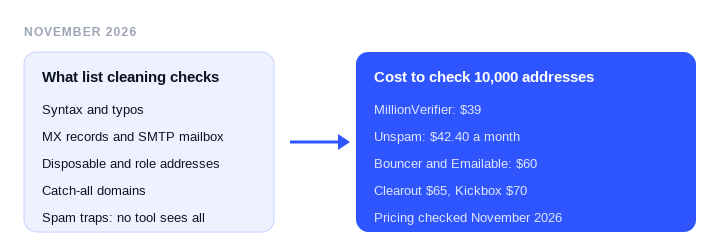
List cleaning (also called email verification) runs a series of checks on each address without emailing it. Most services share the core checks and differ on the addresses those checks cannot settle.
- Syntax check. The address is parsed against the formatting rules for email addresses. A missing @, a space, or an illegal character fails here, and good tools also catch likely typos such as name@gmial.com and suggest a correction.
- Domain and MX check. The service looks up the domain’s MX records to confirm it has mail servers that accept email. If a domain takes no mail, every address on it is undeliverable.
- SMTP mailbox check. The service connects to the recipient’s mail server and asks whether the mailbox exists, then disconnects before any message is sent. This is the check that finds deleted, disabled, and full mailboxes.
- Disposable addresses. Temporary inbox services hand out addresses that stop working within hours or days. Verifiers match the domain against a maintained list of disposable providers.
- Role addresses. info@, support@, sales@, and similar addresses usually reach a shared inbox or a group. They are valid, but they tend to engage less and complain more, so most tools flag them rather than reject them.
- Catch-all domains. Some servers accept mail for any address at the domain, so the SMTP check says “yes” even for an address that doesn’t exist. Most tools can only flag these as risky. A few try to resolve them with extra probing or engagement data.
Spam traps are the limit of every tool. A spam trap is an address run by a mailbox provider or blocklist operator to catch poor list hygiene: often an abandoned address that was repurposed, or a typo domain such as @gmial. AWS’s deliverability team notes that trap owners keep traps secret by design, and a trap accepts mail like any mailbox, so no SMTP check can tell one apart. Unspam says plainly that its verifier does not flag spam traps. Vendors that advertise trap detection are estimating from known patterns, not guaranteeing it. The reliable defenses are consent at signup and removing people who stop engaging.
Email list cleaning services at a glance
“Cost to check” is the price of the smallest purchase that covers that many addresses at regular prices, in USD. Where a vendor’s minimum purchase is larger, the cell shows what the minimum buys.
| Service | Cost to check 1,000 | Cost to check 10,000 | Free credits | Catch-all handling | API | Integrations |
|---|---|---|---|---|---|---|
| Unspam | $6.40 a month | $42.40 a month | 10 single checks a day, no signup; lists need the Custom plan | Detected and flagged as risky | Yes, asynchronous, plus MCP server | CSV or TXT upload, REST API, MCP |
| MillionVerifier | $39 (minimum 10,000) | $39 | 100 | Resolved in the standard check; unresolved ones free | Yes, real time | 40+, plus daily EverClean sync |
| Bouncer | $8 | $60 | 100 | Deep catch-all verification | Yes, sync and async | Mailchimp, HubSpot, Klaviyo, Brevo and more |
| Emailable | $38 (minimum 5,000) | $60 | 250 | Counted as risky | Yes, plus form widget | Direct, Zapier, and Make connections |
| Clearout | $40 (minimum 5,000) | $65 | 100 | Deep Verify mode resolves many | Yes, real time | HubSpot, Salesforce, Mailchimp, Zapier and more |
| Kickbox | $10 | $70 | 100 | Flagged as accept-all | Yes, real time | 28 listed, including Klaviyo and Salesforce |
| ZeroBounce | $39 (minimum 2,000) | $129 | 100 a month (business domain) | AI score from 1 to 10, one extra credit | Yes, real time | 99 listed |
Unspam is the only one sold as a monthly allowance; the other six sell one-time credit packs. MillionVerifier, Bouncer, Emailable, and Clearout say their credits never expire. ZeroBounce says expiration rules may apply without its ONE subscription, and Kickbox’s terms say credits expire one year after purchase.
How the services were chosen
Each service had to clean full lists by upload, offer an API, publish prices, and give free credits to test with. Rankings weigh cost at 1,000 and 10,000 addresses, how unknown and catch-all results are treated, and what comes beyond verification. NeverBounce is covered separately in the NeverBounce alternatives guide.
The best email list cleaning services, reviewed
1. Unspam: best for cleaning a list and testing the next campaign
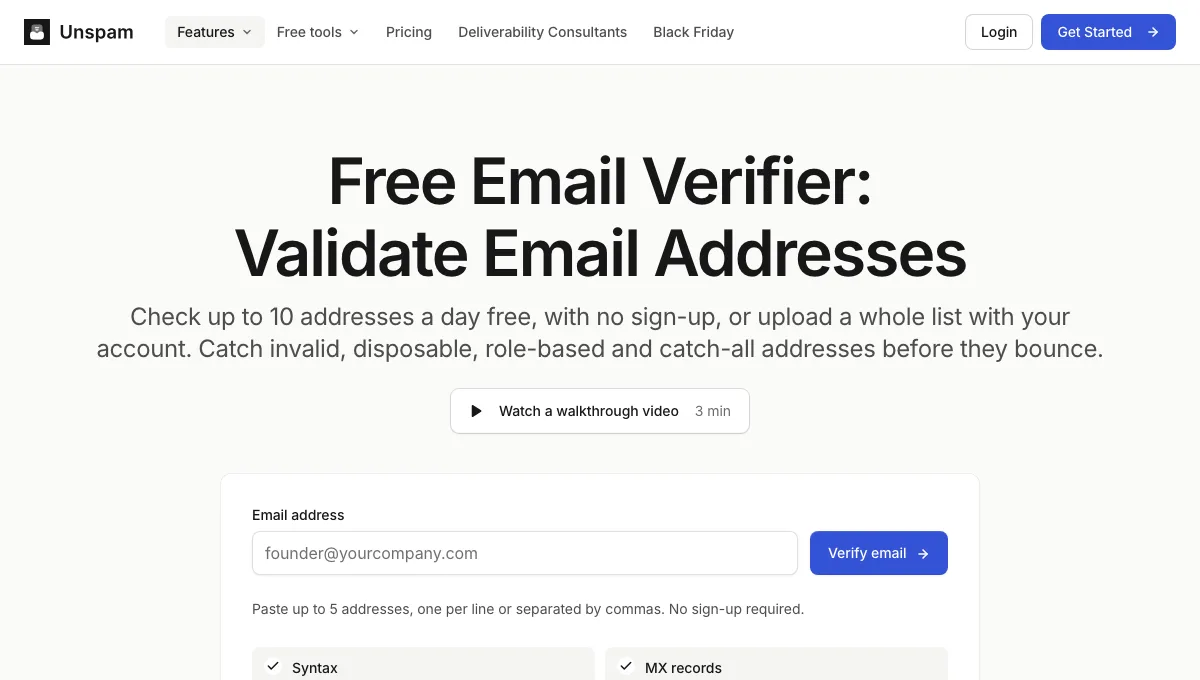
What it is. Unspam is a deliverability testing tool with spam tests, seed-based inbox placement, previews in 60+ email clients, and DMARC monitoring. Its email verifier checks single addresses and whole lists.
What it checks. Six checks per address: syntax (RFC 5322 conformance and length limits), MX records, a live SMTP probe that asks the server whether the mailbox exists without sending mail, disposable domains (cross-referenced against 200+ providers), role-based addresses, and catch-all detection. Each address comes back as deliverable, risky (including catch-all), disposable, undeliverable, or unknown, with a reason and an action: keep, review, remove, or retry.
List cleaning workflow. Upload a CSV or TXT file of up to 100,000 rows. Duplicates, malformed addresses, disposable domains, and likely typos are counted before any credit is used, and you can download the addresses ready to send, a suppression list, or the full file with results, as CSV or Excel.
Pricing. Free checks of up to 10 addresses a day with no account. List cleaning comes with the Custom plan, where you pick monthly quantities. At regular prices, 1,000 verifications a month cost $6.40 and 10,000 cost $42.40 ($4.24 per 1,000). Each unique address with a definitive result uses one credit; duplicates, malformed addresses, and unknown results are free. The pricing page’s FAQ also states a $5 monthly minimum for the Custom plan, which sits below the cost of 1,000 verifications, so it only matters if you buy very small amounts of other tests. Top-up credits never expire but need an active Custom plan, annual billing takes 15% off, and every paid plan has a 14-day refund window.
Extras on the same plan. A spam test costs $0.18 and an inbox placement test across a seed list at Gmail, Outlook, Yahoo, and other providers costs $0.50. The first DMARC monitoring domain is free.
Limitations. MillionVerifier is cheaper at 10,000. The allowance resets each billing month, so a one-off clean means paying for a month. There are no native ESP or CRM integrations (lists go in by upload, REST API, or MCP), the API answers asynchronously so it won’t hold a signup form, and catch-alls are flagged, not resolved.
Good for: marketers who want to clean a list and check that the next send reaches the inbox, in one account.
2. MillionVerifier: best price at 10,000 and up
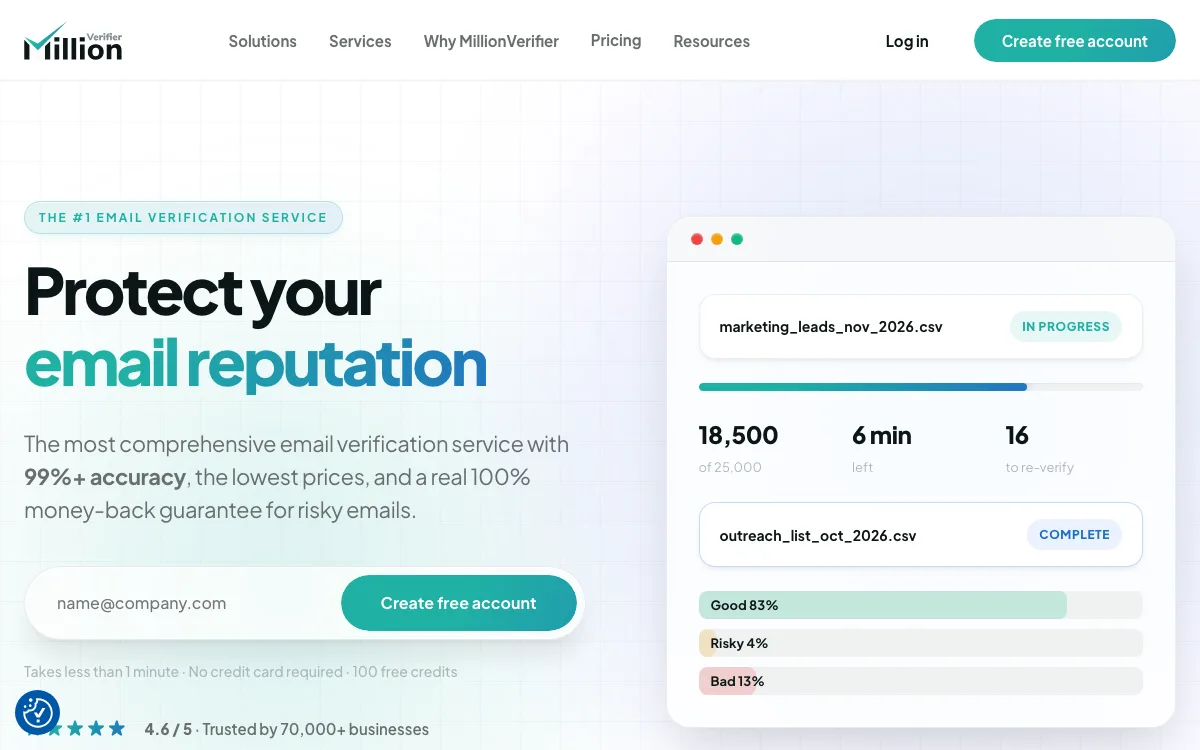
What it is. MillionVerifier is a bulk-first verifier with a single-email checker, list uploads, a real-time REST API, and EverClean, which verifies every new subscriber in your ESP once a day.
Catch-all handling. Catch-all resolution is built into the standard one-credit check. MillionVerifier says it resolves 30% to 40% of catch-all addresses into valid or invalid, and it charges nothing for unknown results or catch-alls it cannot resolve. That figure is the vendor’s own, so test it on a sample of your list.
Pricing. 100 free credits. The smallest package is 10,000 credits for $39, then $59 for 25,000, $89 for 50,000, and $149 for 100,000. Credits never expire.
Limitations. There is no package below 10,000, so a 1,000-address list still costs $39. It is verification only, with no spam or inbox placement testing.
Good for: anyone cleaning 10,000 or more addresses who wants the lowest price and credits that last.
3. Bouncer: best for small, one-off lists
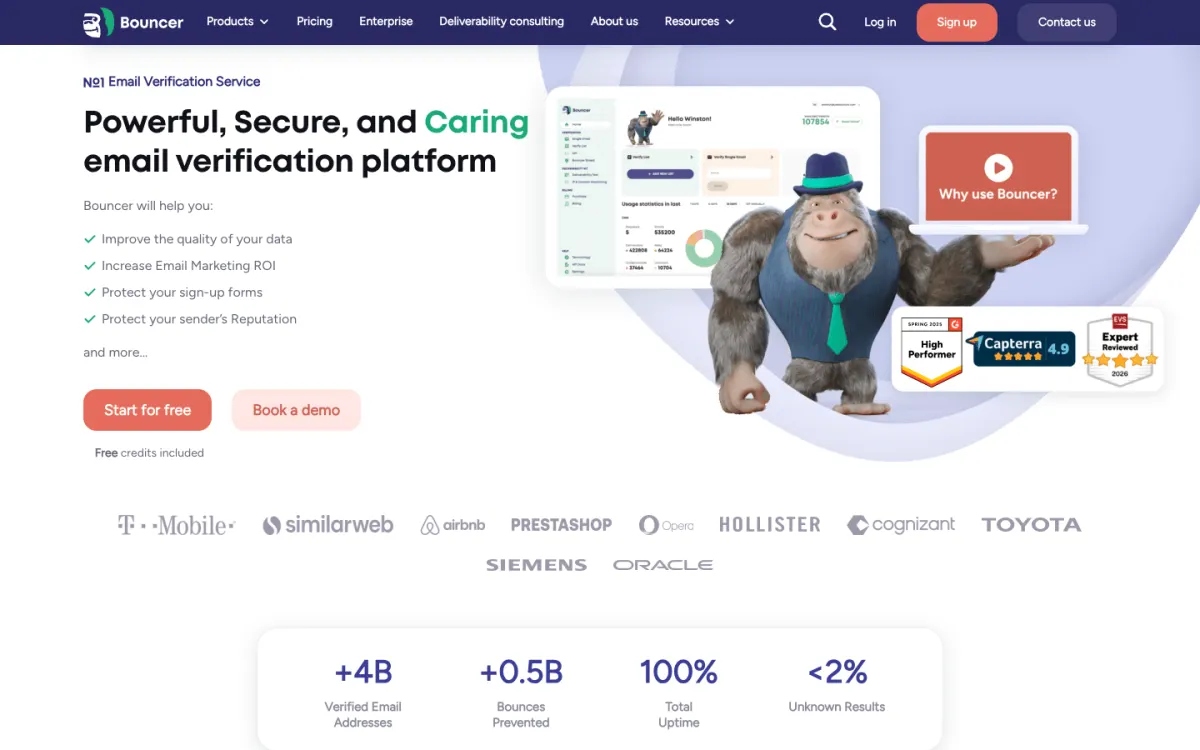
What it is. Bouncer is an EU-based verifier with list uploads, a verification API with synchronous and asynchronous endpoints, integrations, Bouncer Shield for forms, and a separate Deliverability Kit.
Why it stands out. The minimum purchase is 1,000 credits for $8, the lowest entry price here for a one-time clean. Credits never expire, duplicates and unknown results are never charged, its homepage lists deep catch-all verification, and uploaded data is stored only in EU AWS data centers.
Pricing. 100 free credits. $8 for 1,000, $35 for 5,000, $60 for 10,000, $400 for 100,000.
Integrations. Mailchimp, HubSpot, Klaviyo, Brevo, Constant Contact, GetResponse, MailerLite, lemlist, and others.
Limitations. Bouncer Shield (real-time form checks) and the Deliverability Kit (inbox placement and blocklist tests, from $25 a month) are separate subscriptions.
Good for: small businesses cleaning a few thousand addresses at a time, and teams that want EU data hosting.
4. Emailable: best for fast list cleaning with a form widget
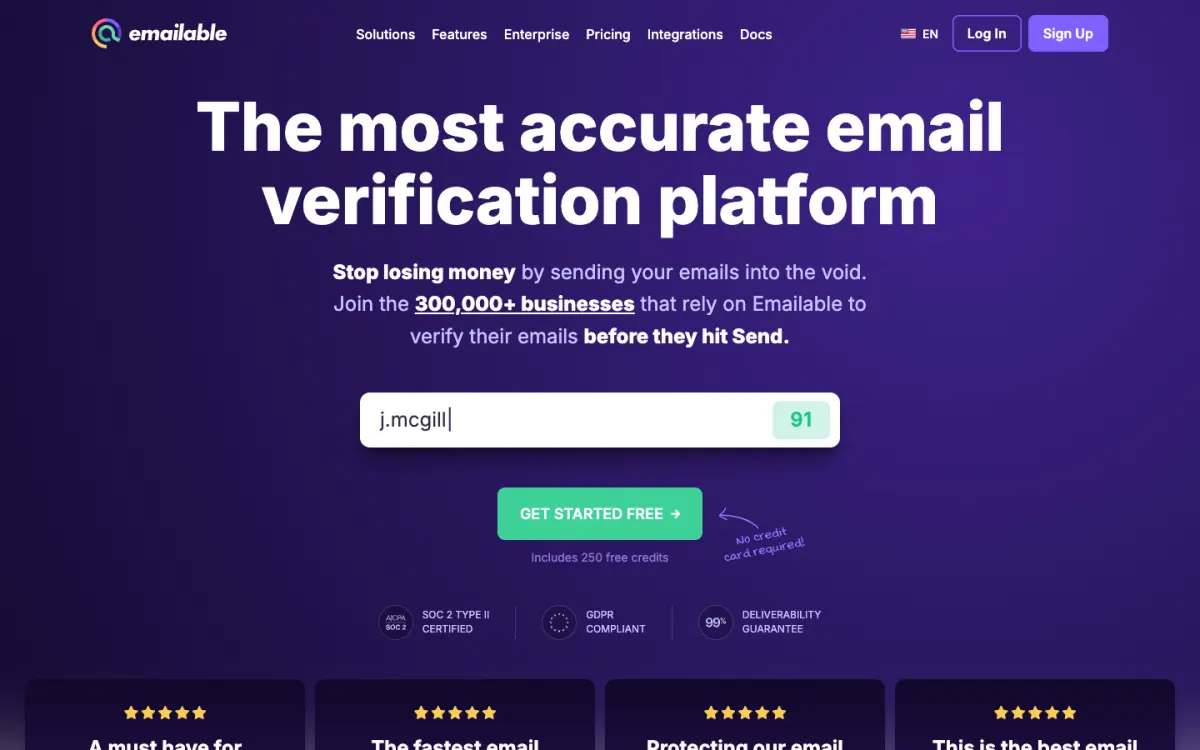
What it is. Emailable verifies lists in bulk, single addresses, and signups through an API and an embeddable widget, and sells Inbox Reports and blacklist monitors on the same credits.
Why it stands out. It has the most free credits here (250), and credits spent on unknown results and duplicates are returned to your balance when a list finishes. Emailable says it typically processes 10,000 addresses in under three minutes. Results come back as deliverable, risky, undeliverable, or unknown; accept-all, role, and disposable behavior are factored into the risky result rather than given states of their own.
Pricing. The minimum purchase is 5,000 credits for $38; 10,000 cost $60 and 100,000 cost $420. Credits never expire, and a credits subscription takes 15% off.
Integrations. A directory of direct connections (ActiveCampaign, AWeber, Brevo, Constant Contact, and others) plus Zapier and Make.
Limitations. No pack below 5,000, and catch-alls fold into risky, which can leave B2B lists with a large risky segment.
Good for: teams that want list cleaning and a signup form widget from one vendor.
5. Clearout: best for B2B lists with catch-all domains
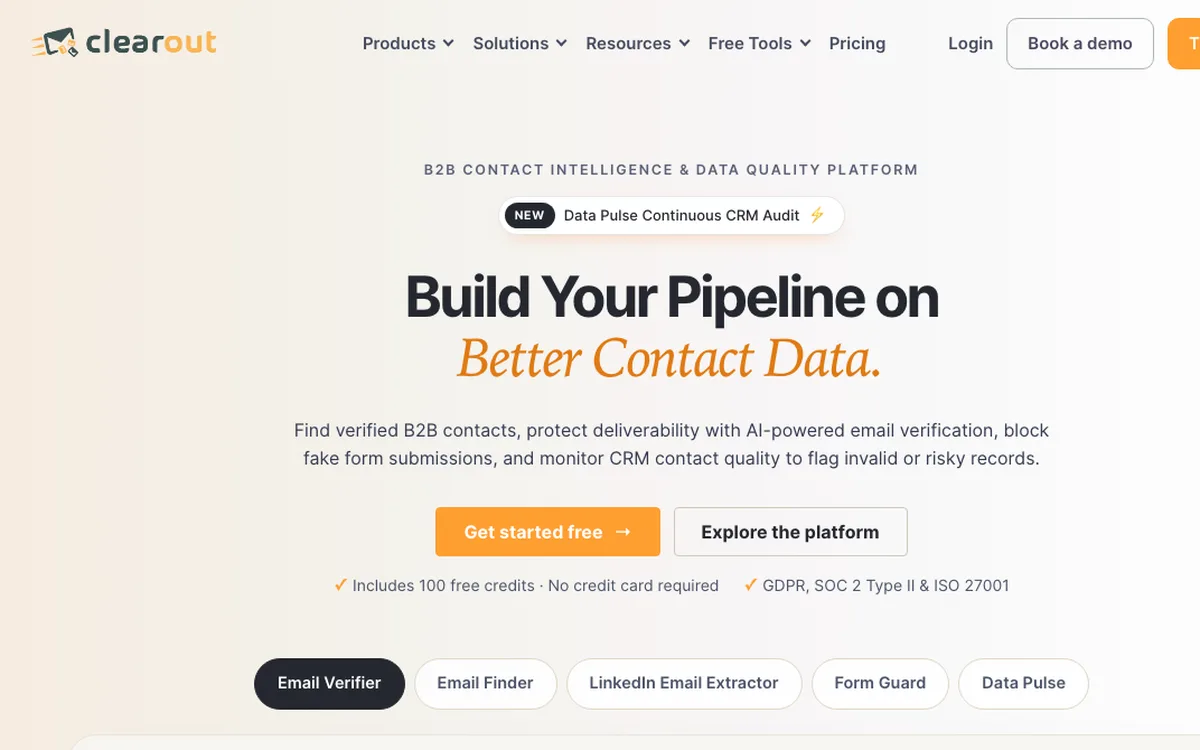
What it is. Clearout is a verification and B2B contact data platform with bulk and real-time verification, Form Guard for signup forms, an email finder, and Data Pulse for monitoring CRM contacts.
Catch-all handling. Clearout runs 20+ checks per address, including MX lookup, SMTP ping, disposable, role, and catch-all detection. Its Deep Verify mode is built for catch-all-heavy domains and domains behind secure email gateways such as Mimecast, and gives those addresses a safe-to-send call instead of leaving them as risky. Clearout also lists spam trap detection, which it describes as estimating the chance that an address is a trap.
Pricing. 100 free credits. Pay as you go starts at $40 for 5,000 credits and $65 for 10,000; $400 buys 100,000. Credits never expire. Monthly plans start at 3,000 credits.
Integrations. HubSpot, Salesforce, Zoho, Apollo, lemlist, MailerLite, ActiveCampaign, Mailchimp, Google Sheets, Zapier, and WordPress.
Limitations. No pack below 5,000, and much of the platform targets sales prospecting.
Good for: B2B senders whose lists are full of company domains that accept all mail.
6. Kickbox: best real-time API for signup forms
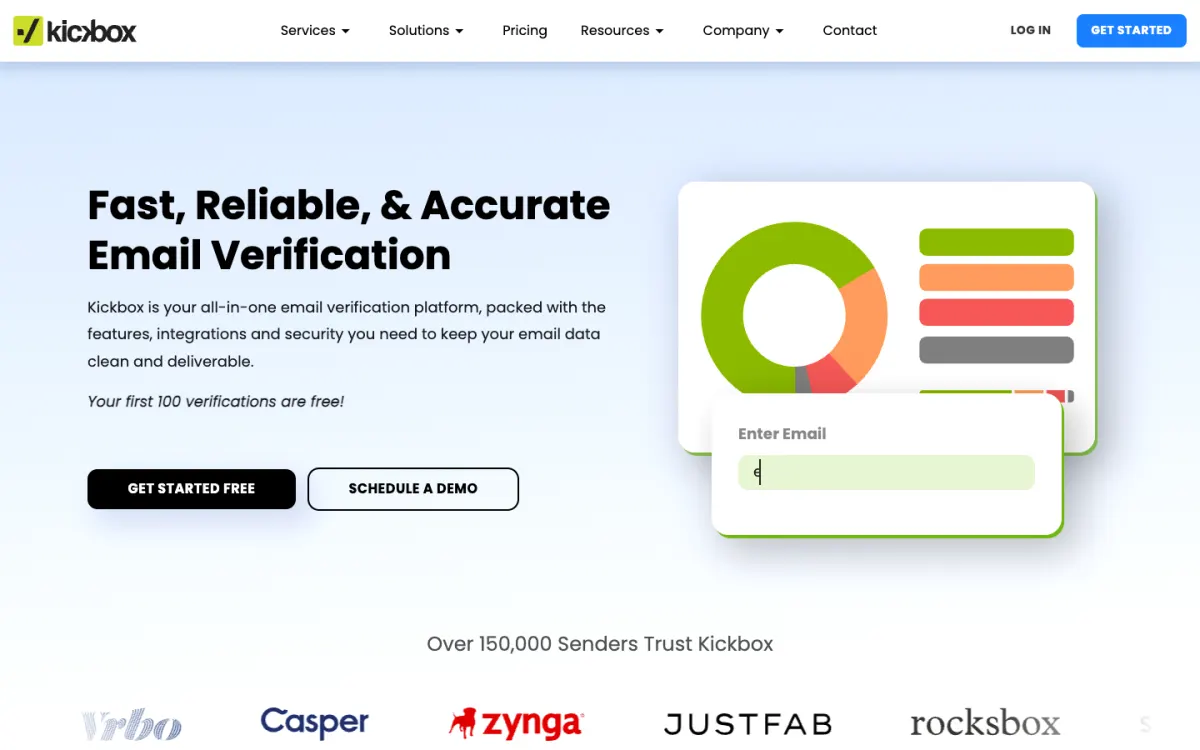
What it is. Kickbox is a pay-as-you-go verifier with list cleaning and a real-time API, with verification and support in both the US and the EU.
Why it stands out. Each API response returns a result (deliverable, undeliverable, risky, or unknown), a reason, a typo suggestion, a Sendex quality score, and separate flags for role, free, disposable, and accept-all addresses. Unknown results are refunded as credits.
Pricing. 100 free verifications. $10 for 1,000, $70 for 10,000, $500 for 100,000.
Integrations. 28 listed, including Klaviyo, Mailchimp, HubSpot, Salesforce, and Zapier.
Limitations. Credits expire one year after purchase under Kickbox’s terms, catch-alls are flagged but not resolved, and it costs more than Bouncer at both volumes.
Good for: developers checking addresses at signup and checkout. The tutorial on stopping spam signups with an email verification API shows the pattern.
7. ZeroBounce: best for catch-all scoring in a larger suite
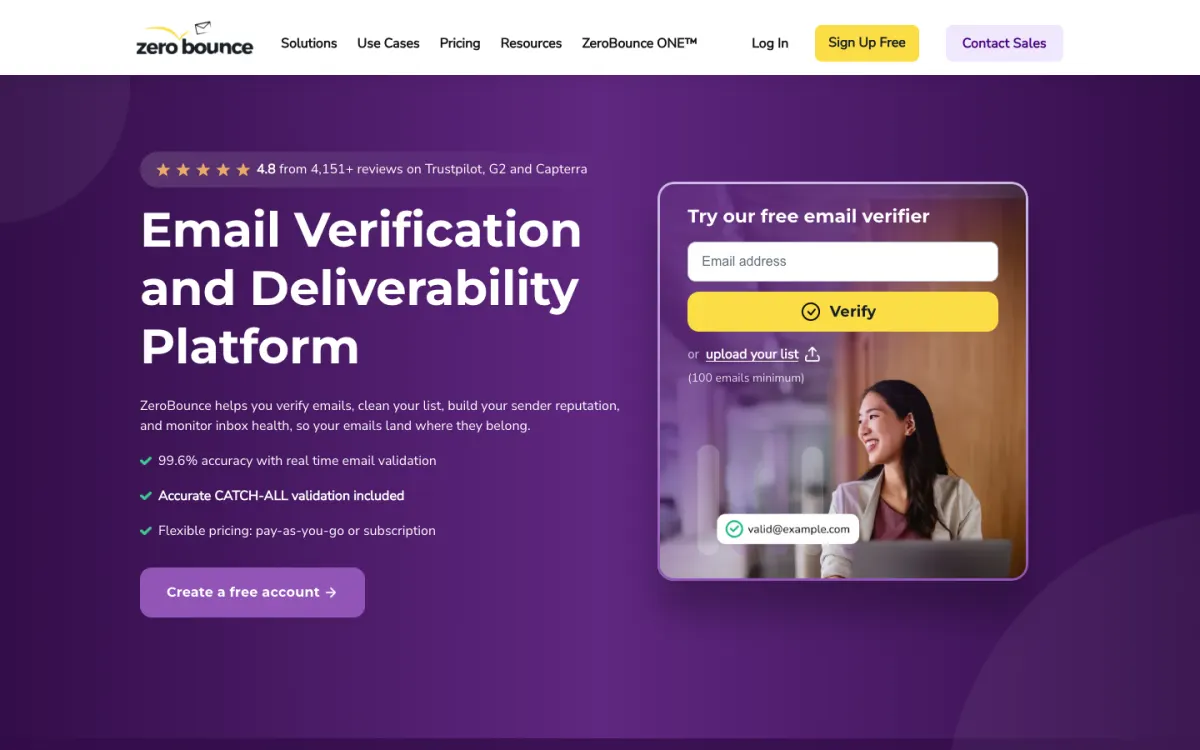
What it is. ZeroBounce is a verification platform with 18 validation tools, AI scoring for catch-all addresses, an email finder, and a subscription (ZeroBounce ONE) that adds warmup, inbox placement tests, blacklist monitors, and DMARC monitoring.
Catch-all handling. Email Scoring gives each catch-all address a score from 1 to 10 based on engagement data, for one credit per address on top of validation. ZeroBounce also says it removes risky contacts such as spam traps; as with every vendor, that catches known patterns, not every trap.
Pricing. 100 free credits a month with a business or premium domain. Pay as you go: $39 for 2,000 (the minimum), $129 for 10,000. ZeroBounce ONE: $99 a month for 10,000 credits plus the deliverability tools. Unknowns and duplicates are free.
Limitations. It is the most expensive option here at 10,000. Without ONE, its FAQ says credit expiration rules may apply depending on when the account was created or credits were bought.
Good for: teams that want verification, catch-all scoring, and warmup in one subscription. The ZeroBounce alternatives guide compares costs in depth.
How to clean an email list (and keep it clean)
How often to clean
Clean before mailing a list that has been idle for a few months, before importing a list from another system, and on a schedule for active lists: quarterly for slow-growing lists, monthly for lists that add many signups. Verifying new addresses at capture, through a form widget or API, keeps most bad addresses out.
What to do with each result
- Valid or deliverable: keep.
- Invalid or undeliverable: remove or suppress. Sending to them produces hard bounces, which mailbox providers read as a sign of poor list hygiene. The hard bounce vs soft bounce guide explains the difference.
- Disposable: remove. These addresses will stop working soon if they haven’t already.
- Risky (catch-all, role, full inbox): don’t delete them in bulk. Check whether each address has opened or clicked recently. Engaged ones can stay. For unengaged ones, send to a small segment first and watch bounces before mailing the rest.
- Unknown: retry later. Unknown usually means the server timed out or refused to answer, not that the address is bad. Most services on this list don’t charge for unknowns, so a second pass a few days later costs little. Some providers can’t be checked at all: Unspam notes that Yahoo and AOL accept every address during a mailbox check, so no verifier can confirm those mailboxes, and they come back unknown. For these, rely on engagement history.
Sunset inactive subscribers
Verification shows an address exists, not that anyone reads it, and long-abandoned addresses are the kind recycled into spam traps. Set a sunset rule that fits your send frequency, for example no clicks in six months for a weekly newsletter, send that group one re-engagement email, then suppress everyone who doesn’t respond.
Use clicks, replies, and purchases as your signal rather than opens. Apple’s Mail Privacy Protection prevents senders from seeing whether a message was opened, which makes open data unreliable for a large share of readers.
If mail still lands in spam after cleaning, the problem is likely authentication or content rather than the list. See why cold emails go to spam for the other causes.
Which email list cleaning service should you choose?
- You want to clean a list and test inbox placement in one account: Unspam.
- You clean 10,000 or more addresses and want the lowest price: MillionVerifier.
- You clean a list of a few thousand once: Bouncer, from $8 for 1,000.
- You want the most free credits to test with: Emailable, with 250.
- Your list is B2B and full of catch-all domains: Clearout or MillionVerifier.
- You need a real-time check on a signup form: Kickbox, or Emailable’s widget.
- You want catch-all scoring and warmup in one plan: ZeroBounce.
For a wider comparison of verifiers beyond these seven, see the email verification tools roundup.
FAQ
What is an email list cleaning service?
A tool that checks each address for valid syntax, a working mail domain, and an existing mailbox, and flags disposable, role, and catch-all addresses. Each address comes back marked safe, risky, invalid, or unknown.
How much does email list cleaning cost?
At regular prices, cleaning 10,000 addresses costs from $39 (MillionVerifier) to $129 (ZeroBounce). For 1,000 addresses, Unspam costs $6.40 a month, Bouncer $8, and Kickbox $10. Several vendors have minimum purchases of 2,000 to 10,000 credits.
Can list cleaning remove spam traps?
Not reliably. Trap owners keep their addresses secret, and a trap accepts mail like a normal mailbox, so no verification check can identify every one. Cleaning removes typo and dead addresses that often become traps, and sunsetting inactive subscribers removes most of the rest.
What should I do with catch-all and unknown results?
Keep catch-all addresses that have engaged recently, and mail the rest in a small test segment while watching bounces. Re-verify unknowns after a few days, since most are server timeouts, and most services don’t charge for them.
How often should I clean my email list?
Before mailing a list idle for a few months, before any import, and on a schedule: quarterly for slow-growing lists, monthly for fast-growing ones. Verifying at signup reduces later cleaning.
Build your Bootstrap theme
Design a custom Bootstrap 5 theme visually with a live preview, then export clean Sass or CSS.
Open the Builder