Bootstrap Studio Alternatives: 7 Visual Bootstrap Builders
Bootstrap Studio is a desktop app for designing Bootstrap websites visually: drag in components, edit them on the page, and export clean HTML and CSS. It runs on Windows, macOS, and Linux, supports Bootstrap 3, 4, and 5, and costs $29 once. People look for Bootstrap Studio alternatives when they want to work in the browser, edit existing HTML files rather than a project file, use Tailwind as well as Bootstrap, or start from ready-made sections instead of single components. This guide compares seven alternatives, with prices checked on each vendor’s site in November 2026.
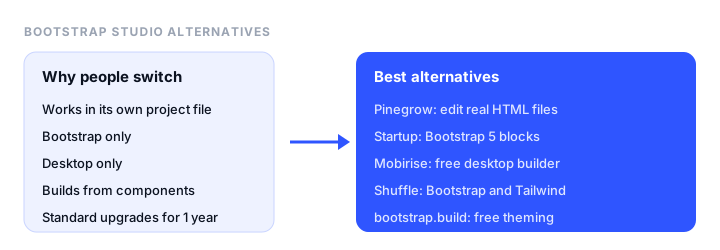
TL;DR
- Best overall: Pinegrow. A desktop editor that opens and edits your own HTML files, with Bootstrap, Tailwind, and an AI assistant, from €18 a month or €199 once.
- Best browser-based Bootstrap builder: Startup by Designmodo, with 150+ Bootstrap 5 blocks and HTML export.
- Best free alternative: Mobirise, a free desktop builder built on Bootstrap blocks.
- Bootstrap and Tailwind in one editor: Shuffle, with 80+ UI libraries, from $99 a year.
- Best for theming Bootstrap itself: the bootstrap.build builder, free.
Bootstrap Studio at a glance
| Standard | Lifetime | |
|---|---|---|
| Price | $29 once | $59 once |
| Upgrades | 1 year of free upgrades | Free upgrades forever |
| Hosting and Smart Forms | Free for 1 year | Free for life |
| Ecommerce | No | Yes |
| Platforms | Windows 10+, macOS, Linux | Windows 10+, macOS, Linux |
Both include a 30-day refund policy. The current version is 9.0.1, and its AI assistant can edit pages and build sites with unlimited use if you add your own API key.
Why people look for a Bootstrap Studio alternative
- It works in its own project file. You design in a
.bsdesignproject and export HTML, so editing an existing site or a hand-written HTML file means importing it first. - Bootstrap only. If your team also uses Tailwind, you need a second tool.
- Desktop only. There’s no browser version, so working on another computer or sharing with a client means moving project files around.
- Component level. You build pages from Bootstrap components. Some people would rather start from complete, designed sections such as headers, pricing tables, and footers.
- Upgrades on Standard last a year. After that, new versions need a new purchase or the Lifetime license.
Bootstrap Studio alternatives at a glance
| Tool | Type | Frameworks | Free option | Paid from | Best for |
|---|---|---|---|---|---|
| Pinegrow | Desktop app | Bootstrap, Tailwind, plain HTML | Free trial | €18/mo, €149/yr, or €199 once | Editing real HTML files |
| Startup by Designmodo | Browser | Bootstrap 5 | Free to start | $50 per quarter | Landing pages from blocks |
| Mobirise | Desktop app and online | Bootstrap-based blocks | Free app | $149 Kit for a year | Free desktop builder |
| Shuffle | Browser | Bootstrap, Tailwind, Bulma | Demo | $24/mo, $99/yr, or $249 once | Many UI libraries |
| bootstrap.build | Browser | Bootstrap | Free | Free | Theming Bootstrap |
| Webflow | Browser, hosted | Its own | 2 pages on webflow.io | Paid site plans | Hosted visual design |
| A code editor with live preview | Desktop | Any | Free | Free | Full control |
The best Bootstrap Studio alternatives, reviewed
1. Pinegrow: best overall
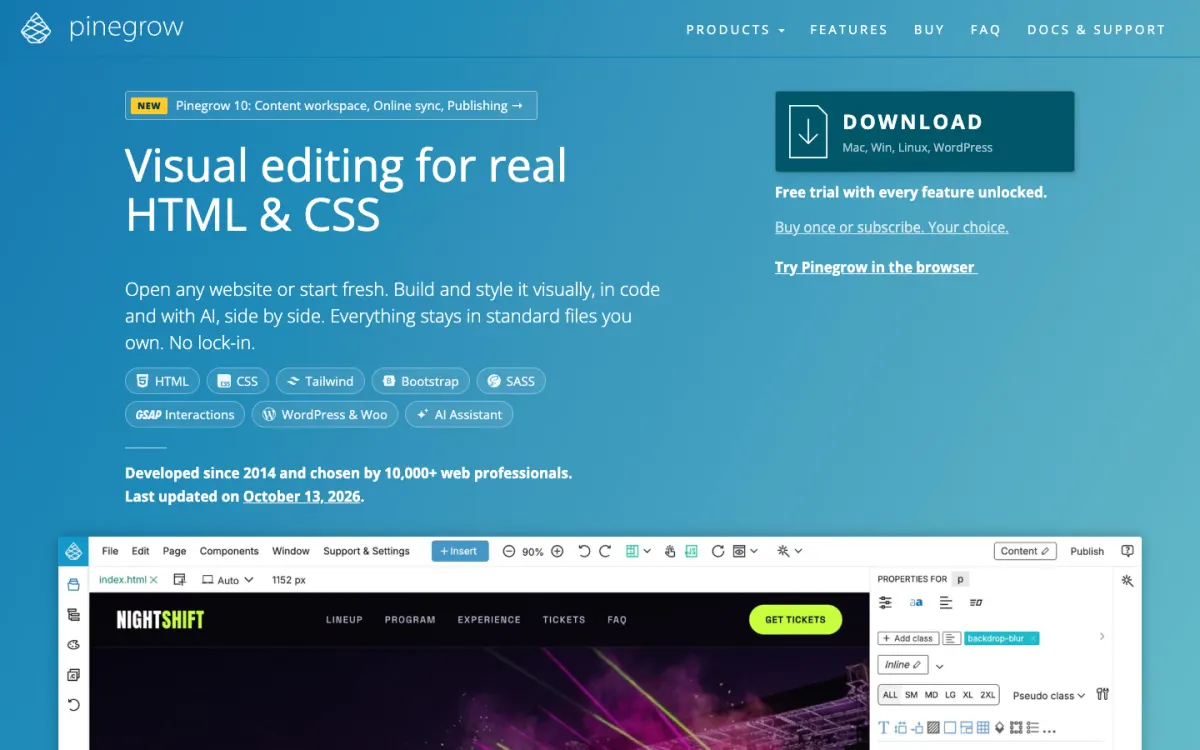
What it is. A desktop web editor for Mac, Windows, and Linux that edits HTML and CSS visually and in code side by side, with Bootstrap, Tailwind, Sass, interactions, an AI assistant, and a WordPress theme builder. It’s been developed since 2014, and Pinegrow 10 was released in October 2026.
Why it replaces Bootstrap Studio. It opens any HTML file or website and edits it directly, with no project format in between, so it works on sites you didn’t build in it. It supports Tailwind as well as Bootstrap, and you can switch between visual editing and code at any time.
Pricing. €18 a month, €149 a year, or €199 as a one-time payment, before VAT. Interactions are included with subscriptions and sold separately with the one-time license, and the WordPress Builder is an add-on. Every feature is unlocked in the free trial.
The catch. It costs more than Bootstrap Studio and has more to learn, because it shows you the code and the DOM rather than hiding them.
2. Startup by Designmodo: best browser-based Bootstrap builder
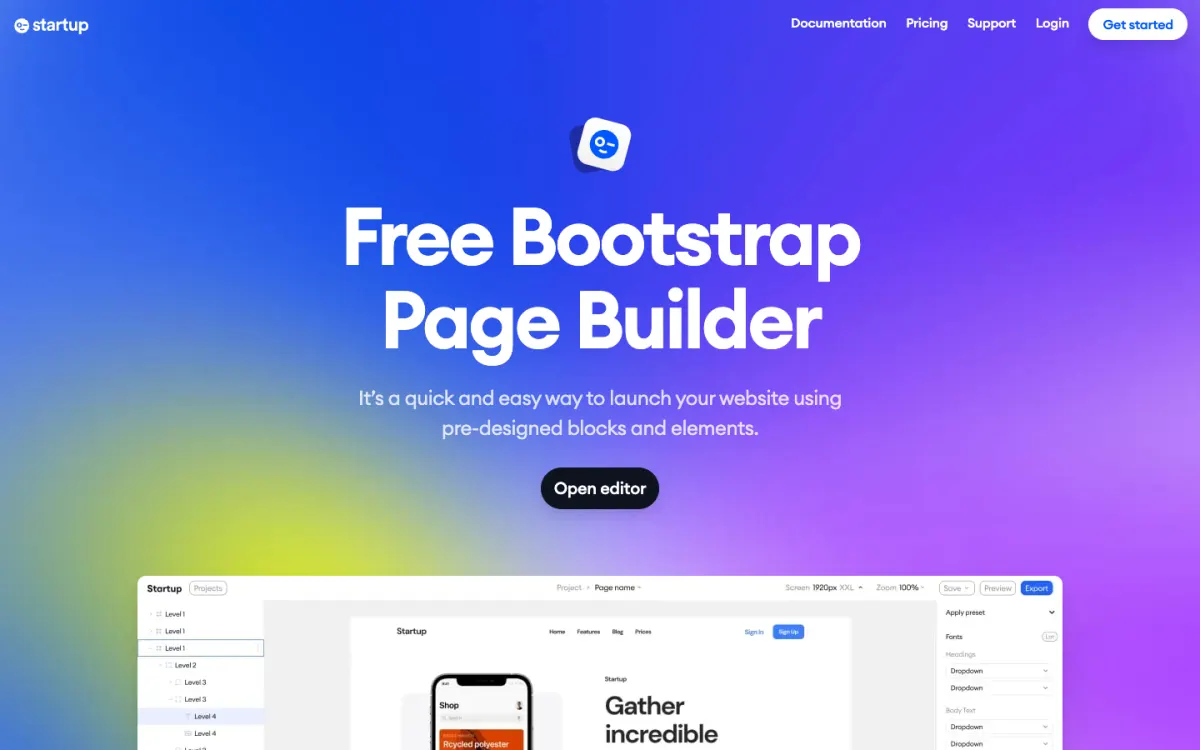
What it is. A browser-based Bootstrap 5 page builder with 150+ pre-designed blocks in light and dark versions. You combine blocks into pages, edit them visually, and export the site.
Why it replaces Bootstrap Studio. It works in the browser, so there’s nothing to install, and you build from complete designed sections rather than single components, which is faster for landing pages. It also supports projects with shared styles across pages, custom code, version history of the last 50 saves, and basic SEO settings. Exports include all images, text, and styles, so you can host the site anywhere, and you can also publish through Static.app with a free SSL certificate and a custom domain.
Pricing. Free to start. Business is $50 a quarter with 20 exports a month, and Agency is $62 a quarter with unlimited exports and SSO.
The catch. It’s made for pages assembled from its blocks, so it’s less suited to building custom layouts component by component.
3. Mobirise: best free alternative
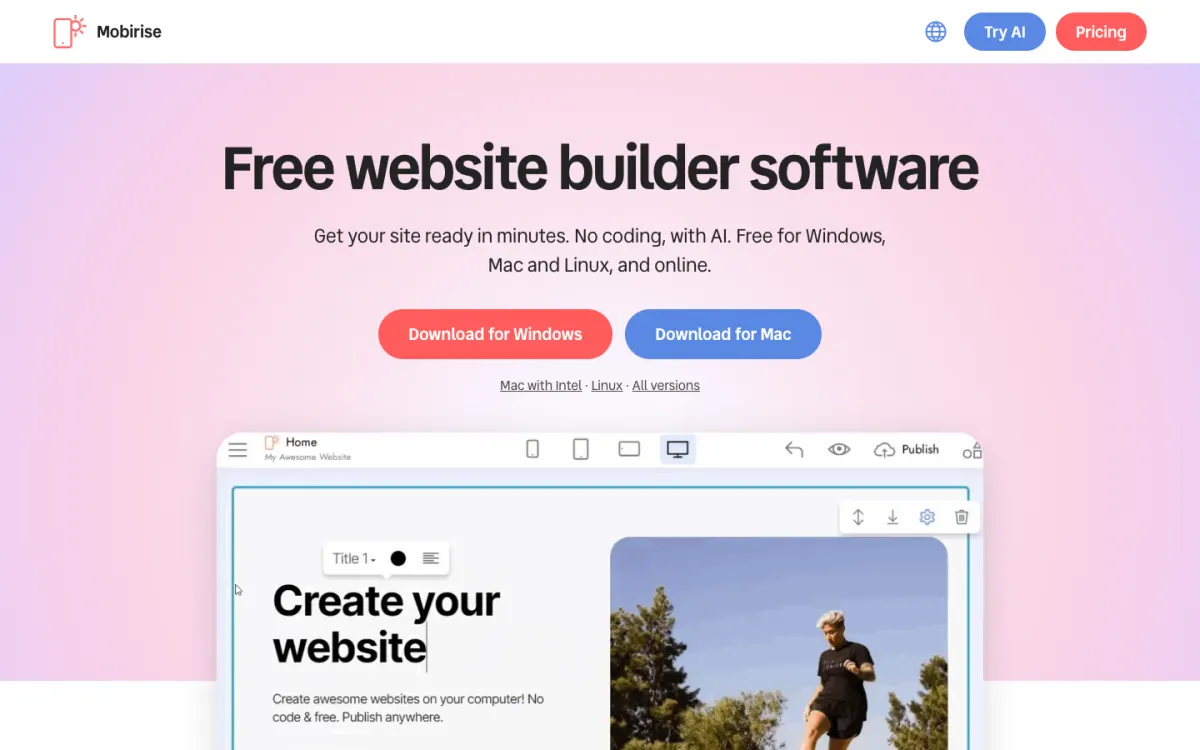
What it is. A free desktop website builder for Windows, Mac, and Linux, plus an online AI builder. Pages are stacks of Bootstrap-based blocks: header, intro, gallery, prices, reviews, map, and footer.
Why it replaces Bootstrap Studio. The app is free for personal and commercial use, and its basic theme includes more than 200 blocks, enough for a complete site. The AI builder drafts a site from a sentence, a sketch, or a screenshot.
Pricing. The Kit, which includes all 220+ premium themes and extensions for one year, is $149 for offline sites without Mobirise branding. Base, at $199, adds 3 online sites and 100 AI generations a month, and Grow, at $249, 10 sites and 1,000 generations. If you don’t renew, published sites stay online, but premium blocks and updates switch off.
The catch. You edit blocks within their designed options, which is quicker but less flexible than Bootstrap Studio’s component-level editing.
4. Shuffle: Bootstrap and Tailwind in one editor
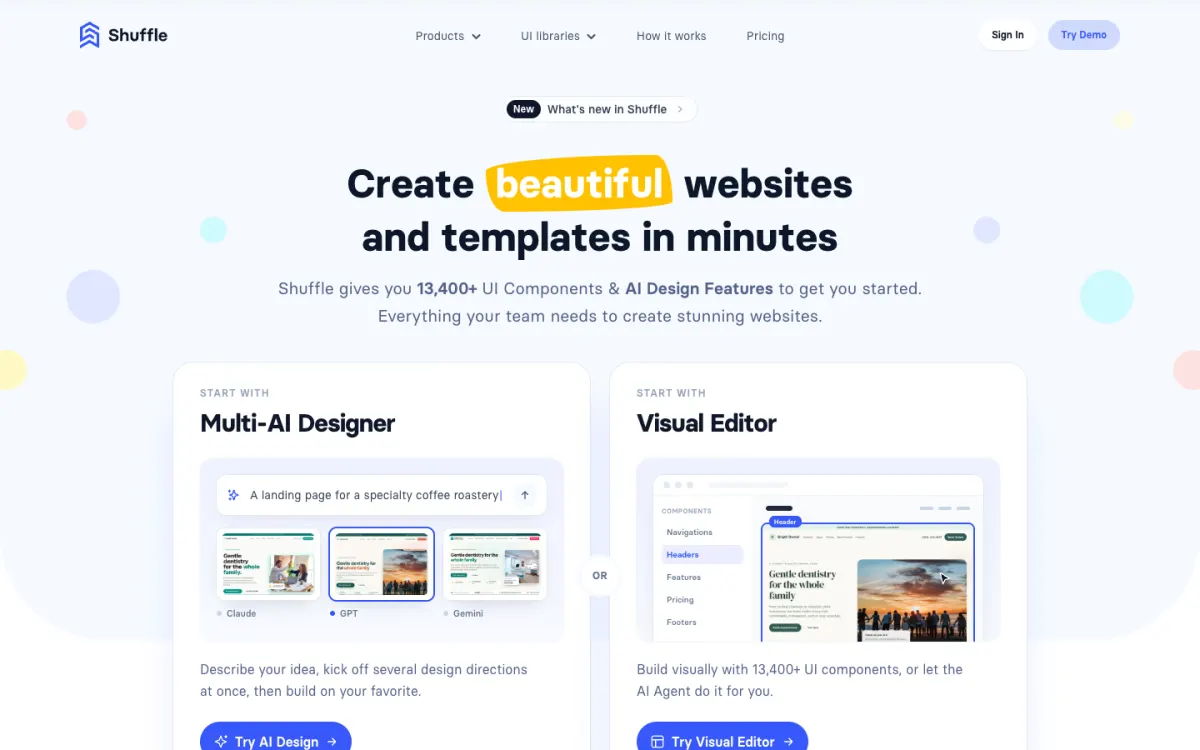
What it is. A browser-based visual editor and AI designer with 80+ UI libraries for Bootstrap, Tailwind, and Bulma, and code export.
Why it replaces Bootstrap Studio. It works in the browser and covers several frameworks, so one tool serves Bootstrap and Tailwind projects. The AI designer creates several design directions from a description.
Pricing. $24 a month, $99 a year, or $249 once for a lifetime license. Weekly access is also available for short projects.
The catch. You build from its libraries’ components, and the lifetime license costs more than Bootstrap Studio’s.
5. bootstrap.build: best for theming Bootstrap
What it is. Our free browser-based Bootstrap theme builder. You change Bootstrap’s Sass variables, such as colors, fonts, spacing, and border radius, and see every component update live.
Why it replaces Bootstrap Studio. If what you need from Bootstrap Studio is a custom look for Bootstrap rather than page layout, it’s quicker: adjust the theme visually, then export the Sass or CSS and use it in any project or page builder.
Pricing. Free.
The catch. It’s a theme builder, not a page builder, so you design pages in your editor or another tool.
6. Webflow: hosted visual design
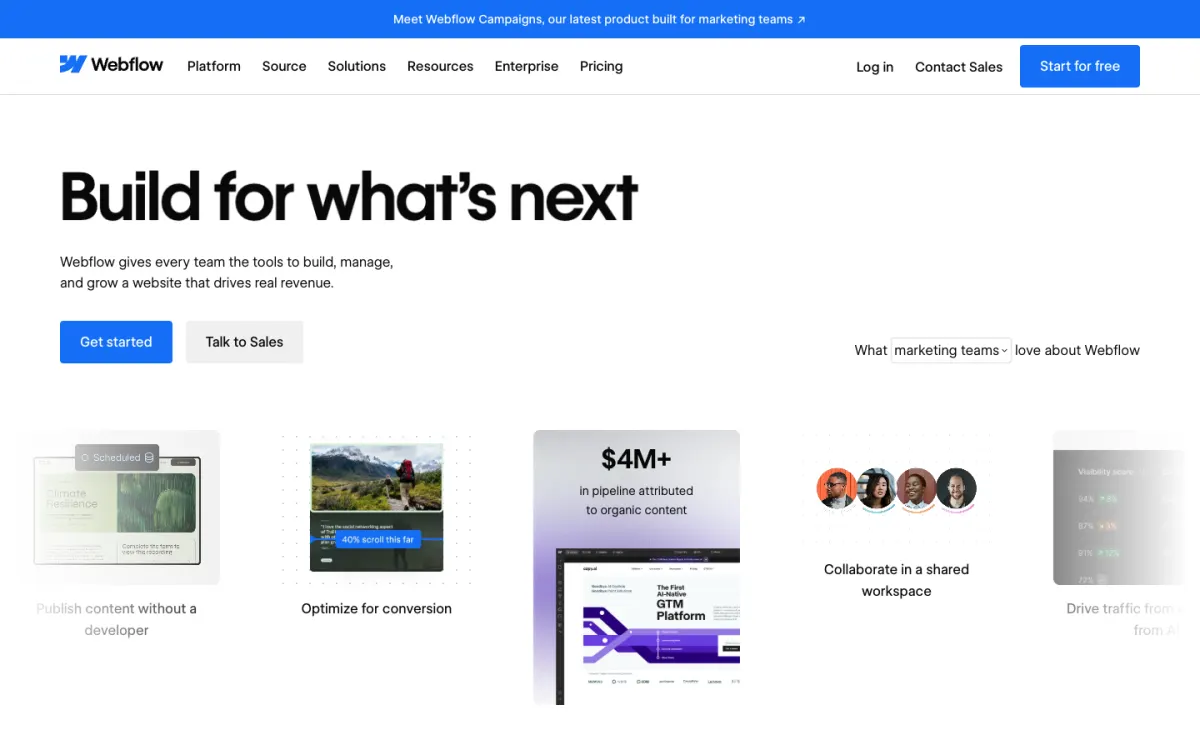
What it is. The most capable hosted visual website builder, with a class-based style system, a CMS, interactions, and hosting.
Why it replaces Bootstrap Studio. For designers who want full visual control, a CMS, and hosting in one place, with no files to export or upload.
Pricing. The free Starter plan publishes 2 static pages on a webflow.io address. Custom domains need a paid site plan, and teams pay for a Workspace plan on top.
The catch. It doesn’t use Bootstrap, its style system takes time to learn, and sites live on Webflow’s hosting. See our Webflow alternatives.
7. A code editor with live preview: full control, free
What it is. VS Code or another editor with Bootstrap from a CDN and a live-preview extension that reloads the browser as you type.
Why it replaces Bootstrap Studio. It’s free and you control every line. With Bootstrap’s documentation, our cheat sheet, and an AI coding assistant, building Bootstrap pages by hand is quicker than it used to be.
Pricing. Free.
The catch. No drag and drop, so it suits people who are comfortable with HTML.
Which Bootstrap Studio alternative should you choose?
- You want to edit existing HTML files visually: Pinegrow.
- You want to build landing pages from designed blocks in the browser: Startup by Designmodo.
- You want a free desktop builder: Mobirise.
- You use Tailwind as well as Bootstrap: Shuffle or Pinegrow.
- You only need a custom Bootstrap theme: bootstrap.build.
- You want hosting and a CMS included: Webflow.
- You write HTML and want no tool lock-in: a code editor with live preview.
Where to host what you build
Bootstrap Studio, Pinegrow, Startup, Mobirise, and Shuffle all export static HTML, CSS, and JavaScript, which you can host anywhere. Static.app, Netlify, Cloudflare Pages, and GitHub Pages all host static sites, most with a free plan. Our static website hosting guide compares them, and where to host an HTML website walks through uploading one.
FAQ
What is the best alternative to Bootstrap Studio?
Pinegrow is the best overall alternative: a desktop editor that edits your own HTML files visually and in code, with Bootstrap and Tailwind, from €18 a month or €199 once. Startup by Designmodo is the best browser-based Bootstrap builder, and Mobirise is the best free option.
How much does Bootstrap Studio cost?
Bootstrap Studio Standard costs $29 once, with one year of free upgrades and one year of free hosting and Smart Forms. The Lifetime license costs $59 once and includes free upgrades, hosting, Smart Forms, and ecommerce for life. Both have a 30-day refund policy.
Is there a free Bootstrap Studio alternative?
Yes. Mobirise is a free desktop builder with more than 200 Bootstrap-based blocks, Startup by Designmodo is free to start in the browser, and the bootstrap.build theme builder is free for creating Bootstrap themes. A code editor with Bootstrap from a CDN is also free.
Does Bootstrap Studio support Bootstrap 5?
Yes. Bootstrap Studio supports Bootstrap 3, 4, and 5. The current version, 9.0.1, also includes an AI assistant that works with your own API key.
Is Bootstrap Studio a one-time purchase?
Yes. Bootstrap Studio is a one-time purchase with no subscription. The Standard license includes one year of free upgrades, and the Lifetime license includes every future version.
Can Bootstrap Studio edit existing HTML websites?
It can import HTML, but it works in its own project format, and you export HTML from it. Pinegrow edits existing HTML files directly, which suits sites that weren’t built in a visual tool.
Build your Bootstrap theme
Design a custom Bootstrap 5 theme visually with a live preview, then export clean Sass or CSS.
Open the Builder