7 Best Mobirise Alternatives in 2026 (Offline and Online)
Mobirise is a free desktop website builder for Windows, Mac, and Linux, but its premium themes, extensions, and online features cost $149 to $249 a year. The best Mobirise alternatives depend on what you want to change: Startup by Designmodo if you want Bootstrap 5 blocks in the browser, Bootstrap Studio if you want to stay offline and pay once, and Silex if you want free, open-source software. This guide is for people building small business, landing page, and client sites, with prices checked on each vendor’s site in November 2026.
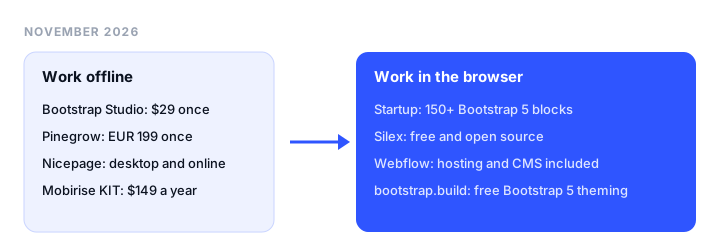
TL;DR
- Best online Mobirise alternative: Startup by Designmodo. 150+ Bootstrap 5 blocks in the browser, from $50 a quarter billed annually. No offline mode, and HTML export needs a paid plan.
- Best offline alternative with a one-time price: Bootstrap Studio. A desktop app for Bootstrap 3, 4, and 5 that costs $29 once and can import existing HTML sites.
- Best for editing real HTML files: Pinegrow. Desktop editor with Bootstrap and Tailwind, EUR 149 a year or EUR 199 once.
- Best free and open-source alternative: Silex. Free in the browser, with a desktop app in alpha.
- Best for Bootstrap theming: bootstrap.build. Free, no sign-up, exports Bootstrap 5.3 Sass or CSS for any builder.
Mobirise pricing in 2026
The app is free for personal and commercial sites. Premium themes and extensions are listed at $39 to $69 each but sold only as a bundle, the Kit.
| Plan | Regular price | What you get |
|---|---|---|
| Free | $0 | Desktop app, a basic theme with 200+ blocks, unlimited sites on your own hosting, 3 sites on a mobirisesite.com address (with a Mobirise credit), 3 AI generations a month |
| KIT | $149 a year | All 220+ premium themes and extensions, unlimited offline sites, no Mobirise branding |
| BASE | $199 a year | Everything in KIT, plus 3 online sites, 100 AI generations a month, custom domains on Mobirise hosting, export from the online builder |
| GROW | $249 a year | Everything in BASE, with 10 online sites and 1,000 AI generations a month |
- It’s a yearly license. If you don’t renew, published sites stay online, but the app drops back to the free version: premium blocks, premium extensions, updates, and support switch off.
- Two computers per account. The Kit activates on up to 2 computers. An Enterprise license raises that to 10.
- 14-day money-back guarantee on your first order.
Why people look for a Mobirise alternative
Mobirise’s own FAQ lists its limits. These send people elsewhere:
- It can’t import a site. Mobirise opens only its own projects, so you can’t bring in an existing website or an HTML template you bought.
- One layout for every screen. Blocks adapt to phones, but there’s no separate mobile layout, and you can’t hide an element on phones only.
- Premium features renew every year. The app is free, but code editing (the Code Editor extension), the Form Builder, shops, and premium themes come with a paid plan, at $149 a year or more.
- Export from the online builder is paid. The desktop app exports HTML on every plan, including Free. In the browser builder, export is part of BASE and GROW.
Offline or online, and what you keep when you stop paying
Offline desktop builders (Mobirise, Bootstrap Studio, Pinegrow, Nicepage) keep projects on your computer. Mobirise and Nicepage still need a connection to sign in, publish, and download themes; Bootstrap Studio says it works fully offline. Online builders (Startup, Webflow, Silex, bootstrap.build) need nothing installed, but you need a connection to edit.
What you keep after you stop paying:
- Mobirise: your sites stay online, but premium blocks and extensions switch off in the editor.
- Bootstrap Studio: you keep the version you bought. Lifetime includes all future versions.
- Pinegrow: a one-time license keeps your version forever, and updates renew at half price. A subscription stops working when it ends.
- Nicepage: a license keeps the desktop app for life. Online services drop to the free plan, and published sites stay up for 12 months.
- Webflow: code export needs a paid Workspace plan, and exported sites lose CMS items and working forms.
Mobirise alternatives at a glance
| Tool | Offline or online | Bootstrap | Clean HTML export | License and starting price | Hosting included | Best for |
|---|---|---|---|---|---|---|
| Mobirise (reference) | Both | Bootstrap 5 | Yes from the desktop app, free | Free app; KIT $149/yr | 3 free sites on mobirisesite.com; own domain on BASE ($199/yr) | Free offline blocks |
| Startup by Designmodo | Online | Bootstrap 5 | Paid plans only (20/mo on Business) | Subscription, $50/quarter billed annually | No, one-click publishing to Static.app | Blocks in the browser |
| Bootstrap Studio | Offline | Bootstrap 3, 4, 5 | Yes | One-time, $29 | Yes, 5 slots (1 year on Standard) | Paying once |
| Pinegrow | Offline (plus online editor) | Bootstrap 3, 4, 5, and Tailwind | Yes, edits your files directly | EUR 149/yr, EUR 18/mo, or EUR 199 once | No, publishes to GitHub, Netlify, Cloudflare Pages, SFTP | Real HTML files |
| Nicepage | Both | Not stated | Yes on paid plans; limited on Free | Subscription from $6.75/mo billed annually; one-time license | Yes, nicepage.io subdomain; own domain on paid plans | HTML plus WordPress |
| Silex | Online (desktop in alpha) | No, plain HTML and CSS | Yes | Free, open source (AGPL) | Publishing included (for example GitLab Pages) | Free, open source |
| Webflow | Online | No, its own system | Paid Workspace plans only | Site plans from $15/mo billed yearly | Yes | Hosting with a CMS |
| bootstrap.build | Online | Bootstrap 5.3 | Sass and CSS, not pages | Free, open source | No | Bootstrap theming |
The best Mobirise alternatives, reviewed
1. Startup by Designmodo: best online Mobirise alternative
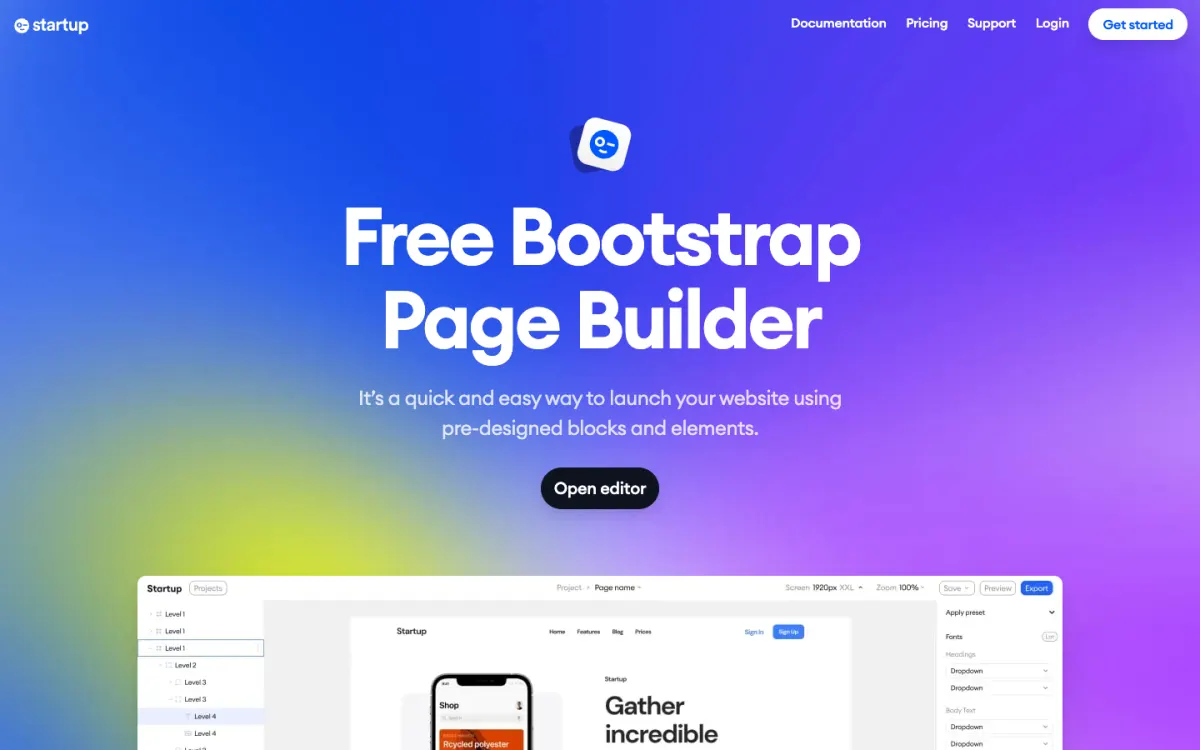
What it is. A browser-based Bootstrap 5 page builder. You combine 150+ pre-designed blocks, each in a light and a dark version, and edit them visually: the Mobirise workflow, in the browser.
Key features. Multipage projects with shared styles, a UI kit, custom code, basic SEO settings, autosave with the last 50 versions, and no jQuery dependency. Export is an archive with all pages, images, CSS, SCSS sources, and a PHP form handler, or you can publish in one click to Static.app with free SSL and a custom domain.
Pricing. Free to try, with a limited feature set and no credit card. Business is $50 a quarter billed annually or $59 billed quarterly, with 20 exports a month. Agency is $62 a quarter billed annually or $79 billed quarterly, with unlimited exports and SSO login. There’s no monthly plan.
Limitations.
- No offline mode. There’s no desktop app, so it doesn’t replace Mobirise if you edit on a plane.
- Export is paid. The Free plan lists no exports, and Business caps them at 20 a month. Trustpilot reviewers have complained about export being paywalled. By contrast, the free Mobirise desktop app exports without limits.
- Still on the roadmap: global blocks (a header or footer shared across pages), team features, and right-to-left language support.
Good for: designers and developers who want Mobirise-style block building with Bootstrap 5 code, from any computer, and who don’t need offline editing.
2. Bootstrap Studio: best offline alternative with a one-time price
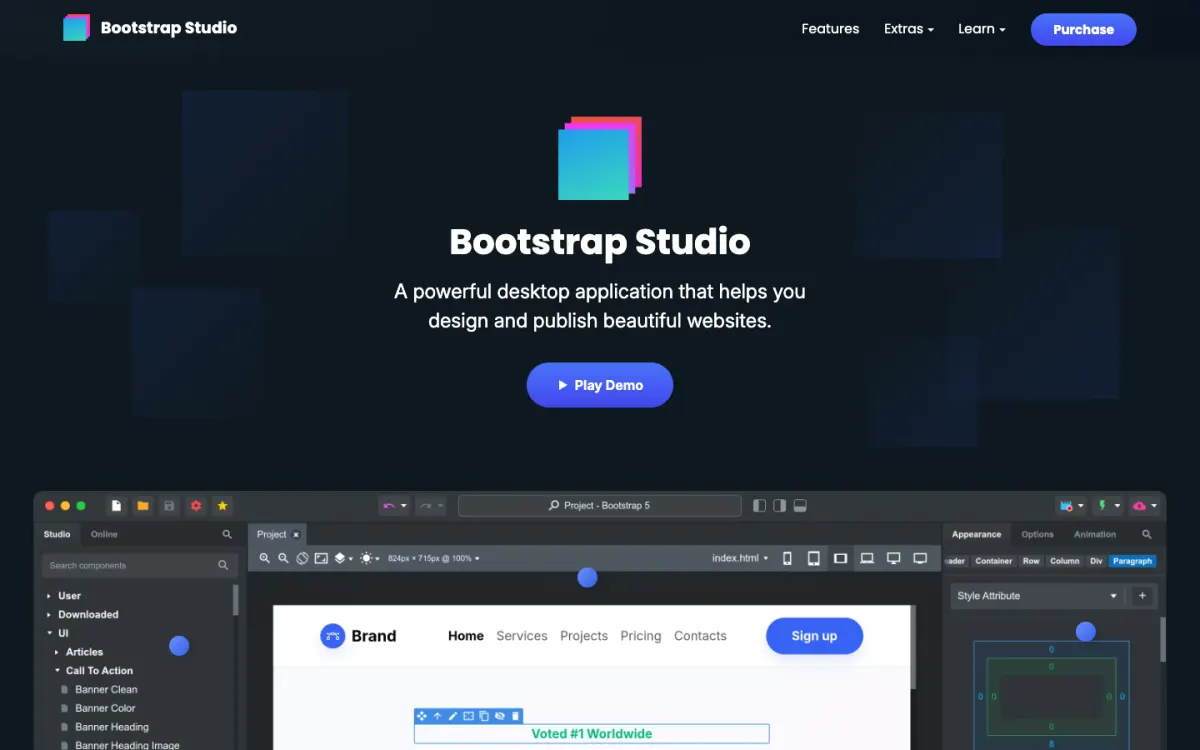
What it is. A desktop drag-and-drop app for Windows 10+, macOS, and Linux that builds pages with real Bootstrap components. It supports Bootstrap 3, 4, and 5, and stores projects as files on your computer.
Key features. Component-level visual editing, an extendable component library, and an AI assistant with unlimited use on your own API key. It exports static HTML with local assets and publishes over SFTP. Unlike Mobirise, it can import an existing site: drop the HTML, CSS, JavaScript, and image files into a project.
Pricing. Standard costs $29 once, with 1 year of upgrades and 1 year of free hosting and Smart Forms. Lifetime costs $59 once, with upgrades, hosting, and Smart Forms for life, plus ecommerce. Hosting covers 5 site slots with HTTPS and custom domains. Both come with a 30-day refund policy.
Limitations. It’s desktop only, and you build from components rather than complete designed sections, so a full landing page takes longer than in Mobirise or Startup.
Good for: people who like Mobirise’s offline workflow but want finer control and a one-time price instead of a yearly Kit. We compare more options in our Bootstrap Studio alternatives guide.
3. Pinegrow: best for editing real HTML files
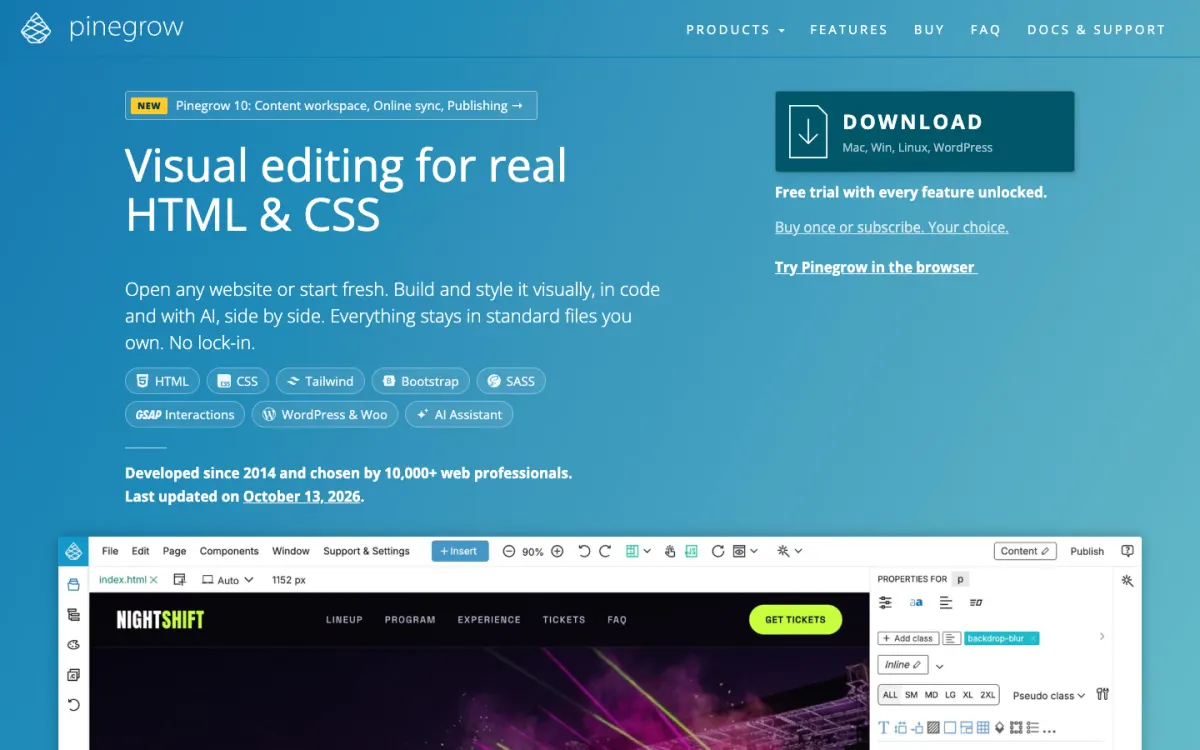
What it is. A desktop web editor for Mac, Windows, and Linux, with an online editor as well. It opens any HTML file and edits it visually and in code side by side.
Key features. Bootstrap and Tailwind visual editors, components and master pages, an AI assistant, and publishing to GitHub, Netlify, Cloudflare Pages, or SFTP. A WordPress Builder add-on turns HTML designs into WordPress themes.
Pricing. Prices are in EUR before VAT: EUR 18 a month, EUR 149 a year, or EUR 199 once with 1 year of updates. The WordPress Builder is EUR 50 a year extra. There’s a free trial with every feature unlocked and a 30-day money-back guarantee (not on monthly plans).
Limitations. It has more to learn than Mobirise, since it shows you the code and the page structure, and there are no hosting plans.
Good for: developers and freelancers who want to keep their own HTML files rather than a builder’s project format.
4. Nicepage: best for WordPress and Joomla themes too
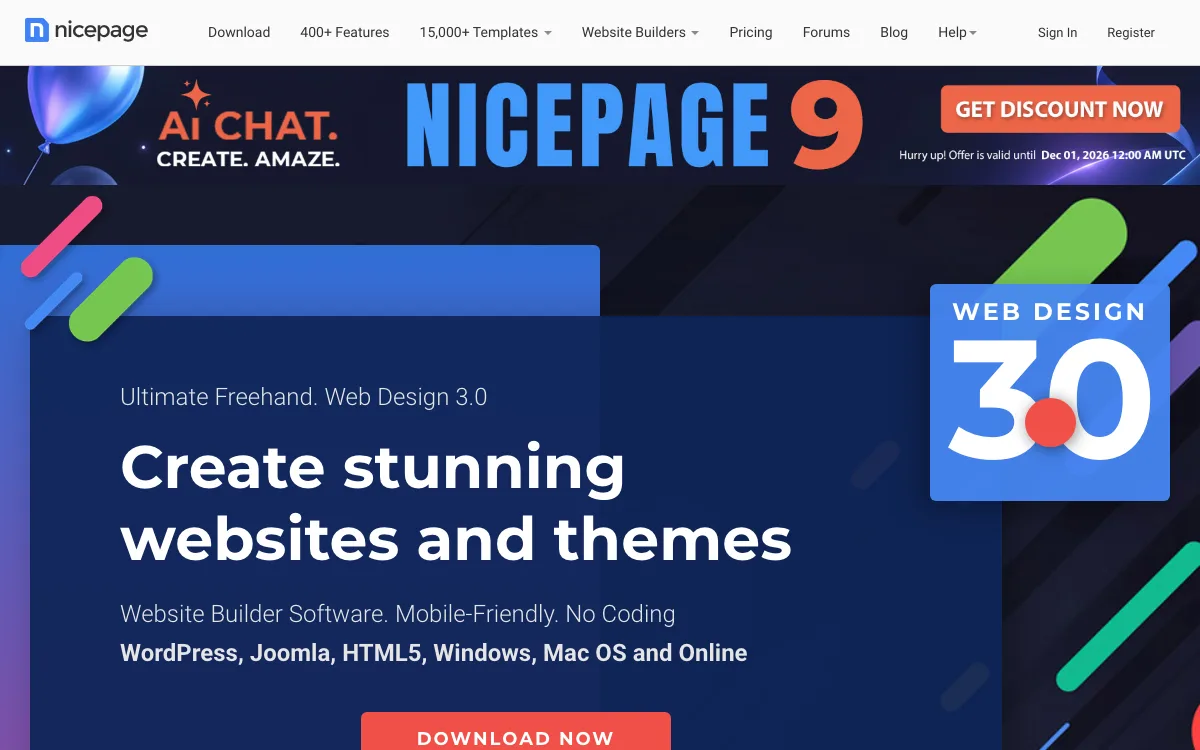
What it is. A website builder with a desktop app for Windows and Mac, an online builder, and plugins for WordPress and Joomla. It advertises 15,000+ templates and freehand placement of elements.
Key features. AI page generation, export to static HTML, WordPress themes, and Joomla templates, and HTML hosting. The desktop app works offline after you sign in, but the template and media libraries need a connection.
Pricing. Starter is free with 2 desktop projects, limited exports, and a nicepage.io subdomain. Personal is $6.75 a month, Business $12.75, and Pro $18.75, all billed annually. A one-time license is also available: the desktop app is yours for life, with 1 year of updates.
Limitations. Like Mobirise, it can’t import an HTML site. After a subscription expires, the free plan can’t export projects or themes. The pricing page doesn’t say which CSS framework it uses.
Good for: freelancers who build both static HTML sites and WordPress or Joomla themes and want one tool for all three.
5. Silex: best free and open-source alternative
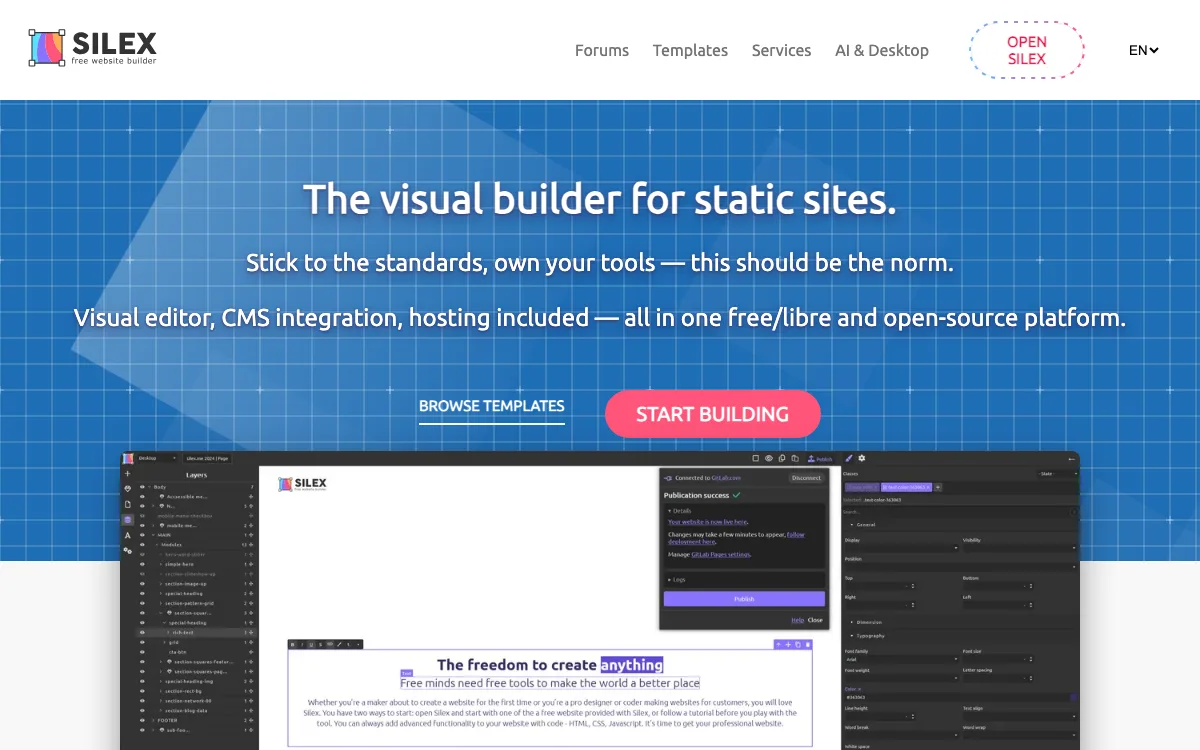
What it is. A free, open-source (AGPL) visual builder for static sites from the non-profit Silex Labs. It runs in the browser at v3.silex.me, with a desktop app in alpha.
Key features. It works with plain HTML and CSS concepts rather than a framework, publishes static sites (for example to GitLab Pages), and connects to a CMS such as WordPress, Strapi, or Supabase for dynamic data. You can self-host the whole editor.
Pricing. Free, funded by sponsors and donations.
Limitations. You work closer to CSS, and Silex itself says it isn’t for people who want a site live in 10 minutes. There are fewer templates, and the desktop app is an early alpha.
Good for: web professionals and students who want a free, standards-based builder with no vendor lock-in.
6. Webflow: best hosted visual builder with a CMS
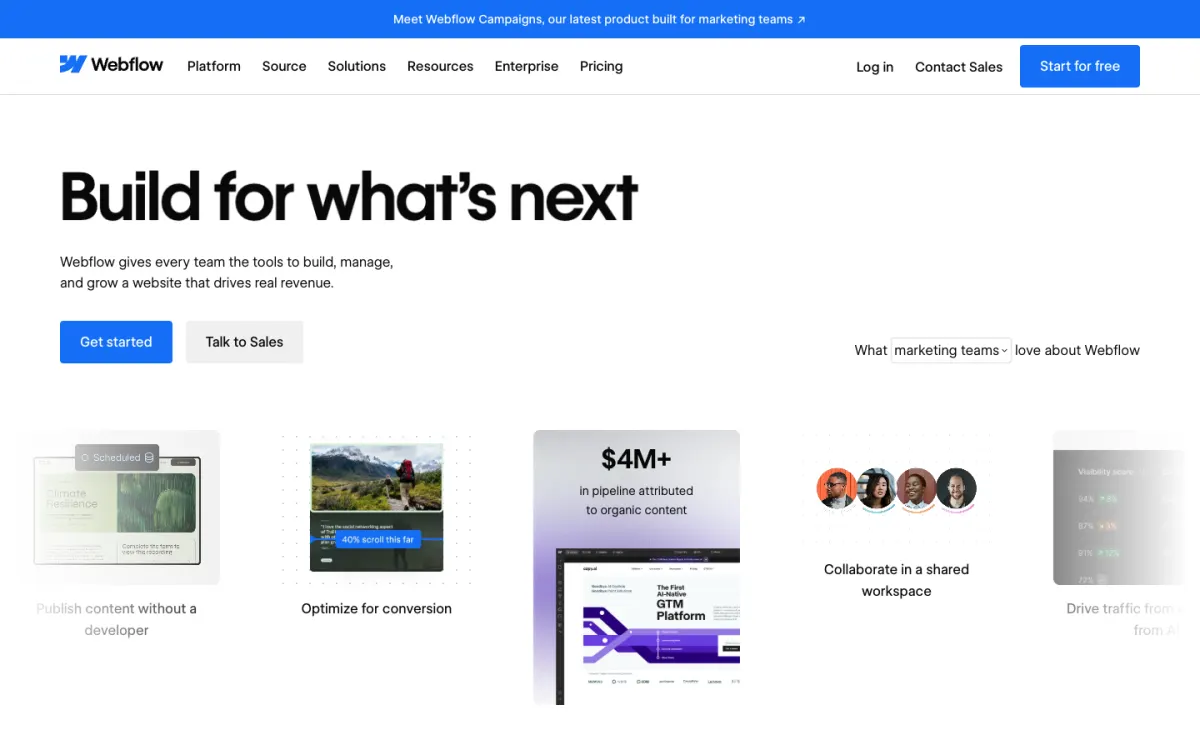
What it is. A hosted visual website builder with a class-based style system, a CMS, interactions, and hosting. It doesn’t use Bootstrap.
Pricing. The free Starter plan publishes 2 static pages on a webflow.io address. Basic is $15 a month billed yearly with a custom domain and 300 static pages, and Premium $25 a month billed yearly with the CMS. Code export needs a paid Workspace plan, from $19 a month billed yearly (Core).
Limitations. Online only, with a steep learning curve, and it costs much more than Mobirise. See our Webflow alternatives for cheaper options.
Good for: designers who want a CMS and hosting in one place and don’t need offline work.
7. bootstrap.build: best for theming Bootstrap
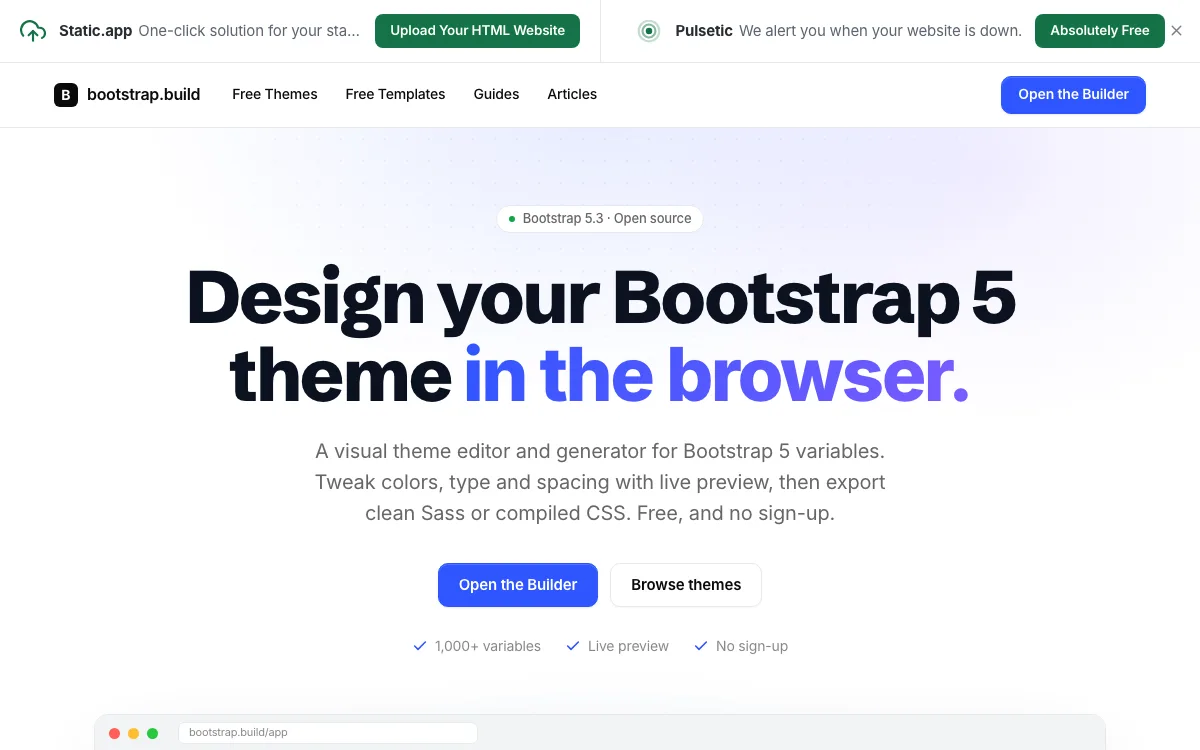
What it is. A free, open-source Bootstrap 5 theme builder in the browser. You edit 1,000+ Bootstrap 5.3 variables (colors, typography, spacing, border radius) and see a full UI kit and 40 ready-made screens update live.
Key features. Variable search, free starter themes, and export of _variables.scss, custom Sass, or a compiled bootstrap.css, with no sign-up.
Pricing. Free.
Limitations. It’s a theme builder, not a page builder. It doesn’t export HTML pages or host sites, so you use the theme in Startup, Bootstrap Studio, Pinegrow, or your own code.
Good for: anyone who wants a custom Bootstrap 5 look to drop into the builder they already use.
Which Mobirise alternative should you choose?
- You want Mobirise-style blocks, but in the browser and on Bootstrap 5: Startup by Designmodo.
- You want to stay offline and pay once: Bootstrap Studio at $29.
- You need to edit an existing HTML site or a template you bought: Pinegrow or Bootstrap Studio. Mobirise and Nicepage can’t import one.
- You also build WordPress or Joomla themes: Nicepage, or Pinegrow with the WordPress Builder.
- You want free and open source: Silex.
- You want a CMS and hosting together: Webflow.
- You just need a custom Bootstrap theme: bootstrap.build.
- You’re happy with Mobirise: stay on the free app, and buy KIT ($149 a year) only when the free blocks run out.
Where to host an exported HTML site
Mobirise, Startup, Bootstrap Studio, Pinegrow, Nicepage, and Silex all produce static HTML, CSS, and JavaScript, so you can host the site anywhere. Three good options:
- Static.app. Upload a ZIP of your exported site or drop the files, and it’s live with SSL. Starter is $6 a month, or $60 a year, for 2 websites, 500 MB of storage, custom domains, and forms. There’s a 7-day free trial with no credit card. Startup can publish to it in one click.
- GitHub Pages. Mobirise publishes to a repository directly, and Pinegrow can publish to GitHub as well. It suits people already using Git.
- Your own hosting over FTP or SFTP. Mobirise uploads over FTP or FTPES, and Bootstrap Studio and Pinegrow over SFTP, so any shared hosting plan works.
Netlify and Cloudflare Pages also work. Our static website hosting comparison covers the limits of each, and how to host a website for free walks through the free options step by step.
FAQ
Is Mobirise really free?
Yes. The desktop app and a basic theme with 200+ blocks are free for personal and commercial sites, and you can publish unlimited sites to your own hosting. Premium themes, extensions such as the Code Editor and Smart Cart, and online sites with your own domain need a paid plan.
How much does Mobirise cost?
The app is free. KIT, with all 220+ premium themes and extensions, is $149 a year. BASE ($199 a year) and GROW ($249 a year) add online sites, AI generations, and custom domains on Mobirise hosting. If you don’t renew, your sites stay online, but premium blocks stop working in the editor.
What is the best offline website builder?
For Bootstrap sites, Bootstrap Studio is the best offline builder: it works fully offline, supports Bootstrap 3 to 5, and costs $29 once. Mobirise is the best free offline option, and Pinegrow is the best for editing existing HTML files offline.
What are some sites like Mobirise?
Startup by Designmodo is the closest online match, with Bootstrap 5 blocks. Nicepage also offers a desktop app and an online builder, and Silex is a free, open-source option. Our guide to the best website builders for designers covers more hosted options.
Is Pingendo still a Mobirise alternative?
Not really. Pingendo’s last release on GitHub, version 4.3.2, dates from 2019, and its website returned a certificate error when we checked in November 2026. Bootstrap Studio or Pinegrow are maintained replacements.
Build your Bootstrap theme
Design a custom Bootstrap 5 theme visually with a live preview, then export clean Sass or CSS.
Open the Builder