Best Website Builder for Designers in 2026 (9 Compared)
The best website builder for designers lets you place things where you want them, bring designs in from Figma, and run several client sites without paying full price for each. This guide ranks nine visual builders for designers and small studios who want design freedom without code, with the cost of 1 and 5 sites worked out from prices checked on each vendor’s pricing page in November 2026.
TL;DR
- Best overall for designers: Siter.io. A free-form canvas with a separate layout for each screen size, a Figma plugin on every plan, a CMS, and the lowest price for one site ($84 a year).
- Best for motion and a big template ecosystem: Framer, with the strongest animation tools here, priced per site.
- Best for large content sites and code export: Webflow, if you are willing to learn its class system.
- Best if your team already pays for Figma: Figma Sites, which publishes straight from Figma files (still in beta).
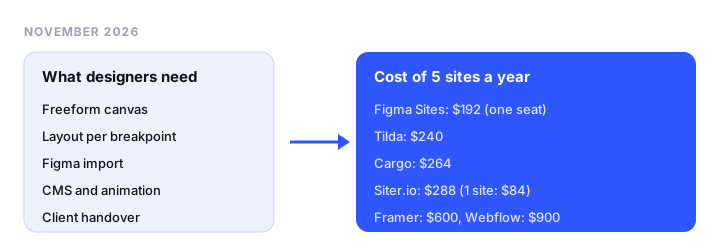
- Cheapest for many small sites: Cargo or Tilda, at $264 and $240 a year for five sites on their own domains.
What designers actually need from a website builder
Designers judge a builder differently from small business owners. We compared six things.
Freeform canvas or box model. Some builders work like a design tool: an element stays wherever you drop it (Siter.io, Readymag, Cargo, Tilda’s Zero Block). Others work like CSS, with boxes, stacks and classes (Webflow, and to a lesser degree Framer and Wix Studio). The box model keeps big sites consistent. The canvas is faster for art-directed portfolios and landing pages.
Breakpoints. Freeform tools usually give you a hand-placed layout per screen size, so the phone version looks composed rather than stacked. Box-model tools reflow one layout.
Figma import. Most builders have a Figma plugin, but every import is one-way, with no live sync.
CMS. Needed for a blog, case study archive or team page. Depth ranges from a few collections to millions of items.
Animation and custom code. Hover states, scroll effects, embeds and head scripts.
Handover and cost per site. A way to transfer a site to a client, and a price that doesn’t multiply with every project.
If you mostly need AI to draft pages, see our guide to the best AI website builders. If you are building for a local business that needs bookings or a store, start with the best website builders for small business.
Best website builders for designers at a glance
| Builder | Best for | Layout model | Figma import | CMS | Free plan | Starting price |
|---|---|---|---|---|---|---|
| Siter.io | Designers and small studios | Freeform canvas, layout per breakpoint | Plugin, every plan | Yes, 5 collection types, no references | No (3-day trial) | $7/mo yearly ($8 monthly) |
| Framer | Motion-heavy marketing sites | Canvas with stacks and breakpoints | Official copy-paste plugin | Yes, 2 to 10 collections | Yes, non-commercial | $10/mo per site, yearly |
| Webflow | Large sites, code export | Box model with classes | Figma to Webflow (Labs) | Premium plan and up | Yes, 2 pages | $15/mo per site, yearly |
| Figma Sites | Teams already in Figma | Figma frames with breakpoints | Native | Not verified | Starter (Figma) | $16/mo per Full seat |
| Wix Studio | Agencies needing a store | Responsive editor | Figma to Wix Studio plugin | Yes, 1,500+ items | No | EUR 12/mo per site, yearly |
| Readymag | Editorial, typographic sites | Freeform canvas, layout per device | Official plugin | No | Yes, 10 pages | EUR 13/mo yearly |
| Cargo | Artists, many small sites | Freeform, art-directed | No official import found | Not listed | Private use only | $14/mo yearly |
| Tilda | Block sites with freeform sections | Blocks plus Zero Block canvas | Plugin and API import | CMS Feeds | Yes, 1 site | $10/mo yearly |
| Squarespace | Templates with commerce | Template sections | No official import found | Blog | No (14-day trial) | EUR 12/mo yearly |
Wix Studio, Readymag and Squarespace showed prices only in EUR from our location, so we print them in EUR and don’t convert them.
What 1 and 5 sites cost per year
The rule we used: the cheapest plan that puts each site on its own custom domain, billed yearly, for one designer. Prices are the regular ones, not Black Friday deals.
| Builder | 1 site | 1 site per year | 5 sites | 5 sites per year | Per site per month at 5 |
|---|---|---|---|---|---|
| Siter.io | Solo, $7/mo | $84 | Pro, $24/mo | $288 | $4.80 |
| Tilda | Personal, $10/mo | $120 | Business, $20/mo | $240 | $4.00 |
| Cargo | $14/mo | $168 | $14 + 4 domains x $2 | $264 | $4.40 |
| Figma Sites | 1 Full seat, $16/mo | $192 | Same seat (up to 10 domains) | $192 | $3.20 |
| Framer | Basic, $10/mo | $120 | 5 x Basic | $600 | $10 |
| Webflow (no CMS) | Basic, $15/mo | $180 | 5 x Basic | $900 | $15 |
| Webflow (with CMS) | Premium, $25/mo | $300 | 5 x Premium | $1,500 | $25 |
| Readymag | Personal, EUR 13/mo | EUR 156 | Advanced, EUR 51/mo | EUR 612 | EUR 10.20 |
| Wix Studio | Basic, EUR 12/mo | EUR 144 | 5 x Basic | EUR 720 | EUR 12 |
| Squarespace | Basic, EUR 12/mo | EUR 144 | 5 x Basic | EUR 720 | EUR 12 |
Notes on the math:
- Siter.io at 5 sites is Pro. Siter counts editor seats per website, so five sites need five seats even if you work alone. Solo plus 4 sites and 3 seats at $4 each is $35 a month, and Plus with extras is $30, so Pro at $24 is cheaper.
- Figma Sites is cheapest only if one person does all the work: every editor needs a Full seat.
- Readymag Freelancer (EUR 27/mo) publishes 5 sites but connects only 3 custom domains.
- Framer also bills extra editors at $20 a month each.
Siter.io is the cheapest way to put one designed site online; Tilda, Cargo and Figma Sites cost less at five. Siter ranks first below on the full feature set, not the five-site price.
The best website builders for designers, reviewed
1. Siter.io: best overall for designers and small studios
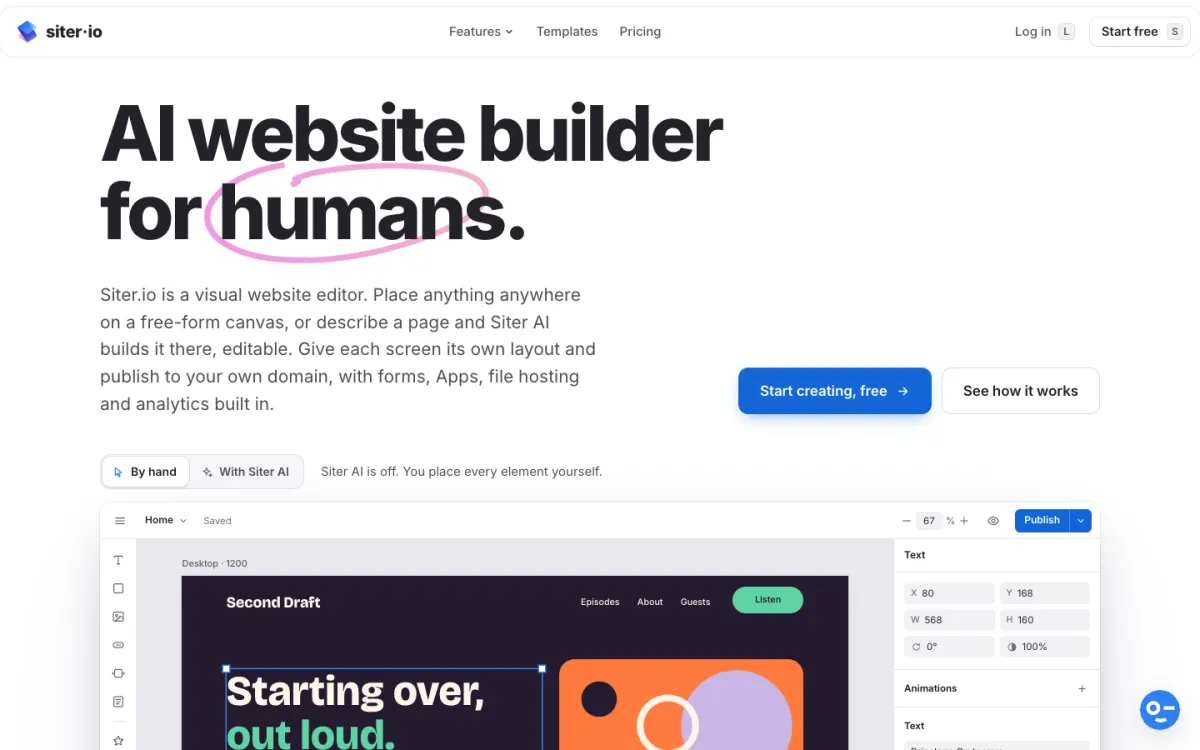
What it is. Siter.io is a browser-based builder that works like a design tool. You place anything anywhere on a free-form canvas with smart guides, snapping, masks and color styles, and each breakpoint (1200, 640 and 375 pixels by default, plus any width you add) keeps its own hand-placed layout.
Key features.
- Figma plugin on every plan that imports frames onto the canvas.
- CMS with Blog, Projects, Team, Events and Testimonials collections, a page per item, scheduling, CSV import and RSS.
- Animation: hover states, appear and loop animations with custom keyframes, and scroll effects.
- Custom code in the head and a Code element for embeds.
- Hosting, SSL, forms, file hosting and cookieless analytics on every plan.
- Client handover: website transfer and badge removal on every plan.
- Siter AI builds or edits pages as normal canvas elements, on monthly credits.
Pricing. Solo is $7/mo billed yearly ($8 monthly) for 1 website, 2 editor seats, 10 pages, 3 forms and 600 AI credits. Plus is $12/mo yearly ($14 monthly) for 3 websites, 4 seats, 50 pages and 800 credits. Pro is $24/mo yearly ($28 monthly) for 5 websites, 6 seats, unlimited pages and forms, 2,000 credits, and HTML download. Every plan starts with a 3-day trial that needs a card.
Limitations. No free plan: the trial charges on day 3 unless you cancel. AI is metered in credits (unused ones carry over a month). HTML download is Pro only and one page at a time, not a full-site export. The CMS is new and has no references between collections, comments or members-only posts. The Figma import is one-way, and prototype interactions don’t transfer. There is no ecommerce or real-time co-editing, and Solo and Plus cap pages and forms.
On Trustpilot, Siter.io has 4.7 from 34 reviews (checked November 18, 2026), though the newest review is from August 2025. One reviewer wrote: “You can transfer Figma web design and turn it into live website with Siter.io. It is really easy to use.” (Trustpilot, August 2025)
Good for: designers who work in Figma and want portfolios, studio sites and small client sites placed by hand, at the lowest entry price.
2. Framer: best for motion and templates
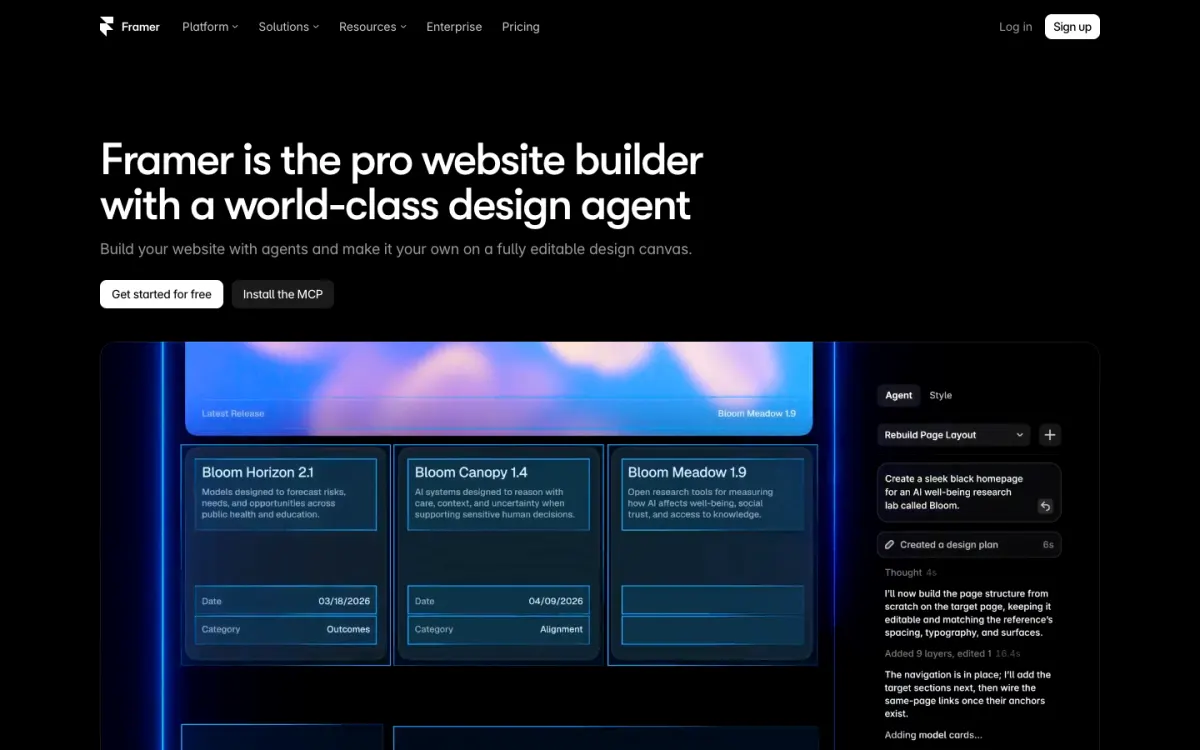
What it is. Framer is a design-first builder with a canvas, breakpoints, a CMS, AI agents, the deepest animation tools in this list, and a large template marketplace.
Key features. Scroll effects, page transitions and component variants. CMS with 2 collections and 1,000 items on Basic, 10 and 2,500 on Pro. Staging on Pro, and Framer’s “Figma to HTML with Framer” plugin for pasting layers onto the canvas.
Pricing. Free publishes on a Framer domain with 500 AI credits and is meant for non-commercial use. Basic is $10/mo per site billed yearly with 30 pages, 50 GB of bandwidth and 1,000 AI credits. Pro is $30/mo per site with 150 pages and 3,000 credits. Extra editors cost $20 a month each.
Limitations. Per-site pricing and paid seats add up for studios, Basic caps pages at 30, AI runs on credits, and there is no code export. Framer’s Trustpilot score is 1.6 from 154 reviews (checked November 18, 2026), with complaints about credit use and support. One reviewer wrote that “the most basic changes… will cost you hundreds of credits.” (Trustpilot, October 2026)
Good for: designers building motion-rich marketing sites who are fine paying per site.
3. Webflow: best for large sites and code export
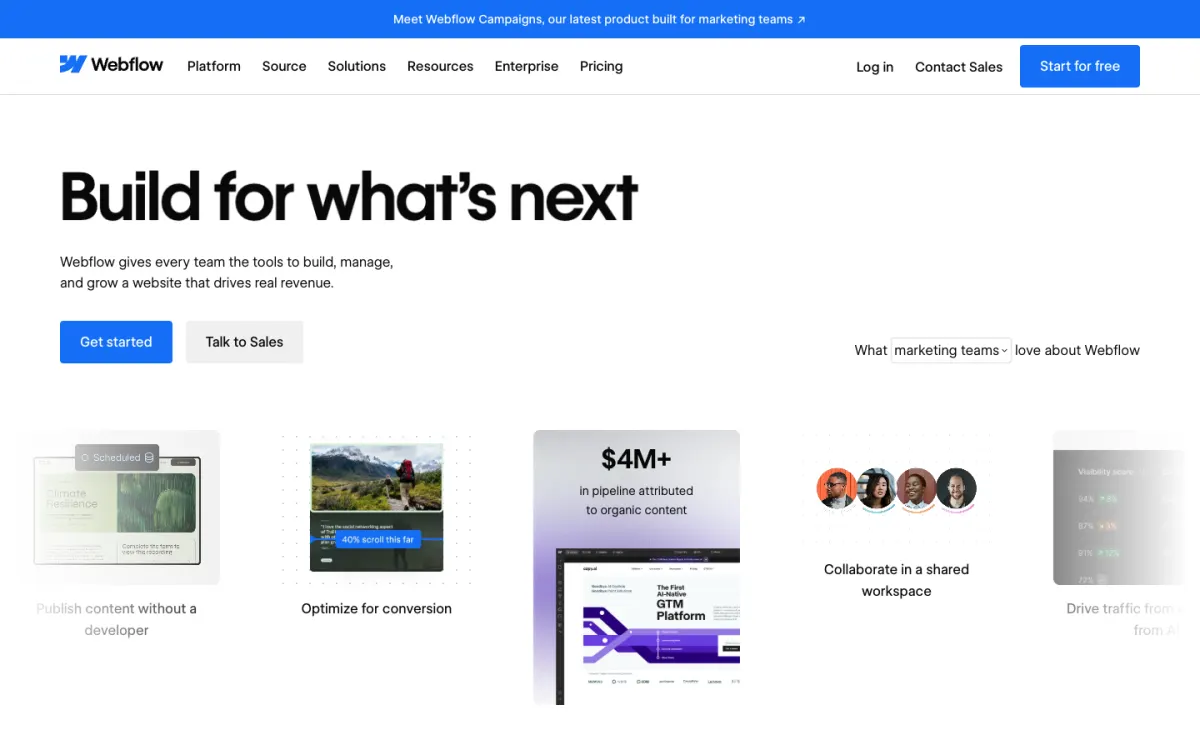
What it is. Webflow is a visual web development platform. You build with the box model and a class-based style system, which keeps large sites consistent but takes time to learn.
Key features. A CMS that scales to big sites, GSAP interactions, code components on Premium, password protection, and a Figma to Webflow app (labeled Labs).
Pricing. Starter is free on a webflow.io address with 2 pages. Basic is $15/mo per site billed yearly with 300 pages and no CMS. Premium is $25/mo per site billed yearly and adds the CMS and site search. Team starts at $2,500/mo on an annual contract.
Limitations. The class system is the main learning cost, and the entry plan has no CMS. Webflow’s Trustpilot score is 1.4 from 244 reviews (checked November 18, 2026), with complaints about pricing, renewals and support. One reviewer said a change “nuked half your component classes.” (Trustpilot, July 2026) Our Webflow alternatives guide covers moving off it.
Good for: studios building larger sites that will grow, and anyone who needs code export.
4. Figma Sites: best if you already pay for Figma
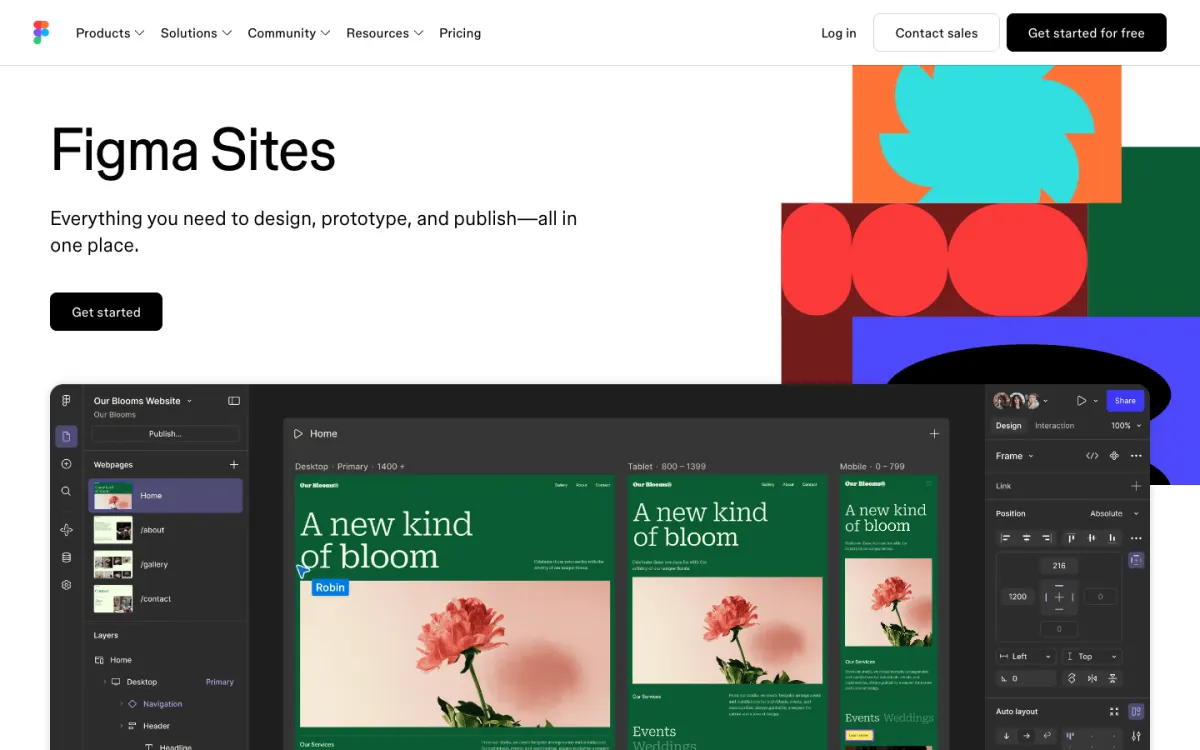
What it is. Figma Sites publishes websites straight from Figma, so there is no import step. It is still labeled beta and is available on Full seats.
Pricing. A Professional Full seat is $16 a month as shown on Figma’s pricing page (the annual rate; monthly billing costs more). Figma’s help center says Professional plans can connect up to 10 custom domains, one per site.
Limitations. Every collaborator who builds needs a Full seat, and as a beta, features still change. Figma the company has 1.8 from 242 reviews on Trustpilot (checked November 18, 2026), a score for Figma overall, not for Sites.
Good for: product and brand teams already paying for Figma who want simple sites without another tool.
5. Wix Studio: best for agencies that need a store
What it is. Wix Studio is Wix’s platform for agencies and freelancers, with a responsive editor, a CMS, ecommerce and client collaboration tools.
Key features. CMS from 1,500 items on Basic to 10 million on Elite, concurrent editing, version management, payments from Standard up, and the official Figma to Wix Studio plugin (menus, forms and galleries arrive as non-working elements).
Pricing (EUR from our location). Basic EUR 12/mo, Standard EUR 20/mo, Plus EUR 32/mo and Elite EUR 149/mo, all per site and billed yearly, with a 14-day money-back guarantee.
Limitations. Sites stay on Wix hosting with no export, and every site needs its own plan. Wix overall has 3.4 from 29,472 reviews on Trustpilot (checked November 18, 2026). See our Wix alternatives if lock-in worries you.
Good for: agencies whose clients need payments, bookings or a big CMS.
6. Readymag: best for editorial and typographic sites
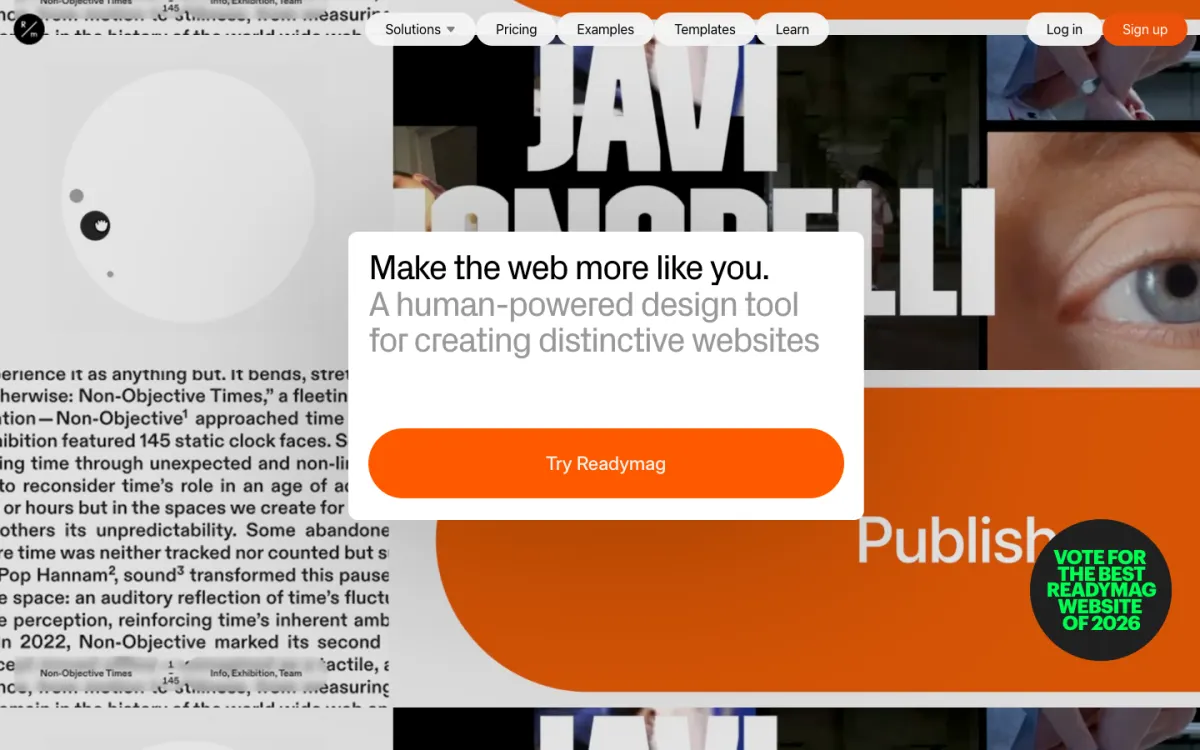
What it is. Readymag is a canvas-based design tool for portfolios, editorial pieces and expressive sites, with separate desktop, tablet and mobile layouts.
Key features. Animations, Lottie, custom code on paid plans, Adobe and type.today fonts, password protection, version snapshots, site transfer from Freelancer, an official Figma plugin, and code export on Advanced.
Pricing (EUR from our location). Free publishes 1 site with 10 pages on a Readymag domain. Personal is EUR 13/mo yearly (EUR 18 monthly) for 1 custom-domain site and 10,000 views a month. Freelancer is EUR 27/mo yearly for 5 published sites, 3 custom domains and 25,000 views. Advanced is EUR 51/mo yearly for unlimited sites, 10 domains, 75,000 views and code export.
Limitations. Views are capped per month across all sites, there is no CMS on the pricing page, and Readymag had no Trustpilot reviews when we checked.
Good for: art directors and editorial designers who care most about typography and layout.
7. Cargo: best for artists running many small sites
What it is. Cargo is a site builder for artists and designers with one flat price and unlimited public sites on cargo.site addresses.
Key features. Freeform, art-directed layouts, real-time multi-user editing, embed code on pages, and a Commerce add-on ($5.50/mo yearly) to sell goods.
Pricing. One plan: $14/mo billed yearly or $19 monthly, with 1 custom domain included and extra domains at $2/mo yearly ($3 monthly). It is free to try privately and free for students through their school.
Limitations. No official Figma import that we found, only one custom domain in the base price, and no documented CMS on its rates page.
Good for: artists and studios who want a portfolio, client presentations and idea boards under one account.
8. Tilda: best for block sites with freeform sections
What it is. Tilda builds pages from a library of 600+ pre-designed blocks, with Zero Block for freeform sections where you place every element yourself.
Key features. Zero Block, animation, HTML blocks, custom fonts, CMS Feeds, Figma import into Zero Block, and code export on Business.
Pricing. Free covers 1 site with 100 blocks. Personal is $10/mo with annual payment for 1 site and a custom domain. Business is $20/mo with annual payment for 5 sites and code export.
Limitations. Freeform design is limited to Zero Block sections rather than the whole page. Trustpilot reviewers complain about slow, email-only support. Tilda has 4.5 from 103 reviews (checked November 18, 2026).
Good for: fast block-based pages with a few fully custom sections, and cheap code export.
9. Squarespace: best for polished templates with commerce

What it is. Squarespace is a template-driven builder with good design defaults, a blog, commerce and scheduling.
Key features. Templates, a built-in blog, selling on every plan and a 14-day trial without a card.
Pricing (EUR from our location). Basic EUR 12/mo yearly (EUR 17 monthly), Core EUR 18/mo, Plus EUR 32/mo and Advanced EUR 69/mo, each per site.
Limitations. Layouts stay inside template sections, there is no official Figma import we found, and each site needs its own plan. Squarespace has 3.5 from 6,558 reviews on Trustpilot (checked November 18, 2026). Our Squarespace alternatives guide lists freer options.
Good for: designers handing a client a site they can run without help, with a store built in.
Which website builder should a designer choose?
- You design in Figma and want sites that look exactly like your frames, at the lowest entry price: Siter.io.
- You want rich motion and a big template marketplace, and per-site pricing is fine: Framer.
- You build large content sites or need code export: Webflow.
- Your whole team already has Figma Full seats: Figma Sites.
- Clients need a store, bookings or a huge CMS: Wix Studio.
- Typography and editorial layout come first: Readymag.
- You run many small art sites on a tight budget: Cargo.
- You want blocks for speed, freeform for hero sections, and cheap code export: Tilda.
- You hand off to a client who needs templates and selling: Squarespace.
FAQ
What is the best website builder for designers?
Siter.io is the best website builder for most designers in 2026: it has a free-form canvas with a separate layout for each screen size, a Figma plugin on every plan, a CMS, and plans from $7 a month. Framer is the better choice if motion design matters most, and Webflow if you build large sites.
Can I turn a Figma design into a website?
Yes. Figma Sites publishes directly from Figma, and Siter.io, Framer, Wix Studio, Readymag, Tilda and Webflow (Labs) import from Figma. Every import is one-way, so finish responsive layouts and interactions in the builder.
Is Framer or Webflow better for designers?
Framer is easier for designers who think visually and want motion, from $10 a month per site. Webflow is better when a site needs a large CMS, a class system for consistency across hundreds of pages, or code export. Both charge per site.
What is the cheapest website builder for designers with several sites?
For five sites on their own domains, Figma Sites ($192 a year, one Full seat), Tilda ($240), Cargo ($264) and Siter.io ($288) are the cheapest regular prices we found. Per-site builders such as Framer ($600) and Webflow ($900 without CMS) cost two to three times more.
Which website builders let me hand a site over to a client?
Siter.io transfers a website to a client’s account on every plan (the client needs a paid plan), and Readymag transfers sites from its Freelancer plan. Wix Studio is built around client collaboration, and with per-site builders such as Framer or Webflow, each site carries its own plan you can bill to the client.
Build your Bootstrap theme
Design a custom Bootstrap 5 theme visually with a live preview, then export clean Sass or CSS.
Open the Builder