Best Free AI Website Builders in 2026 (What Free Includes)
Almost every website builder now says it is a free AI website builder, and almost none of them means the same thing by it. Some let you generate a site with AI and publish it for nothing. Some let you generate it for free but charge before anyone else can see it. Some are a 14-day trial with a free label on the button. The AI part is the easy bit; what decides whether a builder is useful is what the free plan lets you publish, and what you can still change by hand once the AI has finished.
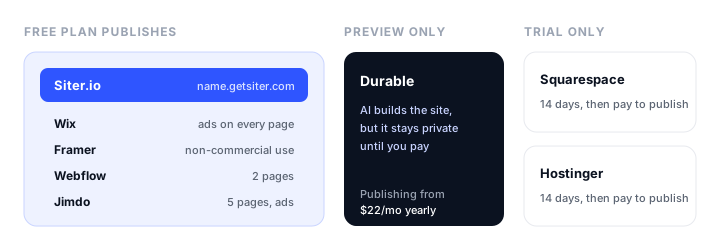
This guide compares the free AI website builders worth trying in November 2026, all of them visual builders for people who want a website rather than an app. For each one it covers what the AI generates, what the free plan actually includes, and what the first paid plan costs once you want your own domain. Plans and prices were checked on each vendor’s own pricing page in November 2026; a few vendors show prices in your local currency, so the figures you see may differ slightly.
The short version:
- Best free AI website builder overall: Siter.io. The free plan publishes a real website, the AI builds it on an editable canvas for desktop, tablet, and phone, and a custom domain costs $7 a month.
- Best for an all-in-one small business site: Wix, whose free plan publishes with ads and whose AI can add booking and store features as you grow.
- Best for designers: Framer, with the strongest design output, though its free plan is meant for non-commercial use.
- Best for a site that will grow into a CMS: Webflow, with monthly AI credits even on the free plan.
- Most generous free page count: Jimdo, with 5 free pages and a daily AI allowance instead of credits.
- Trials, not free plans: Squarespace and Hostinger. Durable’s free plan only previews your site.
If you want to build an app with logins and a database rather than a website, that is a different category of tool; our comparison of AI website and app builders covers Lovable, Bolt, v0, and the rest.
The best free AI website builders at a glance
| Builder | Free plan publishes? | Free address | AI on the free plan | Custom domain from | Free plan catch |
|---|---|---|---|---|---|
| Siter.io | Yes | name.getsiter.com | 100 credits, once | $7/mo billed yearly ($8 monthly) | 3 pages, 1 GB of traffic a month, badge |
| Wix | Yes | username.wixsite.com/site | Yes, limits not published | Light, about $17/mo billed yearly | Wix ads on every page, 1 GB bandwidth |
| Framer | Yes | Framer subdomain | 500 credits, once | Basic, $10/mo billed yearly | Framer banner, meant for non-commercial use |
| Webflow | Yes | mysite.webflow.io | 200 credits a month | Basic, $15/mo billed yearly ($25 monthly) | 2 pages, Webflow badge |
| Jimdo | Yes | Jimdo subdomain | 25 AI messages a day | Start, about €12/mo on a 12-month term | Ads, branding, no per-page SEO settings |
| Squarespace | No, 14-day trial | n/a | Blueprint AI during the trial | Basic, about €12/mo billed yearly | Nothing publishes without paying |
| Hostinger | No, 14-day trial | n/a | AI Builder during the trial | Premium, $1.99/mo promo, renews at $10.99 | Promo price needs a 48-month term |
| Durable | Preview only | n/a | 300 credits in total | Launch, $22/mo billed yearly ($25 monthly) | A free site can’t go public |
Free to publish, free to preview, or a free trial
Before comparing features, sort the builders into three groups, because it settles most of the decision.
Free plans that publish a real website. Siter.io, Wix, Framer, Webflow, and Jimdo all let you put a site online at no cost, on the builder’s own address. All of them add a badge, a banner, or ads, and all of them cap something: pages, bandwidth, or both. Google Sites belongs here too, ad-free and genuinely free, but it has no AI generation of its own (more on that below).
Free plans that only preview. Durable’s free plan generates a whole site with AI, but the site stays private: publishing it, even on Durable’s own subdomain, starts on the paid Launch plan. It is a free way to see what the AI makes, not a free website.
Trials. Squarespace and Hostinger both say plainly that they have no free plan. You can build with their AI for 14 days, then pay to publish. 10Web works the same way, with a short trial and a handful of AI credits.
The other thing to decide early is what you need to do after the AI is done. Every builder here lets you keep editing the generated site, but they differ in how much control you get, as the reviews show.
The free AI website builders, reviewed
1. Siter.io: best free AI website builder overall
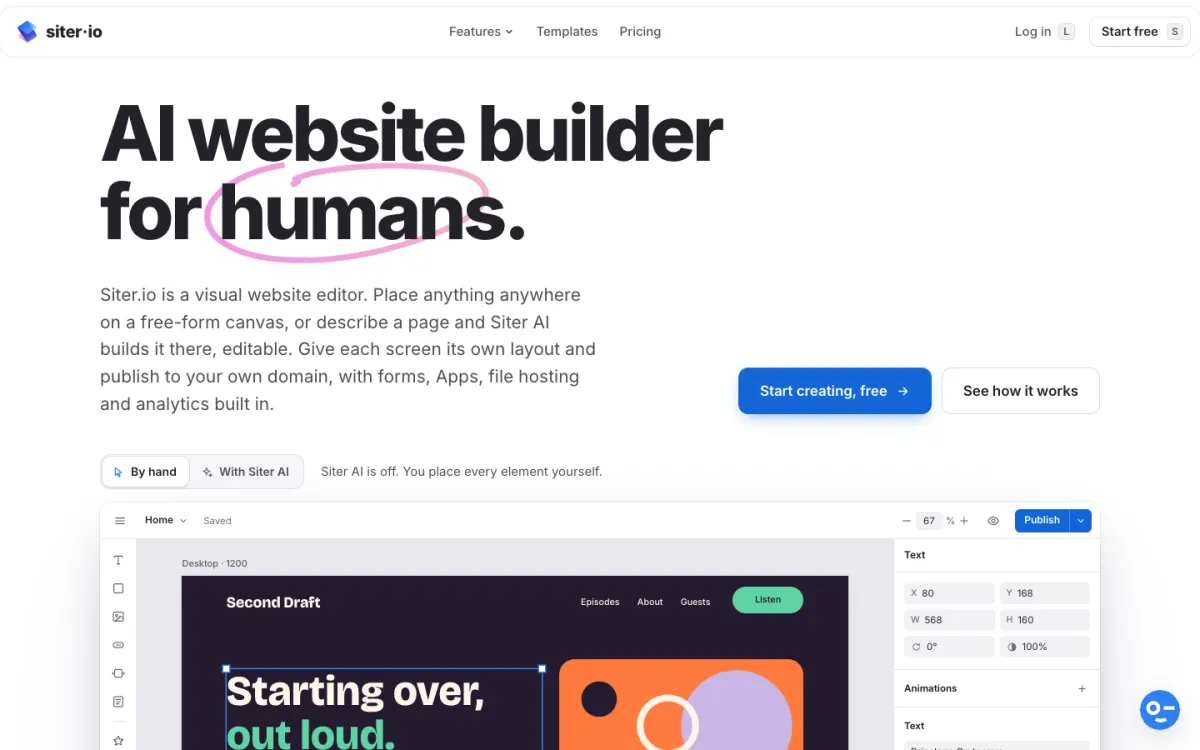
What it is. Siter.io is a visual website builder with a canvas editor, a Figma plugin, and Siter AI, which designs a page from a description. You describe the site, pick a look and feel (minimal, bold, elegant, playful, or professional), choose the sections you want, and the page is built section by section on the same canvas you design on, laid out for desktop, tablet, and phone.
What the AI does. Everything Siter AI makes is a real element you can move, restyle, or delete, not a picture of a design. You can keep editing by hand, or select part of the page and ask for the next change, and each AI turn ends with a list of what it added, changed, and removed. A version is saved before every AI edit, so “Undo these changes” puts the page back, and a run that fails costs no credits. It also rewrites text in place (improve, shorten, change the tone, or translate, in 32 languages and more), reads your brand colors from a logo in the browser without spending credits, and builds small interactive tools such as calculators and quizzes from a description.
The free plan. Free publishes 1 website at name.getsiter.com with no card: 3 pages, 1 form taking 10 submissions a month, 1 GB of visitor traffic a month, 14 days of analytics, SSL, and 100 AI credits given once. Per-page titles, descriptions, and share images are on every plan, and every site gets a sitemap and robots.txt automatically. You can also import a design from Figma on the free plan.
The catch. The free plan is small by design: 3 pages, a “Built with Siter.io” badge, and if a free site uses its 1 GB of monthly traffic it shows a temporarily unavailable page until the next month. Free sites are hidden from search engines until you switch on “Show in Google and other search engines” in Settings, and a free site with no visits and no edits for 6 months is archived (not deleted). Siter.io has no blog or CMS, no online store, and no multi-language sites yet, and code export is limited to downloading one page at a time as HTML on the Pro plan.
Pricing. Free $0. Solo $7/mo billed yearly or $8 monthly (custom domain, 10 pages, 3 forms, 600 AI credits a month, unlimited visitor traffic under fair use, no badge). Plus $12/mo yearly or $14 monthly (3 websites, 50 pages, 800 credits). Pro $24/mo yearly or $28 monthly (5 websites, unlimited pages, 2,000 credits, HTML download). Unused plan credits stay usable for one more month.
Best for. Portfolios, landing pages, and small business sites where you want the AI to do the first draft and still control the layout on every screen size.
2. Wix: best for an all-in-one small business site
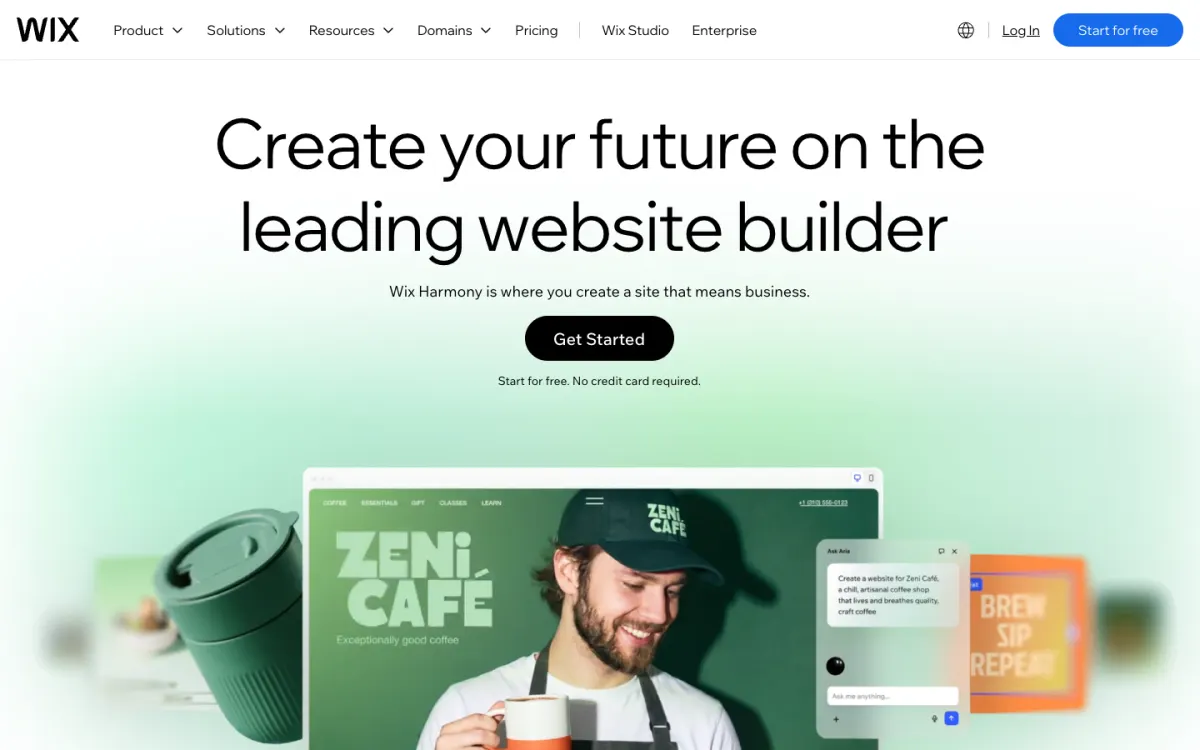
What it is. Wix is the biggest name in website builders, and its AI website builder (part of what Wix now calls Wix Harmony, with an AI agent called Aria) generates a full site from a prompt: pages, layout, copy, visuals, and business tools such as bookings or a store.
What the AI does. The generated site opens in Wix’s drag-and-drop editor, and you can keep asking the AI for new pages, sections, and visuals as you go. The older Wix ADI was retired in November 2024, so the current AI builder is the only route.
The free plan. Free publishes at an address like username.wixsite.com/sitename, with 500 MB of storage and 1 GB of bandwidth. Wix says you can start building with AI for free but does not publish a credit or generation limit.
The catch. Wix ads appear on every page of a free site, and removing them, adding a custom domain, or accepting payments needs a paid plan. You cannot export a Wix site to host it elsewhere: it has to stay on Wix’s servers.
Pricing. Free $0. The cheapest plan with a custom domain is Light, about $17 a month billed yearly (Wix shows prices in your local currency, and the figure we saw included tax), with a free domain for the first year. Accepting payments starts on Core.
Best for. Small businesses that want bookings, a store, and marketing tools in one place and are happy to stay on Wix for good.
3. Framer: best for designers
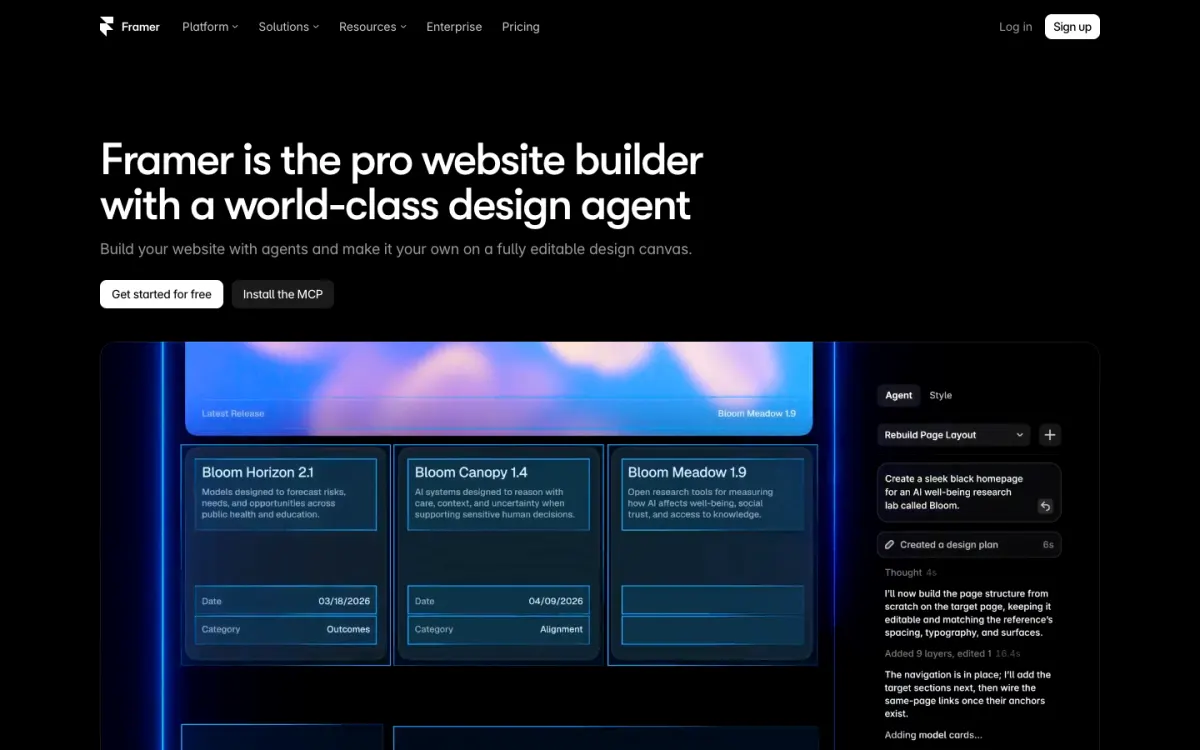
What it is. Framer is a design-first website builder whose AI creates editable pages, sections, copy, and visuals, including whole sites from a prompt. The result lands as real layers on Framer’s canvas.
What the AI does. Framer has moved to an AI agent and credits model. Beyond generating layouts, it can write CMS content, build code components, and review pages for SEO and accessibility, which suits people who care about the polish of the result.
The free plan. Free publishes on a Framer subdomain with 1 GB of bandwidth and a “Made in Framer” banner, and it includes 500 AI credits once (only while the workspace has no paid subscription).
The catch. Framer describes the free plan as ideal for non-commercial use, so it is a place to build and show a design rather than run a business site. There is no custom domain on Free, and Framer does not offer HTML export for self-hosting.
Pricing. Free $0. Basic is $10/mo billed yearly and adds a custom domain and 1,000 AI credits a month; Pro is $30/mo billed yearly with 3,000 credits.
Best for. Designers and design-minded founders who want the best-looking marketing site and will pay once it goes live. For the difference from Siter.io in detail, see Siter’s own Framer comparison.
4. Webflow: best for a site that will grow into a CMS
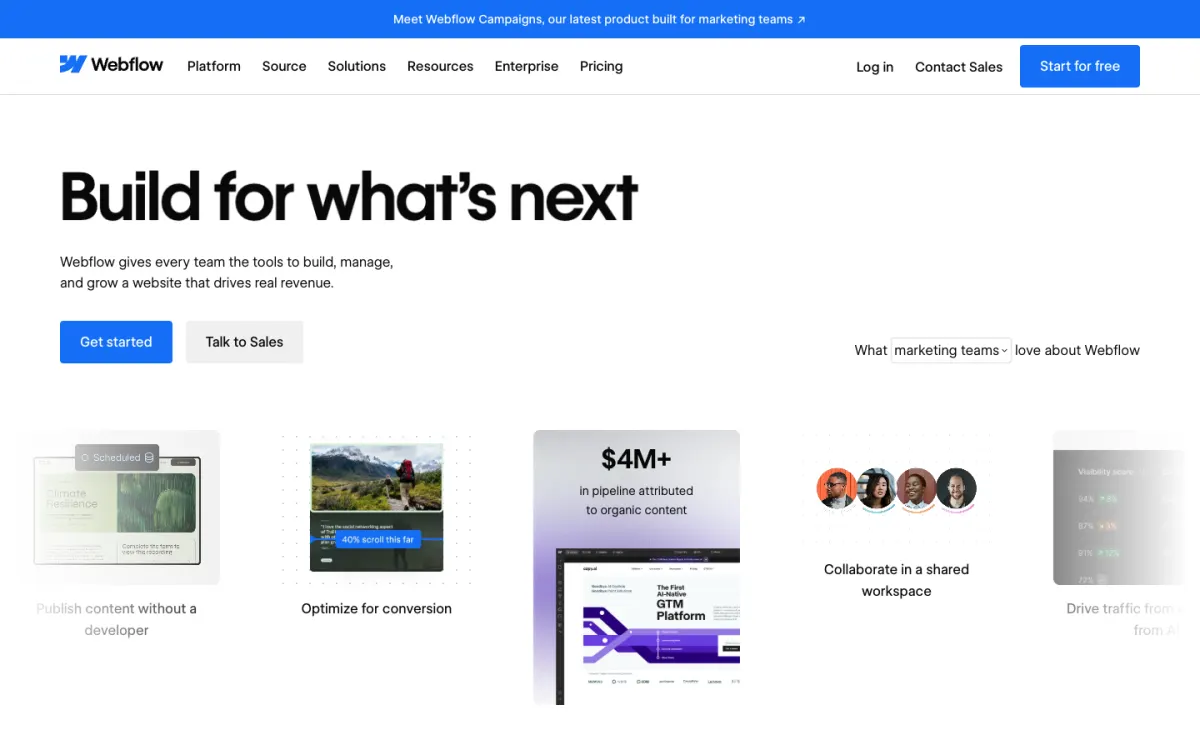
What it is. Webflow is the most powerful visual builder in this list, and its AI site builder turns a prompt into a site with its own design system. It also generates sections, copy, CMS items, and code components, all editable on the canvas.
What the AI does. Webflow is the only builder here that gives the free plan a monthly AI allowance: 200 credits a month on the free Starter workspace. It is a good choice if you expect the site to grow into a content-heavy CMS later.
The free plan. A free Starter site publishes at mysite.webflow.io with 2 static pages, 50 CMS items, 1 GB of bandwidth, 50 form submissions, and a “Made in Webflow” badge.
The catch. Two pages is the tightest free limit in this list, there is no custom code or custom domain on Free, and Webflow has a real learning curve once you move past the AI’s first draft. Code export exists, but only on paid workspace plans.
Pricing. Free $0. The Basic site plan is $15/mo billed yearly or $25 monthly and adds a custom domain; CMS needs the higher Premium plan, $25/mo yearly or $39 monthly.
Best for. Teams who want a site that can scale into a large CMS and who are willing to learn a professional tool. If the learning curve puts you off, our Webflow alternatives guide compares easier options.
5. Jimdo: most generous free page count
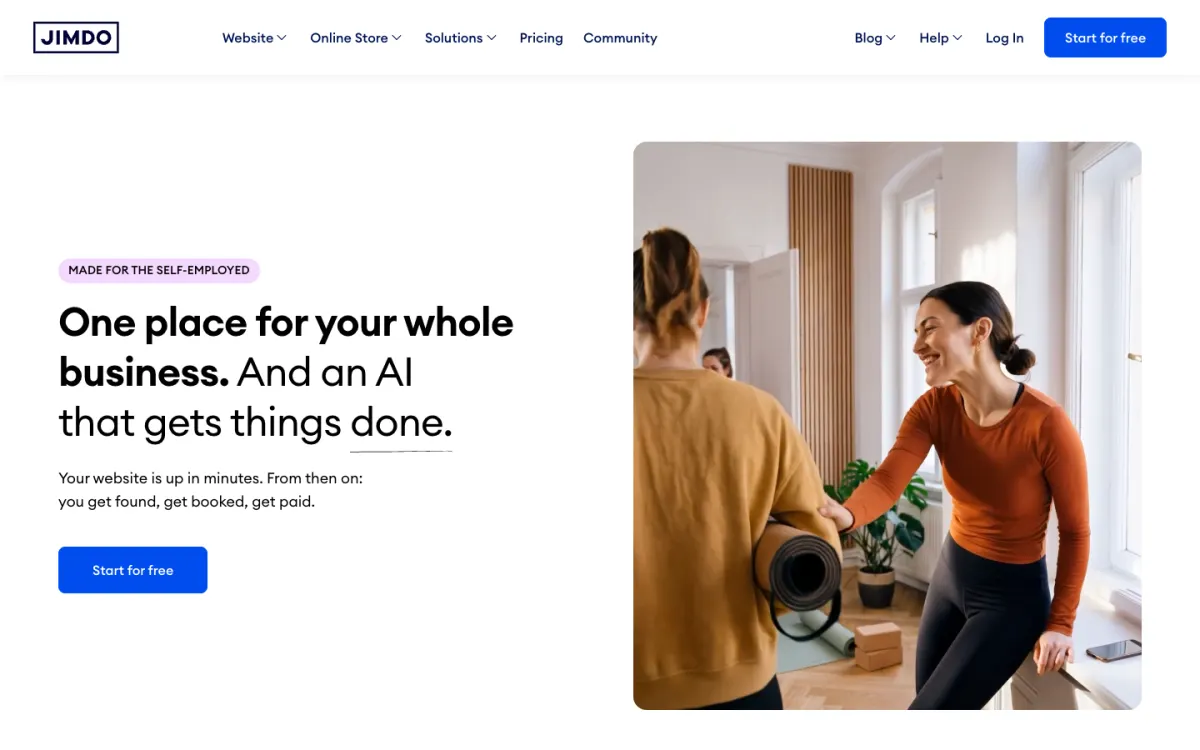
What it is. Jimdo is a simple builder aimed at small businesses, with an AI that builds a site in minutes and a newer assistant, Companion AI, that suggests changes and makes them once you approve.
What the AI does. Instead of credits, Jimdo gives every plan, the free one included, 25 AI messages a day, with nothing to buy. That makes it the most predictable AI allowance here.
The free plan. Free has no time limit and covers 5 pages and 5 GB of storage on a Jimdo subdomain, with bookings and payment links included and hosting in the EU.
The catch. Free sites show ads and Jimdo branding, there are no per-page SEO settings and no automatic submission to Google, and statistics cover only the last 7 days. Jimdo is also less flexible to design with than the canvas-based builders above.
Pricing. Free €0. Start, which adds a custom domain and removes ads, is about €12 a month on a 12-month term (about €18 month to month), with the domain free for the first term.
Best for. Small businesses that want more than a couple of free pages and a fixed daily AI allowance.
6. Squarespace: best design templates, but no free plan
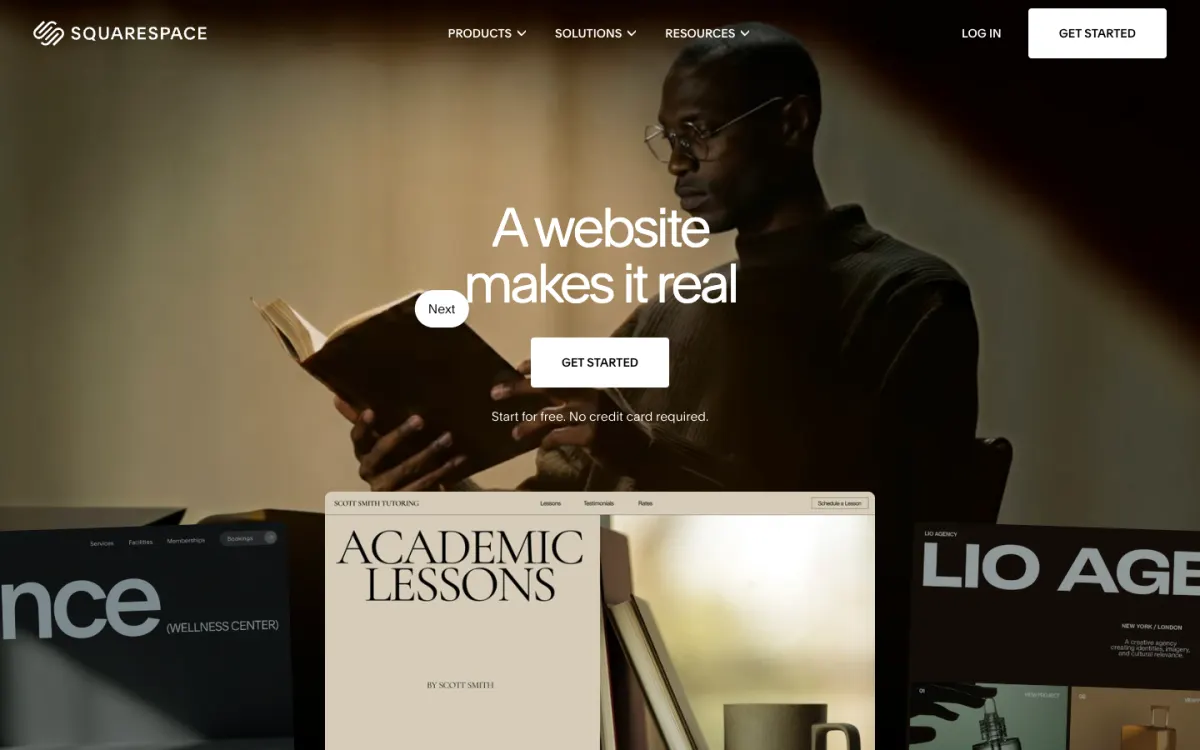
What it is. Squarespace builds a full multi-page site with Blueprint AI, choosing pages, copy, imagery, colors, and fonts, then hands it to its drag-and-drop editor.
The free plan. There isn’t one. Squarespace says so directly, and offers a 14-day free trial with no card. You can try Blueprint AI during the trial, but publishing needs a paid plan.
The catch. Besides the missing free plan, AI is metered by plan: Basic includes 10 AI credits once, Core 20 a month, and the higher plans more. Export is partial, a WordPress-format file without bulk images.
Pricing. Basic is about €12 a month billed annually (€17 monthly) before tax when we checked from Europe; US prices may differ. A free domain is included for the first year on annual plans.
Best for. People who are ready to pay and want Squarespace’s design standards, not a free site.
7. Hostinger Website Builder: cheapest to start, with a long commitment
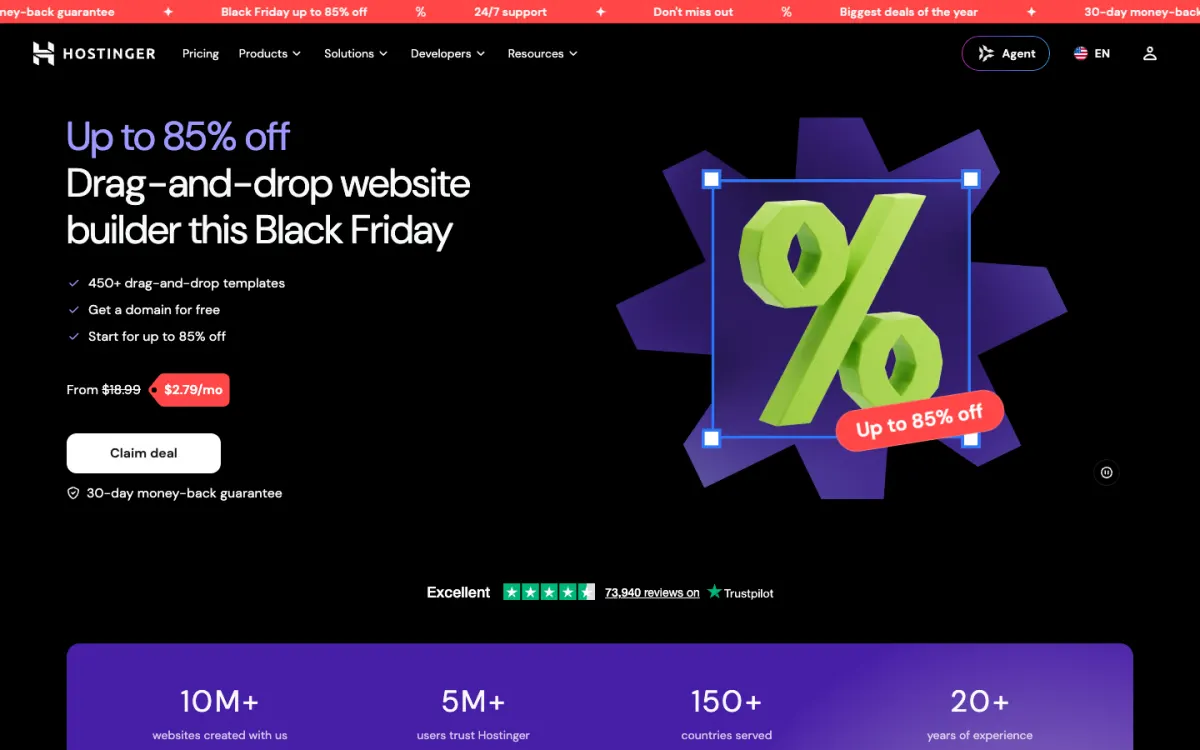
What it is. Hostinger now has one AI Builder with two modes: Manual, a drag-and-drop editor, and Agentic, which builds from a prompt, a URL, or a PDF and can also make simple web apps.
The free plan. None. Hostinger’s builder has a 14-day free trial, and publishing needs a paid plan.
The catch. The headline price needs a long commitment. When we checked, Premium was $1.99 a month as a sale price on a 48-month term (about $96 up front), renewing at $10.99 a month. AI credits are a one-time gift per plan rather than a monthly allowance.
Pricing. Premium from $1.99/mo on a 48-month term, renewing at $10.99; up to 3 sites and a free domain for the first year. 30-day money-back guarantee.
Best for. People who already know they will keep a site for years and want the lowest total cost.
8. Durable: fast AI drafts, but free only previews
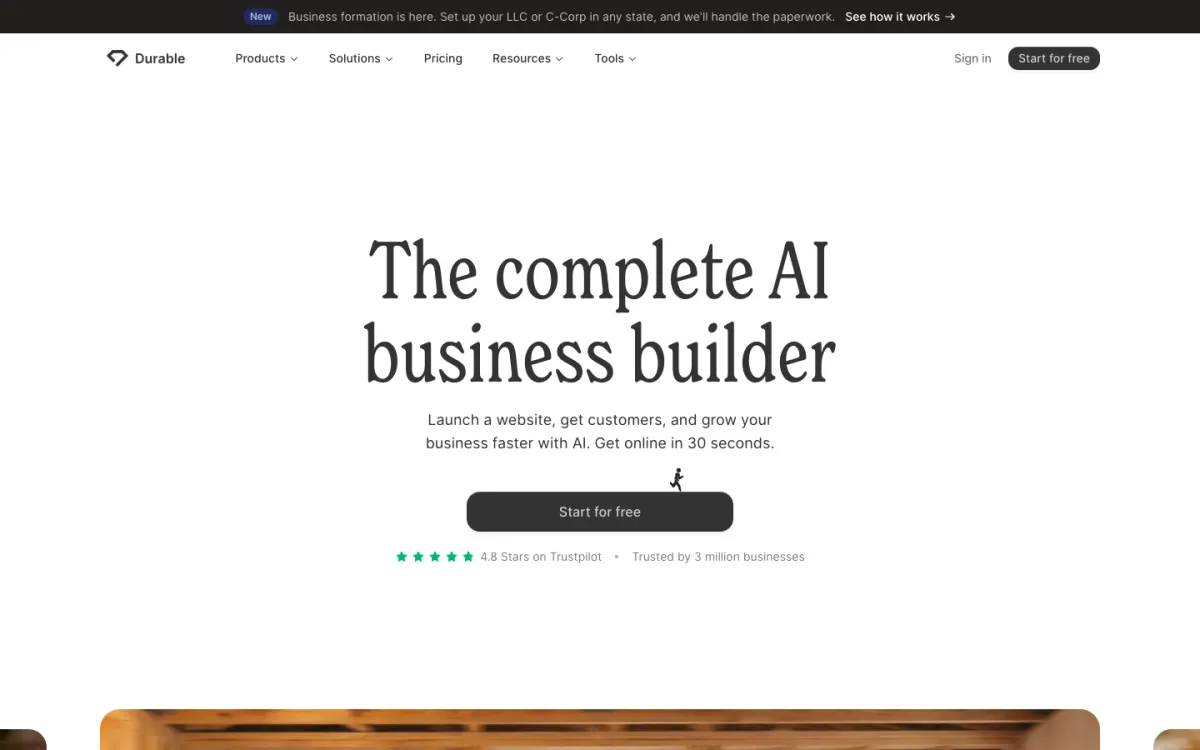
What it is. Durable is an AI-first builder aimed at small businesses: it generates a whole site in seconds and bundles extras such as a simple CRM, blog posts, and SEO help, all paid for with AI credits.
The free plan. Free includes 300 AI credits in total and a CRM for up to 10 customers, but the site stays in private preview. Publishing, even on Durable’s own subdomain, starts on the paid Launch plan.
The catch. Durable is built around AI edits rather than detailed visual design, and it does not mention any way to export your site.
Pricing. Launch is $22/mo billed yearly or $25 monthly, with 1,000 AI credits a month and a domain included; Grow is $41 yearly or $49 monthly.
Best for. Service businesses that want a site and basic customer tools generated in one go and are fine paying from day one.
What about Google Sites, ChatGPT, and Claude?
Google Sites is free, ad-free, and works with a personal Google account, which makes it the most genuinely free option for a simple site. It has no AI generation of its own, though since October 2026 an interactive app built in the Gemini app can be sent to Google Sites as a draft and published from there.
ChatGPT and Claude can write a complete website as HTML, CSS, and JavaScript, which is free or close to it if you already pay for one of them. What they don’t give you is a visual editor or a host: you get code, and you need somewhere to put it. If you go this way, our guides to building and publishing a website with Claude and where to host a website built by AI cover the publishing side, and a static host such as Static.app puts a single HTML file or a ZIP online without any setup.
What free plans hold back
Every free plan in this list trades something for the price. The five limits to check before you build:
- Your own domain. None of the free plans lets you connect a domain you bought elsewhere. Free sites live on the builder’s address (name.getsiter.com, wixsite.com, webflow.io), which is fine for a portfolio draft and weak for a business.
- Branding. Every free site carries a badge, a banner, or ads. Wix and Jimdo show ads; Siter.io, Framer, and Webflow show a small badge or banner.
- Pages and traffic. Free page limits run from 2 (Webflow) to 5 (Jimdo), and most free plans cap bandwidth at about 1 GB a month, enough for a small site but not for a launch that gets shared widely.
- AI allowance. Credits on free plans are usually a one-time gift (Siter.io, Framer, Durable), a monthly allowance (Webflow), or a daily message limit (Jimdo). Wix does not publish its limit.
- Search visibility and SEO settings. Some free plans limit SEO: Siter.io keeps free sites out of search engines until you switch them on, and Jimdo’s free plan has no per-page SEO settings. Check before you rely on a free site to bring in visitors.
Can you take your site with you?
AI makes a site quickly, but you still live with the builder afterwards, and some have no way out. Wix and Framer offer no code export for self-hosting, Durable mentions none, and Squarespace exports only a WordPress-format file. Webflow exports clean HTML and CSS on paid workspace plans, and Siter.io downloads a page at a time as HTML on Pro.
It matters more than it seems. Hocoos, an AI website builder that was on many 2025 lists, shut down in 2026: users could download their HTML until April 23, and after that their data was deleted. If a site matters to you, keep a copy of your content and images outside the builder, whichever one you pick.
How to choose
- You want a free site online today, built by AI and editable on every screen size: Siter.io.
- You run a small business and want bookings or a store later: Wix, accepting the ads until you upgrade. For paid plans compared by what a business site has to do, see our guide to the best website builders for small business.
- You are a designer showing your work: Framer, keeping in mind the free plan’s non-commercial note.
- Your site will become a large CMS: Webflow.
- You want more free pages and a predictable AI allowance: Jimdo.
- You are ready to pay from the start: Squarespace for design, Hostinger for the lowest long-term price.
- You want to hand-code with AI instead: ChatGPT or Claude for the code, plus a static host.
Whichever you pick, once the site is live, set up free uptime monitoring so you hear about downtime before your visitors do.
FAQ
What is the best free AI website builder?
Siter.io is the best free AI website builder for most people in 2026: its free plan publishes a real website, its AI builds the page on an editable canvas for desktop, tablet, and phone, and a custom domain starts at $7 a month. Wix is the better pick if you want bookings or a store in the same tool, and Framer if design polish matters most.
What website builder is 100% free?
No AI website builder is completely free for a real business site, because every free plan adds a badge, a banner, or ads and keeps you on the builder’s own address. Google Sites is the closest to 100% free, with no ads and no fee, but it has no AI site generation. Among AI builders, Siter.io, Wix, Framer, Webflow, and Jimdo all publish a site for free with those limits.
Can ChatGPT actually create a website?
Yes, ChatGPT can write the HTML, CSS, and JavaScript for a complete website, and so can Claude. It cannot host the site or give you a visual editor, so you copy the code into a file and upload it to a host. If you would rather not touch code, an AI website builder such as Siter.io or Wix does the hosting and keeps the result editable.
Can I use my own domain with a free AI website builder?
Not on any of the free plans compared here. Free sites publish on the builder’s address, and connecting a domain you own starts on the first paid plan: $7 a month billed yearly on Siter.io, $10 on Framer, $15 on Webflow, and about $17 on Wix.
Will a site from a free AI website builder rank in Google?
It can, but a free plan makes it harder. Free sites sit on a shared subdomain, some free plans limit SEO settings, and Siter.io keeps free sites out of search results until you turn search engines on. For a site you want people to find, a custom domain and your own page titles and descriptions matter more than which AI built it.
Is an AI website builder the same as an AI app builder?
No. AI website builders such as Siter.io, Wix, and Framer create a visual website you keep editing in a design editor. AI app builders such as Lovable, Bolt, and v0 generate code for apps with logins and databases. Our comparison of AI website and app builders covers the second group.
Build your Bootstrap theme
Design a custom Bootstrap 5 theme visually with a live preview, then export clean Sass or CSS.
Open the Builder