9 Best Webflow Alternatives in 2026 (Free and Paid)
Webflow is the most capable visual website builder there is, and that is exactly why people look for an alternative. Its class-based style system takes weeks to learn, its pricing runs on two separate axes (a Site plan for each website and a Workspace plan for the team), and its cheapest plan with your own domain has no CMS. If you are building a large, content-driven site with a team, those costs buy real power. If you are publishing a portfolio, a landing page, or a small business site, you may be paying in money and learning time for features you never open.
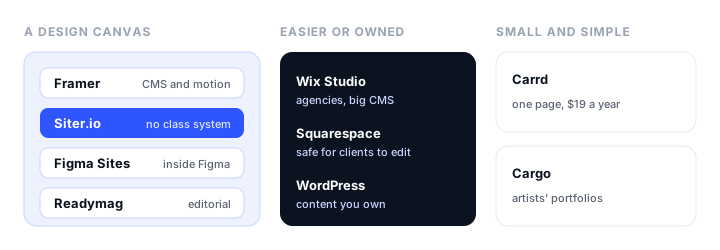
This guide compares nine Webflow alternatives in November 2026, grouped by what you want instead of Webflow. For each one it covers what it does better, what it gives up, and what it costs. Prices are from each vendor’s own pricing page, billed yearly unless we say otherwise; a few vendors show prices in your local currency.
The short version:
- Best overall Webflow alternative: Framer. A design-first builder with a CMS and strong animation, from $10 a month per site.
- Best for designers who don’t need a CMS: Siter.io. A free-form canvas with separate desktop, tablet, and phone layouts, a Figma import, and your own domain for $7 a month.
- Best for agencies: Wix Studio, with editable breakpoints and a CMS that scales to millions of items.
- Best for content you own: WordPress, free as software or from $4 a month hosted.
- Easiest to use: Squarespace, with templates that hold together when anyone edits them.
- Best for designers already in Figma: Figma Sites.
- Best for editorial and expressive layouts: Readymag.
- Best for artists’ portfolios: Cargo.
- Best for a single page: Carrd, from $19 a year with your own domain.
Why people leave Webflow
Webflow’s output is rarely the problem. What sends people looking is how much product they have to absorb to publish a few pages:
- Two plan axes. A Site plan puts each website live on your domain, and a Workspace plan covers seats, staging, and (above the Core tier) code export. Working out what you actually need to pay for is a task in itself.
- The cheapest custom domain plan has no CMS. Basic is $15 a month billed yearly ($25 monthly) and includes no CMS and no ecommerce. A blog means Premium, $25 a month billed yearly ($39 monthly), the plan that replaced the old CMS and Business plans in May 2026.
- The class system is the learning curve. Classes, inheritance, and component variants keep a 100-page site consistent, but they are more structure than a 6-page site needs.
- The free plan is small. The free Starter plan publishes 2 static pages on a webflow.io address with a Webflow badge.
If any of these is why you are reading, one of the alternatives below will fit better. If what you need is a CMS that scales to tens of thousands of items, code export, and a style system for a large team, stay on Webflow; nothing here replaces all of that at once.
Webflow alternatives at a glance
| Builder | Best for | Cheapest plan with your domain | CMS or blog | Free plan |
|---|---|---|---|---|
| Framer | Designers who want a CMS | Basic, $10/mo per site | Yes, from Basic | Yes, framer.website address |
| Siter.io | Designers who don’t need a CMS | Solo, $7/mo ($8 monthly) | No | Yes, 3 pages on getsiter.com |
| Wix Studio | Agencies | Basic, priced by region | Yes, 1,500 items and up | Yes, with Wix ads |
| WordPress | Content you own | Free software, or $4/mo on WordPress.com | Yes, the strongest here | Yes, with ads on WordPress.com |
| Squarespace | Easiest to use | Basic, $19/mo ($25 monthly) | Blog on every plan | No, 14-day trial |
| Figma Sites | Teams already in Figma | Professional, $16/mo per Full seat | Check current plans | Design free, publishing paid |
| Readymag | Editorial layouts | Personal, about €13/mo | No | Yes, 10 pages with branding |
| Cargo | Artists’ portfolios | $14/mo ($19 monthly) | Check current plans | No free tier documented |
| Carrd | One-page sites | Pro Standard, $19/year | No | Yes, 3 one-page sites |
The best Webflow alternatives, reviewed
1. Framer: best overall Webflow alternative
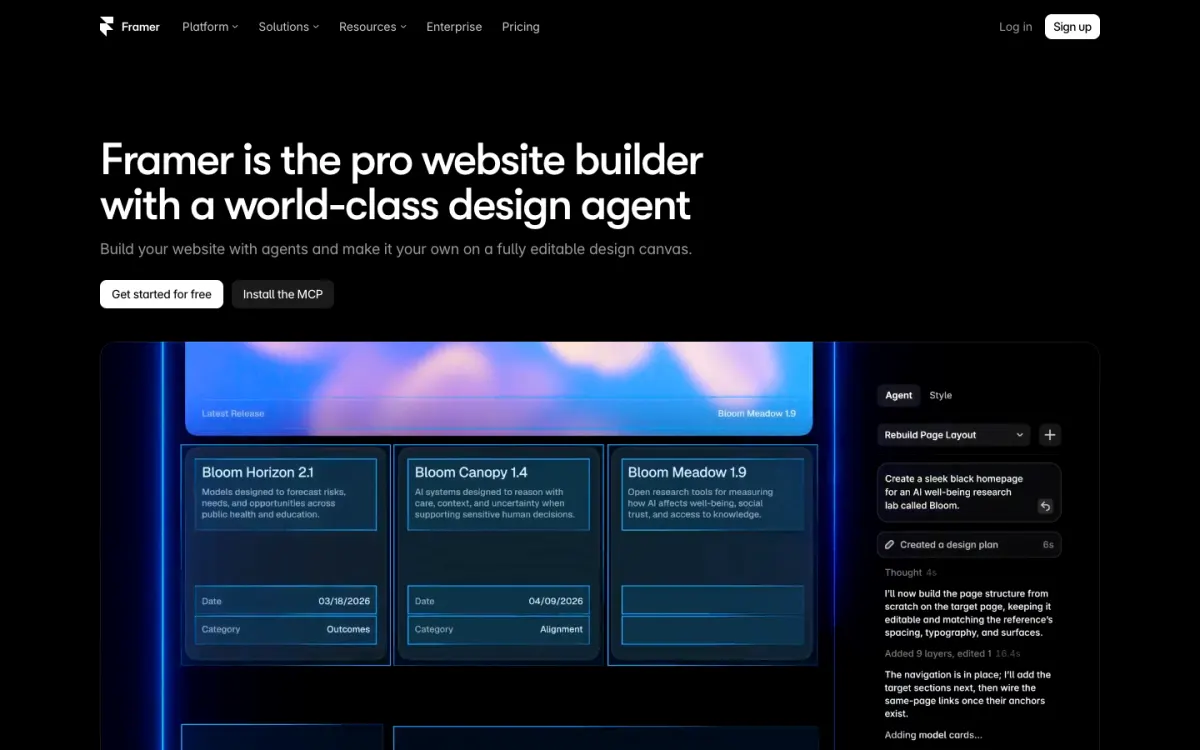
What it is. Framer is a design-first website builder that works like a design tool, with a CMS, motion built in, and an AI agent that generates and edits pages on the canvas.
Why it replaces Webflow. Framer gives you most of what designers use Webflow for, a visual canvas, a CMS, and polished interactions, without the class system. Scroll effects, component variants, and page transitions are its strength, and there is a template marketplace to start from.
What you give up. Framer prices per site, and editor seats are billed on top ($20 each since Framer 3.0 in June 2026). AI credits are metered. There is no code export for self-hosting, and the CMS is smaller than Webflow’s: 2 collections and 1,000 items on Basic, 10 collections and 2,500 items on Pro.
Pricing. Free publishes on a framer.website address with a Framer banner and 500 AI credits to try. Basic $10/mo per site billed yearly adds a custom domain, 50 GB of bandwidth, and 1,000 AI credits a month. Pro $30/mo adds more CMS room and 3,000 credits.
Best for. Designers and startups who want a beautiful marketing site with a blog or case studies and care about motion.
2. Siter.io: best for designers who don’t need a CMS
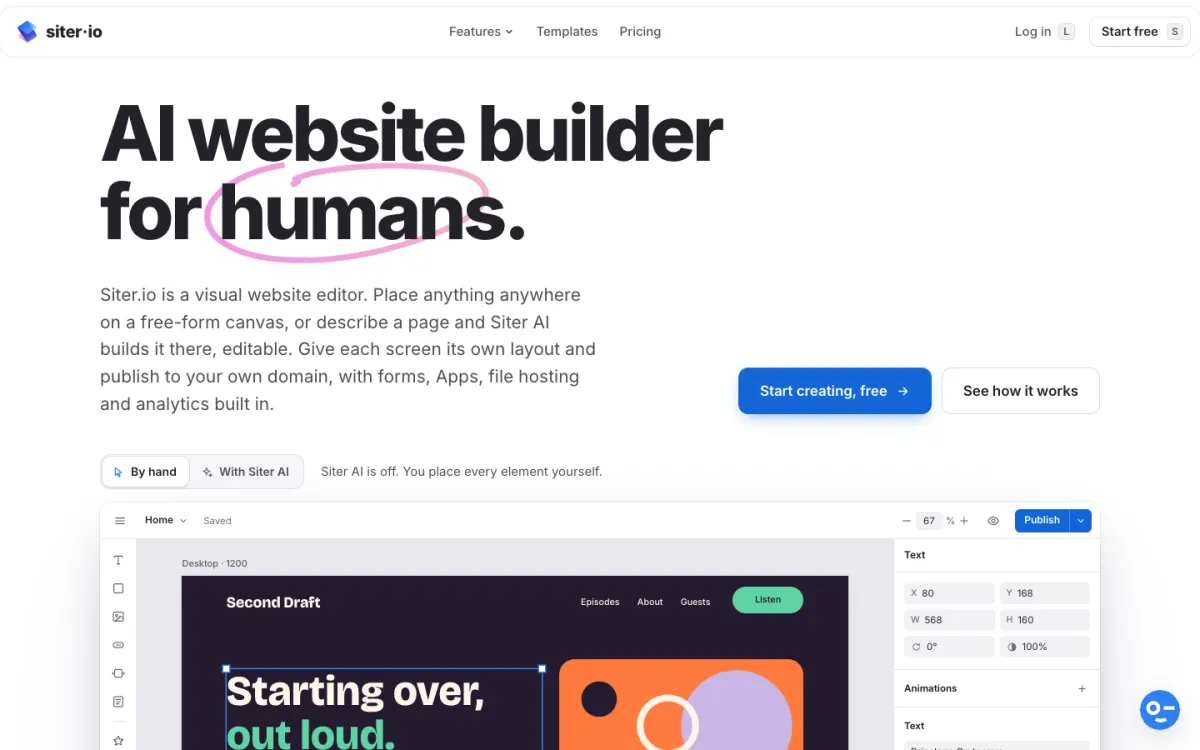
What it is. Siter.io is a visual website builder with a free-form canvas that works like a design tool rather than a class system. You place and size everything by hand on separate layouts for desktop, tablet, and phone (1200, 640, and 375 pixels by default, plus any width you add), import frames from Figma with a plugin, or have Siter AI draft a page that stays fully editable.
Why it replaces Webflow. Siter.io is the shorter path for a designed portfolio or landing page: no classes to learn, one plan instead of two, and a lower price. The Figma plugin sends a frame to the canvas on every plan, the free one included, and per-page SEO settings, custom fonts, head code, a Code element for embeds, animations, components, and version history are all there. Pricing is per account, not per site: Plus publishes 3 websites for $12 a month and Pro 5 for $24.
What you give up. Siter.io has no CMS or blog, so pages are designed one at a time, and no ecommerce. The Figma import is one-way with no re-sync, and prototype animations and interactions don’t come across. Code export is an HTML download of one page at a time on Pro, not a full-site export.
Pricing. Free publishes 1 website on a getsiter.com address with 3 pages, 1 form, and a Siter.io badge. Solo $7/mo billed yearly or $8 monthly adds your own domain, 10 pages, and 600 AI credits a month. Plus $12/mo yearly (3 websites, 50 pages), Pro $24/mo yearly (5 websites, unlimited pages, HTML download).
Best for. Designers and freelancers publishing portfolios, landing pages, and small client sites who want design control without Webflow’s learning curve. Siter’s own Webflow comparison goes through the two in detail.
3. Wix Studio: best for agencies
What it is. Wix Studio is Wix’s platform for designers and agencies, separate from the classic Wix Editor, with responsive breakpoints and a CMS, built for agencies and enterprises.
Why it replaces Webflow. It is the closest match to Webflow for agency work. Wix Studio ships three breakpoints that you can edit (desktop from 1,001px, tablet 751 to 1,000px, mobile 320 to 750px) and lets you add your own. The CMS scales from 1,500 items on Basic to 10,000,000 on Elite, and there is a one-way Figma import. Clients get Wix’s business tools, such as bookings and stores, on the same platform.
What you give up. You cannot export a Wix site: it must stay on Wix’s servers. The Figma import brings menus and forms in as plain text, and it is one page at a time with no re-sync. Wix makes you choose between two editors with separate price lists.
Pricing. Wix Studio’s plans are priced by region; on the EU price sheet Basic starts at €12 a month, with Standard, Plus, and Elite above it. Check the price from where you are.
Best for. Agencies and freelancers building many client sites that need Webflow-level layout control plus Wix’s business features.
4. WordPress: best for content you own
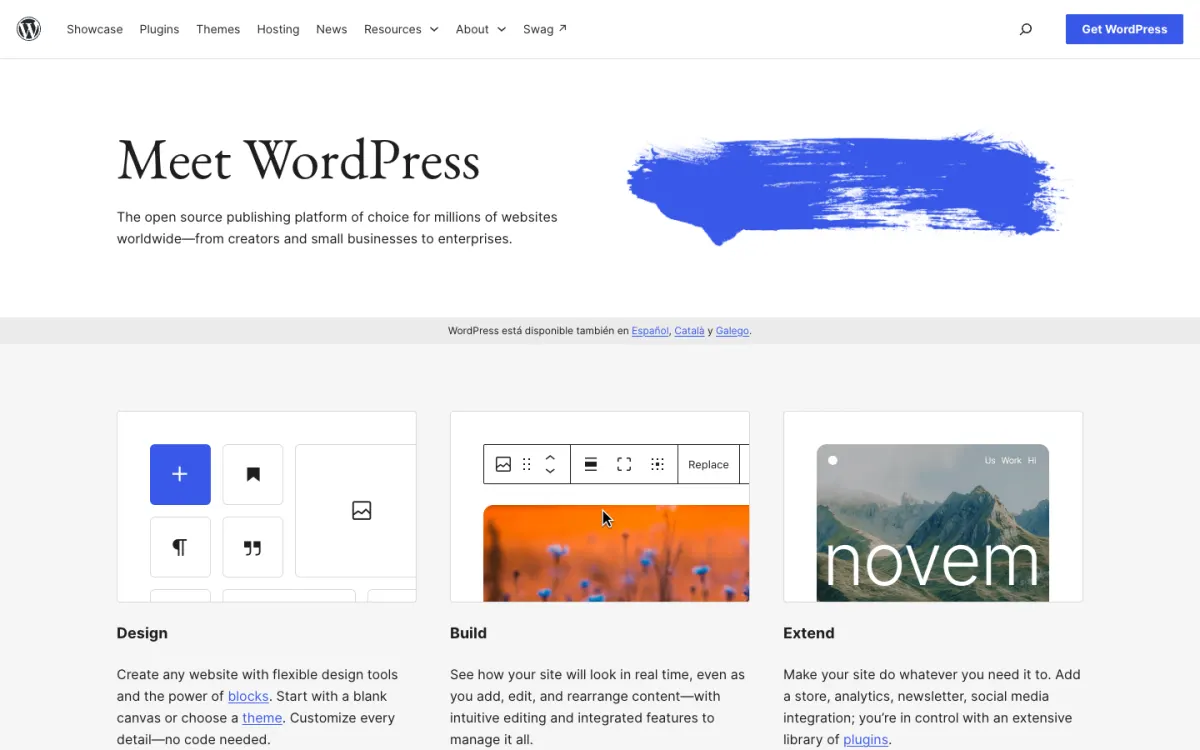
What it is. WordPress is free, open-source publishing software you can host anywhere, or use hosted on WordPress.com.
Why it replaces Webflow. WordPress has the strongest content system here: posts, pages, categories, scheduled publishing, revisions, and multiple authors, out of the box. Plugins cover almost anything (WordPress.com lists over 60,000 on its paid plans), WooCommerce adds a store, and with WordPress.org you own the whole stack, so no vendor can shut you out.
What you give up. Design is a theme problem: you are working inside a theme or a page builder rather than on a free canvas. WordPress is also a system to maintain, with updates, plugins, and backups, unless you pay for managed hosting.
Pricing. WordPress.org is free; you pay for hosting and a domain. WordPress.com is free with ads, then Personal $4/mo billed yearly, Premium $8, Business $25 (the first with SFTP and SSH), and Commerce $45 with WooCommerce.
Best for. Content-heavy sites, blogs, and businesses that want to own their platform.
5. Squarespace: easiest to use

What it is. Squarespace is an all-in-one builder with polished templates, a grid-based editor, and Blueprint AI to build a first draft.
Why it replaces Webflow. Squarespace is the opposite of Webflow’s blank canvas: the template handles responsive behavior, spacing, and type, so a site holds together when you, a client, or an employee edits it. A blog with categories and tags, selling, invoicing, and point of sale come on every plan.
What you give up. Much less layout control: two layouts only, desktop and mobile, with no tablet layout or custom breakpoints. No custom code on Basic, and export is a single WordPress-format file with much left out. There is no free plan.
Pricing. Basic $19/mo billed yearly ($25 monthly), Core $29, Plus $49, Advanced $99. 14-day free trial.
Best for. Clients and small businesses who need to edit their own site safely. Our Wix vs Squarespace comparison covers it in depth.
6. Figma Sites: best for designers already in Figma
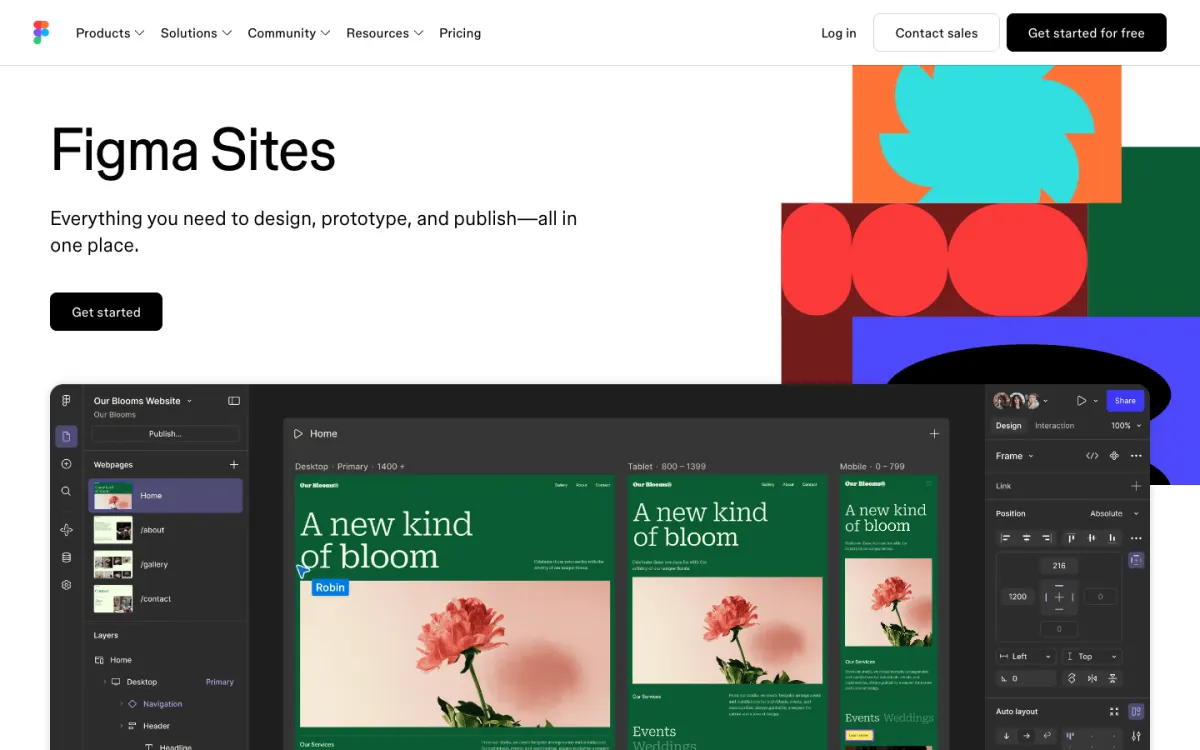
What it is. Figma Sites lets you design, prototype, and publish a website from inside Figma.
Why it replaces Webflow. If your team already designs in Figma, there is no import step: the design is the site. Publishing is part of the Figma plan you may already pay for.
What you give up. Publishing to a live domain needs a paid Figma plan, and the site lives inside Figma’s seat-based pricing, so every editor needs a Full seat. The up to 10 custom domains on Professional are shared with Figma Make.
Pricing. Starter is free for designing. Professional $16/mo per Full seat billed yearly publishes sites with up to 10 custom domains. Organization $55 and Enterprise $90 per seat.
Best for. Product and design teams who live in Figma and want a marketing site without leaving it.
7. Readymag: best for editorial and expressive layouts
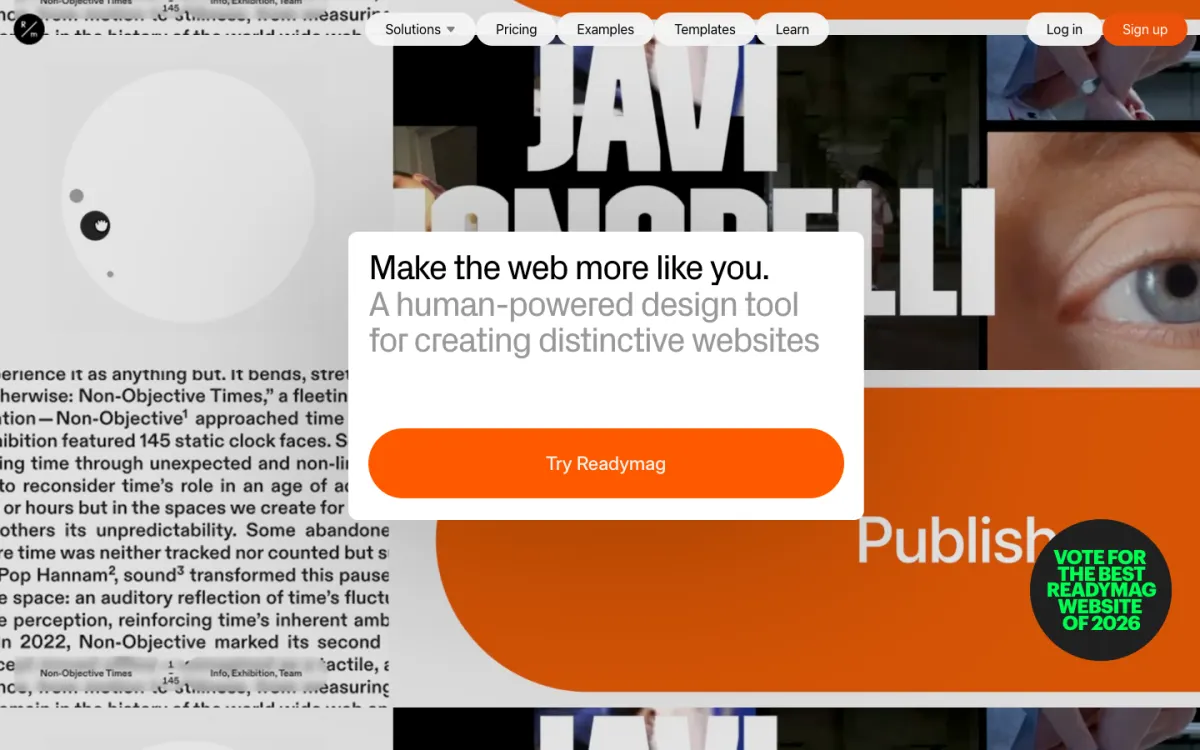
What it is. Readymag is a design tool for websites with hand-arranged layouts, used for editorial projects, portfolios, and presentations.
Why it replaces Webflow. It gives designers free placement on desktop, tablet, and mobile layouts without a class system, with Lottie, Adobe and type.today fonts, and a large icon library built in. Version history and password protection are part of the plans.
What you give up. Traffic is metered (10,000 views a month on Personal), the entry plan allows one custom domain, and code export is only on the top Advanced tier. Prices are in euros.
Pricing. Free publishes one site of up to 10 pages with Readymag branding. Personal about €13/mo billed yearly, Freelancer €27, Advanced €51.
Best for. Designers and studios making magazine-style or highly visual sites.
8. Cargo: best for artists’ portfolios
What it is. Cargo is a site builder for artists and designers, with templates for portfolios, presentations, and shops for creative work.
Why it replaces Webflow. One flat subscription publishes unlimited sites on cargo.site addresses, with one custom domain included, and the type and layout defaults suit creative work. A commerce add-on charges no per-transaction fee.
What you give up. No free tier is documented, there is no Figma import, and each custom domain beyond the first is an extra $2 a month.
Pricing. $14/mo billed yearly or $19 monthly. Extra domains $2/mo each. Commerce add-on $5.50/mo.
Best for. Artists, photographers, and designers who want an expressive portfolio and maybe a small shop.
9. Carrd: best for a single page
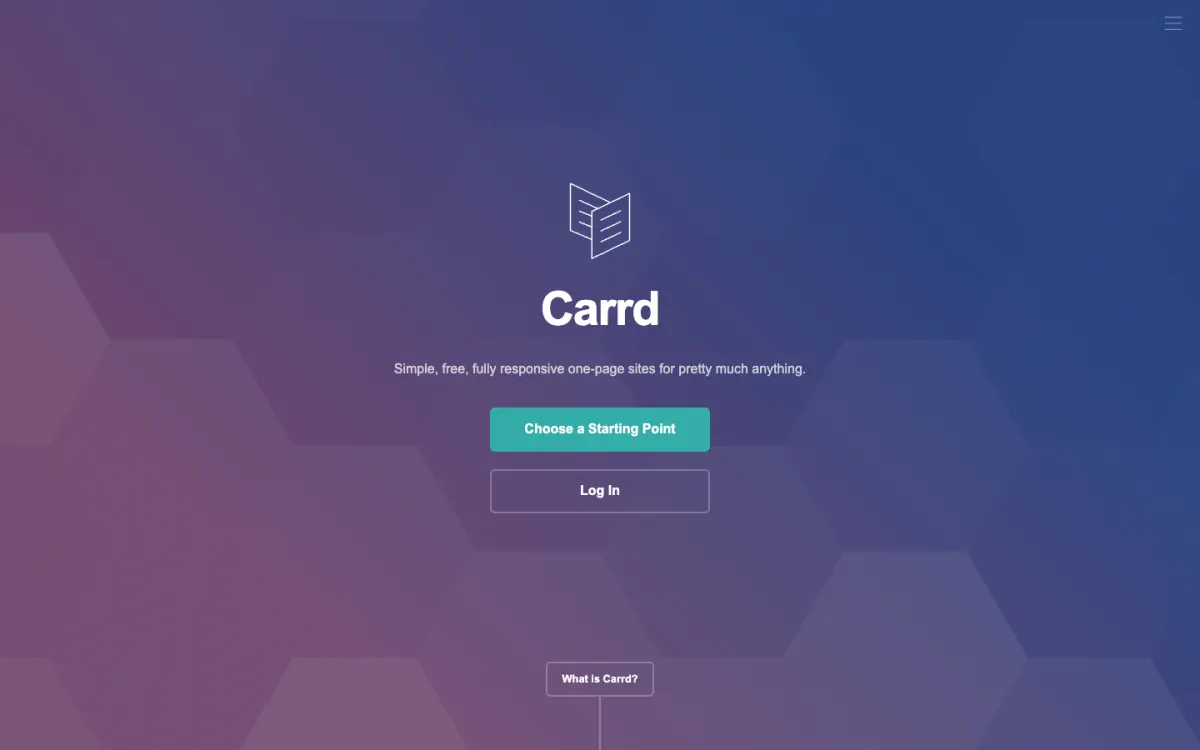
What it is. Carrd builds simple, responsive one-page sites: link-in-bio pages, landing pages, and personal profiles.
Why it replaces Webflow. For a single page, nothing here is cheaper or quicker. There is no canvas and no breakpoint model to learn: you stack elements and publish.
What you give up. It is one page by design. Custom domains start on Pro Standard, not the cheapest Pro Lite tier, and there is no Figma route.
Pricing. Free for 3 one-page sites with a Carrd footer. Pro Lite $9/year (no custom domain), Pro Standard $19/year (custom domains, forms, analytics), Pro Plus $49/year (site downloads and more).
Best for. One-page sites where Webflow is far more tool than you need.
How to choose a Webflow alternative
- You want a design tool with a CMS and great motion: Framer.
- You design portfolios and landing pages, don’t need a CMS, and want the lowest price with full layout control: Siter.io.
- You run an agency building client sites: Wix Studio.
- Your site is mostly content and you want to own it: WordPress.
- The client will edit the site themselves: Squarespace.
- Your team already designs in Figma: Figma Sites.
- You want magazine-style, expressive layouts: Readymag.
- You are an artist building a portfolio: Cargo.
- You only need one page: Carrd.
And if you would rather write the code yourself, a Bootstrap theme from the theme builder plus a static host gives you full control with no builder at all.
Moving off Webflow
There is no automatic migration from Webflow to any of these builders, so plan a rebuild. Before you cancel:
- Export what you can. On a paid Workspace plan at Core or above, export the site’s code as a reference, and export CMS collections as CSV files.
- Save your assets. Download images, fonts, and any files your pages link to.
- List your URLs. Record every page address, so you can recreate the same paths or set up redirects on the new platform and keep your search rankings.
- Rebuild, then switch the domain. Build the new site on the builder’s free address, check it on every screen size, and only then point your domain at it.
If you’d rather design with Bootstrap and export your own files, see our Bootstrap Studio alternatives.
FAQ
What is the best alternative to Webflow?
Framer is the best Webflow alternative for most designers in 2026: it has a visual canvas, a CMS, and strong animation without Webflow’s class system, from $10 a month per site. If you don’t need a CMS, Siter.io gives you a free-form canvas with separate layouts for every screen size from $7 a month.
Is there a free alternative to Webflow?
Yes. Framer, Siter.io, Wix Studio, WordPress.com, Readymag, and Carrd all have free plans that publish a site on their own address, each with a badge, ads, or page limits. Self-hosted WordPress is free software, though you still pay for hosting. None of the free plans lets you use your own domain.
Is Framer better than Webflow?
Framer is better for designers who want to build quickly with motion and a design-tool feel, and it costs less to start. Webflow is better for large sites with a big CMS, a team, and a need for code export, because its CMS scales further and its class system keeps large sites consistent.
Why is Webflow so expensive?
Webflow charges on two axes: a Site plan for each website and a Workspace plan for seats and team features. The cheapest plan with your own domain, Basic at $15 a month billed yearly, has no CMS, so a site with a blog needs Premium at $25 a month, and a team adds Workspace seats on top.
Can I export my Webflow site?
Yes, partly. Code export is available on paid Workspace plans at the Core tier or above, and CMS collections can be exported as CSV files. Exported code is static, so anything that ran on Webflow’s CMS needs rebuilding wherever you move.
Is Webflow good for beginners?
Webflow is powerful but not beginner-friendly, because its class-based styling and box model work like front-end code. Beginners usually get a site live faster with Squarespace, Framer, or a canvas builder such as Siter.io.
Build your Bootstrap theme
Design a custom Bootstrap 5 theme visually with a live preview, then export clean Sass or CSS.
Open the Builder