Best Portfolio Website Builders in 2026 (9 Compared)
The best portfolio website builder depends on what your work needs around it: photographers need client proofing, password-protected galleries and print sales, while designers, illustrators and architects need layout control and a low price for one polished site. This guide compares nine portfolio builders on the features that matter for a portfolio, with every price and limit checked on each vendor’s own pages in November 2026.
TL;DR
- Best for photographers on a budget: Pixpa. Client proofing, password-protected pages and print sales with lab fulfillment on every plan, from $7.20/mo billed yearly.
- Best for designers, illustrators and architects: Siter.io. A free-form canvas with a separate layout per screen size, Figma import, and the lowest yearly price for one site on its own domain ($84). No store, proofing or passwords.
- Best for working photographers who want business tools: Format. Client galleries on every plan, plus a commission-free store and 100 GB of storage on Pro.
- Best if you already pay for Creative Cloud: Adobe Portfolio, which costs nothing extra and pulls in Lightroom and Behance work.
- Best free plan: Readymag (10 pages on a Readymag address), with Framer and Webflow free plans close behind.
What a portfolio website builder needs
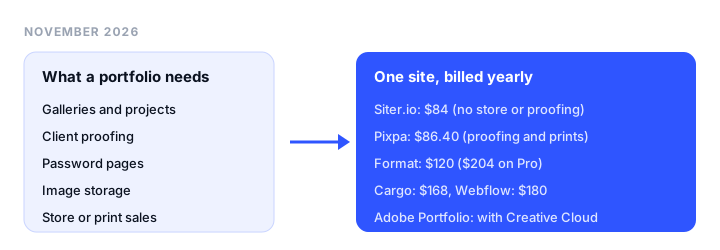
A portfolio is a small, image-heavy site with one job: get the work seen and turn a visitor into a client. Any online portfolio builder should be judged on:
- Galleries and projects: template galleries, photo grids, or a canvas where you place every image, with a phone layout you control.
- Client proofing and password pages: private galleries where clients pick favorites, and locked pages for NDA work.
- Image storage: counted in images, gigabytes or only bandwidth. It matters more for 2,000 photos than for 12 case studies.
- The basics: custom domain, contact form, store or print sales, price for one site, and a free plan.
If you build many client sites rather than one portfolio, our guide to the best website builders for designers compares canvas tools, Figma import and the cost of five sites.
Best portfolio website builders at a glance
| Builder | Best for | Layout | Free plan | Starting price | Key limits |
|---|---|---|---|---|---|
| Pixpa | Photographers on a budget | Templates | No (15-day trial) | $7.20/mo yearly ($9 monthly) | Basic: 10 pages, 200 images, 3 GB |
| Siter.io | Designers, illustrators, architects | Free-form canvas, layout per breakpoint | No (3-day trial, card required) | $7/mo yearly ($8 monthly) | Solo: 10 pages, 3 forms, 1 GB; no store, proofing or passwords |
| Format | Working photographers | Themes plus Flex Block | No (14-day trial) | $10/mo yearly ($14 monthly) | Basic: 10 pages, 70 images, no store |
| Adobe Portfolio | Creative Cloud subscribers | Themes and photo grids | No standalone plan | Included in Creative Cloud | 500 images per page, no store |
| Squarespace | Portfolio plus selling | Template sections | No (14-day trial) | EUR 12/mo yearly, as shown | Per site; 2% store fee on Basic |
| Cargo | Artists with several sites | Freeform, art-directed | Private use only | $14/mo yearly ($19 monthly) | 1 custom domain included |
| Readymag | Editorial, typographic portfolios | Canvas, layout per device | Yes, 10 pages | EUR 13/mo yearly, as shown | 10,000 views a month on Personal |
| Framer | Motion-heavy portfolios | Canvas with breakpoints | Yes, non-commercial | EUR 10/mo yearly, as shown | Per site; 30 pages on Basic |
| Webflow | Portfolios that will grow | Box model with classes | Yes, 2 pages | $15/mo yearly per site | No CMS on Basic |
Squarespace, Readymag and Framer showed only EUR prices from our network, so we print them as shown, unconverted.
Portfolio features compared
The features a portfolio actually uses, on the cheapest plan with a custom domain unless noted.
| Builder | Galleries and projects | Proofing / password pages | Image storage | Custom domain | Contact form | Store or prints | One site, billed yearly | Free plan |
|---|---|---|---|---|---|---|---|---|
| Pixpa | Templates, 200 images on Basic, unlimited above | Proofing and page passwords, every plan | 3 GB (Basic) to 100 GB | Every plan, free domain year 1 | Yes | Prints with lab fulfillment, every plan | $86.40 | No |
| Siter.io | Canvas you place, layout per screen | No / No | 1 GB (Solo), 5 GB, 20 GB | Every plan, 1 per site | Yes, 3 on Solo | No | $84 | No |
| Format | Themes, Flex Block, 70 images on Basic | Client galleries (3, 50, 250) with passwords | 70 images (Basic), 100 GB (Pro), 1 TB | Connect your own; free year 1 on Pro annual | Yes | Store on Pro and up | $120 ($204 on Pro) | No |
| Adobe Portfolio | Photo grids up to 300 images, Lightroom import | No / Yes | 500 images per page | Yes | Yes | None listed | Creative Cloud plan | No |
| Squarespace | Template galleries | No / Yes | Not listed | Every plan | Yes | Store on every plan | EUR 144, as shown | No |
| Cargo | Freeform layouts | No / Site password | Not listed | 1 included, extra $2/mo | Yes | Commerce add-on, $5.50/mo | $168 | Private only |
| Readymag | Canvas, 6 MB per image | No / From Personal | Not listed | 1 on Personal, 3 on Freelancer | Paid plans | No | EUR 156, as shown | Yes |
| Framer | Canvas with breakpoints | No / From Basic | Not listed (50 GB bandwidth) | Basic and up | Yes | No native store listed | EUR 120, as shown | Yes |
| Webflow | Box model, classes | No / From Basic | Not listed (10 GB bandwidth) | Basic and up | Yes | Separate Ecommerce plans | $180 | Yes |
- Only Pixpa and Format offer client proofing, so photographers who deliver galleries choose between those two.
- Pixpa’s yearly figure is its regular renewal rate. The first yearly bill has a 25% intro discount, and 2-year billing renews at 40% off monthly ($5.40/mo on Basic, $64.80 a year).
- Siter.io is the cheapest on yearly billing, but it has the most No answers among the paid builders: no proofing, no password pages, no store.
The best portfolio website builders, reviewed
1. Pixpa: best for photographers on a budget
What it is. Pixpa is an all-in-one portfolio platform for photographers, artists and designers: website, blog, store and client galleries in one account.
Key features.
- Client galleries on every plan with proofing, favorites, comments and secure file delivery.
- Prints or downloads on every plan, auto-fulfilled through WHCC or a custom lab, with zero commission.
- Site or page passwords, a custom domain and contact forms on every plan; watermarks from Creator.
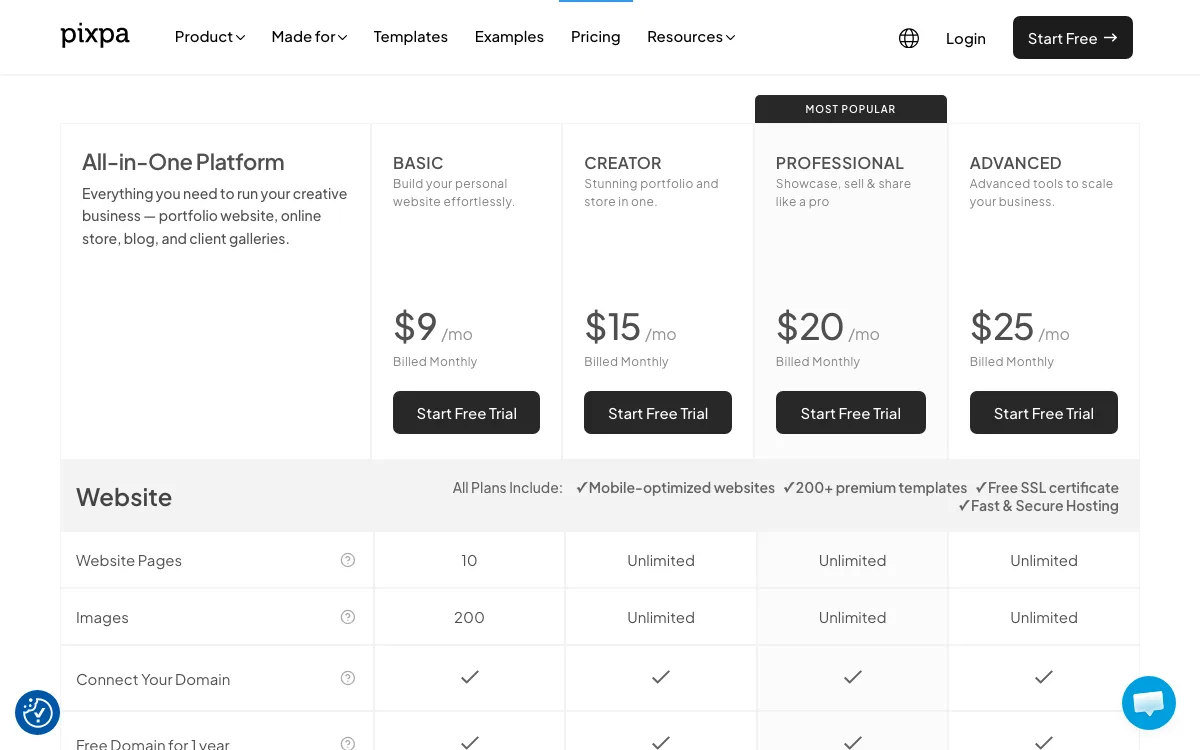
Pricing. Monthly: Basic $9, Creator $15, Professional $20 and Advanced $25. Yearly plans renew at 20% off: $7.20, $12, $16 and $20 a month (the first yearly bill has an extra 25% intro discount), and 2-year plans renew at 40% off. Storage is 3 GB, 5 GB, 25 GB and 100 GB. The trial is 15 days with no card.
Limitations. Basic caps you at 10 pages, 200 images and 3 GB, and sells only 3 non-print products. Layouts are template-based, so you arrange content rather than place it freely. No free plan.
Good for: photographers who sell prints and deliver client galleries, and want both for under $100 a year.
2. Siter.io: best for designers, illustrators and architects
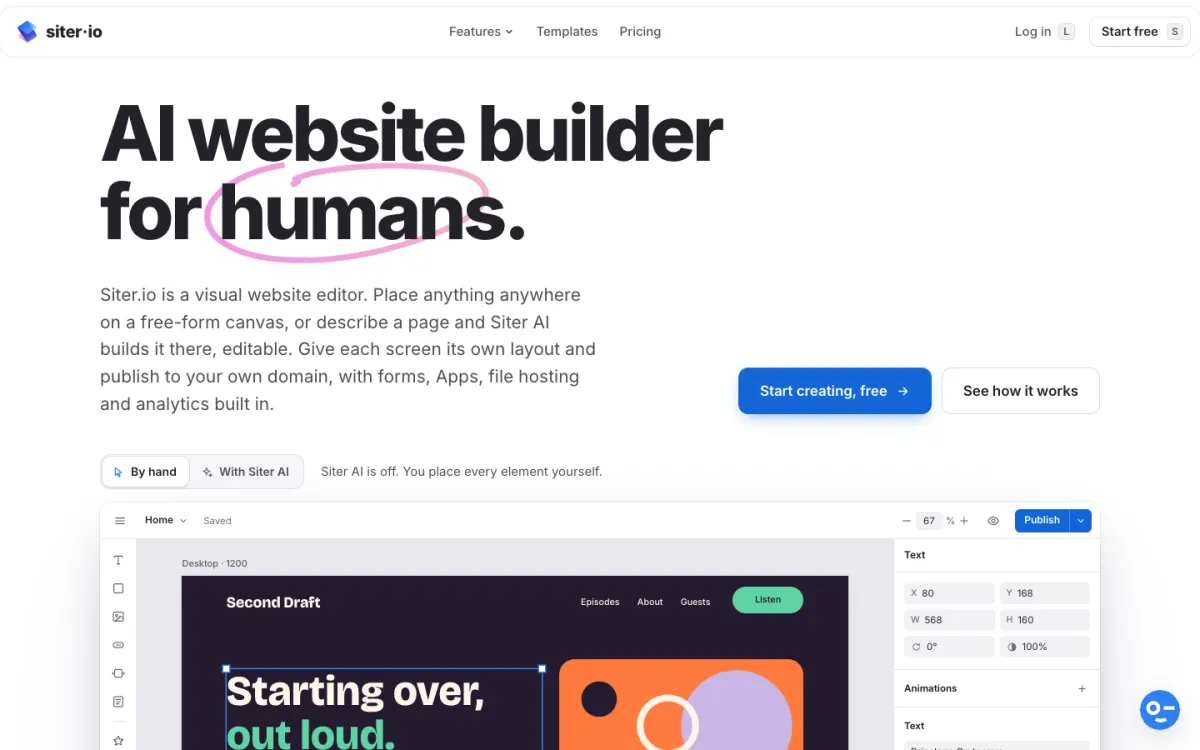
What it is. Siter.io is a browser-based portfolio builder that works like a design tool. You place every project on a free-form canvas, and each breakpoint (Desktop 1200, Tablet 640 and Mobile 375 pixels, plus any width you add) keeps its own layout.
Key features.
- Figma plugin on every plan that imports frames onto the canvas (one-way).
- Hover states for case-study cards, designed on the canvas.
- CMS with Projects and Blog collections, new in November 2026.
- File hosting, so a CV PDF opens from a button.
- Custom domain, forms and cookieless analytics on every paid plan.
Pricing. Solo is $7/mo billed yearly ($8 monthly) for 1 website, 10 pages, 3 forms, 1 GB of storage and 25 MB per file. Plus is $12/mo yearly ($14 monthly) for 3 websites, 50 pages, 5 forms and 5 GB. Pro is $24/mo yearly ($28 monthly) for 5 websites, unlimited pages and 20 GB. Pricing is per plan, not per site, so Plus covers a portfolio and two more sites.
Limitations. No free plan for new accounts: every plan starts with a 3-day trial that needs a card and charges on day 3. No store or print sales, no client proofing, and no password-protected pages, so NDA work has to be redacted rather than locked. Solo stops at 10 pages, and the Figma import does not carry over prototype interactions.
Good for: designers, illustrators and architects who want the portfolio to look like their own layout, on their own domain, at the lowest yearly price for one site.
3. Format: best for working photographers who want business tools
What it is. Format is a portfolio platform for professional creators, mainly photographers, with themes, a drag-and-drop Flex Block, Lightroom integration and contact forms.
Key features. Password-protected client galleries (3 on Basic, 50 on Pro, 250 on Pro Plus) with file transfers, CRM Light and client contracts on Pro and up, and a commission-free store on Pro (15 products) and Pro Plus (1,000).
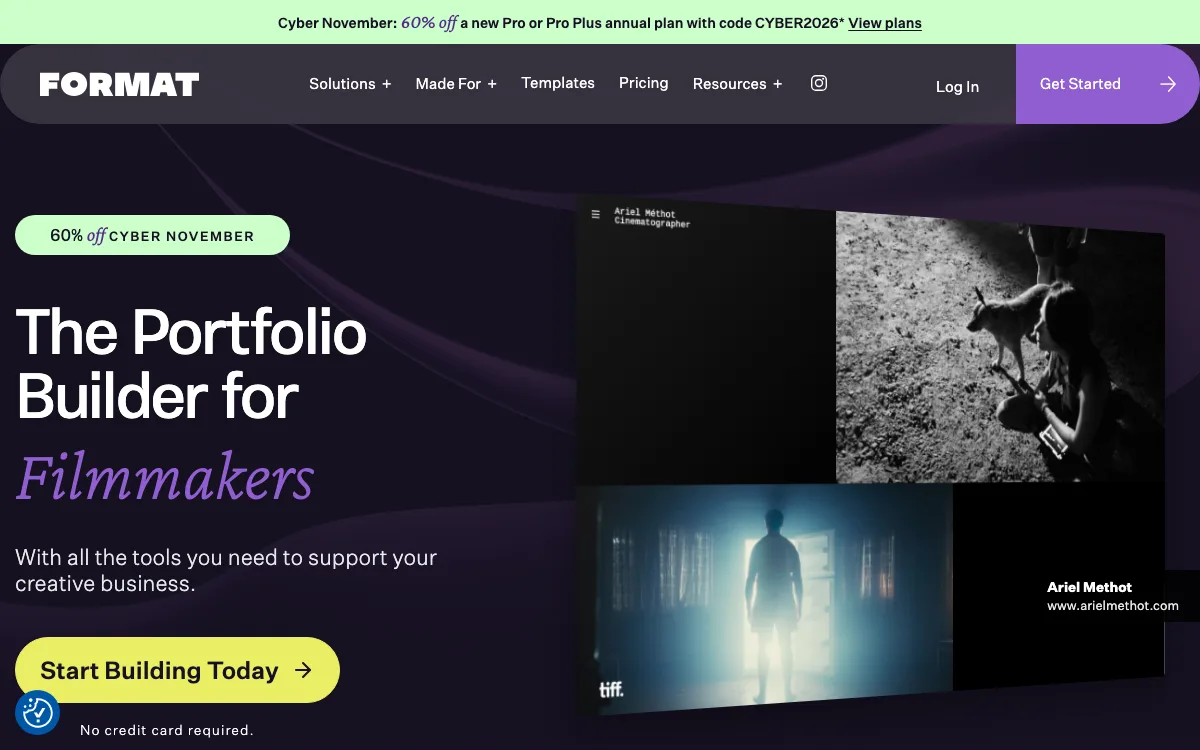
Pricing. Basic is $10/mo billed annually ($14 monthly) with 10 pages and 70 high-resolution images. Pro is $17/mo annually ($24 monthly) with unlimited pages, 1,500 images and 100 GB. Pro Plus is $26/mo annually ($36 monthly) with unlimited images and 1 TB. The trial is 14 days with no card. Format’s Cyber November offer (60% off the first year of Pro or Pro Plus annual) ends December 2, 2026.
Limitations. Basic (70 images, no store) is too small for most photographers. Format Pro ($204 a year) costs more than Pixpa Professional ($192), and Format’s pricing page lists no print-lab fulfillment. Format wins on top-end storage (1 TB), contracts and CRM.
Good for: photographers running a client business who want galleries, contracts and a store in one login.
4. Adobe Portfolio: best if you already pay for Creative Cloud
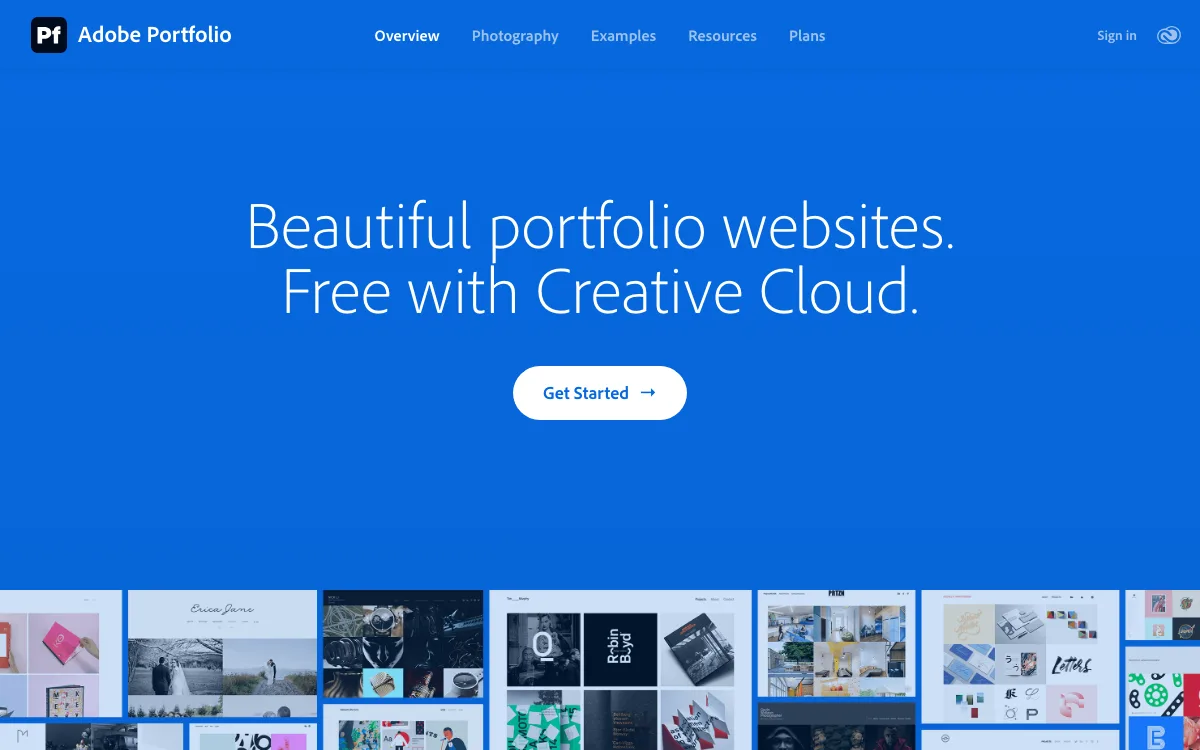
What it is. Adobe Portfolio is a theme-based portfolio builder included with most Creative Cloud plans.
Key features. Responsive themes, photo grids, Lightroom and Behance import, Adobe Fonts, a contact form, site or page passwords, and custom domains.
Pricing. Adobe’s help center says Portfolio is included in Creative Cloud All Apps, Single App, Photography and Behance Pro plans, and there is no standalone Portfolio subscription. Adobe’s Portfolio page says Creative Cloud access starts at US$9.99 a month. If you already pay for Photoshop or Lightroom, the portfolio costs nothing extra.
Limitations. A page holds up to 500 images and a photo grid up to 300. No store or proofing is listed in its help center, and layouts stay inside themes. Cancelling the plan that includes Portfolio eventually takes the site offline, though Adobe says your work is not deleted.
Good for: Creative Cloud subscribers who want a clean portfolio with no new bill.
5. Squarespace: best for a portfolio that also sells
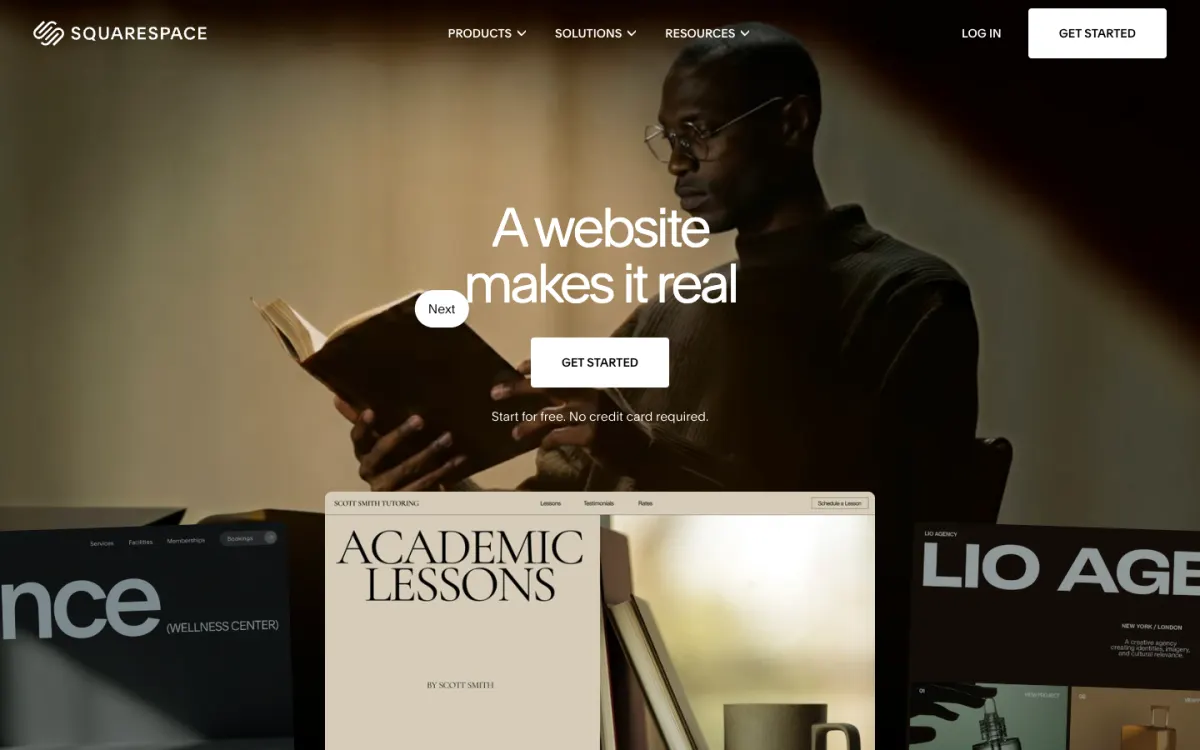
What it is. Squarespace is a template-driven builder with gallery pages, a blog, page and site passwords, form blocks and a store on every plan. The trial is 14 days with no card.
Pricing (EUR, as shown). Basic EUR 12/mo billed yearly with 2 contributors and a 2% store fee; Core EUR 18/mo with no store fees; Plus EUR 32/mo; Advanced EUR 69/mo. Each plan covers one site.
Limitations. No proofing, template-bound layouts, and no storage limit stated. See our Framer vs Squarespace comparison if you are torn between design control and templates, or Squarespace alternatives for cheaper options.
Good for: creatives who sell next to the portfolio and want little setup.
6. Cargo: best for artists with several sites
What it is. Cargo is a builder for artists with freeform, art-directed layouts, unlimited public sites on cargo.site addresses, real-time co-editing, site passwords and a contact form.
Pricing. One plan: $14/mo billed yearly or $19 monthly, with 1 custom domain included. Extra domains are $2/mo yearly ($3 monthly). Commerce is $5.50/mo yearly ($9 monthly).
Limitations. No proofing, no storage figure on the rates page, one custom domain in the base price.
Good for: artists who want a portfolio, client presentation sites and idea boards under one bill.
7. Readymag: best free plan for editorial portfolios
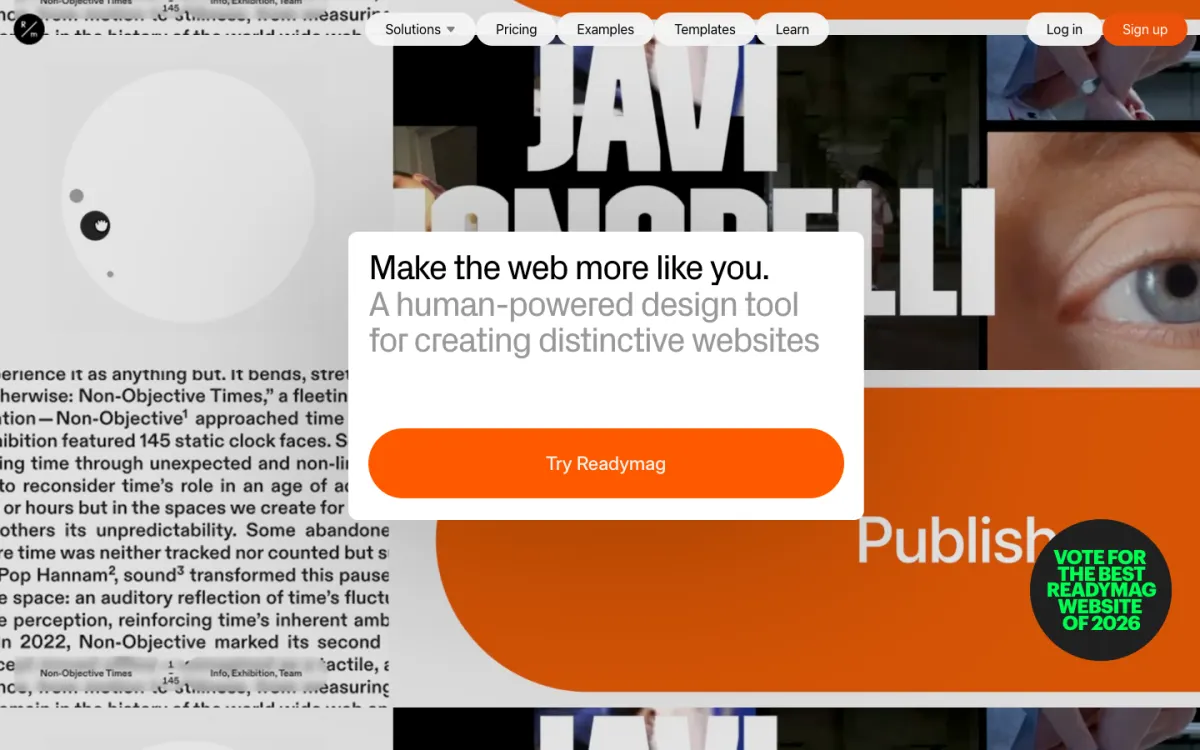
What it is. Readymag is a canvas tool for portfolios and editorial pieces with separate desktop, tablet and mobile layouts, animations, Adobe and type.today fonts, page passwords and a Figma plugin.
Pricing (EUR, as shown). Free publishes 1 site with up to 10 pages on a Readymag domain. Personal is EUR 13/mo yearly (EUR 18 monthly) for 1 custom-domain site and 10,000 views a month.
Limitations. Images upload at up to 6 MB each, forms are preview-only on Free, views are capped per month, and there is no store.
Good for: art directors and illustrators who care most about typography and layout.
8. Framer: best for motion-heavy portfolios
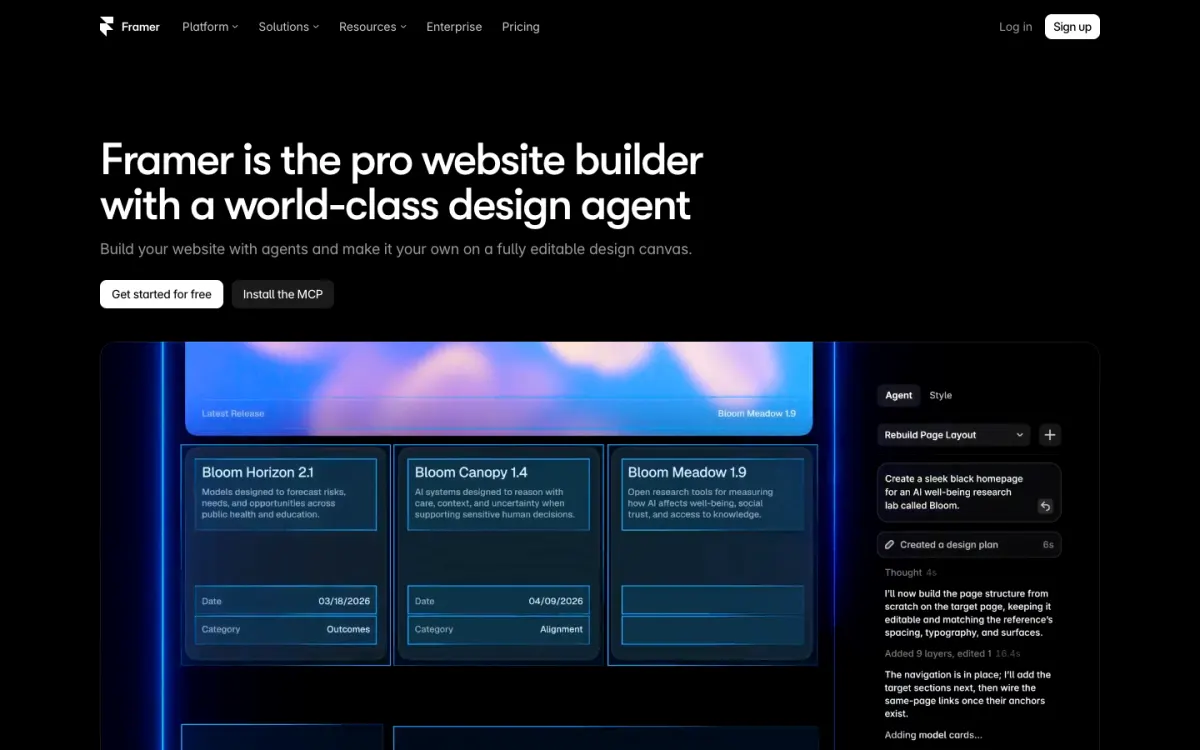
What it is. Framer is a design-first builder with breakpoints, native forms, a CMS (2 collections on Basic), a template marketplace and the deepest animation tools in this list.
Pricing (EUR, as shown). Free publishes on a Framer domain and is pitched for non-commercial use. Basic is EUR 10/mo per site billed yearly with 30 pages and 50 GB of bandwidth. Pro is EUR 30/mo per site. Extra editors cost EUR 20 a month each.
Limitations. Priced per site, no native store on the pricing page, no proofing, and a custom domain needs a paid plan.
Good for: product and motion designers whose portfolio is the demo.
9. Webflow: best for portfolios that will grow into a full site
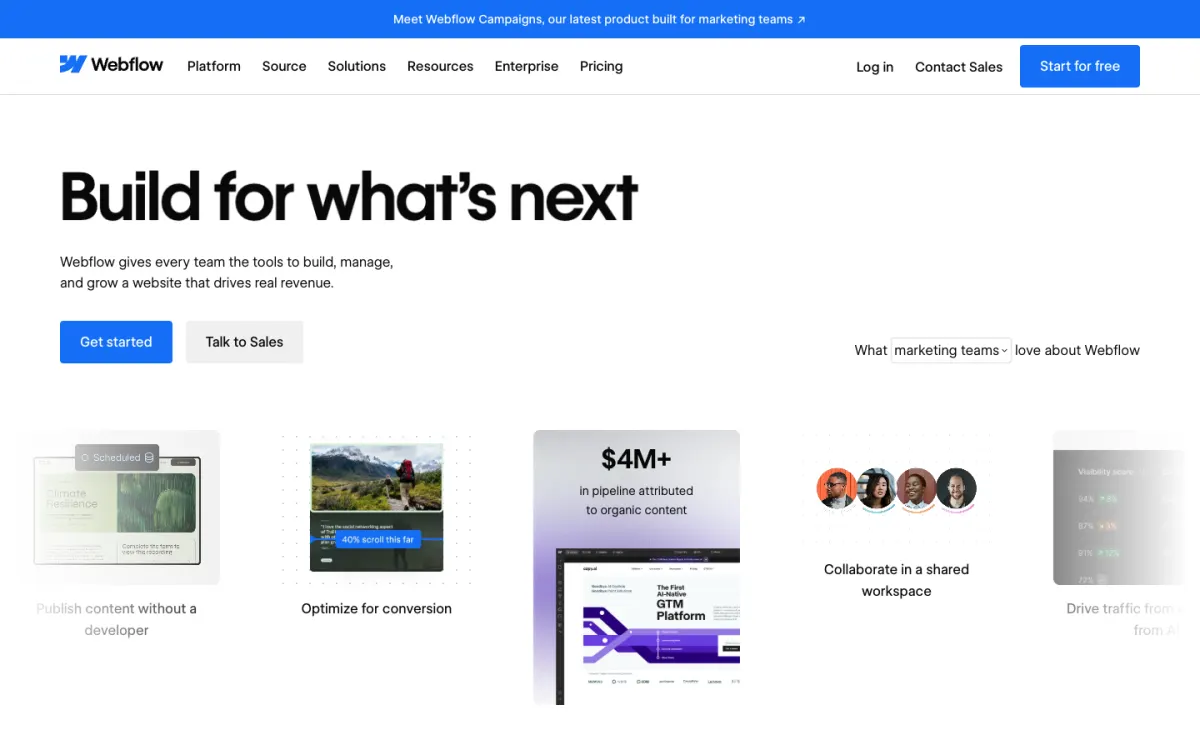
What it is. Webflow is a visual development platform with a class-based style system, password protection and unlimited form submissions on Basic, and a CMS on Premium.
Pricing. Starter is free on a webflow.io address with 2 pages and 50 form submissions. Basic is $15/mo per site billed yearly with a custom domain, 300 pages and 10 GB of bandwidth, but no CMS. Premium is $25/mo per site billed yearly and adds the CMS.
Limitations. The steepest learning curve here, per-site pricing, and case-study collections need Premium. Our Webflow alternatives guide covers simpler options.
Good for: designers who expect the portfolio to become a studio site with a growing CMS.
Also considered
Semplice is a portfolio theme for self-hosted WordPress. The Single license is a one-time $148 for one domain, but hosting is extra and Semplice offers no direct support. Wix was left out because its plans page showed offer prices for the first term only, so we could not confirm the regular price.
Which portfolio website builder should you choose?
- You are a photographer who sells prints and proofs with clients, on a budget: Pixpa.
- You are a photographer who needs contracts, a CRM and up to 1 TB of storage: Format Pro or Pro Plus.
- You are a designer, illustrator or architect and want every case study laid out by hand, on phones too: Siter.io, as long as you don’t need a store, proofing or password pages.
- You already pay for Creative Cloud: Adobe Portfolio.
- You sell products or services next to the portfolio: Squarespace.
- You want several art sites on one bill: Cargo.
- You want to start free: Readymag, Framer or Webflow.
- Motion is the point of your portfolio: Framer.
- The portfolio will grow into a studio site with a CMS: Webflow.
FAQ
What is the best portfolio website builder?
It depends on the work. For photographers, Pixpa offers proofing, password pages and print sales on every plan from $7.20 a month billed yearly, and Format adds contracts and more storage. For designers, illustrators and architects who lay out their own pages, Siter.io costs $84 a year for one site, the lowest yearly price here.
What is the best website builder for photographers?
Pixpa or Format, the only two here with client proofing. Pixpa is cheaper and includes print-lab fulfillment on every plan; Format adds contracts, a CRM and up to 1 TB of storage. Adobe Portfolio suits photographers already on Creative Cloud.
Can I make a portfolio website for free?
Yes, with limits. Readymag’s free plan publishes 10 pages on a Readymag address, Framer’s free plan is meant for non-commercial use, and Webflow’s free Starter plan allows 2 pages. None of them connects a custom domain for free. For other free options, see how to host a website for free.
Is Adobe Portfolio free?
It is free only if you already have a Creative Cloud plan that includes it, such as All Apps, Single App or Photography. There is no standalone Portfolio subscription, and Adobe lists Creative Cloud from US$9.99 a month.
Which portfolio builders let me password-protect pages?
Pixpa, Adobe Portfolio, Squarespace, Readymag (from Personal), Framer (from Basic) and Webflow (from Basic) protect pages or whole sites, Format protects client galleries, and Cargo protects whole sites. Siter.io does not offer password-protected pages.
Build your Bootstrap theme
Design a custom Bootstrap 5 theme visually with a live preview, then export clean Sass or CSS.
Open the Builder