Supabase Alternatives: 8 Backends Compared (2026)
Supabase is the most popular open-source backend: a Postgres database with auth, file storage, realtime, and edge functions, and a free tier that has launched thousands of projects. Teams look for Supabase alternatives when free projects keep pausing, when compute and egress costs grow with each project, when they’d rather have a document database or a different programming model, or when self-hosting Supabase turns out to be harder than using the cloud. This guide covers what Supabase does well, why teams switch, and eight alternatives with pricing checked on each vendor’s site in November 2026.
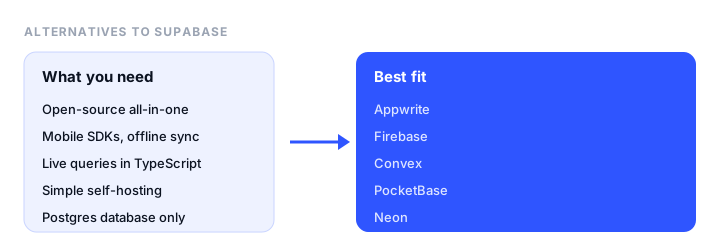
TL;DR
- Best overall: Appwrite. Open source, with databases, auth, storage, functions, realtime, messaging, and site hosting, Pro from $25 a month.
- Best if you want NoSQL and mobile SDKs: Firebase, with offline sync and a free Spark plan.
- Best developer experience: Convex, a reactive TypeScript backend with live queries built in.
- Best free self-hosted option: PocketBase, a single file with SQLite, auth, and storage.
- Best if you only need the database: Neon, serverless Postgres with branching and scale-to-zero.
What Supabase does well
- It’s real Postgres. Your data works with any SQL tool,
pg_dumpmoves it anywhere, and extensions such as pgvector are available. - Everything in one project: auth with 50K free monthly users, file storage, realtime, edge functions, and an auto-generated REST and GraphQL API.
- Predictable paid billing. Pro is $25 a month per organization with a spending cap on by default.
- Open source under Apache-2.0, with an official self-hosting setup.
Why teams leave Supabase
- Free projects pause. A free project pauses after a week without activity, and you get only 2 active free projects. Paused projects can be restored for up to a year, but it’s awkward for demos and side projects.
- Costs grow per project. Pro includes $10 of compute, enough for one Micro instance. Every extra project needs its own compute, from $10 a month, and egress is billed past 250 GB.
- They want a different model. Some teams prefer a document database, live queries without setting up realtime channels, or TypeScript functions instead of SQL policies.
- Self-hosting is hard. The self-hosted stack runs many services (Postgres, GoTrue, PostgREST, Realtime, Storage, Kong, Studio), and some cloud features take extra work to replicate.
- Edge Functions limits. Long-running jobs and background workers need another service.
Supabase alternatives at a glance
| Tool | Database | Free tier | Paid from | Open source / self-host | Best for |
|---|---|---|---|---|---|
| Appwrite | Document-style on SQL | 2 projects, 75K users | $25/mo | Yes (BSD-3) | Best overall |
| Firebase | Firestore (NoSQL) | Spark plan, daily limits | Pay as you go | No | Mobile apps and offline sync |
| Convex | Reactive document-relational | 1M function calls, 0.5 GB | $25 per developer/mo | Source-available (FSL) | Developer experience |
| PocketBase | SQLite | Free (self-hosted) | Your server | Yes (MIT) | Small self-hosted apps |
| Nhost | Postgres + GraphQL | 1 project, 1 GB DB | $25/mo | Yes (MIT) | GraphQL on Postgres |
| Neon | Postgres | 100 projects | Usage-based, no minimum | Yes (Apache-2.0) | Database only |
| Turso | SQLite (libSQL) | 100 databases, 5 GB | $4.99/mo | Yes (MIT) | Many small databases |
| Self-hosted Supabase | Postgres | Free | Your servers | Yes (Apache-2.0) | Keeping Supabase, own infrastructure |
The best Supabase alternatives, reviewed
1. Appwrite: best overall Supabase alternative
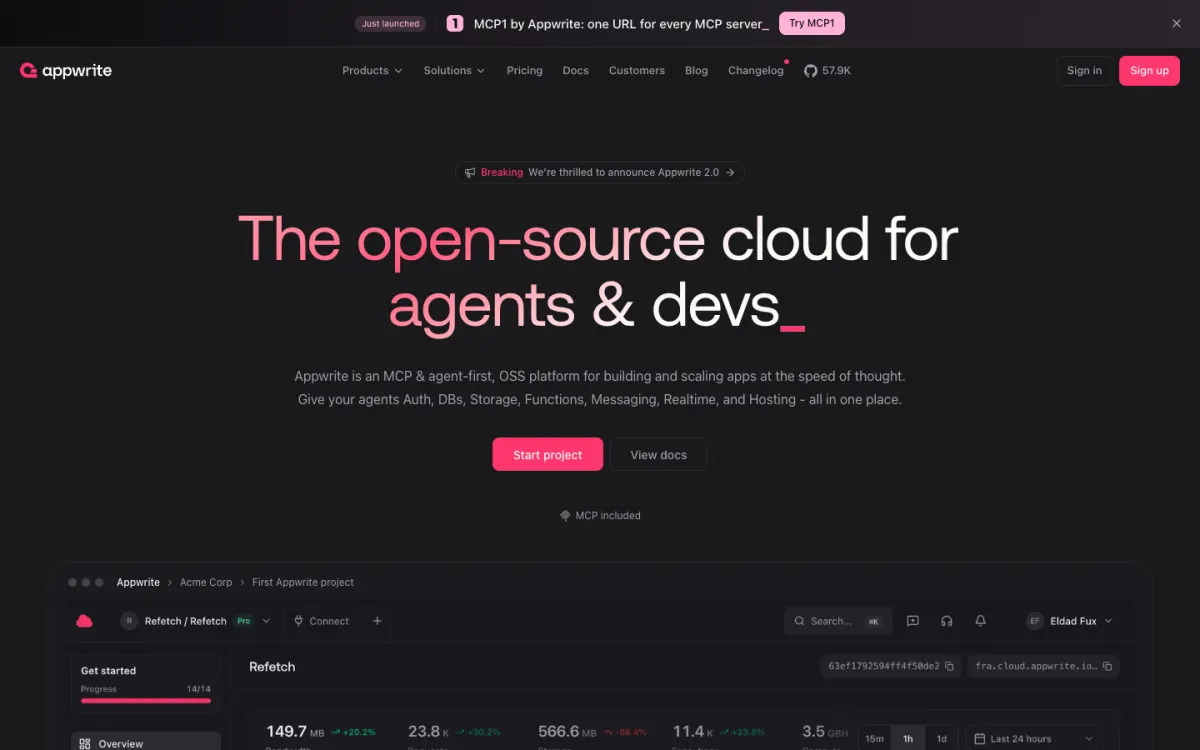
What it is. An open-source backend platform: databases, auth, file storage, functions in many languages, realtime, messaging (email, SMS, push), and site hosting.
Why it replaces Supabase. It covers everything Supabase does and adds messaging and hosting, so a whole app can live in one place. Functions can run in Node.js, Python, Go, PHP, Dart, and more, and long-running jobs are easier than with edge functions. Self-hosting is a single Docker Compose setup under the BSD-3 license.
Pricing. Free for 2 projects per organization with 75K monthly users. Pro is $25 a month with a budget cap. Databases can use serverless or dedicated compute.
The catch. Its database isn’t plain Postgres, so you lose SQL access and Postgres extensions. Free projects also pause after 7 days without activity and are deleted after 90 days paused.
2. Firebase: best for mobile apps
What it is. Google’s backend platform: Firestore and Realtime Database, Auth, Cloud Storage, Cloud Functions, plus Crashlytics, Remote Config, and Analytics for mobile apps.
Why it replaces Supabase. Firebase’s mobile SDKs and offline sync are still the most mature, and its free Spark plan doesn’t pause projects. For Postgres, Firebase now offers SQL Connect, backed by Cloud SQL.
Pricing. Spark is free with daily limits, such as 50K Firestore reads and 20K writes. Blaze is pay-as-you-go with free allowances, and is required for Cloud Storage and Cloud Functions.
The catch. Firestore is proprietary NoSQL, Blaze has no hard spending cap, and moving away later is hard. See our Firebase alternatives guide for the other direction.
3. Convex: best developer experience
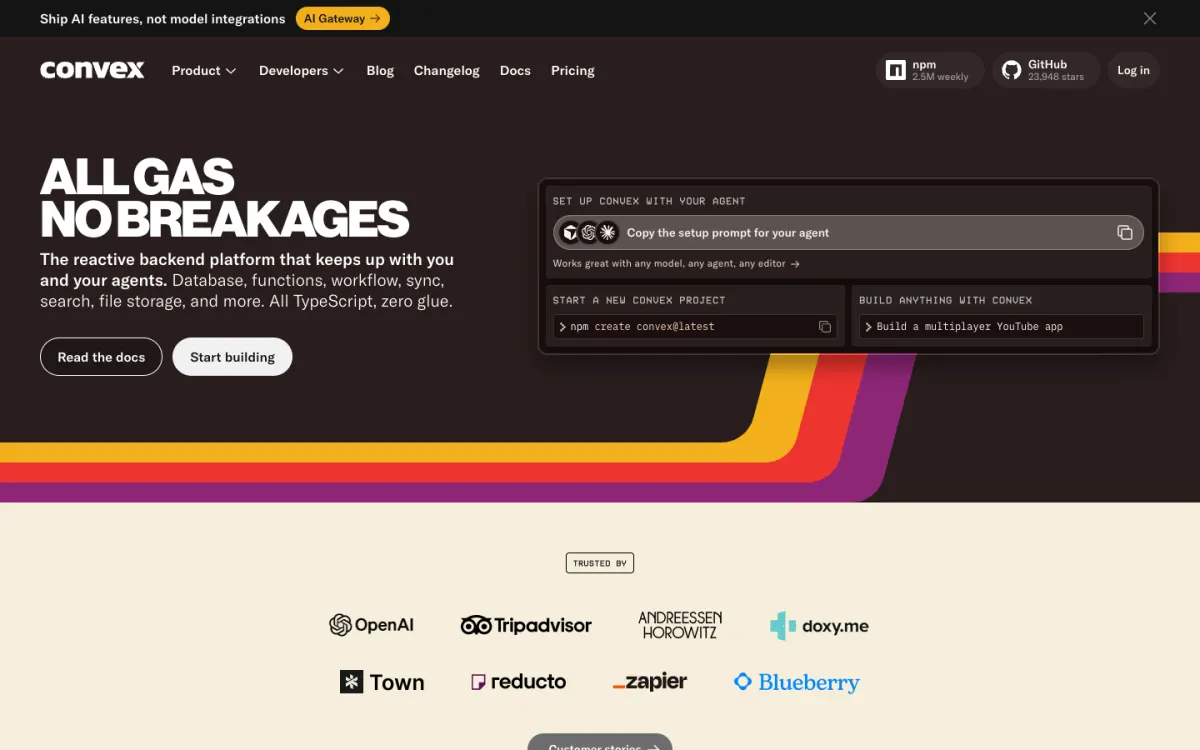
What it is. A reactive backend where queries and mutations are TypeScript functions, and every query result updates in the client automatically.
Why it replaces Supabase. Realtime is the default rather than something you subscribe to per table, transactions are automatic, and authorization is ordinary code instead of SQL policies. Types flow from the database to the frontend.
Pricing. Free for up to 6 developers with 1M function calls and 0.5 GB of database a month. Professional is $25 per developer a month plus usage.
The catch. It isn’t SQL, the backend is source-available under the FSL license, and you’re adopting Convex’s way of writing code.
4. PocketBase: best free self-hosted option
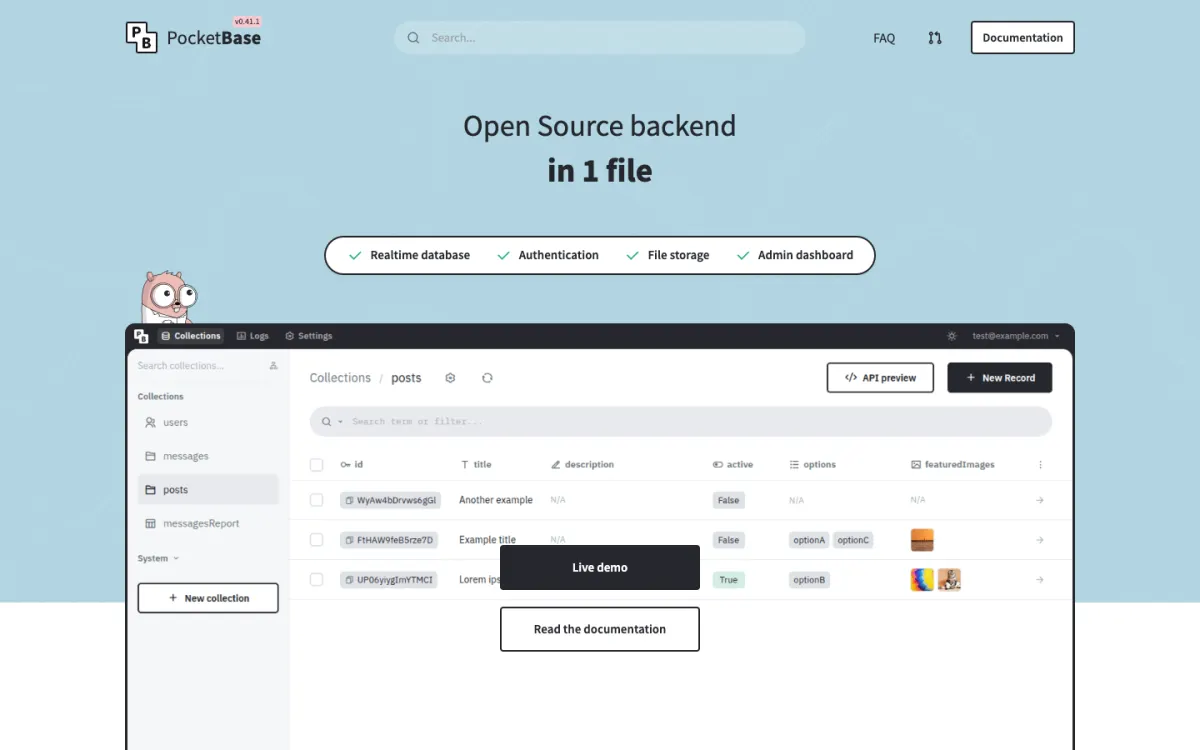
What it is. A whole backend in one executable: SQLite, realtime subscriptions, auth, file storage, and an admin UI.
Why it replaces Supabase. Self-hosting Supabase means running many containers. PocketBase is one file on a small server, MIT-licensed, with no project limits or pausing.
Pricing. Free. You pay only for the server.
The catch. It’s pre-1.0 and runs on a single server, so it suits small and medium apps rather than large ones. Its code moved off GitHub to its author’s own server in October 2026.
5. Nhost: best GraphQL on Postgres
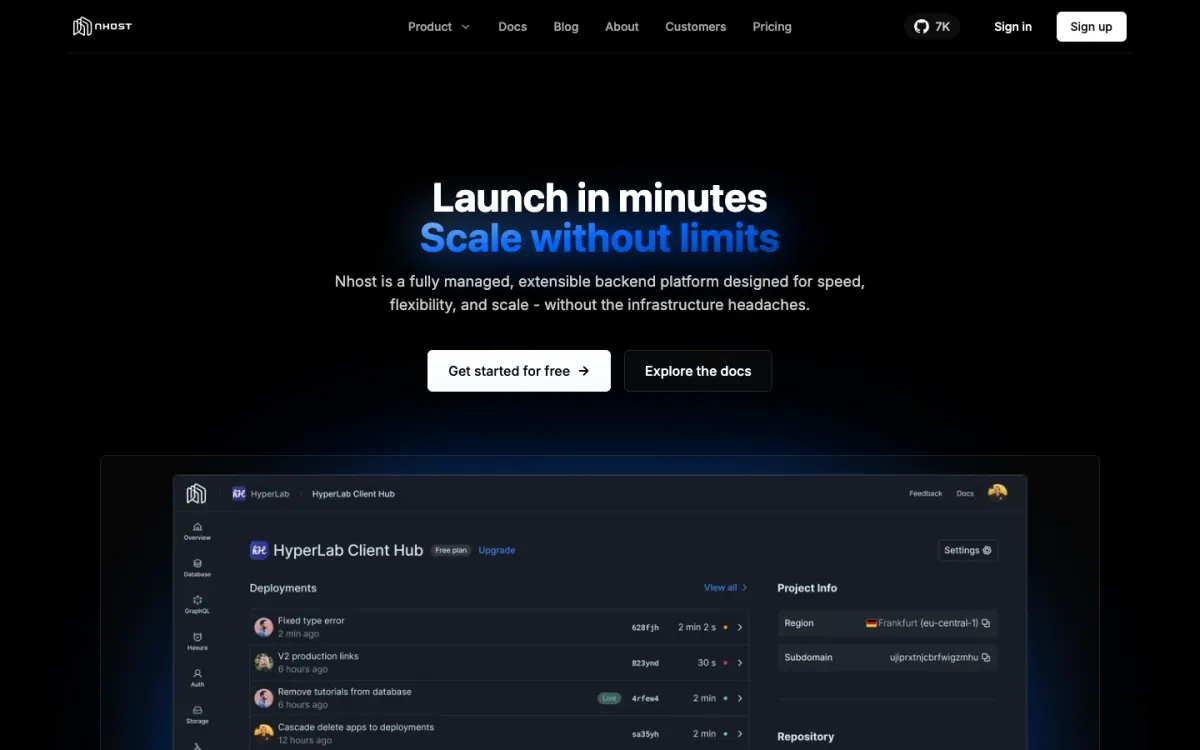
What it is. An open-source backend with Postgres, a Hasura GraphQL API with subscriptions, auth, storage, and functions.
Why it replaces Supabase. It keeps Postgres but gives you GraphQL with role-based permissions instead of a REST API with Row Level Security.
Pricing. The free Starter plan has 1 project with a 1 GB database and 1 GB of storage. Pro is $25 a month with a $15 compute credit, more than Supabase’s $10.
The catch. Free projects also pause after a week of inactivity, and Hasura’s permission system takes learning.
6. Neon: best if you only need the database
What it is. Serverless Postgres from Databricks, with copy-on-write branches, autoscaling, and scale-to-zero, plus auth and object storage on its platform.
Why it replaces Supabase. If you use Supabase mainly as a hosted Postgres, Neon is cheaper for many small projects: the free plan allows 100 projects, and you can branch the database for every pull request.
Pricing. Free with 100 compute-hours per project a month and 1 GB of storage per project. The Launch plan has no monthly minimum, from $0.106 per compute-hour.
The catch. Databases sleep after 5 minutes idle on the free plan, adding a short cold start, and you’ll need your own API layer.
7. Turso: best for many small databases
What it is. Hosted SQLite built on libSQL, designed for a database per user or per tenant, with embedded replicas that sync to your app.
Why it replaces Supabase. For apps that give each customer their own database, Turso’s free plan allows 100 databases and 5 GB, far more than Supabase’s two projects.
Pricing. Developer is $4.99 a month, Scaler $24.92.
The catch. It’s a database only: no auth, storage, or functions.
8. Self-hosted Supabase: keep Supabase, own the servers
What it is. The same open-source Supabase stack, run with Docker on your own servers.
Why it’s an alternative. If you like Supabase but not the cloud’s pausing, project pricing, or data location, you can run it yourself and keep your code unchanged.
Pricing. Free, apart from your servers.
The catch. You run and update many services, handle backups, and some cloud-only features aren’t included.
Where to host the frontend
Supabase and most alternatives here don’t host your website (Appwrite is the exception). If your app’s frontend is static, a single-page app or a static export from Next.js or Astro, host it on a static host and call your backend from the browser. Static.app publishes a static site by drag-and-drop from $6 a month with unlimited traffic, and our static website hosting guide compares other options.
Which Supabase alternative should you choose?
- You want an open-source all-in-one with hosting: Appwrite.
- You build mobile apps and need offline sync: Firebase.
- You want live queries and TypeScript end to end: Convex.
- You want to self-host simply: PocketBase.
- You want GraphQL on Postgres: Nhost.
- You only use the database: Neon, or Turso for many small databases.
- You like Supabase but want your own infrastructure: self-hosted Supabase.
FAQ
What is the best alternative to Supabase?
Appwrite is the best overall alternative: it’s open source and covers databases, auth, storage, functions, realtime, messaging, and site hosting, with Pro from $25 a month. Firebase is better for mobile apps, Convex for realtime TypeScript apps, and PocketBase for simple self-hosting.
Why does my Supabase project keep pausing?
Supabase pauses free projects after a week without activity. You can restore a paused project from the dashboard for up to a year. Paid Pro projects never pause, and alternatives such as Firebase’s Spark plan and self-hosted PocketBase don’t pause either.
Is there an open-source alternative to Supabase?
Yes. Appwrite (BSD-3), PocketBase (MIT), Nhost (MIT), Neon (Apache-2.0), and Turso’s libSQL (MIT) are open source. Supabase itself is open source under Apache-2.0 and can be self-hosted.
Is Supabase cheaper than Firebase?
For steady workloads, usually yes: Supabase Pro is a flat $25 a month with a spending cap, while Firebase’s Blaze plan bills every read, write, and gigabyte with no hard cap. For tiny apps, both free plans are enough, though Supabase pauses inactive free projects.
Can I self-host Supabase?
Yes. Supabase provides an official Docker setup that runs the full stack on your own servers. It’s more work than using the cloud, because you manage many services, backups, and upgrades yourself.
Build your Bootstrap theme
Design a custom Bootstrap 5 theme visually with a live preview, then export clean Sass or CSS.
Open the Builder