Opsgenie Alternatives in 2026: 9 Tools Before It Shuts Down
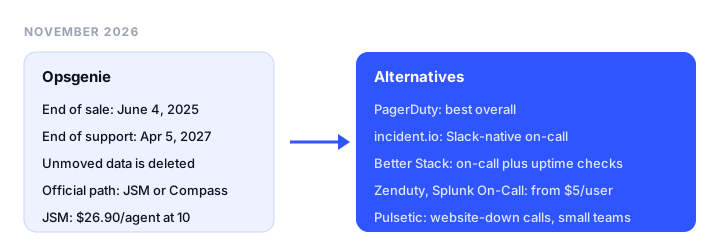
Opsgenie is shutting down. Atlassian stopped selling it on June 4, 2025, and on April 5, 2027 it will switch the product off and delete any data you have not moved. This guide compares the official move to Jira Service Management with seven on-call tools and one simpler option for small teams, with prices checked in November 2026.
TL;DR
- Best overall Opsgenie replacement: PagerDuty. The most complete on-call product, with a free plan for 5 users and Professional at $21 per user a month billed annually.
- Best if you already live in Jira: Jira Service Management, Atlassian’s official destination, with an automated migration of schedules, escalations, and integrations. Expect a higher per-agent price than Opsgenie.
- Best Slack-native option: incident.io, with a free Basic plan and on-call from $25 per user a month (Team plus the on-call add-on, billed annually).
- Best on-call with built-in uptime checks: Better Stack, $29 per responder a month billed yearly, with unlimited phone and SMS alerts.
- Lowest per-user price: Zenduty (now IMR by Xurrent) from $5 per user a month for up to 5 users, and Splunk On-Call from $5 per user billed annually for up to 10 seats.
- Best for small teams that only used Opsgenie for website-down calls: Pulsetic. It checks your sites itself and calls or texts you when one goes down, from $9 a month. It has no on-call schedules or escalation policies.
The Opsgenie end-of-life timeline
| Date | What happens |
|---|---|
| March 2025 | Atlassian announces that Opsgenie’s features are moving into Jira Service Management |
| June 4, 2025 | End of sale. No new Opsgenie sign-ups, upgrades, or downgrades. Renewals and extra seats are still allowed if the term ends before end of support |
| April 5, 2027 | End of support. Access is shut off and any data not moved to Jira Service Management is deleted |
Sources: Atlassian’s announcement and licensing FAQ, checked November 18, 2026, about 4.5 months before shutdown.
What the official migration path costs
Atlassian’s supported destinations are Jira Service Management for IT operations and Compass for developer alerting. Opsgenie owners see a recommended plan under Settings > Plan your move, and an automated tool moves on-call schedules, escalation policies, alerts, and integrations. Some setups still need manual steps afterward.
Atlassian’s support docs map plans like this: Opsgenie Essentials to JSM Standard, Opsgenie Standard to JSM Premium, and Opsgenie Enterprise to JSM Premium or Enterprise. Here is what that means at list price for a team of 10, billed monthly:
| Opsgenie plan (1-25 users) | Opsgenie price | Recommended JSM plan | JSM price at 10 agents |
|---|---|---|---|
| Essentials | $11.55/user/mo | Standard | $26.90/agent/mo |
| Standard | $24.15/user/mo | Premium | $61.60/agent/mo |
That is about 2.3 to 2.6 times the list price, before any discount. Atlassian says some customers may get a limited-time promotional discount, and your real quote appears in Opsgenie under Settings > Plan your move. If you move with more than 30 days left on your Opsgenie term, Atlassian extends your new subscription by the time remaining. That price gap is the main reason to compare outside tools before accepting the default.
What to look for in an Opsgenie alternative
- On-call schedules and escalation policies: rotations, overrides, and multi-step escalations.
- Alert routing integrations: a supported way in for each monitoring tool you use.
- Phone and SMS: how many notifications each plan includes and what extras cost.
- Migration help: an importer or a vendor team that rebuilds your schedules.
We left out Grafana OnCall: the open-source project was archived on March 24, 2026, and its features moved to the paid Grafana Cloud IRM add-on.
Opsgenie alternatives at a glance
| Tool | Best for | Free plan | Paid from (per user/mo) | Key limits |
|---|---|---|---|---|
| PagerDuty | Best overall | 5 users, 1 schedule, 1 escalation policy | $21 annual, $25 monthly | Status pages and call routing are add-ons |
| Jira Service Management | Atlassian shops | 3 agents, 200 SMS/mo | $26.90 at 10 agents, monthly | Higher price than Opsgenie; AIOps on Premium |
| incident.io | Slack-native incidents | Basic: single-team on-call, 1 schedule | $15 annual plus $10 on-call | On-call is an add-on; Team allows 2 schedules |
| Better Stack | On-call plus uptime checks | 10 monitors, Slack and email alerts | $29 annual, $34 monthly | Status page extras cost more |
| Rootly | AI-heavy incident response | Trial (typically 2 weeks) | $20 (On-Call product) | Incident Response is a separate $20 product |
| SolarWinds Incident Response (Squadcast) | Mid-price on-call | 14-day trial | $15 billed annually | No monthly price listed |
| Zenduty (IMR by Xurrent) | Lowest price, small teams | 14-day trial | $5 annual, $6 monthly | Starter: 5 users, 5 integrations |
| Splunk On-Call | Teams already on Splunk | Free trial | $5 billed annually | Price shown for up to 10 seats |
| Pulsetic | Website-down calls for small teams | 10 monitors, email alerts only | $9 per account | No on-call schedules or escalations |
The best Opsgenie alternatives, reviewed
1. PagerDuty: best overall Opsgenie replacement
What it is. A dedicated on-call and incident response platform, and the most complete like-for-like replacement in this list.
Why it replaces Opsgenie. Every Opsgenie job has a direct equivalent: on-call schedules, escalation policies, alert routing, and phone and SMS notifications. PagerDuty lists 750+ integrations on every plan, including free, so your monitoring stack almost certainly has a supported path in.
Pricing. Free for up to 5 users, with 1 on-call schedule, 1 escalation policy, and 100 SMS or phone notifications a month. Professional is $21 per user a month billed annually, or $25 monthly. The larger PD Reliability Platform plans are priced per year, from $2,800 for Starter.
The catch. Status pages, live call routing, AIOps, and runbook automation are sold as add-ons with no public prices, so the bill grows with your needs.
Good for: teams that want the most mature on-call product and do not need to stay inside Atlassian.
2. Jira Service Management: the official migration path
What it is. Atlassian’s service management product, which now contains Opsgenie’s alerting, on-call, and incident features.
Why it replaces Opsgenie. It is the only option with an automated, Atlassian-supported migration. Schedules, escalation policies, and integrations move over, and alerts sit next to your Jira tickets and change requests.
Pricing. The page prices by team size. At 10 agents billed monthly, Standard is $26.90 per agent and Premium $61.60. The Free plan covers 3 agents with schedules, escalation policies, unlimited alerts, and 200 SMS a month. Standard and up add voice notifications and advanced routing. AI alert grouping and heartbeat monitoring are on Premium, and status pages on Enterprise.
The catch. You pay for an ITSM suite even if you only need paging. For developer teams, Atlassian also offers Compass ($8 per user on Standard, $25 on Premium at 10 users), but escalation policies and voice notifications need Compass Premium, and incoming call routing and the MS Teams and Zoom integrations are not available there.
Good for: teams that already run Jira and want the lowest-effort move.
3. incident.io: best Slack-native option
What it is. An incident management platform run from Slack or Microsoft Teams, with on-call, status pages, and post-mortems.
Why it replaces Opsgenie. On-call includes alert routing and grouping, schedules with shadow rotations, holiday calendars, and overrides. Escalations can go out by WhatsApp, and incidents open as Slack channels where your team already talks. incident.io lists migration support for its on-call product.
Pricing. Basic is free, with single-team on-call, 1 schedule, 2 integrations, and a status page. Team is $15 per user a month billed annually ($19 monthly), plus $10 per user for on-call. Pro is $25 per user plus $20 for on-call. On-call alone is $20 per user.
The catch. The headline price does not include on-call, so a Team user who takes pages costs $25 a month on annual billing, and Team allows only 2 schedules. Unlimited schedules need Pro.
Good for: teams that coordinate incidents in Slack or Teams and want status pages in the same tool.
4. Better Stack: best on-call with built-in uptime checks
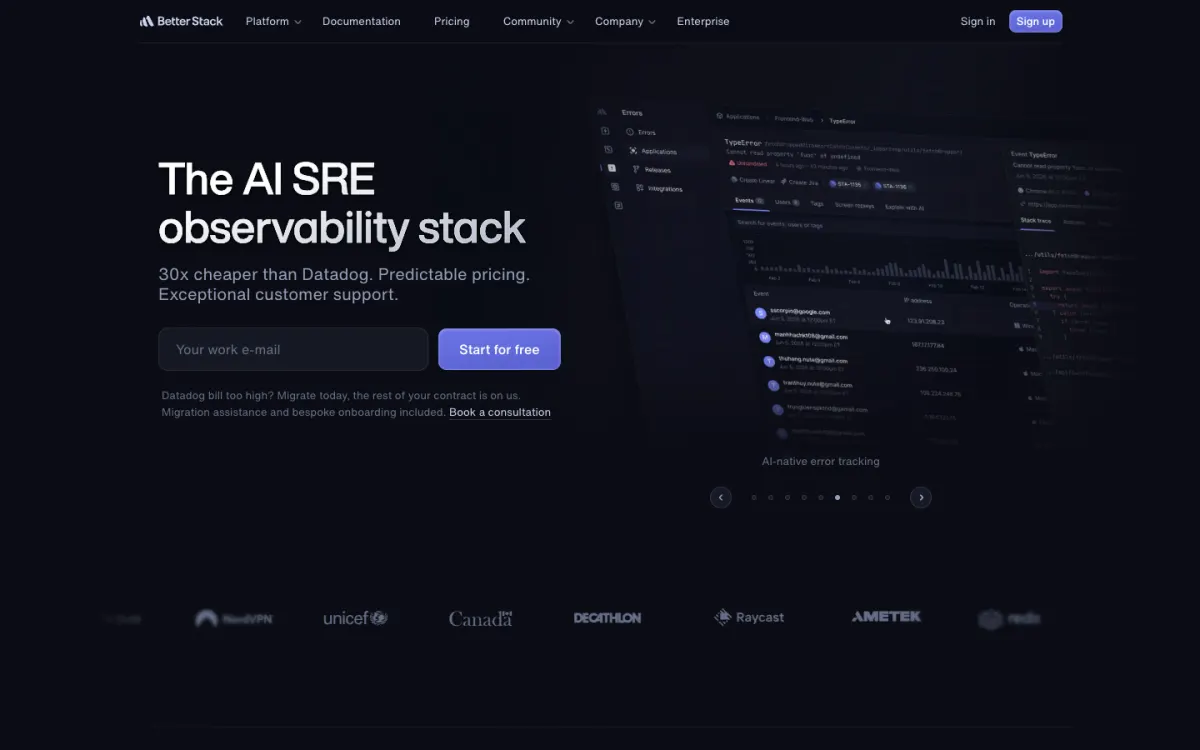
What it is. A platform with uptime monitoring, on-call, incident management, status pages, and logs.
Why it replaces Opsgenie. Opsgenie relied on other tools to detect outages. Better Stack runs its own uptime checks, takes alerts from other tools, and pages the on-call responder. Each Responder license includes on-call scheduling, advanced escalations, and unlimited phone call and SMS alerts.
Pricing. Free for personal projects, with 10 monitors and heartbeats, 1 status page, and Slack and email alerts. A Responder license is $29 a month billed yearly or $34 monthly. Team members who do not respond are free. A basic Slack or Teams integration is included; channel-based workflows add $9 per responder.
The catch. Extras add up: more public status pages are $12 to $15 a month each, and incoming call routing is $208 to $250 per number a month. See our Better Stack alternatives.
Good for: small engineering teams that want monitoring and paging from one vendor.
5. Rootly: AI-heavy incident response
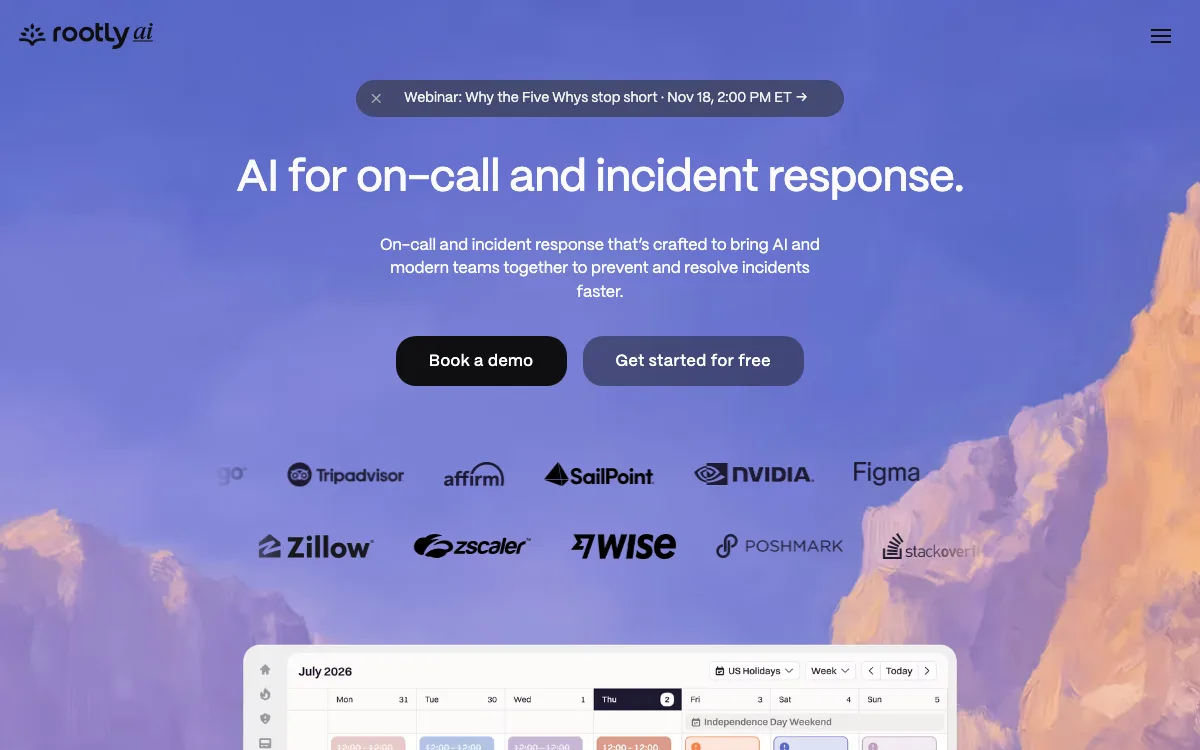
What it is. An incident response and on-call platform built around Slack, Teams, and Google Chat, with an AI scribe and AI retrospectives. AI root cause analysis is a separate AI SRE product.
Why it replaces Opsgenie. The On-Call product covers rotations with holidays, PTO, and shadowing, mobile shift swaps, alert grouping, and SMS, voice, and push alerts. Rootly says its migration team imports your schedules, escalation policies, and users and runs both tools side by side until you switch.
Pricing. On-Call is $20 per user a month, and Incident Response is a separate $20 per user. The pricing page does not say whether that is monthly or annual billing. On-Call includes 20 schedules and escalation policies; Enterprise is custom. A startup program offers up to 50% off. Trials typically last two weeks.
The catch. No free plan is listed on the pricing page, and on-call plus incident response together is $40 per user.
Good for: teams that want AI help during incidents and a hands-on migration.
6. SolarWinds Incident Response (formerly Squadcast): mid-price on-call
What it is. Squadcast, bought by SolarWinds in 2025. squadcast.com now redirects to SolarWinds Incident Response.
Why it replaces Opsgenie. Schedules and escalations are on the entry plan; Premium adds advanced escalations and stakeholders.
Pricing. Pro is $15 per user a month and Premium $24, both billed annually. Pro includes 100 free phone or SMS notifications per user in the US, India, and Brazil (25 elsewhere), then $0.10 to $0.35 each. Premium and Enterprise have unlimited notifications. There is a 14-day trial and no free plan.
The catch. No monthly billing or free plan is listed, and unlimited notifications need Premium at $24.
Good for: teams that want PagerDuty-style features at a lower per-user price.
7. Zenduty (IMR by Xurrent): lowest price for small teams
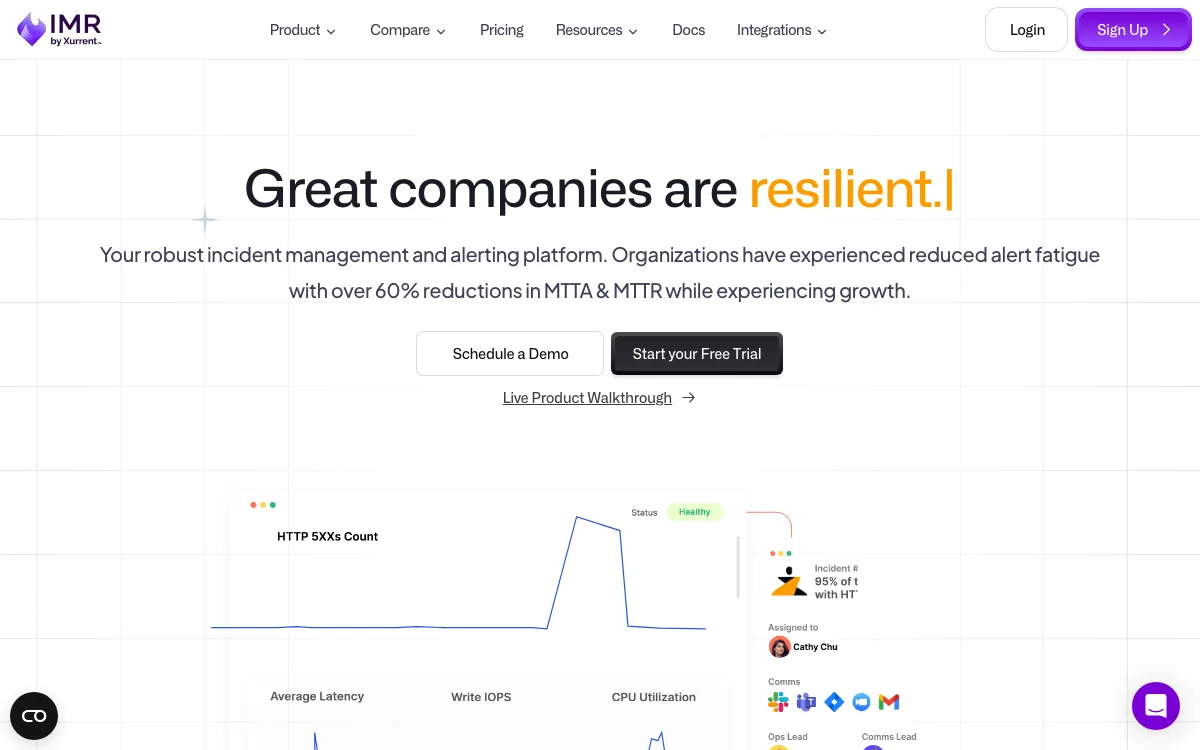
What it is. Zenduty is now sold as IMR by Xurrent, and zenduty.com redirects there. It covers alerting, on-call, escalations, playbooks, and post-mortems.
Why it replaces Opsgenie. Xurrent says every plan has every feature. Starter includes 100 call or SMS notifications per user a month in the US, Canada, and India (25 elsewhere).
Pricing. Starter is $5 per user a month billed yearly ($6 monthly) for up to 5 users, 1 team, and 5 integrations. Growth is $14 yearly ($16 monthly) for up to 50 users and 5 teams. Status pages are an add-on on Growth. There is a 14-day trial without a card.
The catch. Five integrations on Starter is tight if you route alerts from several tools.
Good for: small teams that want real on-call for the least money.
8. Splunk On-Call: for teams already on Splunk
What it is. The former VictorOps.
Why it replaces Opsgenie. It covers scheduling, rotations, overrides, and escalation policies, with iOS and Android apps and integrations with hundreds of monitoring and chat tools.
Pricing. Splunk’s observability pricing page lists On-Call from $5 per user a month, billed annually, for up to 10 seats. A free trial is offered. Prices for more seats are not listed.
The catch. There is no free plan, and pricing beyond 10 seats is not public.
Good for: teams that already send monitoring data to Splunk.
9. Pulsetic: best for small teams that only need website-down phone alerts
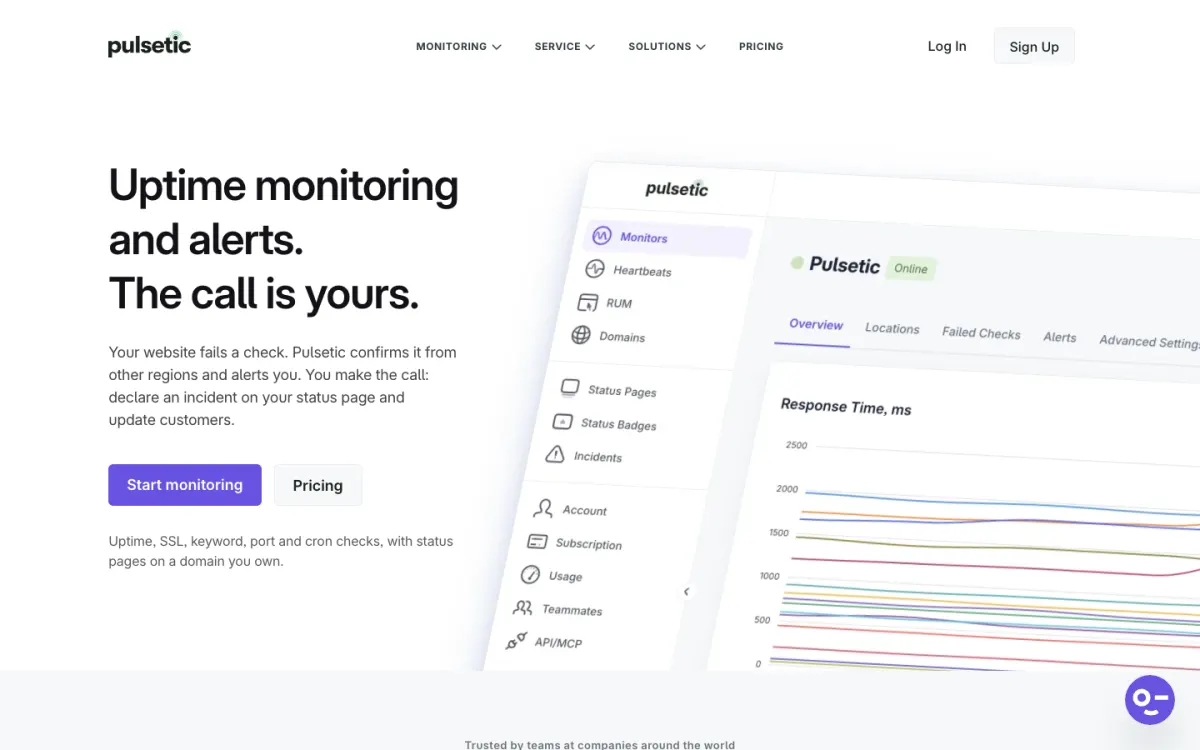
What it is. An uptime monitoring and status page tool. It is not an on-call management tool.
Why it can replace Opsgenie. Some small teams used Opsgenie for one job: a call or text when the website or API went down, fed by a separate monitor. Pulsetic does the checking itself. Each failed check is confirmed from another region before you are alerted, which cuts false alarms. Alerts go out by phone call, SMS, WhatsApp, Slack, Microsoft Teams, and email, and status pages on your own domain are included. Pulsetic has a side-by-side Opsgenie comparison.
Pricing. The free plan has 10 monitors checked every 5 minutes from 3 regions and 3 status pages, but free alerts are email only. Solo is $9 a month (flat, not per user) with 60-second checks, 30 SMS or call alerts, 15 WhatsApp alerts, and Slack and Teams. Team is $19 a month with 30-second checks, 2 teammates, and 100 SMS or call alerts. Extra SMS or calls cost $0.10 each.
The catch. There are no on-call schedules, rotations, or escalation policies like PagerDuty’s. Alerts go to the contacts you set, so if you need “page Alice, then Bob after 10 minutes,” pick a tool above.
Good for: small teams and agencies whose Opsgenie setup was really “call me when the site is down.”
Which Opsgenie alternative should you choose?
- You want the closest like-for-like replacement: PagerDuty.
- Your team works in Jira and wants the easiest move: Jira Service Management. Get the quote from Settings > Plan your move first.
- Your incidents run in Slack or Teams: incident.io or Rootly.
- You want uptime checks and on-call from one vendor: Better Stack.
- Budget comes first: Zenduty (IMR by Xurrent) for up to 5 users, Splunk On-Call for up to 10 seats, or SolarWinds Incident Response.
- You only used Opsgenie to get called when the website goes down: Pulsetic.
To decide what deserves a phone call, see what website downtime costs, why websites go down, and status page tools. For monitoring-first tools, see UptimeRobot alternatives and Site24x7 alternatives.
FAQ
When does Opsgenie end?
Opsgenie end of support is April 5, 2027. On that date Atlassian shuts off access and deletes any data not moved to Jira Service Management, so export what you need first if you are leaving Atlassian. New sales ended on June 4, 2025.
Can I still buy or renew Opsgenie?
You cannot sign up, upgrade, or downgrade. Existing customers can renew and add seats, but only for terms that end before April 5, 2027.
What is the official Opsgenie replacement?
Atlassian moves Opsgenie customers to Jira Service Management for IT operations or Compass for developer alerting. An automated tool, under Settings > Plan your move, migrates schedules, escalation policies, and integrations.
Is Jira Service Management more expensive than Opsgenie?
Usually, at list price. At 10 agents billed monthly, JSM Standard is $26.90 per agent against $11.55 per user for Opsgenie Essentials. Atlassian mentions a limited-time migration discount for some customers, so check your quote in Opsgenie first.
What is the best free Opsgenie alternative?
PagerDuty’s free plan covers 5 users with 1 schedule and 1 escalation policy. incident.io Basic and JSM Free (3 agents) also include on-call. For website-down alerts only, Pulsetic’s free plan monitors 10 sites, with email alerts.
How long does an Opsgenie migration take?
Atlassian’s automated move runs on the date you schedule, though some setups need manual steps after. With other vendors, rebuild schedules and integrations, then run both tools side by side before turning Opsgenie off.
Build your Bootstrap theme
Design a custom Bootstrap 5 theme visually with a live preview, then export clean Sass or CSS.
Open the Builder