Best Email Testing Tools in 2026 (9 Compared by Job)
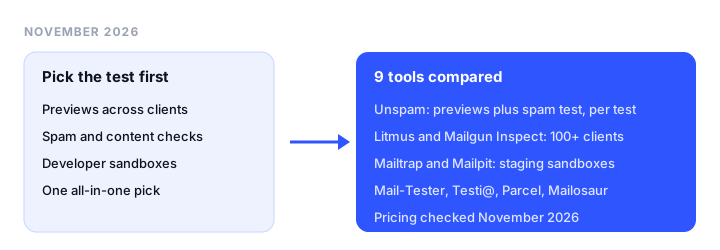
The best email testing tools depend on which test you need: a rendering tool to preview your email across clients, a spam checker to score the content before you send, or a developer sandbox to catch email from staging without reaching real inboxes. This guide is for marketers, email developers and engineering teams who want to test email before sending. It groups 9 tools by job and names the best pick for each, with pricing checked on every vendor’s site in November 2026.
TL;DR
- Best all-in-one: Unspam. Spam score, previews in 60+ clients, screenshots, heatmaps and seed placement in one account, with a free plan that renews monthly and pay-per-test pricing from a $5 monthly minimum.
- Best for large teams: Litmus. Previews in 100+ clients plus building, review and monitoring, now sold through Validity Engage on a quote.
- Best 100+ client previews with a published price: Mailgun Inspect (formerly Email on Acid), from $99/month for 1,000 previews with unlimited users.
- Best free quick spam check: Mail-Tester. Send one email, get a score, no account needed.
- Best developer sandbox: Mailtrap. Fake SMTP inboxes for staging, with HTML and spam checks, from free.
- Best free open source option: Mailpit. A self-hosted SMTP catcher with a web UI, HTML checks and SpamAssassin support.
Three kinds of email testing
“Email testing” covers three different jobs, and few tools do all three well.
1. Rendering and previews. A preview tool sends your HTML to real email clients and devices (Outlook for Windows, Gmail on Android, Apple Mail in dark mode) and returns screenshots. It catches broken tables, missing images and unreadable dark mode text, which a spam score never shows. If you build templates by hand, our guide to responsive email templates that work in Gmail covers the common fixes.
2. Spam and content checks before send. An email spam test scores one message against authentication (SPF, DKIM, DMARC), blocklists and content rules. Use it before a campaign with a new template, domain or sending service, and after DNS changes. For background on what the score is measuring, see why emails go to spam.
3. Developer sandboxes. A sandbox is a fake SMTP server that captures every email your app sends from development or staging, so password resets, receipts and signup confirmations never reach real customers.
What this guide does not cover: seed-list inbox placement over time, sender reputation, DMARC reporting, warm-up and list verification. Those are deliverability jobs, compared in our best email deliverability tools guide.
How we chose
On November 18, 2026 we opened each vendor’s pricing page (for Mailpit, its project site and GitHub repository) and copied the prices and limits below from there. The all-in-one pick comes first because it covers rendering and spam checks in one account. Rendering tools follow, from broadest coverage to budget and code-first options. Then comes the spam checker, then sandboxes: hosted, automation-focused and self-hosted. We did not benchmark rendering accuracy or spam scores ourselves. Prices are regular USD list prices unless noted, and client counts are each vendor’s own claim, counted in different ways.
Email testing tools at a glance
| Tool | Best for | Jobs covered | Free plan | Starting price | Key limits |
|---|---|---|---|---|---|
| Unspam | All-in-one pre-send testing | Previews, spam test, seed placement | 21 tests/mo, renews monthly | $5/mo minimum, pay per test | 60+ clients; API and MCP on paid plan only |
| Litmus | Large teams | Previews, building, review | No | Quote only | Sales-led; no public price |
| Mailgun Inspect | 100+ clients with a public price | Previews, QA | 1-month free trial | $99/mo for 1,000 previews | Spam and accessibility checks on $199 plan |
| Testi@ | Budget previews | Previews, spam test | 2 clients, 1,000 previews/mo | GBP 16 for 31 days | Prices in GBP; captcha under heavy use |
| Parcel | Coding email | Editor, previews add-on | Community plan (no inbox previews) | $29/user/mo plus previews add-on | Inbox previews cost extra |
| Mail-Tester | Quick spam score | Spam test | Occasional manual tests, no account | $10/mo for 50 tests | No previews or sandbox |
| Mailtrap | Staging sandbox | Sandbox, HTML check, spam analysis | 50 test emails/mo | $14/mo billed yearly | Device previews on request, paid plans only |
| Mailosaur | Automated QA tests | Test inboxes, previews add-on | 14-day trial | $20/mo billed annually | Previews are an add-on |
| Mailpit | Free local testing | Sandbox, HTML check, spam test | Free, open source (MIT) | Free | Self-hosted; no real-client renders |
The best email testing tools, reviewed
1. Unspam: best all-in-one email testing tool
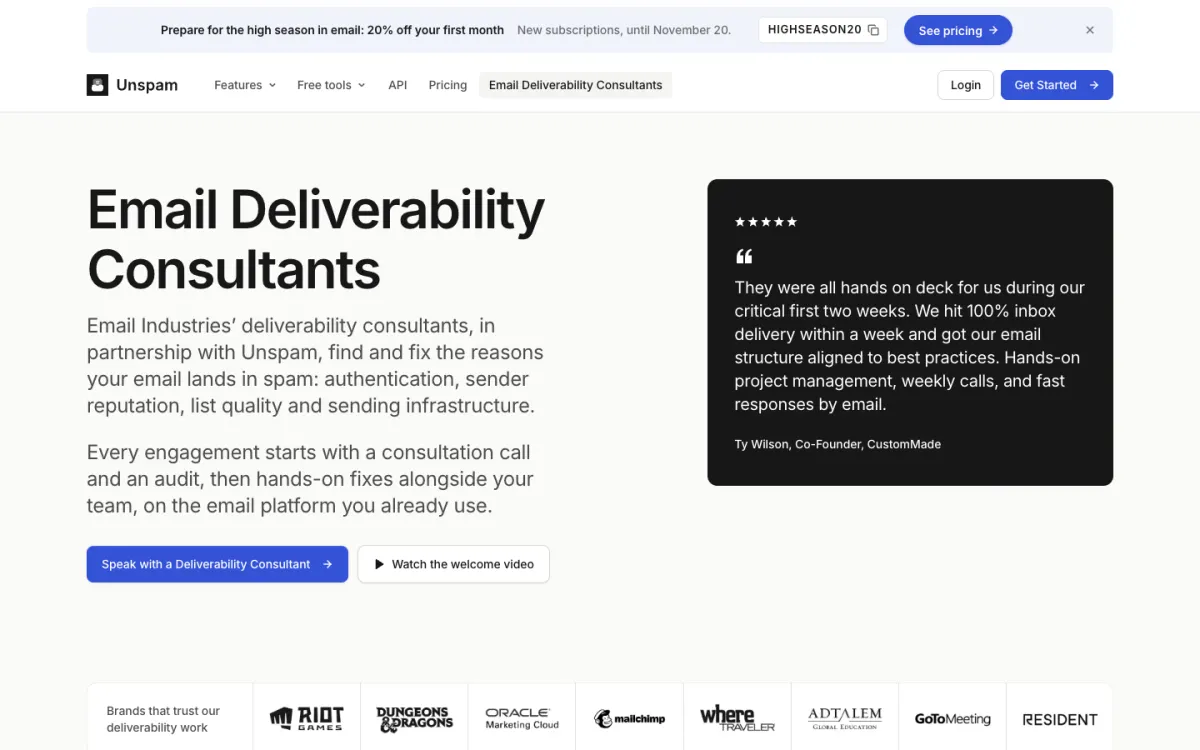
What it is. Unspam is a pre-send testing tool that checks how an email looks and whether it is likely to be filtered, from one account. It is the only tool here with previews, a spam score and seed placement on a free plan.
Key features.
- Previews across 60+ real clients and devices (Gmail, Outlook, Apple Mail, iPhone, Android), including dark mode. One preview is one render on one device.
- Browser screenshots of the email at desktop, tablet and mobile widths, shown next to the spam score.
- AI eye-tracking heatmap that predicts where readers look first, useful for placing the main offer and button.
- Spam test scored 0 to 100 from SPF, DKIM, DMARC, blocklists, content and HTML, with an AI assistant that explains what to fix.
- Accessibility checks such as color contrast, alt text and heading order.
- A seed inbox placement test (10 test mailboxes at Gmail, Outlook, Yahoo and 4 more providers) for when you also want to see where the email lands.
Pricing. The Free plan includes 21 tests a month (5 spam tests, 3 inbox placements, 3 device previews, 5 screenshots, 5 heatmaps), keeps results for 14 days and needs no card; the allowance resets every month. The Custom plan is pay per test from a $5 monthly minimum: $0.10 per device preview, $0.20 per screenshot, $0.30 per heatmap, $0.18 per spam test and $0.50 per inbox placement. Paying yearly saves 15%, and any paid plan can be refunded within 14 days. New subscribers can use a Black Friday code, BLACKFRIDAY35, until December 1, 2026.
Limitations. Preview coverage is 60+ clients and devices, fewer than the 100+ at Litmus and Mailgun Inspect (Email on Acid). The 13 renders on the newest devices (such as iPhone 18 Pro and New Outlook for Windows) are on the Custom plan only, as are the API, MCP server, scheduled tests and 3-year history. It has no warm-up and no fake SMTP sandbox, so it does not replace Mailtrap or Mailpit for staging email.
Good for: marketers and small teams checking rendering and spam risk without a $99+ monthly subscription.
2. Litmus: best for large teams
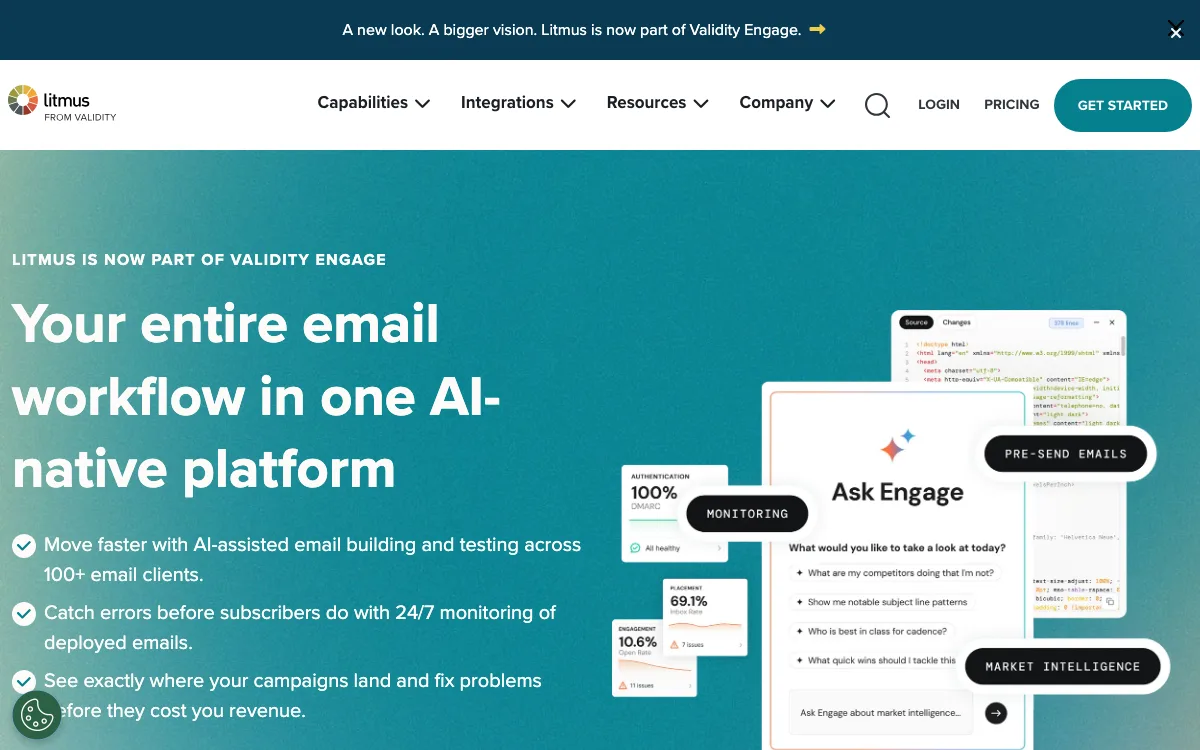
What it is. An email building and testing platform, around since 2005 according to its site footer, and now part of Validity Engage.
Key features. Previews in 100+ clients and devices, AI-assisted email building, collaboration and review, ESP integrations, analytics and 24/7 monitoring of deployed emails. Validity Engage also sells inbox placement and reputation monitoring.
Pricing. Quote only. On November 18, 2026, litmus.com/pricing redirected to a Validity Engage contact-sales form, and no plan prices were published.
Limitations. No self-serve plan or public price, which rules it out for most freelancers and small teams.
Good for: in-house email teams and agencies that ship many campaigns a week and need previews, collaborative review and monitoring in one platform.
3. Mailgun Inspect (Email on Acid): best 100+ client previews with a public price
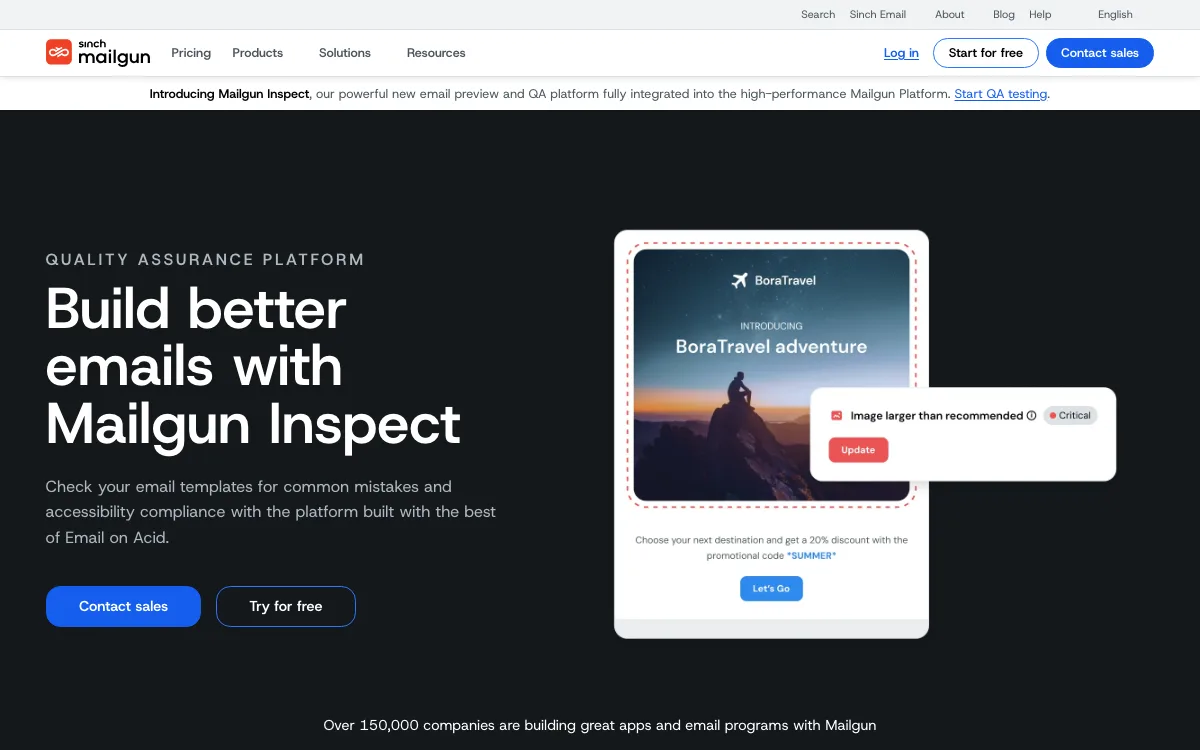
What it is. Sinch’s email QA product. The Email on Acid pricing page now sells its plans as Mailgun Inspect.
Key features. Previews in 100+ clients and devices with a side-by-side light and dark mode view, API access on every plan, commenting and collaboration, and unlimited users. Premium adds accessibility tests, HTML code analysis, link and image validation, spam content checks and an inline code editor.
Pricing. Basic is $99/month with 1,000 previews. Premium is $199/month with 2,000 previews. Both start with one month free, and overages are $0.15 per preview. Contract plans are custom.
Limitations. No free plan after the trial. Spam content checks and accessibility tests require Premium. Inbox placement is a separate product (Mailgun Optimize).
Good for: teams that want the same 100+ client coverage as Litmus with a published price and no per-seat charges.
4. Testi@: best budget preview tool
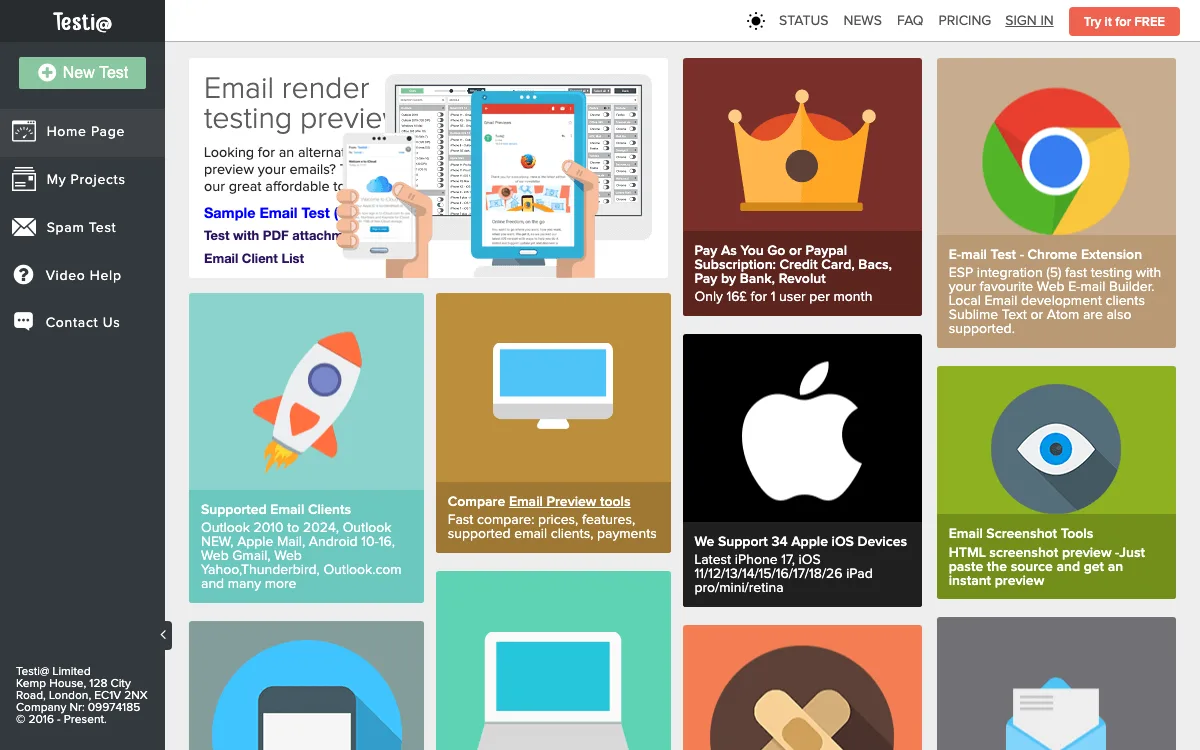
What it is. A small UK rendering service sold as 31-day passes, not subscriptions.
Key features. Screenshots across Outlook 2010 to 2024 and New Outlook, Apple Mail, Android, Gmail, Yahoo, Thunderbird and Outlook.com, plus 34 Apple iOS devices; a spam test; a Chrome extension; and a paste-your-HTML screenshot tool.
Pricing. The page shows GBP only. Free covers 1 user, 2 email clients and 1,000 previews a month. Pro Testing is GBP 16 for 31 days with unlimited previews, unlimited spam tests and 130 email clients. Internal API is GBP 199 for 31 days with 6 users.
Limitations. Testi@ counts the same client on a different operating system or browser as a separate client, so 130 is not directly comparable to other vendors’ numbers. Its own terms say heavy users may occasionally need to solve a captcha at peak hours.
Good for: freelancers and small agencies who need full previews for a busy month and nothing in between.
5. Parcel: best for coding emails
What it is. An email code editor from Customer.io with live preview, accessibility checks and an optional real-inbox preview add-on.
Key features. A code editor built for email HTML, HTML problem checking, accessibility testing, test sends, and link and image validation on Pro. Business adds SpamAssassin scanning and approvals. The Inbox Previews add-on renders email in 80+ real inboxes.
Pricing. Community is free (50 emails, 50 snippets), but its preview is the live editor preview, not real inbox rendering. Pro is $29 per user per month and Business $56 per user per month. Inbox Previews on Pro or Business costs $49 for the first 500 previews, then 9 cents each, falling to 8 cents at higher volumes.
Limitations. Real inbox previews cost extra on top of a per-user plan, and spam scanning is Business only.
Good for: email developers who write HTML by hand and want editing, checking and previews in one place. Our Bootstrap email templates guide has starters to test.
6. Mail-Tester: best free quick spam check
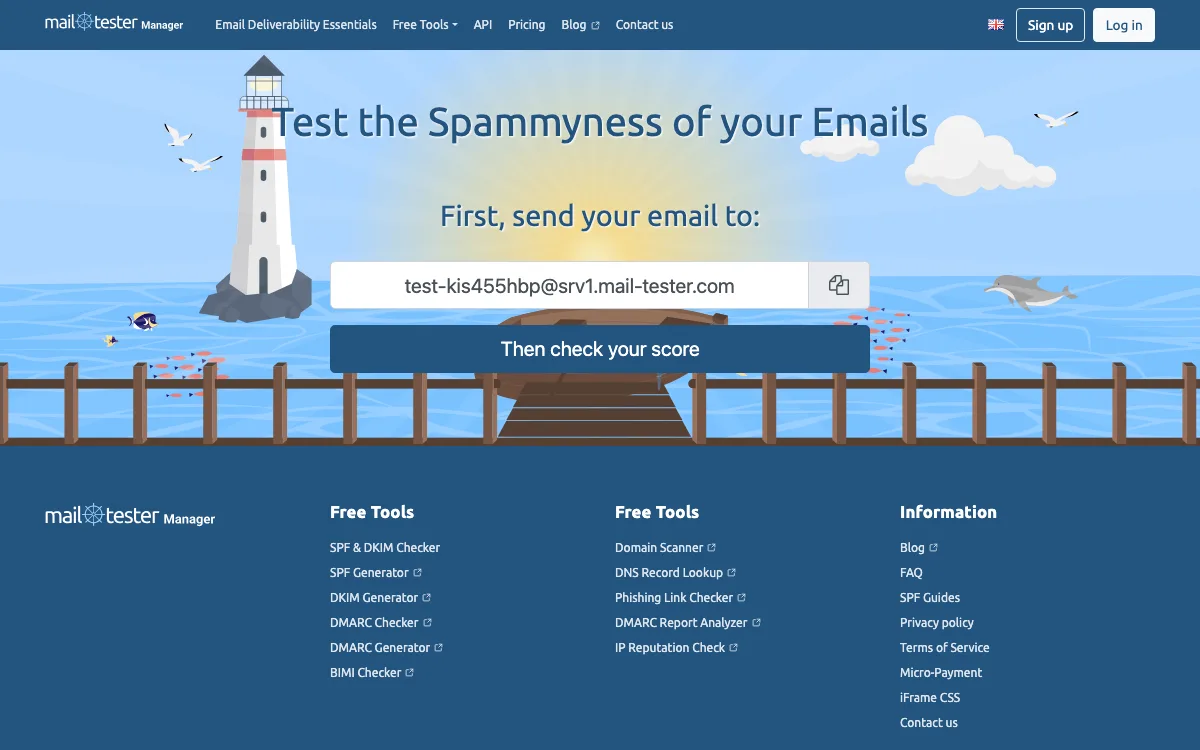
What it is. The homepage shows a unique test address. Mail your campaign to it, click to check, and you get a spam score with notes.
Pricing. You can run the odd manual test without signing up. Heavier users buy a monthly bundle: 50 tests for $10, 500 for $25, 2,000 for $80 or 7,500 for $250, all before VAT. An account also unlocks the JSON API, white-label result pages, usage stats and a list of the last 30 days of tests.
Limitations. It shows whether content and setup look risky, not how the email renders.
Good for: checking copy and authentication on a one-off send without paying or creating an account.
7. Mailtrap: best developer sandbox for staging email
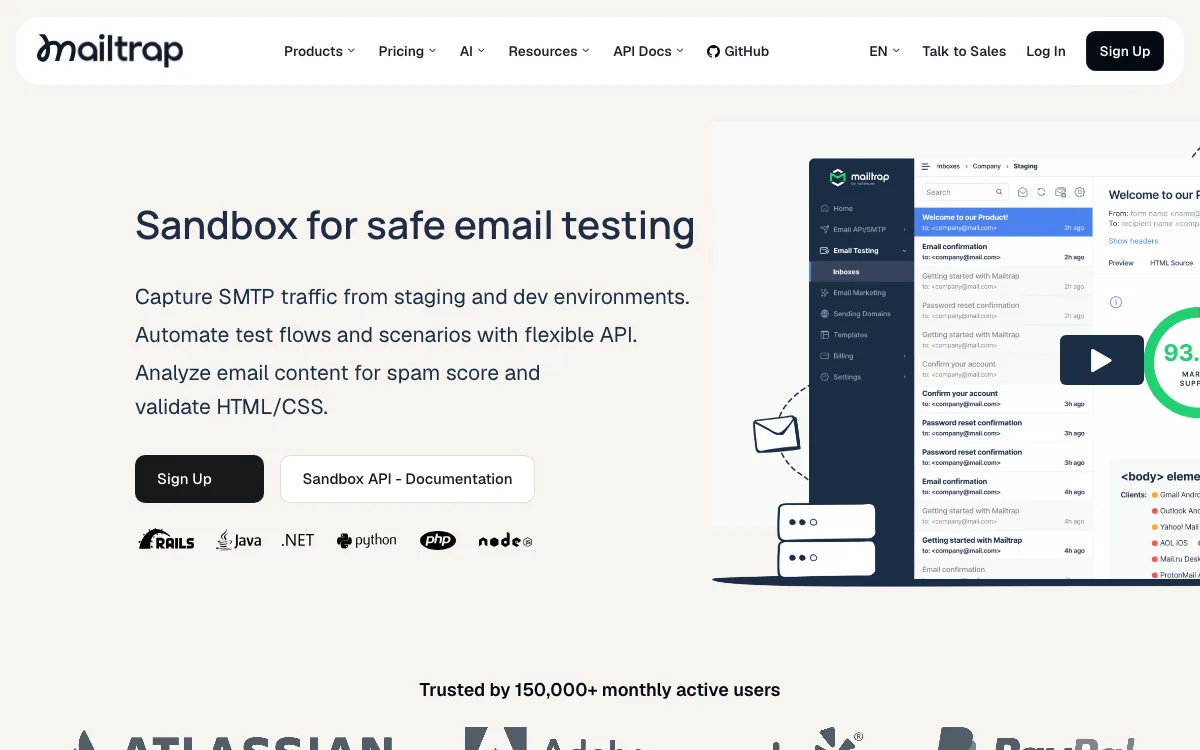
What it is. A hosted fake SMTP service that captures email from development and staging, sold separately from Mailtrap’s sending product.
Key features. Sandbox inboxes that catch every message your app sends, an HTML check that flags unsupported code by client, spam analysis, a blacklist report, and an API for test scripts and CI, plus a CLI and MCP server on all plans.
Pricing. Free covers 50 test emails a month, 1 user and 1 sandbox. Basic is $17/month or $14/month billed yearly (500 test emails, 3 users). Team is $42 or $34 (5,000 emails, 5 users, 5 sandboxes), Business $123 or $99 (50,000 emails, 50 users, 50 sandboxes) and Enterprise $498 or $399 (unlimited test emails, 300 sandboxes).
Limitations. The free plan’s 50 emails a month and 10 emails per sandbox fill quickly in active development. The HTML check reports code support by client; device previews are listed as available on request on paid plans only.
Good for: product and engineering teams testing transactional email from staging, with a hosted UI the whole team can see.
8. Mailosaur: best for automated end-to-end tests
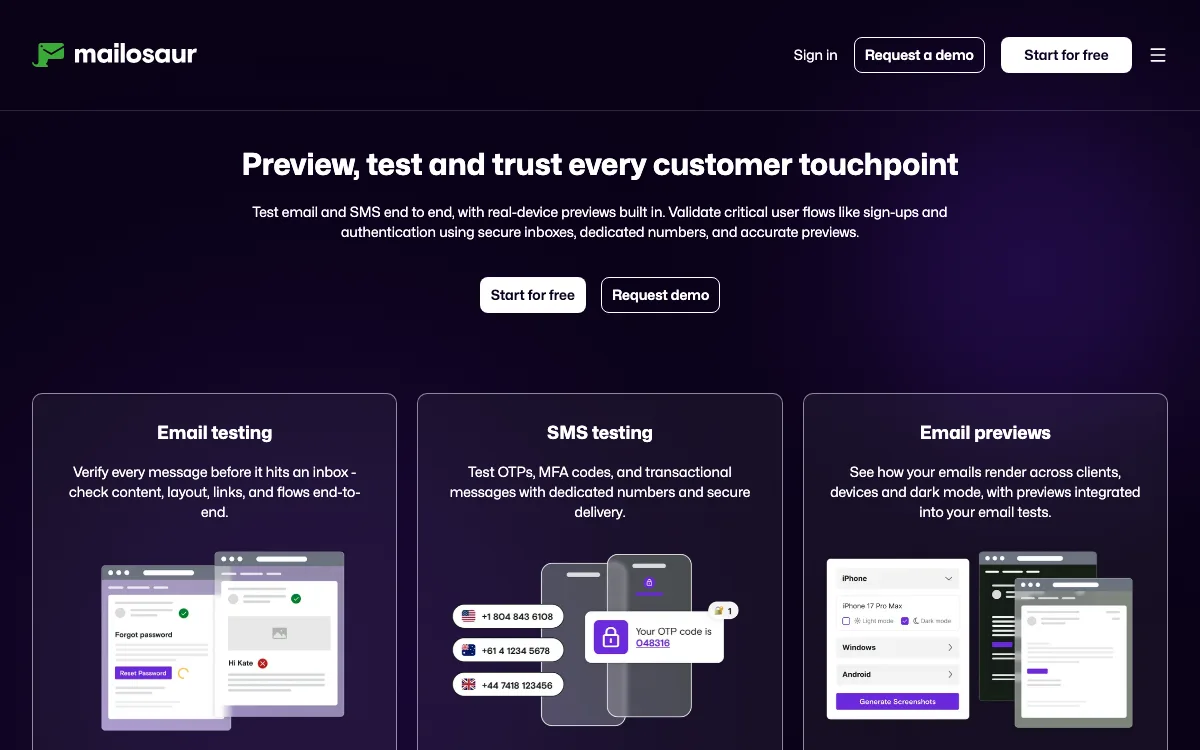
What it is. A QA platform that gives automated tests real inboxes, so they can check sign-up, password reset and one-time code emails end to end.
Key features. Inboxes with a unique domain and unlimited addresses, an API for test automation, an HTML compatibility check across clients, accessibility checks on Core, and an email previews add-on for real-device rendering.
Pricing. Personal starts at $20/month billed annually (1 inbox, from 15,000 inbound emails a month). Core starts at $50/month billed annually with 5 seats and multiple inboxes. Email previews start at $25/month as an add-on. A 14-day free trial is available, and annual billing saves 20%.
Limitations. No free plan after the trial, and previews and SMS cost extra.
Good for: QA teams that run automated test suites and need to assert on the emails an app sends.
9. Mailpit: best free open source sandbox
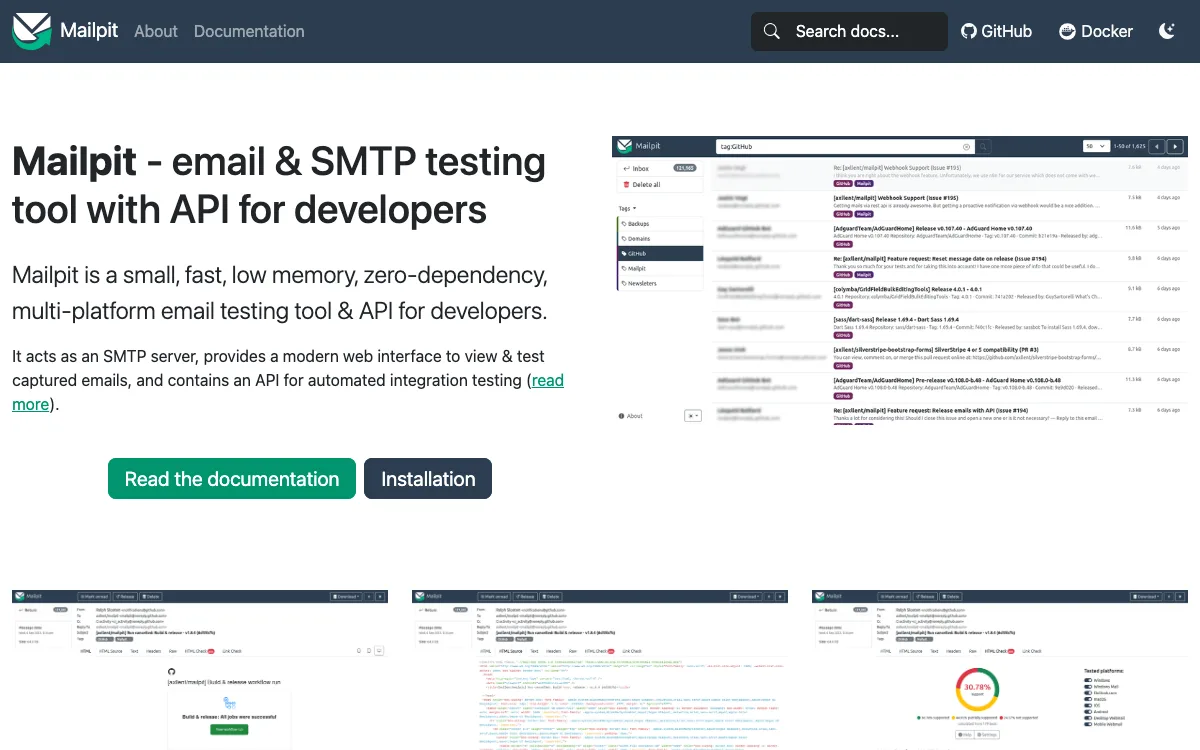
What it is. A free, MIT-licensed SMTP server and web UI that you run locally or in Docker as a single binary. The GitHub project had 11.0k stars and release v1.34.0 when we checked.
Key features. Captures all outgoing mail from your app, an HTML and CSS compatibility checker for common clients, a link checker, spam testing with SpamAssassin or Rspamd, a screenshot generator, a REST API for integration tests and a “chaos” mode that triggers SMTP errors.
Pricing. Free.
Limitations. You host it yourself, screenshots come from a browser rather than real email clients, and spam testing needs your own SpamAssassin or Rspamd service.
Good for: developers who want a local inbox for every project at no cost.
Which email testing tool should you choose?
- You want one tool to check layout and spam risk before a campaign: Unspam, starting on the free plan.
- You run a large email program with a review process: Litmus, or Mailgun Inspect if you want a published price.
- You need full previews for one busy month: Testi@ Pro for 31 days.
- You code email HTML every day: Parcel, adding Inbox Previews when you need real clients.
- You just want a free spam score: Mail-Tester.
- Your app sends transactional email from staging: Mailtrap (hosted) or Mailpit (self-hosted, free).
- You run automated end-to-end tests: Mailosaur.
- Emails render fine but still land in spam: that is a placement and reputation problem; use the deliverability tools linked above and check your DMARC setup.
FAQ
What is an email testing tool?
It is software that checks an email before real recipients see it. Depending on the tool, it previews rendering across clients, scores spam risk, or catches the email in a sandbox so staging messages never reach customers.
How do I test an email before sending it?
Send a test to a preview tool to check the layout across clients, then run a spam test to check authentication and content. Unspam does both from one account on its free plan; Mail-Tester gives a free spam score and Litmus or Mailgun Inspect cover 100+ clients for previews.
What is the best free email testing tool?
For marketers, Unspam’s Free plan (21 tests a month, including previews and spam tests) and Mail-Tester’s free manual tests. For developers, Mailpit is free and open source, and Mailtrap’s free sandbox covers 50 test emails a month.
What is the best email preview tool?
For the widest coverage, Litmus and Mailgun Inspect both list 100+ clients and devices; Inspect publishes its price ($99/month). Unspam covers 60+ clients with a free monthly allowance, and Testi@ sells full access for GBP 16 per 31 days.
Do I need a sandbox if I already use a preview tool?
Yes, if your app sends email. Previews check how a finished email looks; a sandbox like Mailtrap or Mailpit stops test emails from staging reaching real people and lets automated tests read them.
Build your Bootstrap theme
Design a custom Bootstrap 5 theme visually with a live preview, then export clean Sass or CSS.
Open the Builder