Best Website Builder for Artists in 2026: 9 Compared
The best website builder for artists depends on one question: does money change hands on the site itself? If you sell prints or originals at checkout, pick Squarespace, Pixpa or Big Cartel. If the site is a catalog that should look like your work and sales happen by enquiry, Siter.io gives you free-form layout control for $84 a year, and Cargo suits experimental work across several sites. This guide compares nine builders for painters, illustrators, printmakers, fine art photographers and makers on image quality, click-to-enlarge, selling, commissions, newsletters and cost per year, with every price and limit checked on the vendors’ own pages in November 2026.
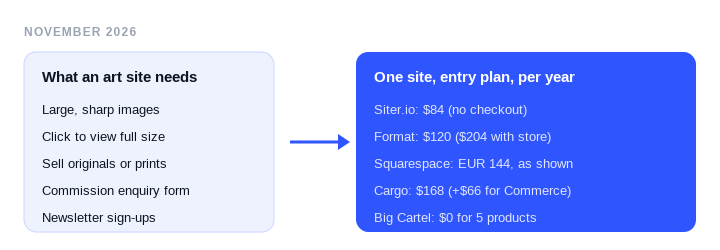
TL;DR
- Best overall for selling originals and prints: Squarespace. A store on every plan, Printful print-on-demand on every current plan, and grid galleries that open in a lightbox.
- Best budget all-in-one with print fulfillment: Pixpa. Store, blog, client galleries and print-lab auto-fulfillment on every plan, with 0% commission.
- Best for artists who sell by enquiry and want full layout control: Siter.io. A free-form canvas, a click-to-enlarge overlay and an enquiry form beside each piece, from $84 a year. No checkout.
- Best for experimental artists and several sites: Cargo. One $14/mo plan billed yearly, unlimited cargo.site sites, image zoom, and a Commerce add-on.
- Best dedicated shop for makers: Big Cartel. Free for 5 products, 0% transaction fees, and Printful on paid plans.
What an artist’s website needs
An art portfolio website has a different job from a designer’s case-study site or a photographer’s client gallery. The best portfolio website builders guide covers proofing and client delivery, and the best website builders for designers roundup covers Figma import and multi-site pricing. For artists, six things decide the choice:
- Image quality. The upload limit per image, whether the builder resizes or compresses your files, and whether full-bleed layouts are possible. A painting photographed at 6,000 pixels needs a builder that serves a smaller copy to phones without turning the colors to mush.
- Click to enlarge. Visitors want to see brushwork and texture. A lightbox or zoom that opens the piece large over the page matters more than another homepage animation.
- Selling. Originals are often sold by enquiry and invoice. Prints and merchandise sell better through a checkout, either from your own stock or through print-on-demand (a lab prints and ships each order, so you hold no inventory).
- Commissions and enquiries. A contact or commission form that lands in your inbox, ideally placed next to the work.
- Newsletter. A sign-up form for collectors, so a new series or an open studio reaches people directly.
- Cost per year with your own domain. Selling features often sit on the second plan, so compare the plan you will actually use.
Website builders for artists at a glance
| Builder | Best for | Free plan | Starting price | Sell at checkout? | Key limit |
|---|---|---|---|---|---|
| Squarespace | Selling originals and prints | No, 14-day trial | EUR 12/mo yearly, as shown | Yes, every plan | 2% store fee on Basic |
| Pixpa | Budget all-in-one with print labs | No, 15-day trial | EUR 8.39/mo monthly, as shown | Yes, every plan | Basic: 200 images, 3 products |
| Siter.io | Selling by enquiry, full layout control | No, 3-day trial (card) | $7/mo yearly ($8 monthly) | No | No checkout; 10 pages on Solo |
| Cargo | Experimental art sites, several sites | Private use only | $14/mo yearly ($19 monthly) | Commerce add-on | Commerce is $5.50/mo extra |
| Format | Fine art photographers with clients | No, 14-day trial | $10/mo yearly ($14 monthly) | Pro and up | You ship every order yourself |
| Big Cartel | Makers selling small batches | Yes, 5 products | $15/mo (Platinum, monthly) | Yes | A shop, not a portfolio builder |
| Adobe Portfolio | Creative Cloud subscribers | No standalone plan | Included in Creative Cloud | None listed | No store |
| Wix | Store apps and print-on-demand | Yes, Wix branding | Offer prices only, see review | Core and up | Regular price not shown |
| Readymag | Editorial, typographic art projects | Yes, 10 pages | EUR 13/mo yearly, as shown | No | 6 MB per image |
Squarespace, Pixpa and Readymag showed prices in euros from this network, so they are printed in EUR, unconverted. US prices may differ.
Artist features compared
The features an art portfolio website actually uses, on the cheapest plan that has them.
| Builder | Max image upload | Click to enlarge | Selling and prints | Commission form | Newsletter | One site per year |
|---|---|---|---|---|---|---|
| Squarespace | 20 MB, 7 resized versions | Lightbox in grid galleries | Store plus Printful | Form blocks with file uploads | Email Campaigns, billed separately | EUR 144 (EUR 216 on Core, no store fee) |
| Pixpa | 50 MB in galleries, 75% compression by default | Lightbox with zoom, desktop and mobile | Store, prints auto-fulfilled by labs | Custom forms, every plan | Email subscriber forms | EUR 8.39/mo monthly, 20% off yearly |
| Siter.io | 10 MB per image in the editor | “Open overlay” per image | No; link out to a shop | Yes, 3 forms on Solo | Forms plus Zapier | $84 |
| Cargo | 25 MB | Image Zoom setting | Commerce add-on | Built-in form, no custom fields | Not listed | $168, or $234 with Commerce |
| Format | 100 MB in Storage (Pro and up) | Not documented for portfolio pages | Store on Pro, you fulfill Store orders | Not documented | Email subscriber form, every plan | $120 ($204 on Pro with store) |
| Adobe Portfolio | Not documented | Fullscreen lightbox | None listed | Contact page included | Not listed | Creative Cloud, from US$9.99/mo |
| Wix | 50 MB | Expand mode or full screen | Store plus Printful app (Core and up) | Wix Forms | Marketing suite | Offer prices only |
| Readymag | 6 MB | Lightbox per picture, with gallery | No | Paid plans | Not listed | EUR 156 |
- Squarespace, Pixpa and Wix connect a print lab or print-on-demand service to their checkout, and so does Big Cartel, which is left out of this table because it is a shop rather than a portfolio builder.
- Siter.io costs $84 a year, the lowest of the USD-priced paid plans here, but it has no checkout at all.
- Readymag’s 6 MB per image is the tightest limit, so large scans need resizing first.
The best website builders for artists, reviewed
1. Squarespace: best overall for selling originals and prints
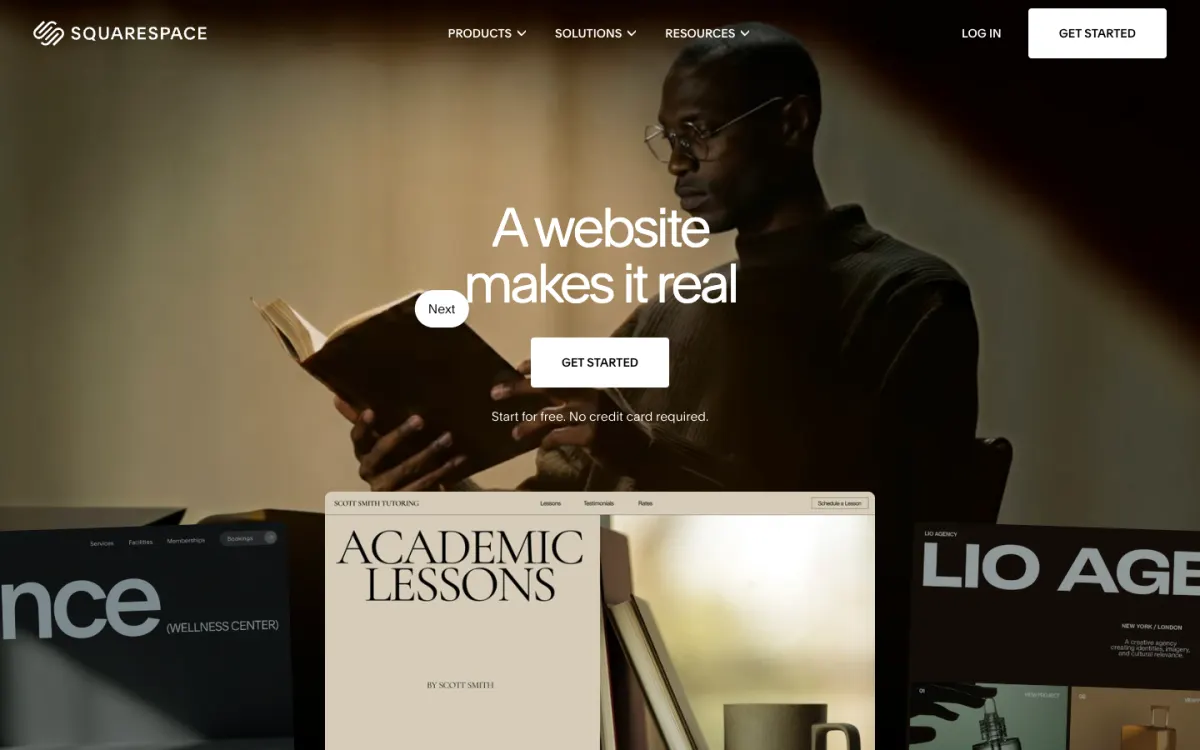
What it is. Squarespace is a template builder with galleries, a blog, forms and a store on every plan.
Image handling. Uploads can be up to 20 MB, though Squarespace recommends 500 KB or smaller for speed. It creates up to seven versions of every image, from 100 to 2,500 pixels wide, and recommends a 2,500-pixel width. Grid galleries and single images can open in a lightbox with a dark or light overlay. Form blocks handle commission requests, with file upload fields for reference photos.
Selling. The store is on every plan. Printful connects through the Custom merch panel on Basic, Core, Plus and Advanced, and you pay Printful only when a print sells. A form with Email Signup turned on adds people who opt in to your subscriber list.
Pricing (EUR, as shown). Billed yearly: Basic EUR 12/mo with a 2% store transaction fee, Core EUR 18/mo with no store fees, Plus EUR 32/mo and Advanced EUR 69/mo. The trial is 14 days with no card.
What it does badly. Slideshow, carousel and stack galleries don’t support a lightbox, and Squarespace’s help center says pinch-to-zoom isn’t supported for lightbox images on mobile, which hurts detail shots. Email Campaigns is billed separately from the website plan. Layouts stay inside template sections. See Squarespace alternatives for cheaper options.
Good for: artists who sell prints and a few originals and want one polished tool.
2. Pixpa: best budget all-in-one with print fulfillment
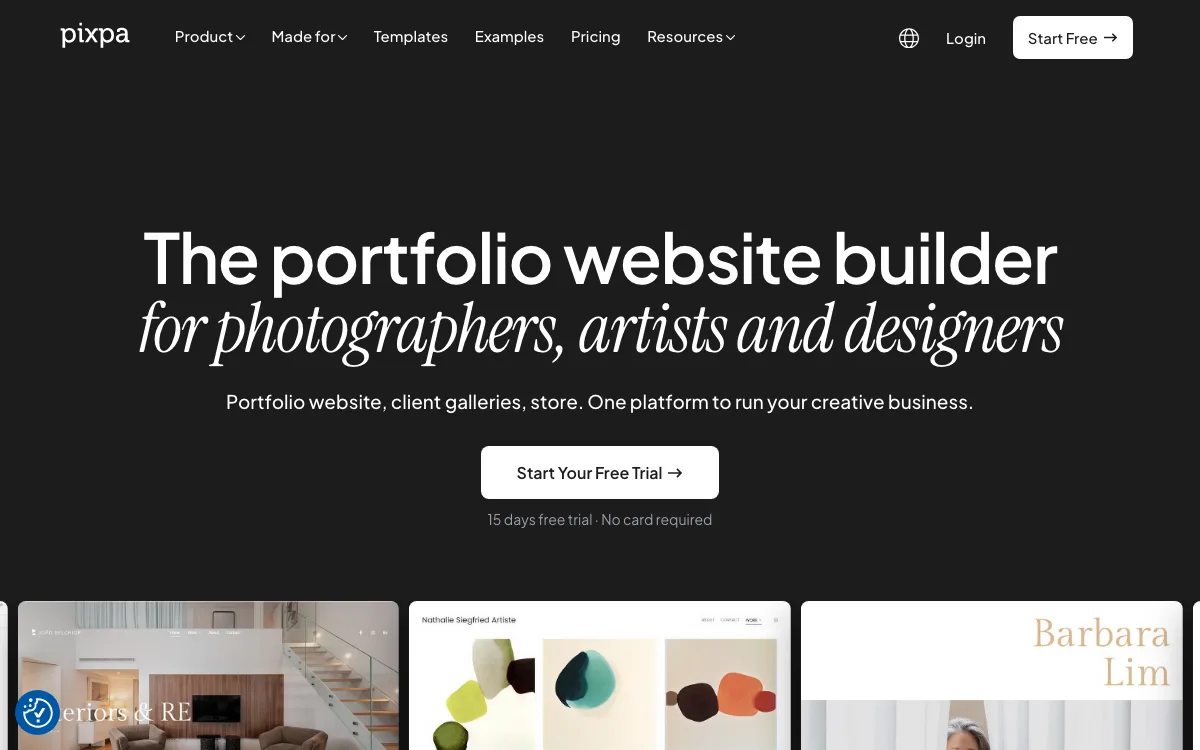
What it is. Pixpa is a portfolio platform for photographers, artists and designers: website, store, blog and client galleries in one account.
Image handling. Pixpa recommends up to 50 MB per image in website galleries and up to 2,560 pixels wide. It scales images automatically and applies a standard 75% compression that you can adjust in Settings, a useful control when color and texture matter. Grid galleries open in a lightbox, with optional zoom that works on desktop and mobile.
Selling. Every plan sells products, services and digital files with 0% commission, and every plan can sell images as prints with auto-fulfillment through print labs. Basic is limited to 3 products, Creator to 10, Professional to 100. Email subscriber forms and password protection are on every plan.
Pricing (EUR, as shown). Monthly: Basic EUR 8.39, Creator EUR 13.99, Professional EUR 18.65, Advanced EUR 23.31. Pixpa’s FAQ says yearly plans are normally 20% off monthly and 2-yearly plans 40% off. The trial is 15 days with no card.
What it does badly. Basic caps you at 10 pages, 200 images and 3 products, so most selling artists need Creator. Layouts are template-based rather than free-form.
Good for: artists who want prints printed and shipped for them on a small budget.
3. Siter.io: best for artists who sell by enquiry and want full layout control
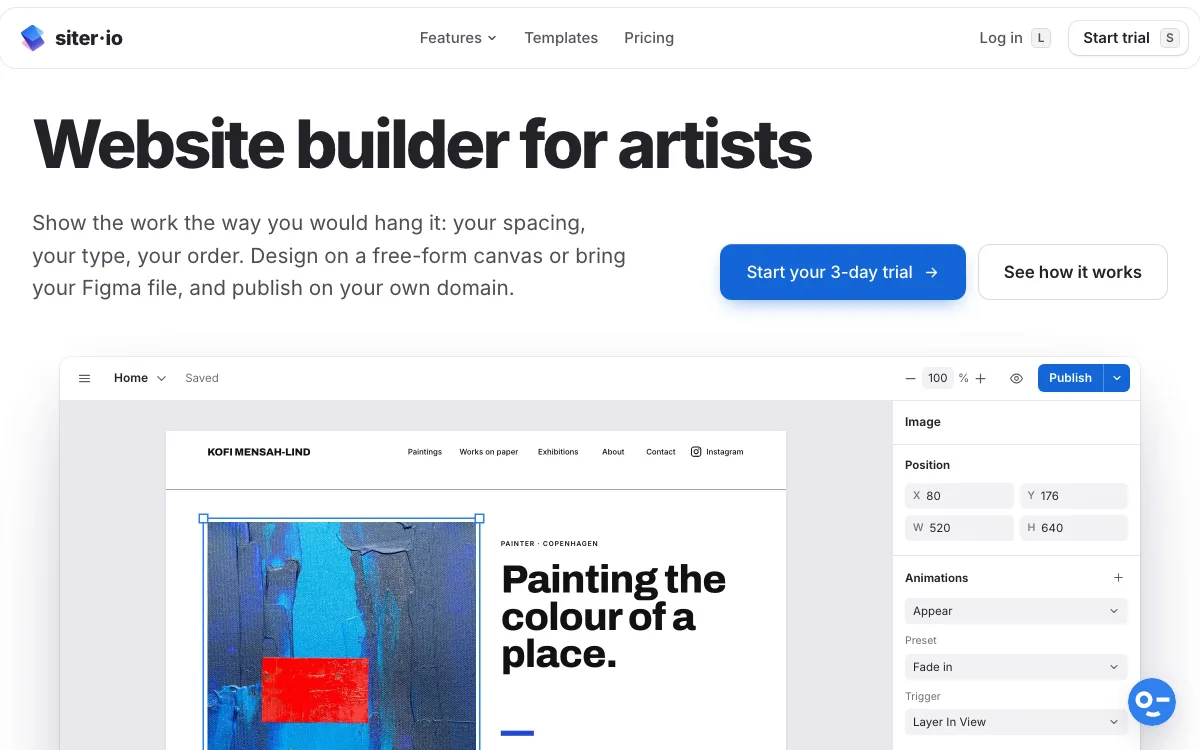
What it is. Siter.io is a hosted visual editor with a free-form canvas, so you hang each piece where you want it, with smart guides, the way you would plan a wall.
Key features for artists.
- Click to enlarge: set any image to “Open overlay” and a click shows it large over the page, centered or in any of seven positions, with your own background color and opacity, closing on a click outside.
- Enquiries beside the work: a form placed next to a piece sends every question to your inbox.
- Your own typeface: upload fonts in WOFF2, WOFF, TTF, OTF or EOT.
- A phone layout you arrange: Desktop, Tablet and Mobile each keep their own layout, so a series can hang in one column on a phone.
- Artist templates such as Kofi Mensah-Lind (a painter), Gallery Nine and Pip & Pocket, plus a Blog collection for a studio journal and a Figma plugin on every plan.
Pricing. Solo is $7/mo billed yearly ($8 monthly) for 1 website, 10 pages, 3 forms and 1 GB of storage. Plus is $12/mo yearly ($14 monthly) for 3 websites, 50 pages and 5 GB. Pro is $24/mo yearly ($28 monthly) with unlimited pages. Custom domains with HTTPS are included on every plan.
What it does badly. No checkout: Siter.io’s own FAQ says to link each piece to a print lab or marketplace listing, or to take enquiries and invoice by email. No newsletter tool beyond forms and Zapier. Images dragged into the editor are capped at 10 MB, and automatic compression is not documented, so export at display size. No free plan: the 3-day trial needs a card.
Good for: painters and illustrators who sell originals by conversation and want the site to look like their own hang. Pair it with Big Cartel if you also sell prints.
4. Cargo: best for experimental artists with several sites
What it is. Cargo is a site builder for designers and artists with art-directed templates, real-time co-editing and unlimited public sites on cargo.site addresses.
Image handling. Images can be up to 25 MB each; Cargo’s docs suggest 2,000 to 3,000 pixels on the longest side and 70 to 85% JPEG quality. Image Zoom in Site Settings opens a clicked image maximized to the window. The docs do not say Cargo resizes or compresses web-format images.
Selling. Cargo Commerce lets you manage, sell and receive payments for physical or digital goods, with no per-transaction fee from Cargo.
Pricing. One plan: $14/mo billed yearly or $19 monthly, with 1 custom domain. Extra domains are $2/mo yearly. Commerce is $5.50/mo yearly ($9 monthly). Students and teachers can apply for free use.
What it does badly. No print-on-demand connection is listed. The built-in contact form has no custom fields, so a commission brief needs an embedded Tally or Typeform. Large unoptimized uploads slow pages because Cargo leaves compression to you.
Good for: artists who want a portfolio, a show microsite and a small shop under one bill.
5. Format: best for fine art photographers with a client business
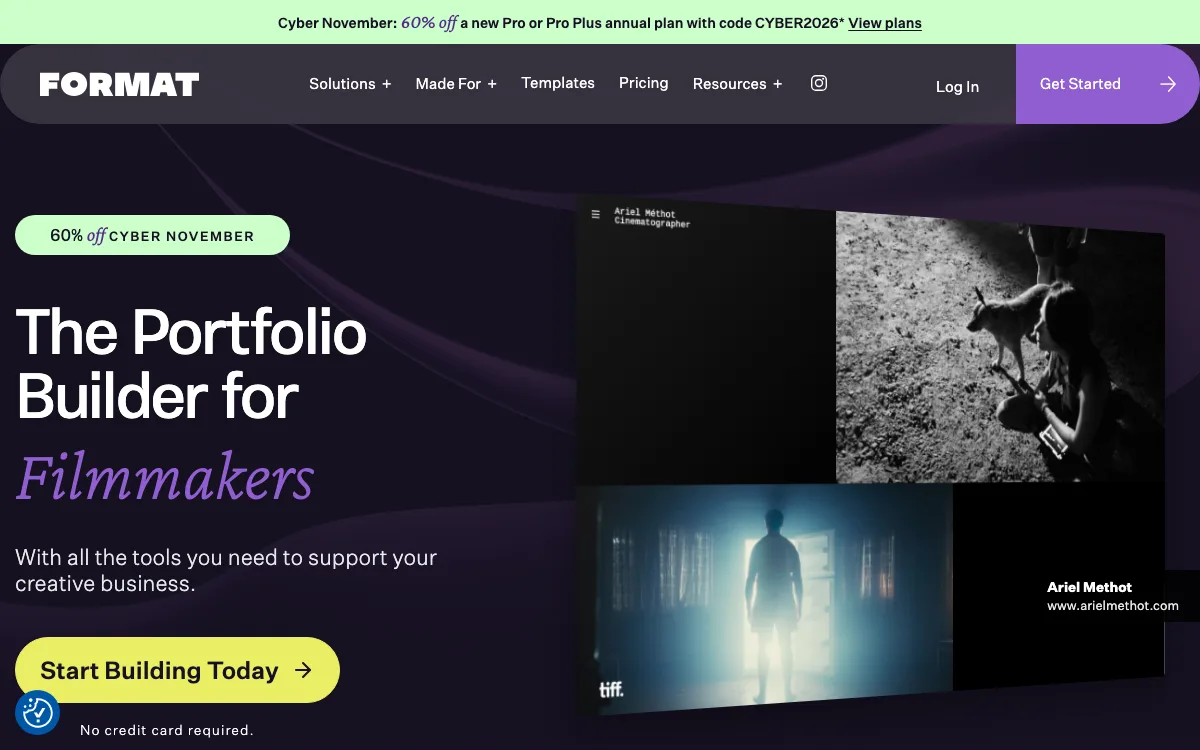
What it is. Format is a portfolio platform for creators, mainly photographers, with themes, Lightroom integration, client galleries and a store.
Selling. The store is on Pro (15 products) and Pro Plus (1,000), with no commission from Format. Format’s Store help says you fulfill Store orders and organize shipping yourself, and there is no option to add tax to products as a separate amount. Email subscriber forms are on every plan.
Pricing. Basic is $10/mo billed annually ($14 monthly) with 10 pages and 70 high-resolution images. Pro is $17/mo annually ($24 monthly) with unlimited pages, 1,500 images and 100 GB of storage. Pro Plus is $26/mo annually ($36 monthly) with 1 TB. The trial is 14 days with no card.
What it does badly. Basic has no store and only 70 images, and Store orders are yours to pack and ship.
Good for: photographers who also sell fine art prints from their own stock.
6. Big Cartel: best dedicated shop for makers
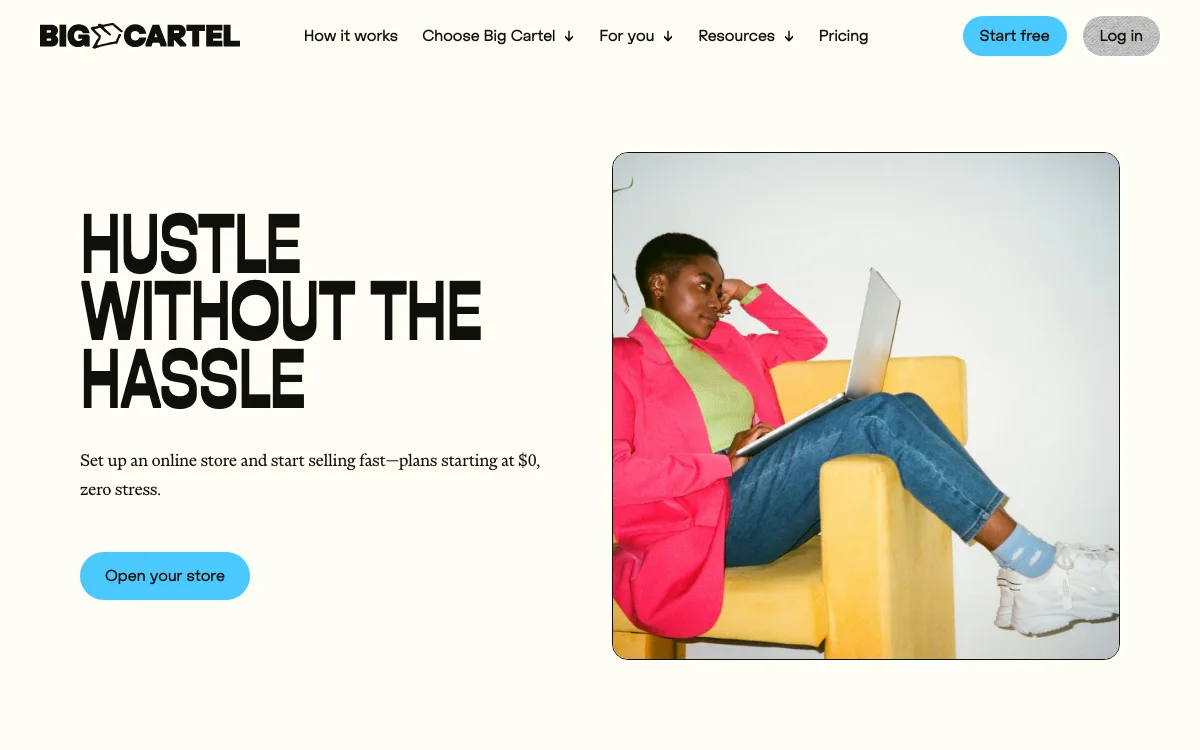
What it is. Big Cartel is an online store builder for independent sellers, makers and musicians. It is a shop rather than a portfolio, which is why many artists pair it with a portfolio site.
Selling. 0% transaction fees on every plan (payment processor fees still apply). Platinum adds custom domains, digital products, label printing and a native print-on-demand studio via Printful. Diamond adds abandoned cart recovery, scheduled product drops and password-protected products.
Pricing. Gold is free with 5 product listings and 1 template. Platinum is $15/mo after a 7-day trial, and Diamond is $30/mo, both month to month.
What it does badly. Gold allows one template and five products, and the shop has none of the gallery or layout tools above.
Good for: makers and printmakers who sell editions and small batches, linked from a portfolio on any builder.
7. Adobe Portfolio: best if you already pay for Creative Cloud
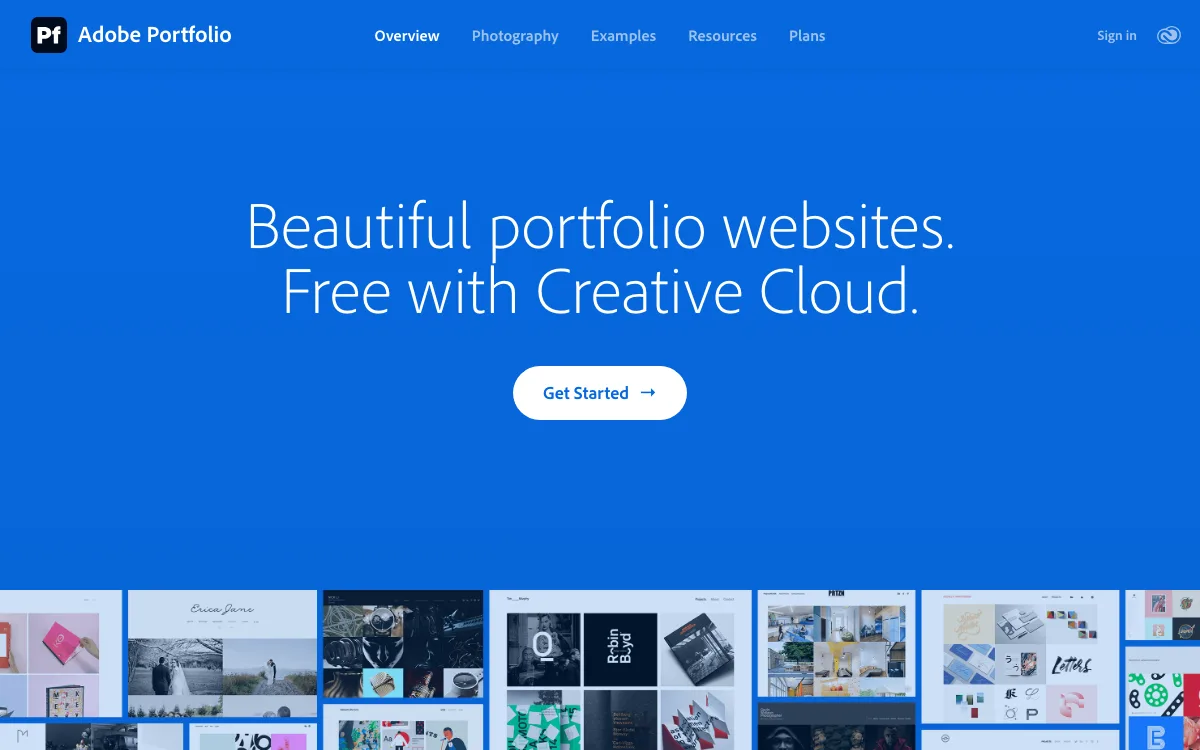
What it is. Adobe Portfolio is a theme-based portfolio builder included with Creative Cloud, with a fullscreen lightbox, photo grids, Lightroom and Behance import, Adobe Fonts, custom domains and password protection for the site or selected pages.
Pricing. Included with a Creative Cloud subscription; Adobe says access starts at US$9.99 a month if you don’t have one.
What it does badly. No store is listed on the Portfolio page, and layouts stay inside themes.
Good for: illustrators and photographers already paying for Photoshop or Lightroom.
8. Wix: best for store apps and print-on-demand
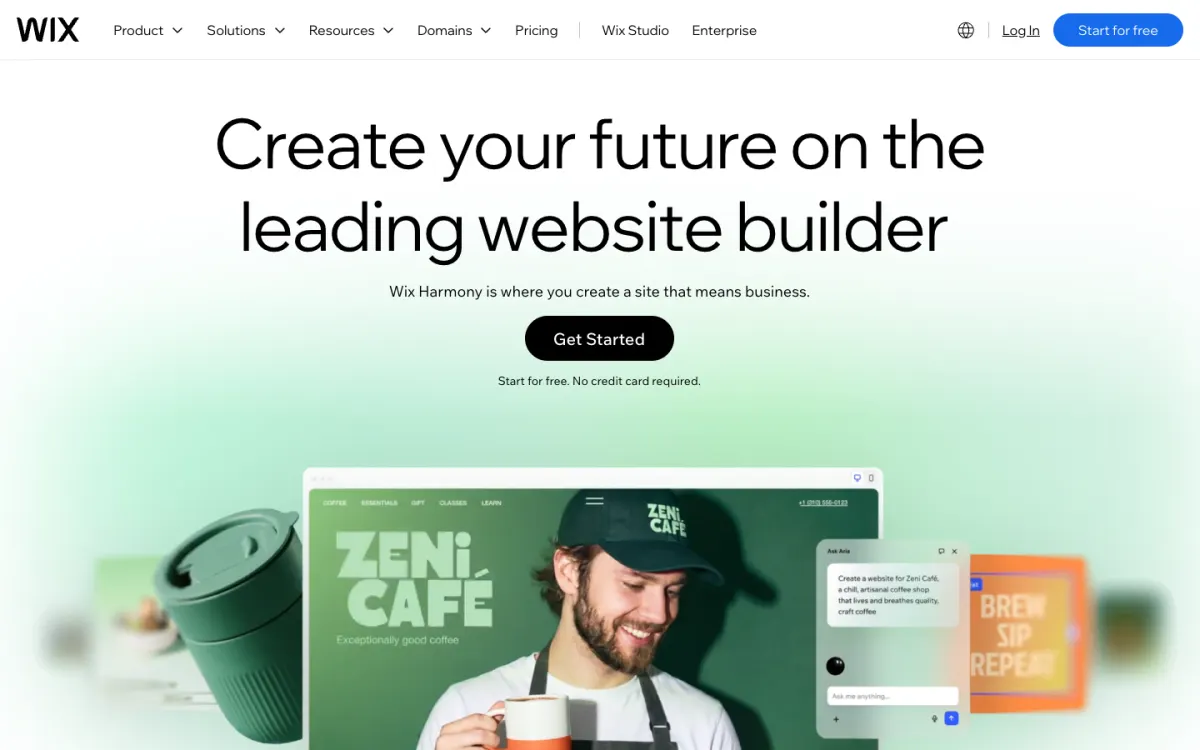
What it is. Wix is a drag-and-drop builder with an app market for stores, bookings and marketing.
Image handling and selling. Site images can be up to 50 MB, and Pro Gallery items can open in expand mode or full screen on click. Payments and ecommerce start on Core. The Printful: Print on Demand app connects Wix Stores to Printful, and you pay only when a customer orders.
Pricing. A free plan publishes with Wix branding. On November 25, 2026 the plans page showed offer prices valid only for the first yearly term, so regular prices are not printed here; check the renewal price at checkout.
What it does badly. Pricing is hard to compare, and selling needs Core or higher.
Good for: artists who want print-on-demand plus bookings or classes on one site.
9. Readymag: best for editorial and typographic art projects
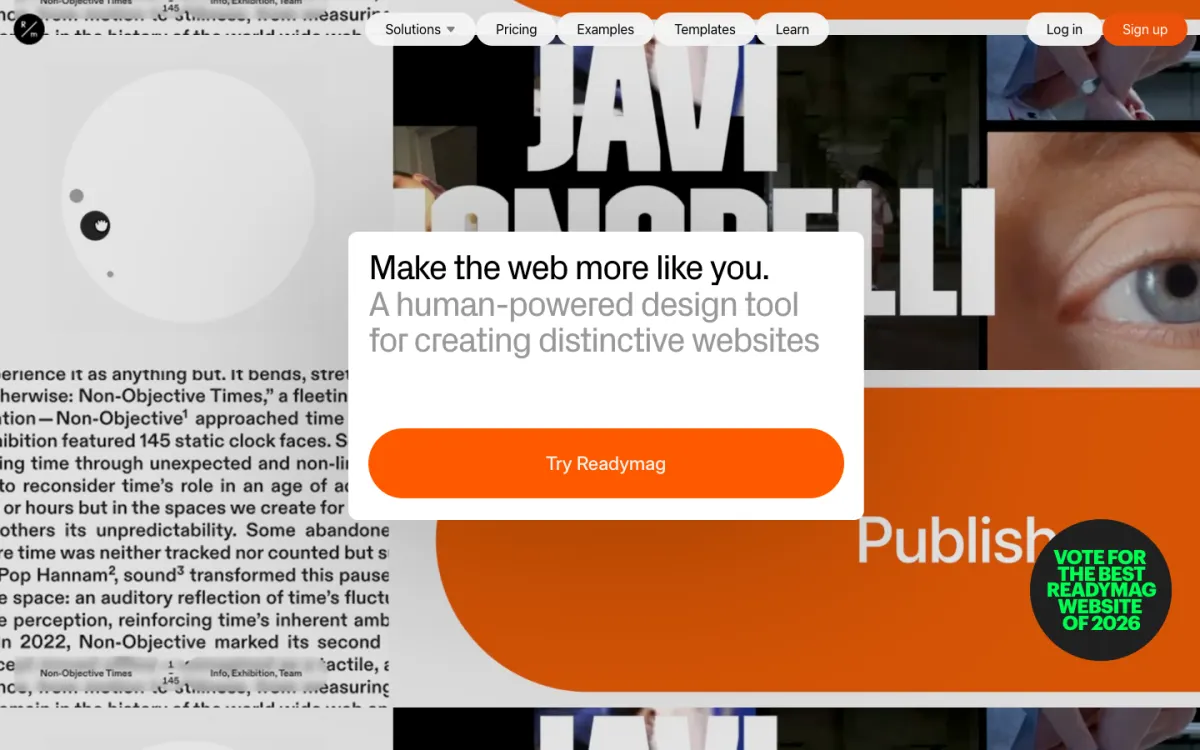
What it is. Readymag is a canvas tool with separate desktop, tablet and mobile layouts, animations and Adobe and type.today fonts. A Lightbox setting on any picture expands it to full screen on click, and “Add to gallery” lets visitors move between the page’s images.
Pricing (EUR, as shown). Free publishes 1 site with up to 10 pages on a Readymag domain. Personal is EUR 13/mo yearly (EUR 18 monthly) with 1 custom-domain site and 10,000 views a month. More in Readymag pricing.
What it does badly. Pictures upload at 6 MB per file on every plan, forms are preview-only on Free, views are capped, and there is no store.
Good for: illustrators and artists making a catalog-like, typographic site.
Also considered
Framer is free on a Framer domain, with Basic at EUR 10/mo per site billed yearly (as shown), but its pricing page lists no store. See Framer pricing. If search traffic is the main goal, the best website builder for SEO guide compares the technical controls.
Which website builder should an artist choose?
- You sell prints and originals at checkout and want one tool: Squarespace.
- You want prints printed and shipped for you on a small budget: Pixpa.
- You sell originals by enquiry and want the site laid out like your own hang: Siter.io, plus Big Cartel or a print lab link if you add prints.
- You make experimental work or run several sites: Cargo.
- You are a photographer selling fine art prints from your own stock: Format Pro.
- You are a maker selling editions or small batches: Big Cartel.
- You already pay for Creative Cloud: Adobe Portfolio.
- You want print-on-demand plus bookings or classes: Wix.
- You want a typographic, editorial art site: Readymag.
FAQ
What is the best website builder for artists?
It depends on whether you sell at checkout. Squarespace is the best all-round choice for selling originals and prints, with a store on every plan and Printful print-on-demand. If sales happen by enquiry, Siter.io gives a free-form layout and an enquiry form for $84 a year, but no checkout.
What is the best art portfolio website for selling prints?
Pixpa and Squarespace. Pixpa auto-fulfills prints through labs on every plan with 0% commission, and Squarespace connects Printful on every current plan. Big Cartel also offers Printful on Platinum and works as a shop next to any portfolio.
Can I sell art on a website without a store?
Yes. Many originals sell by enquiry: a form next to each piece, then an invoice by email. Siter.io, Readymag and Adobe Portfolio have no checkout, so link to a Big Cartel shop or a print lab listing for prints.
What image size should I upload to an artist portfolio website?
Check the builder’s limit first: Readymag accepts 6 MB per image, Siter.io 10 MB in the editor, Squarespace 20 MB, Cargo 25 MB and Wix 50 MB. Squarespace recommends a 2,500-pixel width, and Cargo suggests 2,000 to 3,000 pixels on the longest side, which keeps pages fast.
Is there a free website builder for artists?
Big Cartel’s Gold plan sells up to 5 products for free, Readymag publishes 10 pages free on its own domain, and Wix has a free plan with Wix branding. Cargo is free to use privately, but a subscription is needed to make a site public.
Build your Bootstrap theme
Design a custom Bootstrap 5 theme visually with a live preview, then export clean Sass or CSS.
Open the Builder