Figma Make Alternatives in 2026: 9 Tools Compared
The best Figma Make alternative depends on what you are making: Lovable or Bolt for a working app with logins and data, Siter.io for a real website built from your Figma design, and ProtoPie if you only need to test an interaction. This guide is for designers and product teams who have hit Figma’s credit limits, its Full-seat rule for publishing, or the gap between a prototype and a site people can find. Every plan and price below was checked on the vendors’ own pages in November 2026.
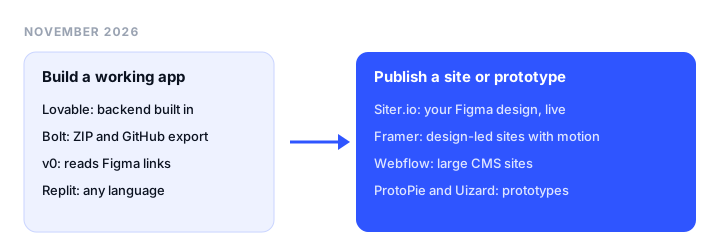
TL;DR
- Best for a working app with a backend: Lovable. A Figma plugin, GitHub sync on every plan, and a backend built in.
- Best for a real website from your Figma design: Siter.io. Imports your frames, gives you separate desktop, tablet, and phone layouts, and includes hosting and a CMS from $7 a month billed yearly.
- Best for portable code: Bolt, with ZIP download, GitHub, and tokens that roll over.
- Best for Next.js developers: v0, which reads a Figma link directly on paid plans.
- Best for a designed site with motion: Framer.
- Best for testing interactions: ProtoPie, a dedicated prototyping tool that imports from Figma.
What Figma Make is today
Figma Make is Figma’s prompt-to-app tool. You start a Make file from your drafts, describe what you want, and attach frames, components, images, or PDFs as context.
What it outputs. A working web app, not design layers: a live preview, the generated code in a Files tab, and a code editor. You can point at an element and adjust it in a properties panel, or keep prompting. On paid plans you can copy a preview back into Figma Design as layers, but edits there don’t flow back. Make can also add a backend for logins and saved data, and Figma now advertises a built-in CMS powered by Payload.
Can it publish? Yes, on a figma.site address or a custom domain; Professional plans can connect 10 custom domains, shared with Figma Sites. Published apps are not indexed by search engines by default, there is no analytics dashboard (you can add a Google Analytics ID), and Figma says Make “does not currently offer specific customizability for SEO.” Hosting is included while publishing is in beta.
Figma Sites is the other route. Sites (also in beta) publishes a website you design in Figma, with a CMS and preset interactions. It needs a Full seat on a Professional or higher plan, and its code can’t be exported to host elsewhere.
Figma Make pricing
Figma doesn’t sell Make on its own: you buy a plan and a seat, and each seat comes with monthly AI credits shared across Figma’s AI features.
| Plan and seat | Price | AI credits | Figma Make access |
|---|---|---|---|
| Starter | Free | 150 a day, up to 500 a month | Yes; publishes publicly only if also published to the Figma Community |
| Professional, Full seat | $16/mo billed annually | 3,000 a month | Full access, publishing, 10 custom domains |
| Professional, Dev seat | $12/mo billed annually | 500 a month | Drafts only; code export, no sharing or publishing |
| Professional, Collab seat | $3/mo billed annually | 500 a month | Drafts only, no sharing or publishing |
| Organization, Full seat | $55/mo billed annually | 3,500 a month | Full access, unlimited custom domains |
| Enterprise, Full seat | $90/mo billed annually | 4,250 a month | Full access, unlimited custom domains |
Credits reset monthly and don’t roll over, and extra credits can be bought on any plan. There is no fixed price per prompt: Figma’s own approximate examples are 30+ credits to change a font, 75+ to make an attached design interactive, and 100+ to generate an app from scratch, with long chats costing more per prompt. By those figures, the Starter allowance covers about five fresh app builds a month.
Why people look for a Figma Make alternative
- Credits are hard to predict. Cost depends on the model, the task, and how much context the chat carries, and Figma advises checking your balance before each session.
- The cheap seats can’t publish. A $3 Collab or $12 Dev seat can try Make in drafts but can’t share or publish.
- It is a prototype first. A public website needs SEO control, analytics, and layouts you adjust by hand, and Make is thin on all three.
- The output is code. If the project was really a marketing site, moving a button becomes another prompt and more credits.
- You already drew the design. If the frame is approved, a generator that reinterprets it is the wrong tool.
Figma Make alternatives at a glance
| Tool | Type | Best for | Free plan | Paid from | Key limit |
|---|---|---|---|---|---|
| Lovable | App builder | Working apps with a backend | 5 credits a day (30 a month), invite-only publishing | $25/mo ($21 yearly) | Custom domain and code download from Pro |
| Bolt | App builder | Portable code | 1M tokens a month, Bolt branding | $25/mo ($18 yearly) | JavaScript only |
| v0 | App builder | Next.js developers | 7 messages a day | $30 per user/mo | Figma import on paid plans only |
| Replit | App builder | Apps in any language | 1 app, link expires after 30 days | $20/mo ($18 yearly) | Effort-based usage pricing |
| Siter.io | Website builder | A real website from your Figma design | No, 3-day trial | $7/mo yearly ($8 monthly) | No ecommerce, no backend apps |
| Framer | Website builder | Designed sites with motion | Framer domain, 500 AI credits a month | $10/mo per site, yearly | No code export |
| Webflow | Website builder | Large CMS sites | 2 static pages on webflow.io | $15/mo per site, yearly | CMS starts on Premium ($25) |
| ProtoPie | Prototyping | Testing interactions | 2 prototypes | $25/mo yearly ($29 monthly) | Prototypes, not websites |
| Uizard | Prototyping | Quick AI mockups | 3 AI generations a month | $12/mo billed annually | Mockups, not production code |
| Figma Make | Starter, 500 credits a month | $16 per Full seat/mo, annually | Publishing needs a Full seat |
The best Figma Make alternatives, reviewed
Tools 1 to 4 are prompt-to-app builders, the closest like-for-like replacements. Tools 5 to 7 are design-first website builders for projects that should be a live site. Tools 8 and 9 are for prototyping.
1. Lovable: best for a working app with a backend
What it is. Lovable builds full-stack web apps from a conversation, with hosting on lovable.app and a built-in backend for data, auth, and storage.
Why switch from Figma Make. Lovable is built for the step after the prototype: an app with accounts and data. Designs come in three ways: a Lovable plugin in Figma (it needs at least a Dev seat), the Figma MCP from the Lovable desktop app, or a .fig file upload that works on any Figma plan. GitHub sync works on every plan, the free one included, and every plan allows unlimited collaborators.
What to know. Every change costs credits, as on Make. The free plan publishes only to invited people, up to 10 per project, and custom domains, badge removal, and code download start on Pro. For the full picture, see our Lovable alternatives guide.
Pricing. Free: 5 build credits a day, up to 30 a month. Pro $25/mo or $21/mo billed yearly, from 100 credits a month with rollover. Business $50/mo ($42 yearly).
Good for: product teams turning a Make prototype into a real app.
2. Bolt: best for portable code
What it is. Bolt builds JavaScript apps from a prompt and runs them in the browser, with hosting and unlimited databases on every plan.
Why switch from Figma Make. Bolt imports a Figma frame directly: you paste the frame link and it builds from that. The code is easy to take with you, as a ZIP download or through GitHub, and on Pro unused tokens roll over instead of resetting like Figma’s credits.
What to know. JavaScript only. Free sites carry Bolt branding and hosting stops at 333,000 web requests. Building frames out of your own design system is a Teams feature.
Pricing. Free: 300,000 tokens a day, 1M a month. Pro $25/mo or $18/mo billed yearly, from 10M tokens a month, custom domain, no branding. Teams $30 per member/mo.
Good for: designers and developers who want a prompt-built app with code they can move anywhere.
3. v0: best for Next.js developers
What it is. v0 is Vercel’s AI builder. It writes Next.js code, syncs with GitHub, and deploys to Vercel.
Why switch from Figma Make. On paid plans you paste a Figma file or frame link and v0 builds the screens from it, no plugin needed. Usage is billed per token at published model rates.
What to know. It generates Next.js whether or not your project needs it. The free plan is a sampler, and Figma import isn’t on it.
Pricing. Free: $5 of one-time credit for new users, 7 messages a day. Plus $30 per user/mo with $30 of monthly credit. Business $100 per user/mo.
Good for: teams already shipping on Next.js and Vercel.
4. Replit: best for apps in any language
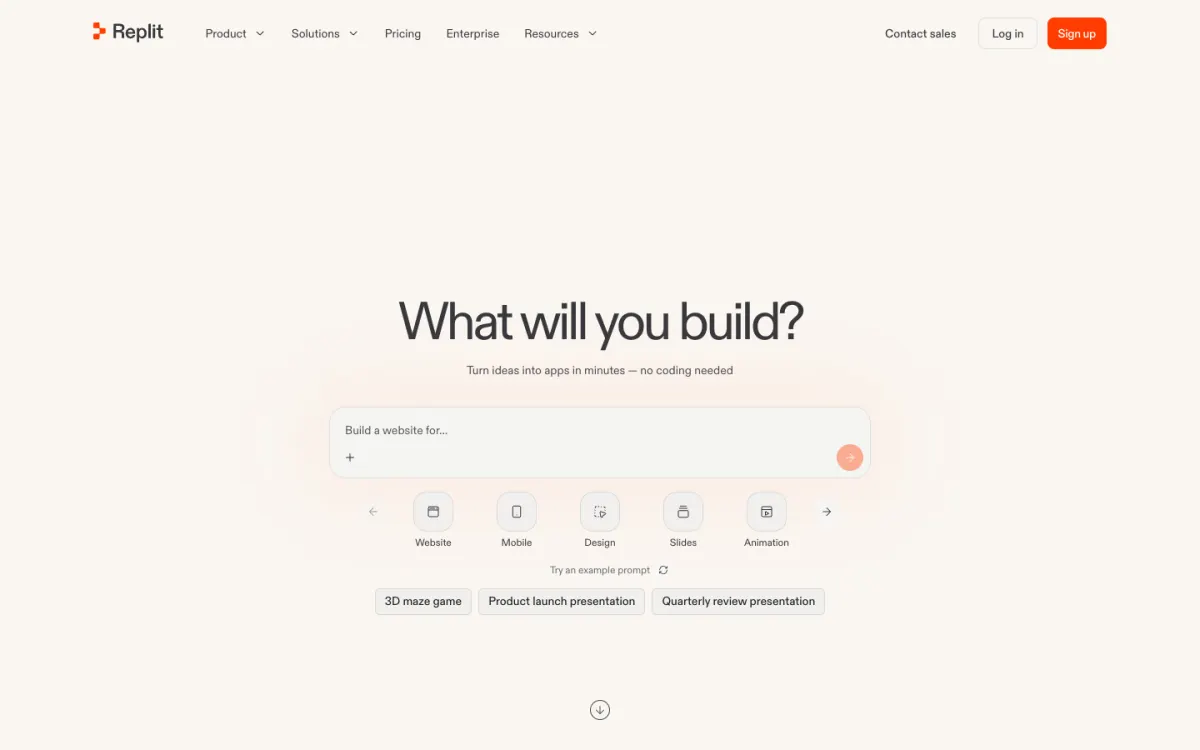
What it is. Replit combines an AI agent, a browser IDE for almost any language, a database, and hosting.
Why switch from Figma Make. When a prototype grows a Python backend, scheduled jobs, or an API, Replit keeps it all in one project. Our Replit alternatives guide covers the trade-offs.
What to know. Agent work is billed by effort, so costs are as hard to predict as Make’s credits. The free Starter plan publishes one app whose link goes down after 30 days, with a “Made with Replit” badge.
Pricing. Starter free. Core $20/mo ($18/mo billed yearly) with $20 of model credit. Pro $100/mo ($90 yearly).
Good for: builders who need more than a front end.
5. Siter.io: best for a real website from your Figma design
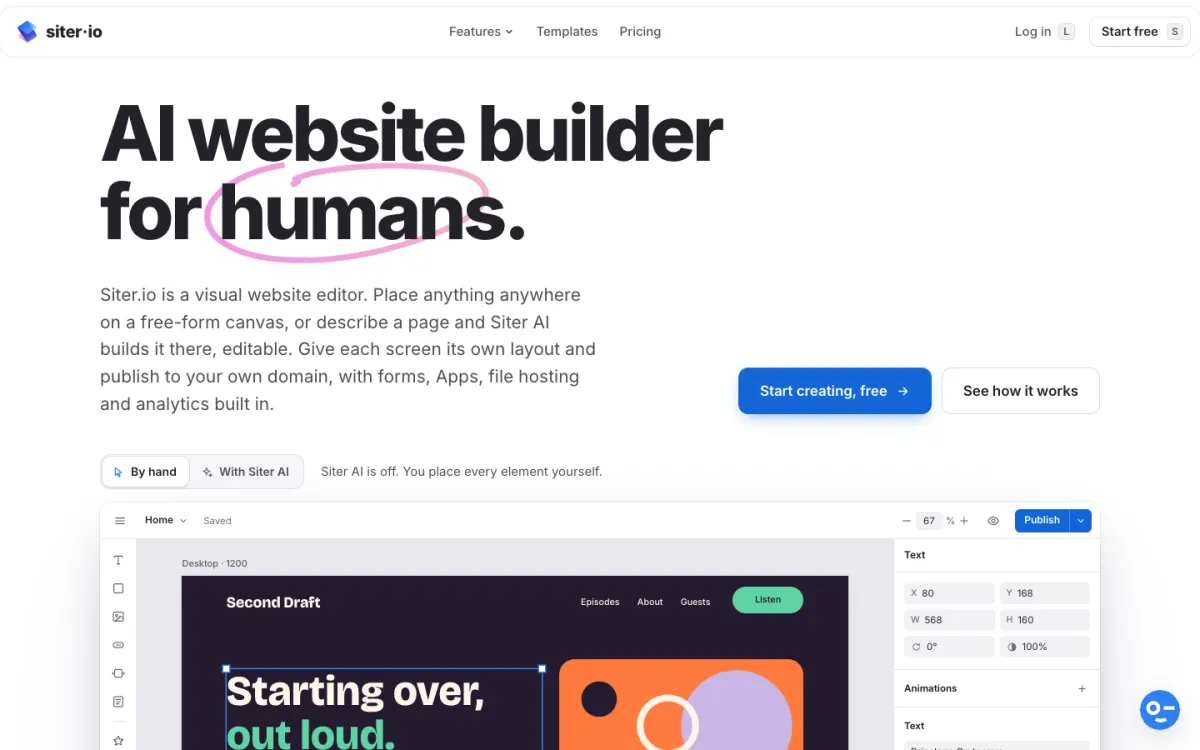
What it is. Siter.io is a visual website builder for designers. A Figma plugin, included on every plan, brings your frames onto a free-form canvas where each element keeps its own position and style for desktop (1200), tablet (640), and phone (375), plus any custom width.
Why switch from Figma Make. Make generates a new interpretation; Siter.io publishes the design you already drew, and you keep editing by hand. When nothing is drawn yet, Siter AI builds an editable page from a description, using 600 AI credits a month on Solo. Hosting, SSL, your own domain, forms, cookieless analytics, per-page SEO fields, and a CMS and blog are on every plan. Every plan publishes, with 2 editor seats included on Solo, where Figma needs a Full seat for each person who publishes. Siter’s own Figma Make comparison goes row by row.
What to know. It is a website builder, not an app builder: no backend, no user accounts, no database apps, and no ecommerce. The Figma import is one way, with no re-sync, and prototype interactions don’t carry over. There is no free plan, and HTML download is on Pro only, one page at a time.
Pricing. Every plan starts with a 3-day trial that needs a card. Solo $7/mo billed yearly ($8 monthly): 1 website, 10 pages, 600 AI credits. Plus $12/mo yearly ($14 monthly): 3 websites, 50 pages, 800 credits. Pro $24/mo yearly ($28 monthly): 5 websites, unlimited pages, 2,000 credits.
Good for: designers and freelancers who want a portfolio, landing page, or client site live as designed.
6. Framer: best for a designed site with motion
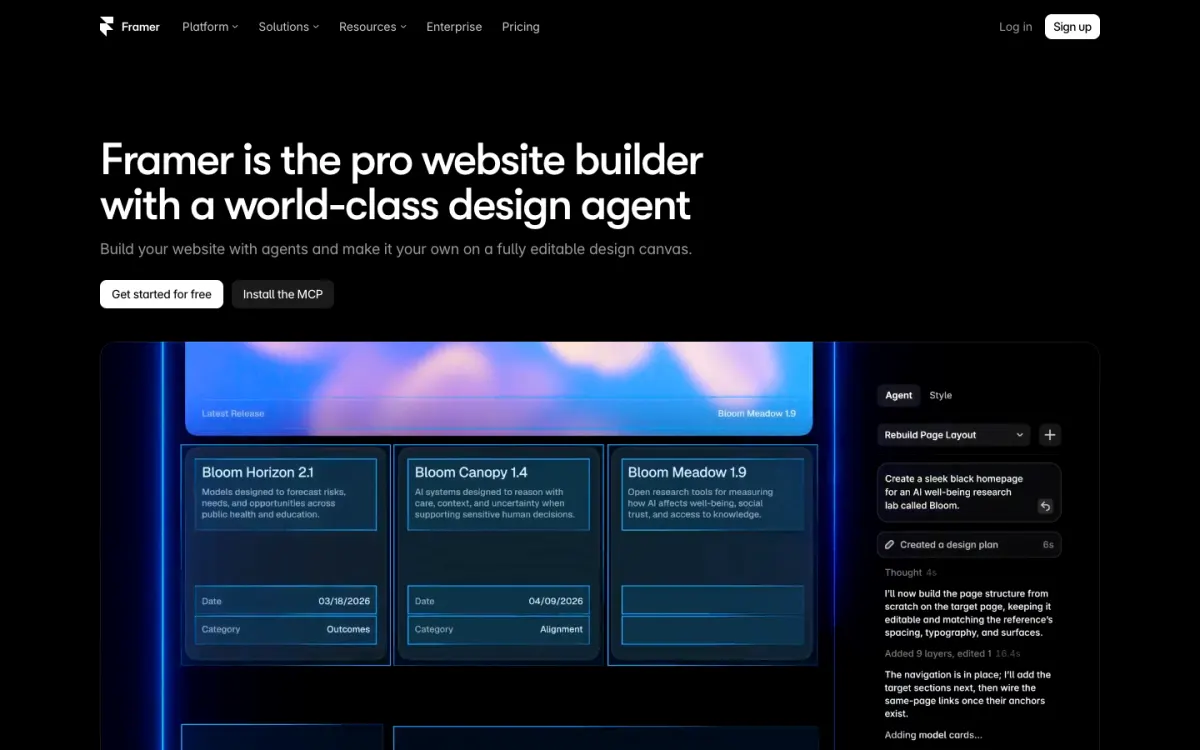
What it is. Framer is a design-first website builder with a CMS, built-in animation, and AI agents that generate and edit pages on the canvas.
Why switch from Figma Make. Framer feels like a design tool and publishes a polished site with hosting included. You can paste layers in from Figma with its plugin, and the free plan gets 500 AI credits a month.
What to know. Plans are per site, extra editors cost $20 a month each, and there is no code export to host elsewhere. It doesn’t build apps with accounts or databases.
Pricing. Free on a Framer domain with 1 GB of bandwidth. Basic $10/mo per site billed yearly: custom domain, 1,000 AI credits, 2 CMS collections. Pro $30/mo yearly: 3,000 credits, 10 CMS collections.
Good for: design-led marketing sites where animation matters.
7. Webflow: best for large CMS sites
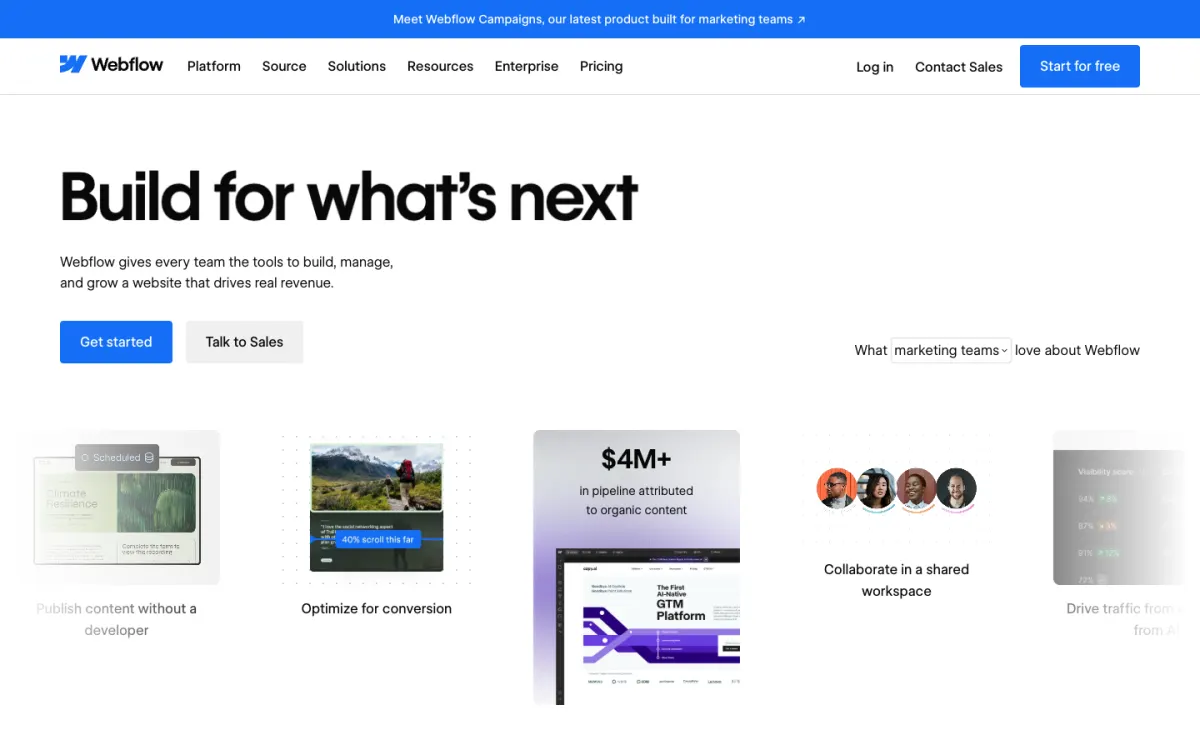
What it is. Webflow is a professional visual builder with a class-based style system, a CMS that scales, Webflow AI, and a Figma to Webflow app.
Why switch from Figma Make. For hundreds of pages or a large content library, Webflow is the most capable option here, and paid workspaces can export code.
What to know. Prices are per site, the Basic plan has no CMS, and the learning curve is real. Our Webflow alternatives guide covers easier options.
Pricing. Free Starter: webflow.io address, 2 static pages, 50 form submissions. Basic $15/mo per site billed yearly. Premium, with the CMS, $25/mo billed yearly.
Good for: marketing teams building content-heavy sites.
8. ProtoPie: best for testing interactions
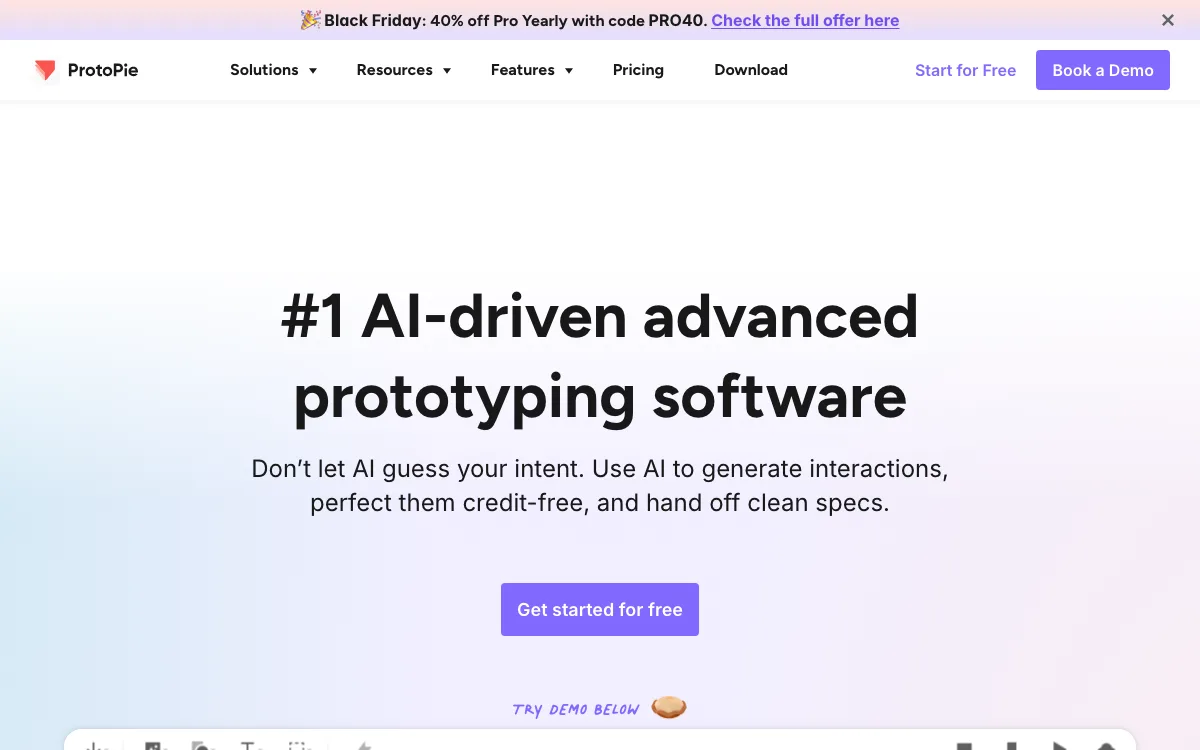
What it is. ProtoPie is a dedicated prototyping tool for advanced, realistic interactions, with AI that generates interactions you then refine.
Why switch from Figma Make. If Make was only a way to show how something behaves, ProtoPie does that with more precision. It imports from Figma, Sketch, and Adobe XD, and you refine the AI’s draft without spending credits.
What to know. It makes prototypes, not websites or production apps. Free is limited to 2 prototypes of 8 scenes each.
Pricing. Basic $25/mo billed yearly ($29 monthly) for one seat with 20 prototypes. Pro $47 per editor/mo yearly ($59 monthly) with unlimited prototypes and team libraries.
Good for: UX designers running user tests on high-fidelity interactions.
9. Uizard: best for quick AI mockups
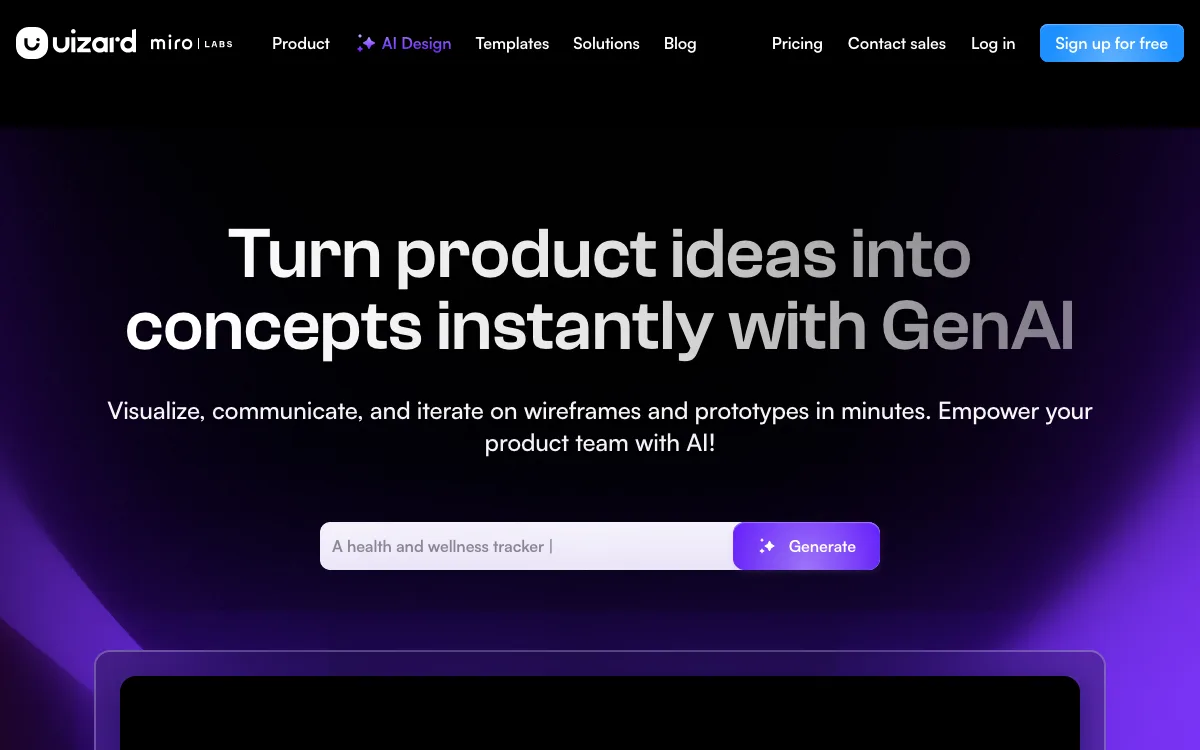
What it is. Uizard, now part of Miro Labs, turns a prompt, a screenshot, or a hand-drawn sketch into editable mockups and clickable prototypes with its Autodesigner AI.
Why switch from Figma Make. For screens to discuss rather than code to ship, Uizard counts AI use in generations (500 a month on Pro), which is easier to budget than credits.
What to know. The output is mockups. Pro includes React and CSS developer handoff, but there is no hosting.
Pricing. Free: 3 AI generations a month, 2 projects. Pro $12/mo billed annually. Business $39/mo billed annually with 5,000 generations.
Good for: non-designers sketching product ideas.
Which Figma Make alternative should you choose?
- You need an app with accounts and data: Lovable, or Bolt if portable code matters most.
- You work in Next.js: v0.
- You need a backend in Python or another language: Replit.
- You designed a website in Figma and want it live as drawn: Siter.io, from $7 a month billed yearly.
- You want a design-led site with heavy animation: Framer.
- You are building a large content site with a team: Webflow.
- You only need to test how something behaves: ProtoPie, or Uizard for rough AI mockups.
- You already pay for a Full seat and only need a quick prototype: stay on Figma Make.
For more prompt-to-site options, see our list of free AI website builders, and for design tools ranked by layout control, our guide to the best website builders for designers.
FAQ
Is Figma Make free?
Figma Make is available on the free Starter plan, with 150 AI credits a day and up to 500 a month. Starter accounts can publish to the public web only if they also publish the file to the Figma Community. Full access, sharing, and publishing on a paid plan start with a Professional Full seat at $16 a month billed annually.
How many prompts do Figma’s AI credits buy?
There is no fixed price per prompt. Figma’s examples run from about 30+ credits for a font change to 100+ for a new app, and long chats cost more. A Professional Full seat includes 3,000 credits a month that don’t roll over.
Can Figma Make publish a website?
Yes, on a figma.site address or your own domain. Published apps aren’t indexed by search engines by default, there is no analytics dashboard, and SEO controls are limited, so it suits demos better than a business site.
Figma Make vs Lovable: which is better?
Figma Make is better for prototypes built from your Figma designs inside the tool your team already uses. Lovable is better for a production app, with a built-in backend, GitHub sync on every plan, and a Figma plugin to bring designs in. Both charge credits per change.
What is the best Figma Make alternative for designers?
If you want a live website rather than a prototype, Siter.io is the closest fit for designers: it imports your Figma frames, keeps separate layouts for desktop, tablet, and phone, and includes hosting and a CMS from $7 a month billed yearly. If you want an app with a backend, Lovable or Bolt fits better.
Can I export code from Figma Make?
Yes. Full and Dev seats can export the code from a Make file, while Collab and View seats can do so only in drafts. Figma Sites is different: Figma’s help center says a site’s code can’t be exported for publishing elsewhere.
Build your Bootstrap theme
Design a custom Bootstrap 5 theme visually with a live preview, then export clean Sass or CSS.
Open the Builder