Free Uptime Monitoring: 10 Best Free Tools Compared (2026)
You don’t need to pay to know when your website goes down. Several services check your site every few minutes for free and send an alert when it stops responding, and some add SSL and domain expiry checks, cron job monitoring, and a public status page. The free plans differ more than they look, though: in how many monitors you get, how often they check, which alert channels are included, whether a status page is included, and whether you’re allowed to use them for a business site. This guide compares the best free uptime monitoring tools, with every free plan checked on the vendor’s own site in November 2026.
TL;DR
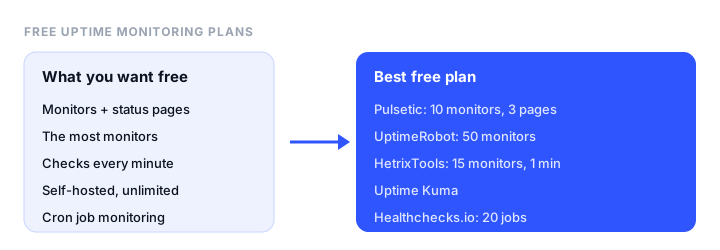
- Best free plan overall: Pulsetic. 10 monitors covering websites, SSL, domains, ports, and cron jobs, checked from 3 regions, with 3 status pages on your own domain and real-user monitoring included.
- Most free monitors: UptimeRobot, with 50 HTTP, ping, port, and keyword monitors, allowed for commercial use.
- Fastest free checks: HetrixTools, with 15 monitors checked every minute and every alert channel included.
- Best free self-hosted tool: Uptime Kuma, with unlimited monitors on your own server.
- Best for cron jobs: Healthchecks.io, with 20 free job monitors.
Free uptime monitoring plans compared
| Tool | Free monitors | Check interval | Monitor types on free | Alerts on free | Status page | Commercial use |
|---|---|---|---|---|---|---|
| Pulsetic | 10 (monitors, cron and domains combined) | 5 min, 3 regions | HTTP, keyword, SSL, port, ping, cron, domain | Email, webhooks | 3, custom domain | Allowed |
| UptimeRobot | 50 | 5 min | HTTP, keyword, ping, port | Email, 5 integrations | 1, basic | Allowed |
| HetrixTools | 15 | 1 min | Website, SSL, domain, server agent | All channels (SMS at cost) | Yes, custom domain | Allowed |
| Better Stack | 10 (monitors and heartbeats combined) | 3 min | HTTP, keyword, ports | Email, Slack | 1 | Personal projects |
| Hyperping | 20 | 5 min, 18 regions | HTTP, keyword, port, ping, SSL, cron | Email, Slack, Teams | 1, basic | Personal projects |
| StatusCake | 10 uptime, 1 SSL, 1 domain | 5 min | HTTP, SSL, domain, page speed | Email, integrations | Paid plans | Individuals and small businesses |
| Site24x7 | 50 | 5 min, 1 location | HTTP, SSL, ping | Email only | 1 | Not stated |
| Checkly | 10 uptime + API and browser checks | 2 min | Uptime, API, Playwright | Email, Slack, webhooks | Yes | Personal projects |
| Uptime Kuma | Unlimited (self-hosted) | From 20 sec | HTTP, keyword, ping, port, DNS, cron, Docker | 90+ services | Yes, custom domain | Yes (open source) |
| Healthchecks.io | 20 cron jobs | Cron schedule | Cron and heartbeat | Email, chat apps | No | Allowed |
“Commercial use” reflects how each vendor describes its free plan. Freshping, once a popular free option, has been discontinued, and its site now redirects to Freshworks.
The best free uptime monitoring tools, reviewed
1. Pulsetic: best free plan overall
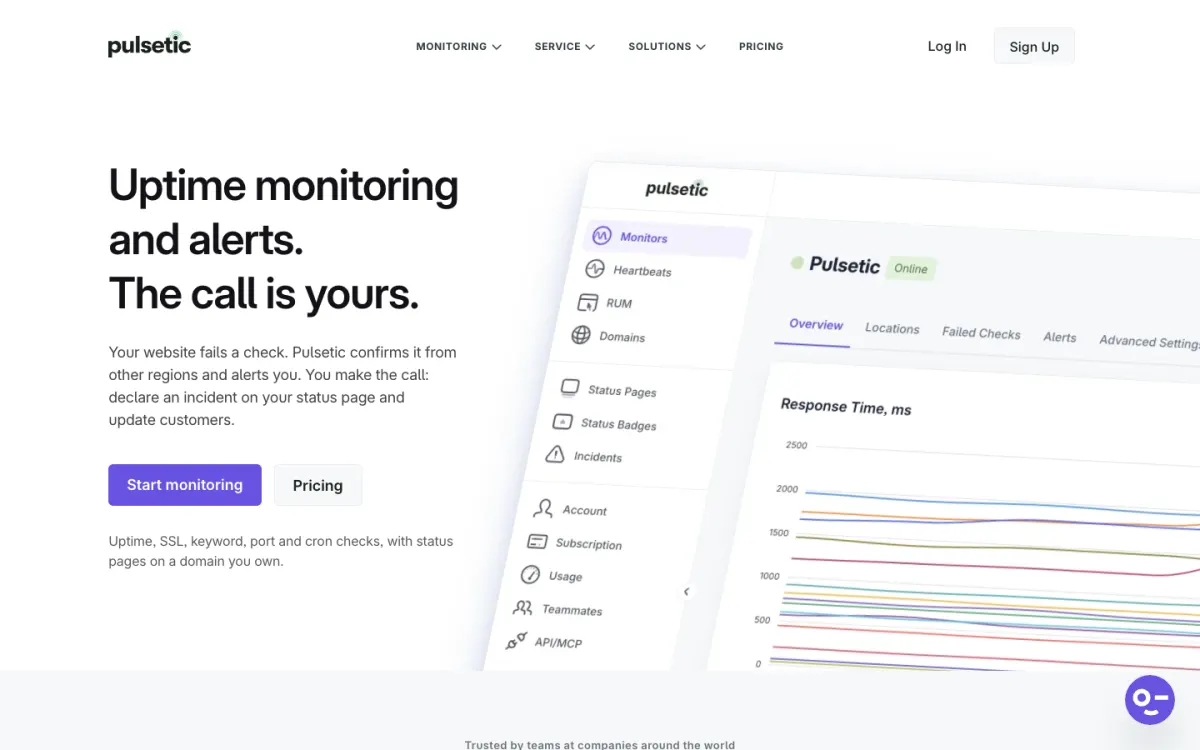
What’s free. 10 monitors, shared between uptime monitors, cron job heartbeats, and domain monitors, checked every 5 minutes from 3 regions. The monitor types include HTTP, keyword, SSL, port, TCP, ping, cron heartbeats, and domain expiry. You also get 3 status pages, which can use your own domain, real-user monitoring for 1,000 page views a month, and 3 months of history.
Why it’s first. No other free plan covers this many monitor types and adds status pages on your own domain. For a small business or freelancer, one free account can watch a website, its SSL certificate, its domain renewal, and a nightly backup job, and show customers a branded status page.
Alerts. Email and webhooks on the free plan. Slack, Teams, Discord, Telegram, SMS, and WhatsApp are on paid plans, from $9 a month.
The catch. 10 monitors is fewer than UptimeRobot’s 50, so it suits a handful of important sites rather than dozens of small ones.
2. UptimeRobot: most free monitors
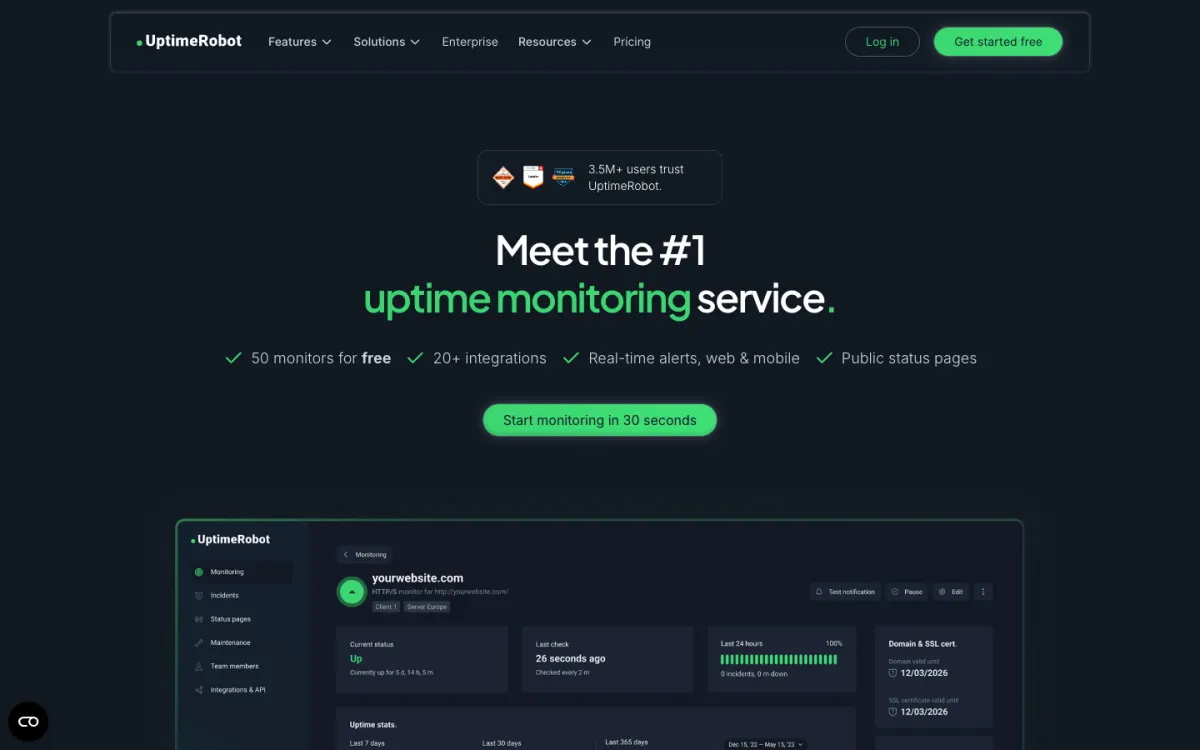
What’s free. 50 monitors checked every 5 minutes, with HTTP, keyword, ping, and port checks, 3 months of history, and one basic status page.
Why it’s here. 50 monitors is the most in this list, and UptimeRobot’s terms allow the free plan for commercial and business use, so an agency can watch many client sites for free.
Alerts. Email, plus Google Chat, Discord, Pushover, Pushbullet, and Splunk. SMS and voice need purchased credits.
The catch. SSL, domain expiry, cron heartbeat, and DNS monitoring are paid features, and the status page can’t be customized or put on your domain. Our UptimeRobot alternatives guide covers the paid side.
3. HetrixTools: fastest free checks
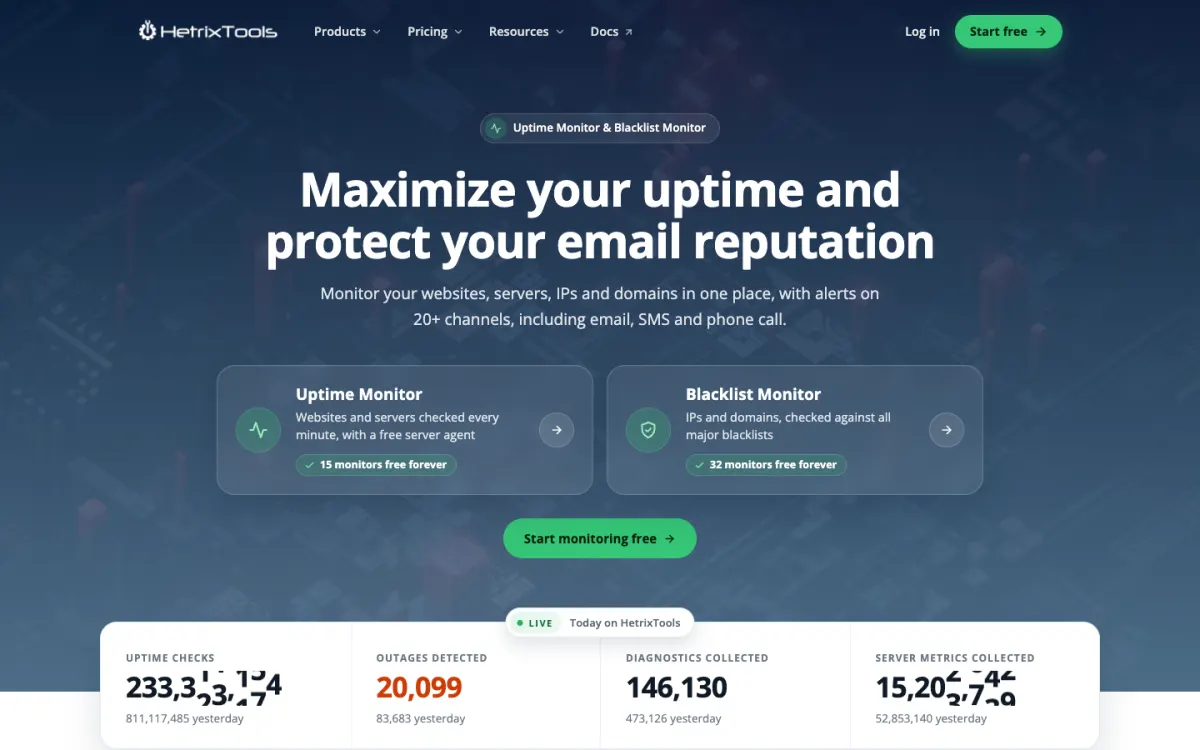
What’s free. 15 uptime monitors checked every minute from 4 of 12 locations, 15 server monitoring agents, SSL and domain expiry checks, public status pages on your own domain, and 32 free email blacklist monitors.
Why it’s here. One-minute checks on a free plan are rare, and every alert channel is available, including Slack, Teams, Discord, Telegram, PagerDuty, and webhooks.
Alerts. All channels. SMS and phone calls cost $0.10 each.
The catch. You have to log in at least every 90 days to keep the free account active.
4. Better Stack: best for developers
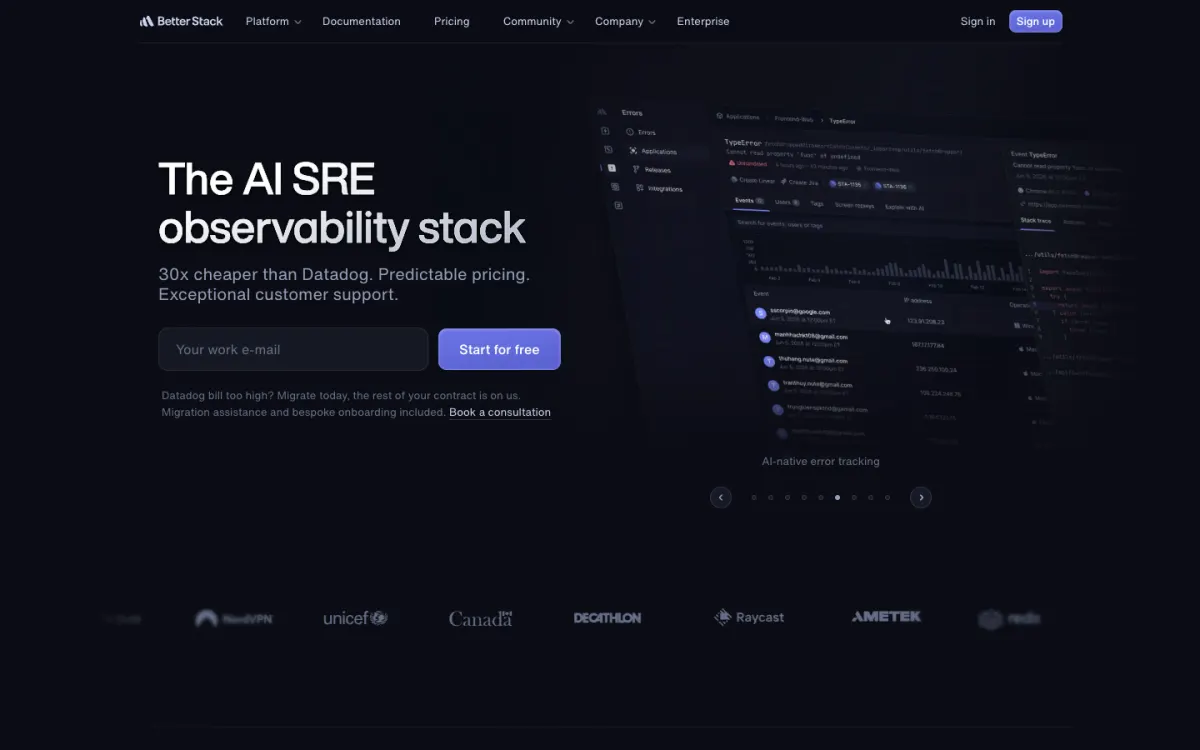
What’s free. 10 monitors and heartbeats combined, checked every 3 minutes, with one status page and a small allowance for logs.
Why it’s here. It’s a polished incident management platform, and the free plan gives a taste of on-call and incident features alongside monitoring.
Alerts. Email and Slack.
The catch. The free plan is described as being for personal projects, and phone and SMS alerts are paid.
5. Hyperping: free Slack and Teams alerts
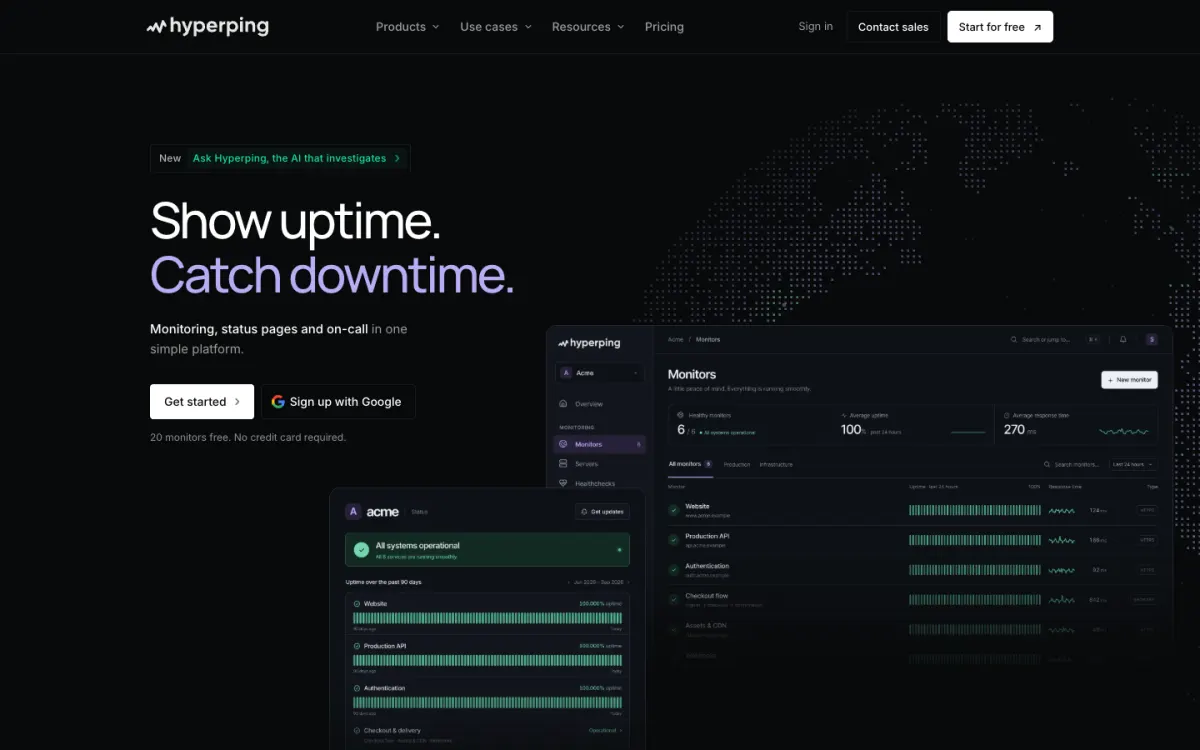
What’s free. 20 monitors checked every 5 minutes from 18 regions, with HTTP, keyword, port, ping, SSL, and cron checks, plus one basic status page.
Why it’s here. It’s one of the few free plans with Slack and Microsoft Teams alerts included, and it checks from many regions.
The catch. Hyperping describes the free plan as for personal projects and trying the product, and the status page stays on a Hyperping address.
6. StatusCake: simple and established
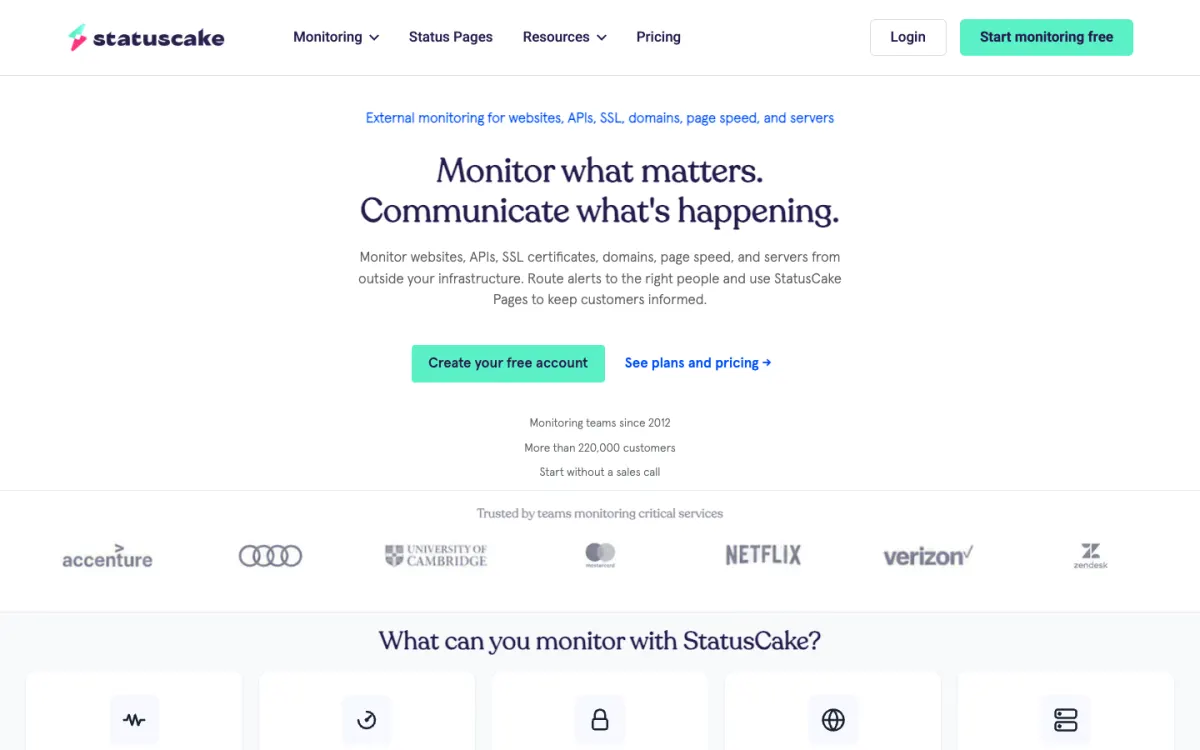
What’s free. 10 uptime monitors checked every 5 minutes, plus one page speed test, one SSL monitor, and one domain monitor.
Why it’s here. A long-running service with a straightforward dashboard, aimed at individuals and small businesses.
The catch. Status pages and SMS alerts are on paid plans.
7. Site24x7: many monitors, email only

What’s free. 50 website monitors checked every 5 minutes, with HTTP, SSL, and ping checks and one public status page.
Why it’s here. It matches UptimeRobot’s monitor count, from a large monitoring vendor.
The catch. Checks run from a single location (Seattle), so a local network problem can look like downtime, and alerts are email only.
8. Checkly: best for API and browser checks
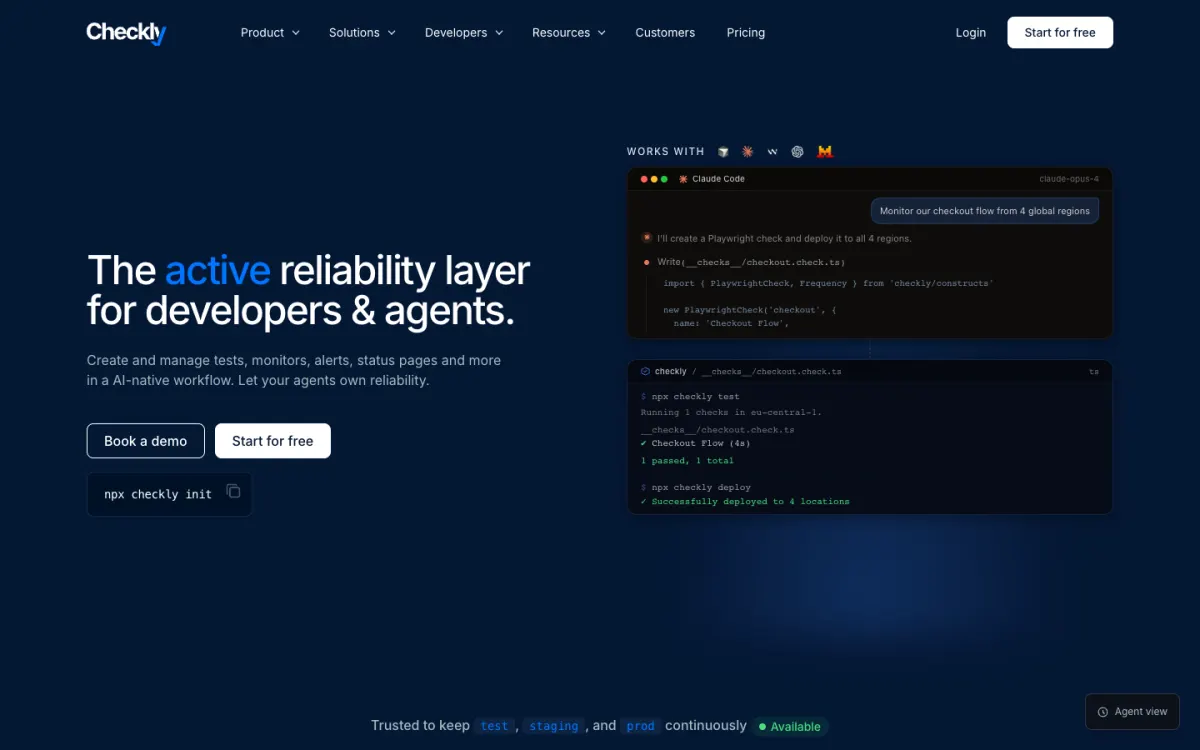
What’s free. The Hobby plan includes 10 uptime monitors checked every 2 minutes from 6 locations, 10K API check runs, and 1,000 Playwright browser check runs a month, with a status page.
Why it’s here. It’s the only free plan that can run a real browser through a login or checkout, not just load the home page.
The catch. It’s for personal projects and learning, with one user and 7 days of raw data.
9. Uptime Kuma: best free self-hosted tool
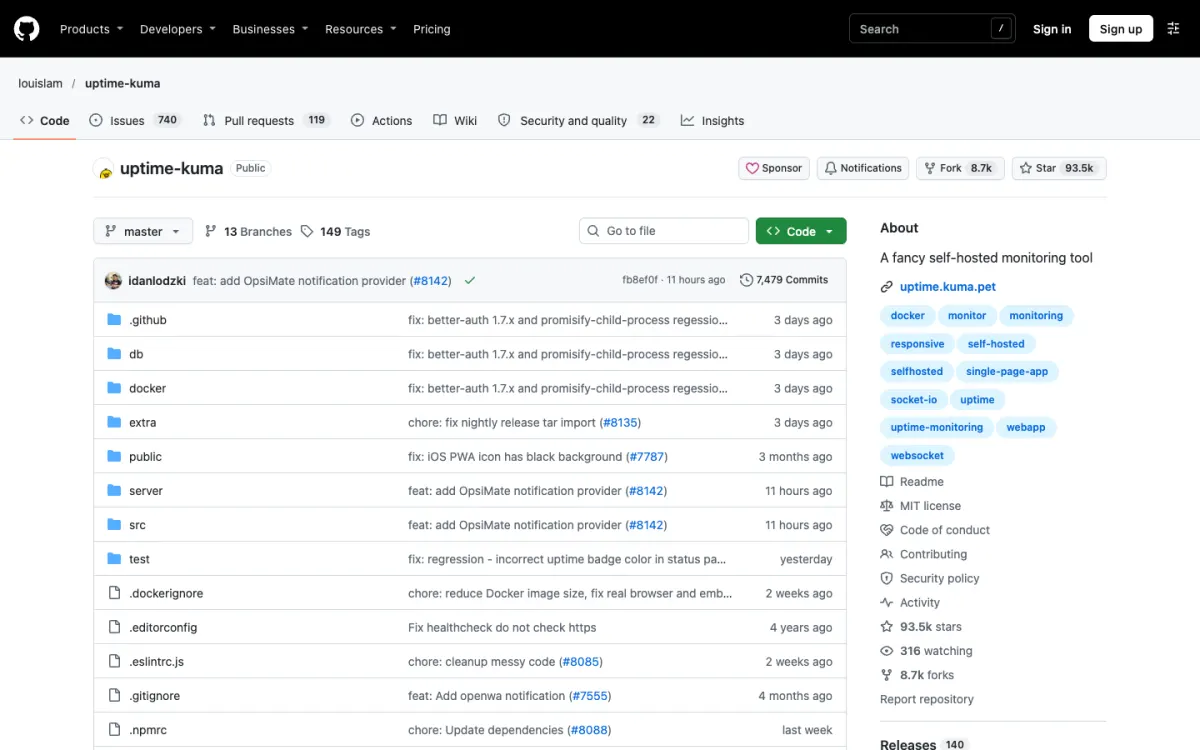
What’s free. Everything. It’s open source, so you get unlimited monitors with checks as often as every 20 seconds, HTTP, keyword, JSON, ping, port, DNS, Docker, and push (cron) monitors, more than 90 notification services, and multiple status pages on your own domains.
Why it’s here. It’s the most capable free option if you can run a small server or a Docker container.
The catch. If the server running Uptime Kuma goes down, so does your monitoring. Run it somewhere other than the sites it watches. Our Uptime Kuma alternatives guide covers hosted options that avoid this.
10. Healthchecks.io and Cronitor: free cron job monitoring
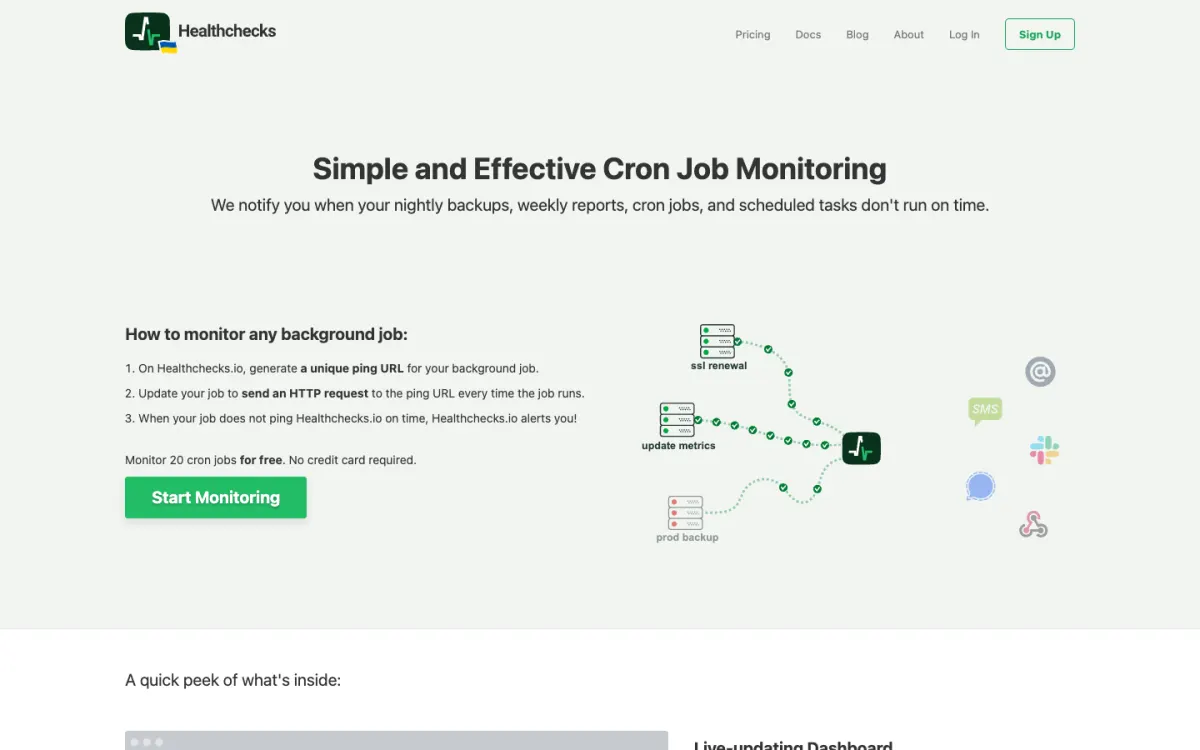
What’s free. Healthchecks.io monitors 20 cron jobs or scheduled tasks for free and is open source. Cronitor’s free Hacker plan covers 5 jobs, checks, and heartbeats with Slack, Discord, Teams, and webhook alerts.
Why they’re here. Uptime checks can’t tell you that a backup or invoice job silently stopped running. These tools alert you when a job doesn’t check in on time. Our cron job monitoring guide explains how.
Free monitoring with GitHub or Cloudflare
Two open-source projects run monitoring on infrastructure you already have:
- Upptime uses GitHub Actions to check your sites every 5 minutes, opens a GitHub issue when one goes down, and publishes a status page on GitHub Pages.
- UptimeFlare runs on Cloudflare Workers, with up to 50 checks every minute, webhook alerts, and a status page on your domain.
Both are free, but you maintain them yourself, and their reliability depends on the platform they run on.
What a free plan can and can’t do
- Interval matters. A 5-minute interval means an outage can run up to 5 minutes before the first check sees it. For a shop or SaaS, a 1-minute plan is worth paying for.
- Check from several locations. A single location can report false outages when its own network has a problem. Pulsetic, HetrixTools, Hyperping, and Checkly check from several regions on free plans.
- Watch more than the home page. SSL certificates and domain registrations expire silently. Include SSL and domain monitors, as Pulsetic, HetrixTools, and StatusCake do for free.
- Check the terms. Some free plans are only for personal projects. UptimeRobot, Pulsetic, and HetrixTools don’t restrict business use.
For paid plans with faster checks, SMS alerts, and on-call scheduling, see our best website monitoring tools comparison, and for why sites fail in the first place, why websites go down.
FAQ
What is the best free uptime monitoring tool?
Pulsetic has the best free plan overall: 10 monitors covering websites, SSL, domains, ports, and cron jobs from 3 regions, with 3 status pages on your own domain. UptimeRobot offers the most free monitors (50), and HetrixTools the fastest free checks (every minute).
Is UptimeRobot still free?
Yes. UptimeRobot’s free plan includes 50 monitors checked every 5 minutes and can be used for commercial projects. SSL, domain expiry, and cron monitoring are on paid plans.
What happened to Freshping?
Freshping, Freshworks’ free uptime monitoring service, has been discontinued, and freshping.io now redirects to Freshworks’ website. Former users moved to tools such as UptimeRobot, Pulsetic, and HetrixTools.
Can I monitor my website for free every minute?
Yes. HetrixTools checks 15 monitors every minute on its free plan, and UptimeFlare on Cloudflare Workers checks every minute too. Uptime Kuma can check as often as every 20 seconds if you host it yourself. Most other free plans check every 3 to 5 minutes.
Do free uptime monitors include a status page?
Many do. Pulsetic includes 3 status pages on your own domain, HetrixTools and Uptime Kuma also support custom domains, and UptimeRobot, Better Stack, Hyperping, and Checkly include a basic status page. StatusCake’s status pages are paid.
Build your Bootstrap theme
Design a custom Bootstrap 5 theme visually with a live preview, then export clean Sass or CSS.
Open the Builder